








MSI Modern MD272QXPW 27″ WQHD 100Hz IPS Monitor
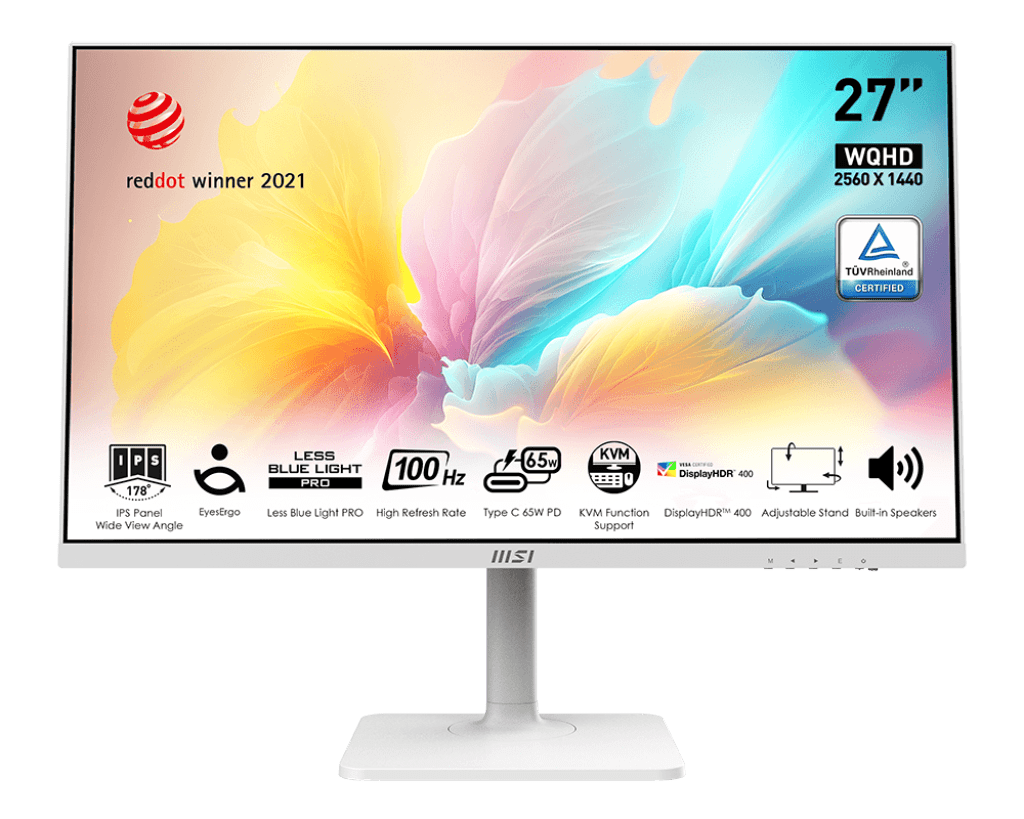
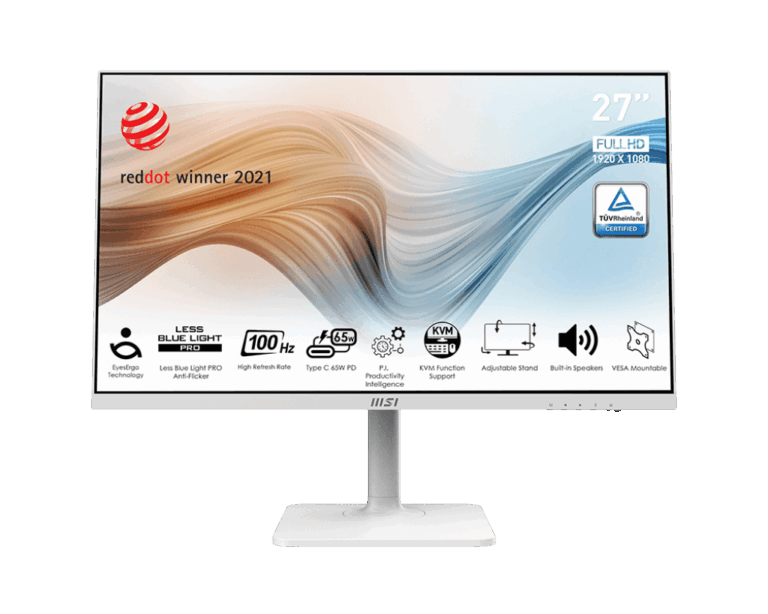
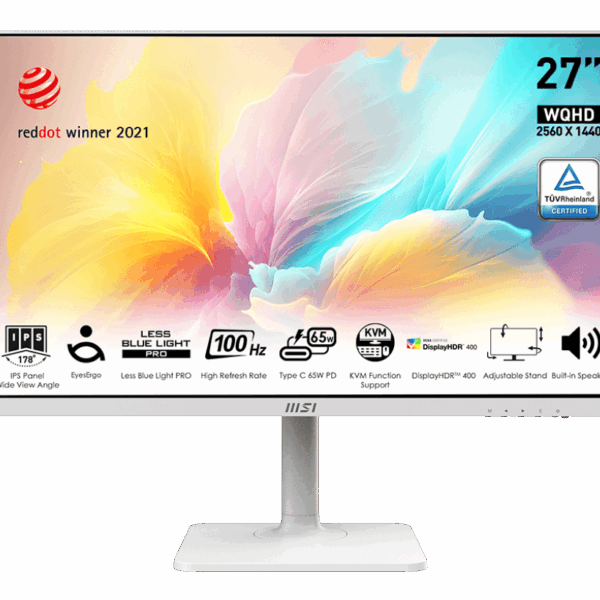
Modern home offices and corporate setups often suffer from cable clutter when users attempt to transition between desktop PCs and work laptops. The MSI Modern MD272QXPW addresses this friction point directly by incorporating an advanced internal KVM switch and extensive USB docking features into a stylish, minimalist white enclosure. Rather than functioning purely as a basic screen, it operates as a central desk hub, allowing data transmission, video output, and 65W laptop charging to route cleanly through a single USB Type-C wire.
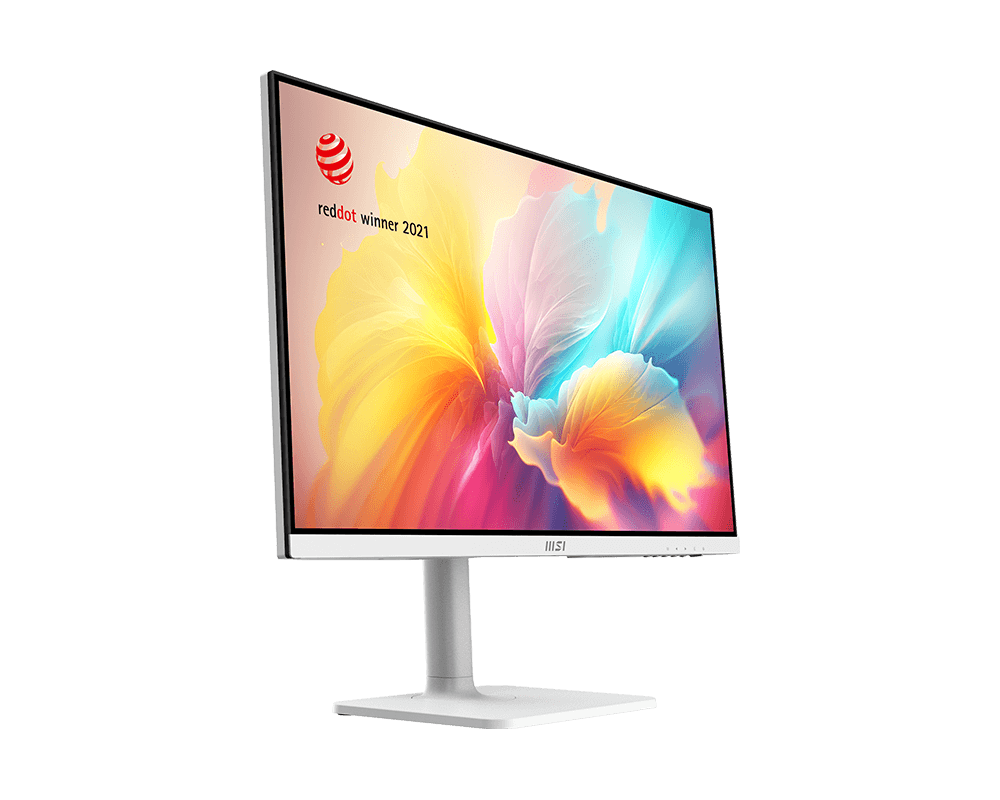
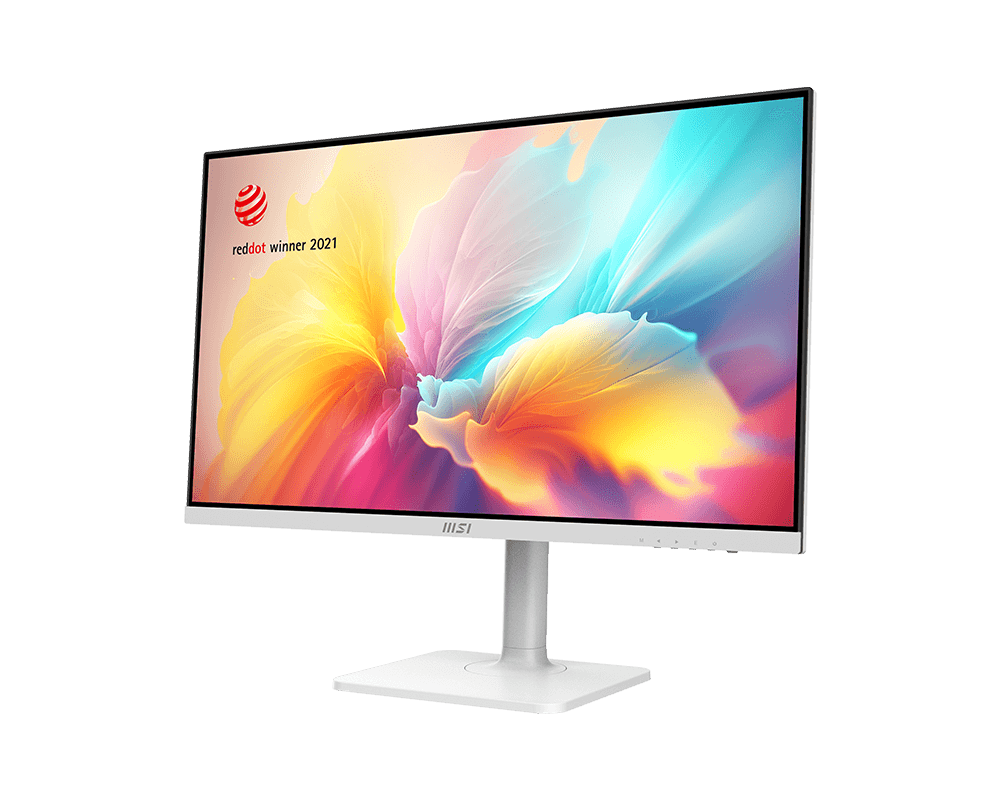
Internally, the display utilizes a vibrant 27-inch WQHD IPS panel, offering vastly superior screen real estate and text clarity compared to standard 1080p alternatives. It steps up significantly from traditional 60Hz office displays by incorporating a responsive 100Hz refresh rate and a 1ms MPRT response time. This ensures effortless document scrolling, sharp cursor movement, and excellent responsiveness for light after-hours gaming. Buyers choose the MD272QXPW when they want an elite, furniture-grade display that seamlessly consolidates multiple computing devices while prioritizing physical ergonomics and visual comfort.
KEY FEATURES
- Integrated KVM Switch & 65W USB-C PD Allows seamless multi-device control. By connecting a desktop via upstream USB-B/HDMI and a laptop via USB-C, you can share a single keyboard and mouse plugged directly into the monitor’s rear USB ports. The USB-C port simultaneously charges the connected laptop up to 65W, drastically reducing desk wire clutter.
- 27-Inch WQHD IPS Panel Features a crisp 2560 x 1440 resolution paired with wide 178° viewing angles. This provides roughly 77% more desktop workspace than standard Full HD monitors, allowing programmers, analysts, and editors to comfortably keep multiple detailed windows open side-by-side.
- 100Hz Refresh Rate & 1ms MPRT Bypasses the choppy motion blur common in standard 60Hz office screens. The upgraded 100Hz panel ensures exceptionally smooth page scrolling, fluid animations, and enough responsiveness to handle casual PC and console gaming without visual smearing.
- MSI EyesErgo Technology Engineered specifically for long-term eye protection. It incorporates TÜV Rheinland-certified Less Blue Light PRO hardware—which filters harmful blue wavelengths without tinting your screen yellow—alongside an Anti-Flicker current system and an anti-glare panel coating to prevent dry eyes and chronic headaches.
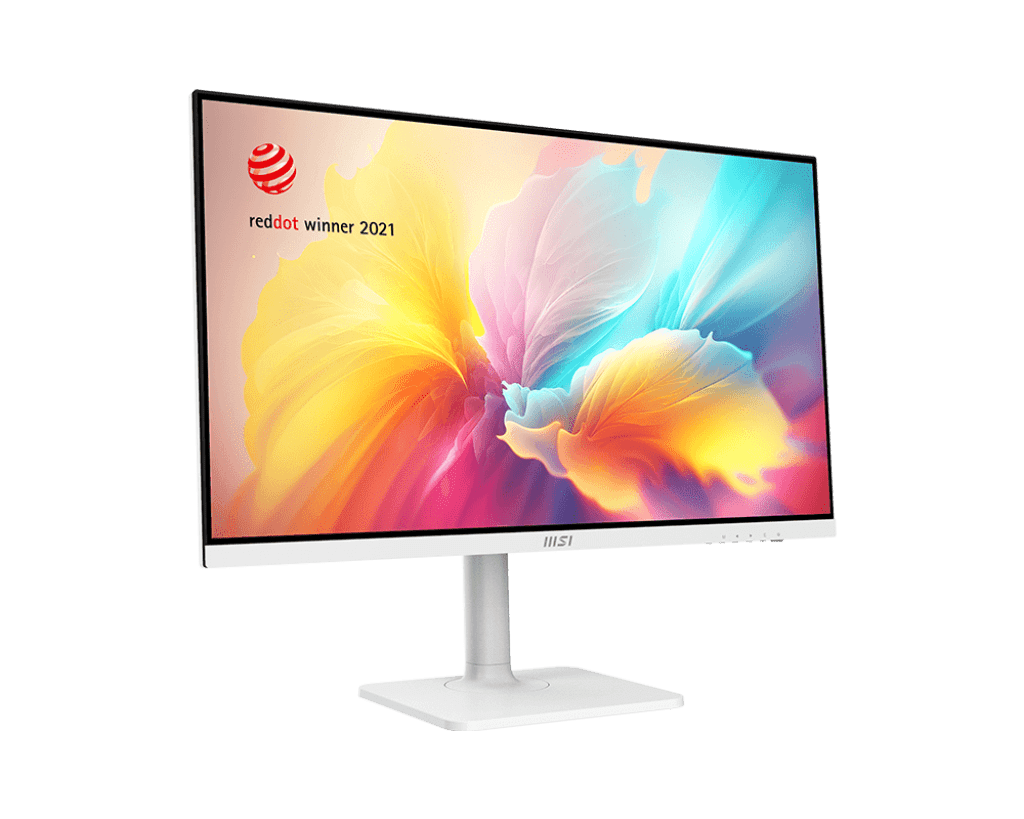
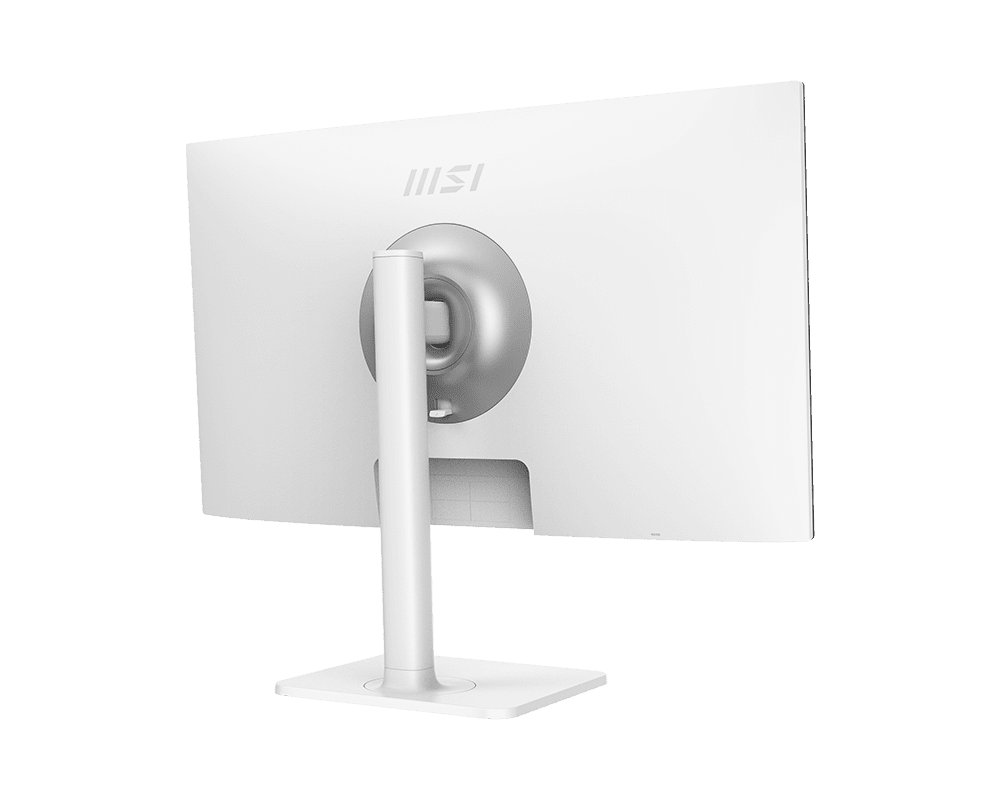
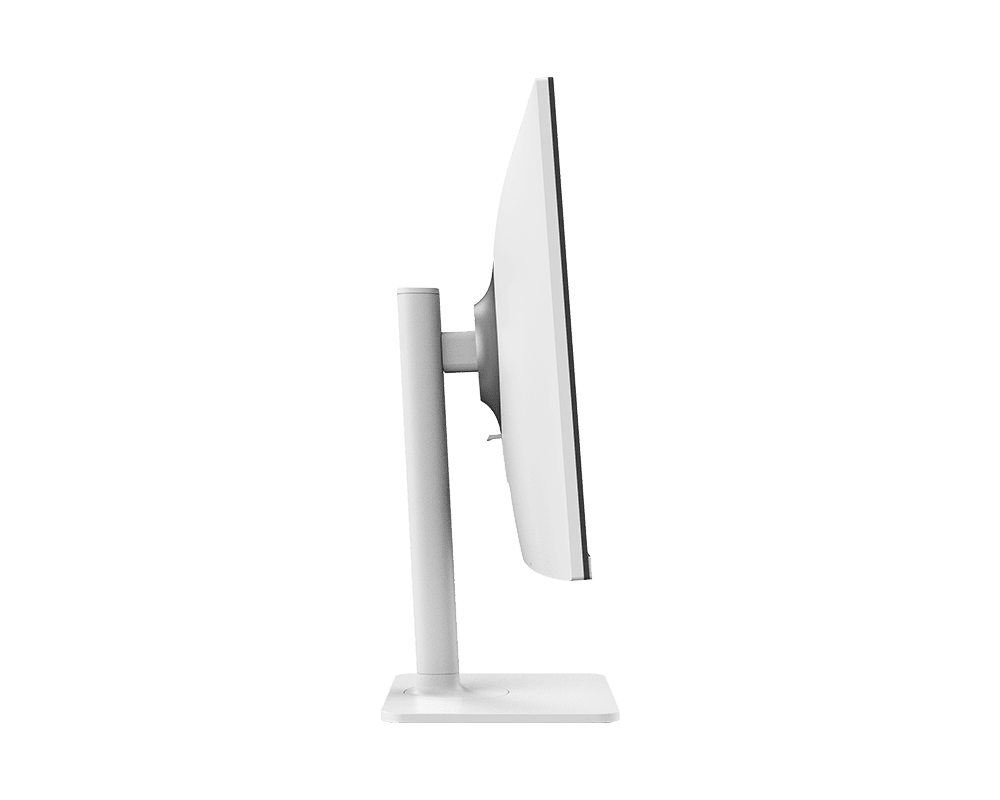
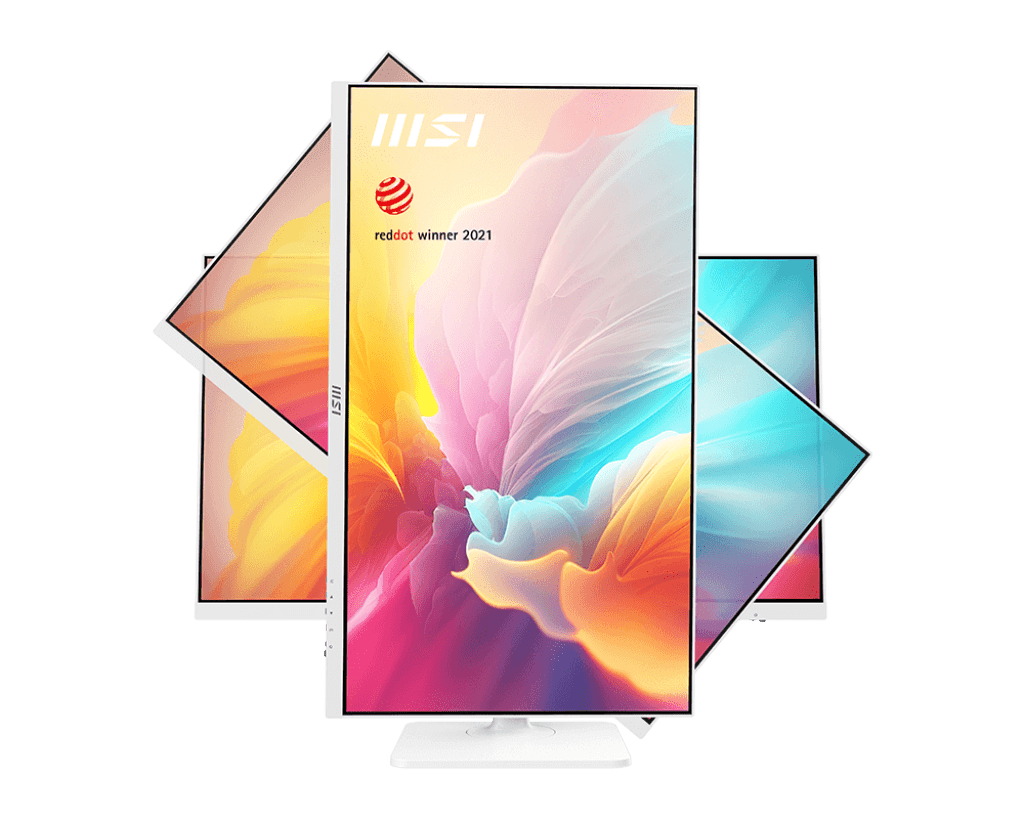
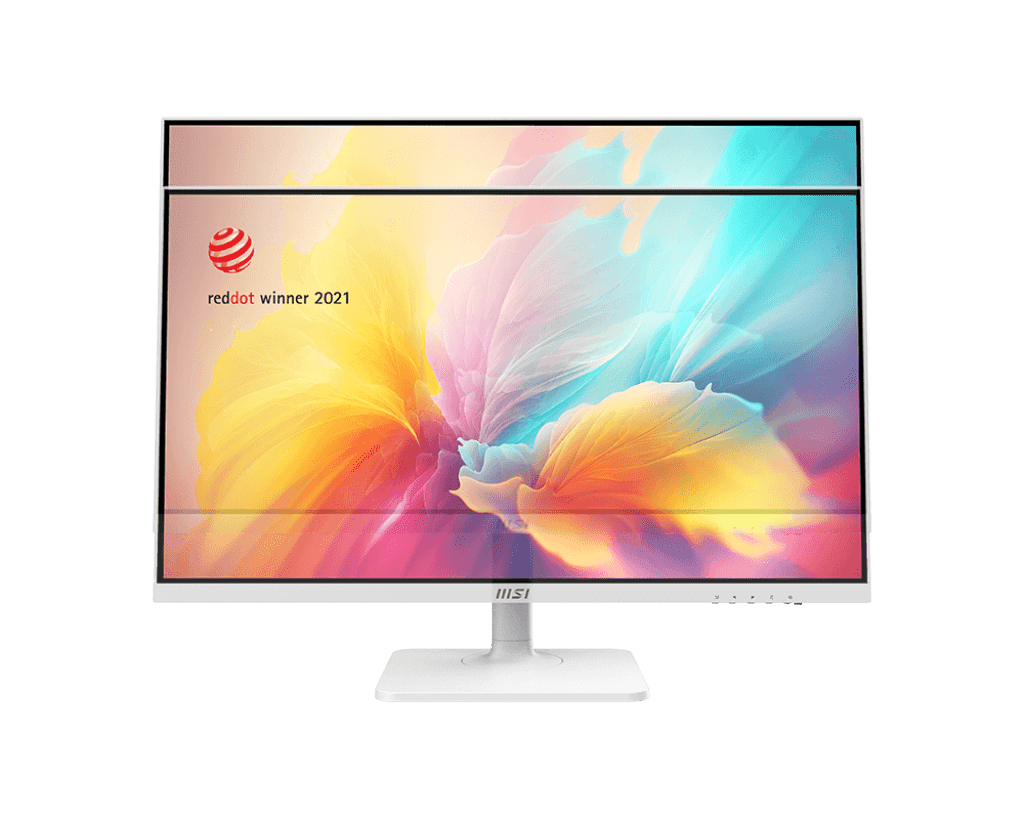
- 4-Way Highly Ergonomic Stand Includes a fully adjustable, tool-less white stand. Users can easily adjust the height (up to 110mm), tilt (-5° to 20°), swivel left or right (30°), or pivot the entire screen 90° into portrait mode, which is highly practical for reading long code blocks or vertical documents.
PERFORMANCE & USAGE: In a live daily environment, the MD272QXPW performs exceptionally well for heavy administrative tasks, coding, and media consumption. The 400 nits of peak brightness combined with HDR 400 support ensures vivid color output even in brightly lit rooms. Navigating between a personal desktop and a corporate Mac or Windows laptop is remarkably smooth via the KVM toggle, completely eliminating lag or dropped connections from connected peripheral dongles.
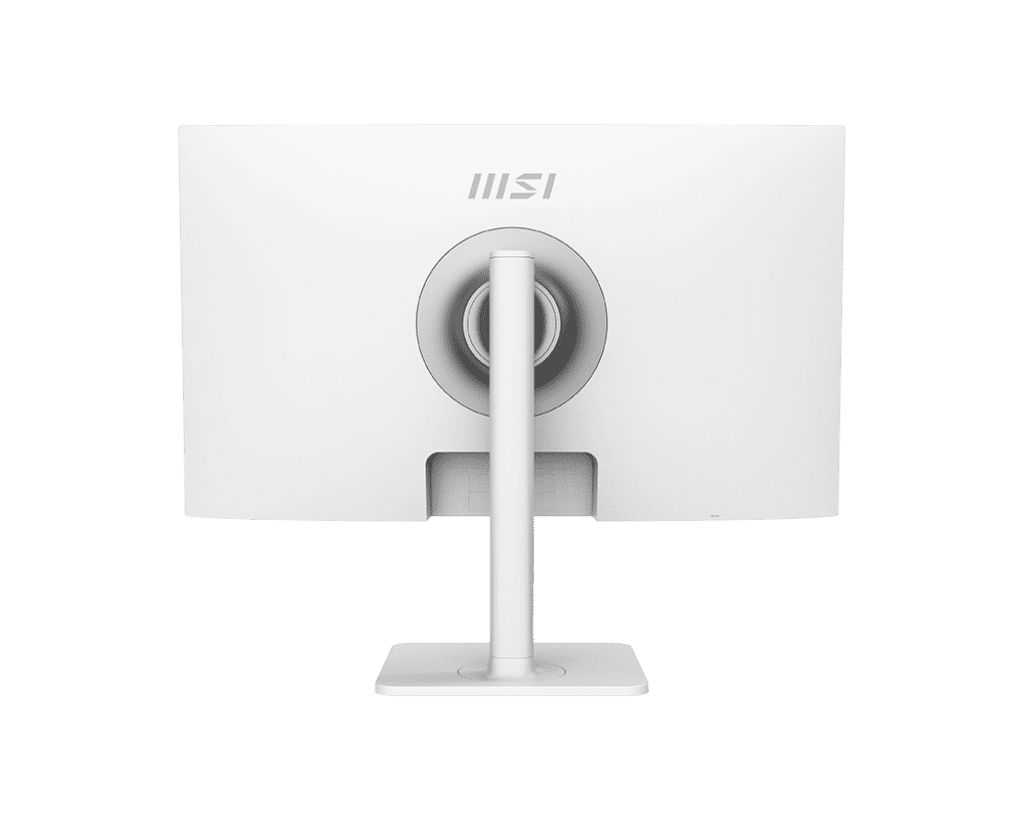
Setup is remarkably straightforward thanks to the tool-free snap-on base, while standard 75x75mm VESA mounting holes allow easy attachment to third-party monitor arms. Builders and remote workers will appreciate the two built-in 3W speakers, which are perfectly adequate for joining video conferences or listening to casual audio without needing desktop speakers. One practical observation is the monitor’s minimum brightness level; hovering around 90 nits, it remains slightly bright in pitch-black rooms, making well-lit or standard ambient office lighting ideal.
TARGET AUDIENCE: Software engineers, remote corporate professionals, financial analysts, and design-conscious home office workers. It is heavily tailored for multi-device users who require seamless integration between a primary desktop and a secondary USB-C capable laptop while prioritizing a clean, minimalist white setup.
COMPARISON INSIGHTS
When compared to its predecessor, the MSI Modern MD272QPW, the “QXPW” model introduces a highly noticeable panel upgrade by shifting from a 75Hz refresh rate to a fluid 100Hz, alongside a faster 1ms MPRT response time. This makes the QXPW vastly superior for fast scrolling and light entertainment.
Against competing productivity displays like the Dell U2724DE, the MSI Modern MD272QXPW holds a significant price-to-performance advantage. While Dell’s Ultrasharp series offers additional daisy-chaining options and a 120Hz panel, it commands a much higher premium. The MSI model delivers the essential combination of a WQHD IPS panel, KVM switching, and 65W power delivery in a striking white chassis at an incredibly accessible price point.
EXPERT RECOMMENDATION
The MSI Modern MD272QXPW is a masterpiece of pragmatic office hardware. It perfectly bridges the gap between pure productivity docking and elegant interior design. By including an integrated KVM switch, 65W charging, and a beautiful 100Hz IPS panel, it actively resolves the most frustrating aspects of managing a modern workstation. If your goal is to build an uncluttered, eye-friendly desk environment that effortlessly handles multiple computers without sacrificing text sharpness or motion fluidity, this monitor is an outstanding, highly rational investment.
FAQ
- Does the monitor include the necessary USB-C cable in the box? Retail packaging contents can vary slightly by region, but standard packages typically include an HDMI cable and a USB Type-A to Type-B upstream cable. To utilize the 65W power delivery and video output for a laptop, securing a dedicated, high-quality USB-C to USB-C cable rated for DisplayPort Alternate Mode and high wattage is highly recommended.
- Can I use this monitor with an Apple MacBook? Absolutely. The USB Type-C connection works flawlessly with modern MacBooks via Thunderbolt/USB-C cables, simultaneously transmitting your display output, connecting your desk peripherals, and charging the laptop up to 65W.
- How do I activate the built-in KVM switch? To use the KVM, connect your keyboard and mouse dongles to the monitor’s rear USB Type-A ports. Plug your first PC in using the HDMI/DP port alongside the USB Type-B upstream cable. Plug your second laptop in using the USB Type-C port. You can then toggle control between both systems instantly using the monitor’s on-screen display (OSD) menu or the MSI Productivity Intelligence app.
- Does the screen have a yellow tint from the blue light filter? No. Unlike standard software-based blue light filters that ruin color accuracy by turning the screen warm or yellow, the MD272QXPW utilizes MSI’s Less Blue Light PRO technology. This is a hardware-level shift in the blue light spectrum that protects your eyes while preserving vivid, accurate colors.
- Are the built-in speakers loud enough for movies? The dual 3W speakers are exceptionally clear for online Zoom meetings, system notifications, and casual background videos. However, for deep bass and high-fidelity movie immersion, dedicated external speakers or high-quality headphones plugged into the monitor’s 3.5mm audio jack remain superior.

Reviews
Clear filtersThere are no reviews yet.