






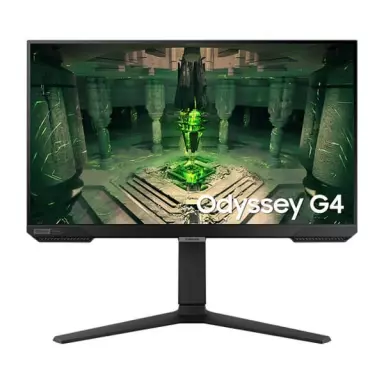
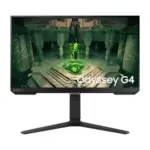





Samsung Odyssey G4 25″ Gaming Monitor | 240Hz IPS 1ms FHD
Gaming monitor trends keep pushing toward larger screens, ultrawides, and 4K panels, but the Odyssey G4 sticks to a more practical esports-focused setup. The 25-inch size works well with 1080p because the pixel density still looks reasonably sharp without forcing your GPU to work excessively hard. That’s important for competitive games where maintaining high frame rates matters more than graphical detail.
The IPS panel is another strong point here. Older esports monitors usually relied on TN panels for speed, but TN displays often looked dull and washed out. The G4 manages to deliver fast response times while still keeping decent colors and viewing angles, which makes it much easier to use as an everyday monitor too.
Support for both NVIDIA G-Sync Compatible and AMD FreeSync Premium also helps keep gameplay smooth when frame rates fluctuate during intense matches. This monitor clearly targets players who care more about responsiveness and motion clarity than cinematic visuals.
KEY FEATURES
- 240Hz Refresh Rate
This is the main reason most people buy the G4. The higher refresh rate makes motion tracking feel noticeably smoother in fast-paced games like Valorant, CS2, Apex Legends, or Overwatch 2. - IPS Panel Technology
Unlike older TN esports monitors, the IPS panel keeps colors looking much better while maintaining strong response times. Viewing angles are also far more forgiving. - Fully Adjustable Ergonomic Stand
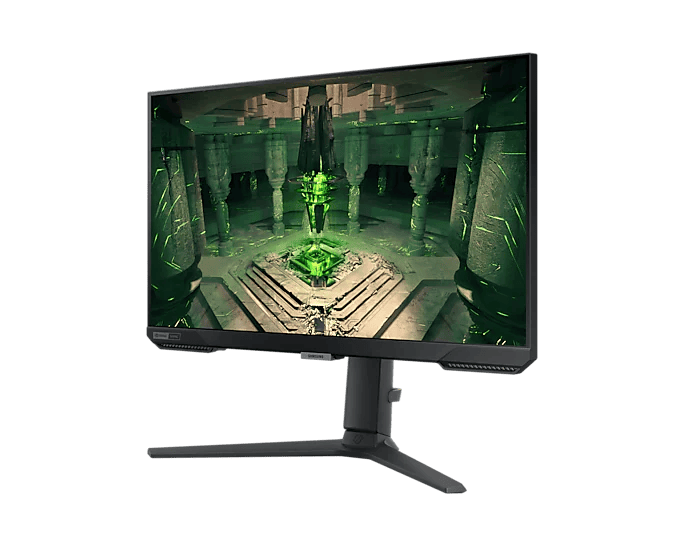
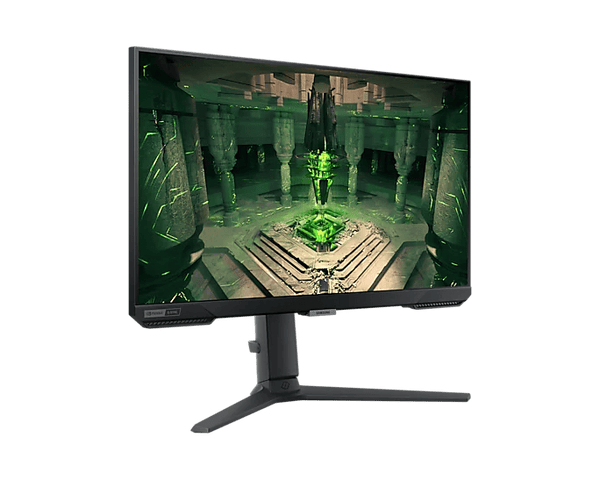
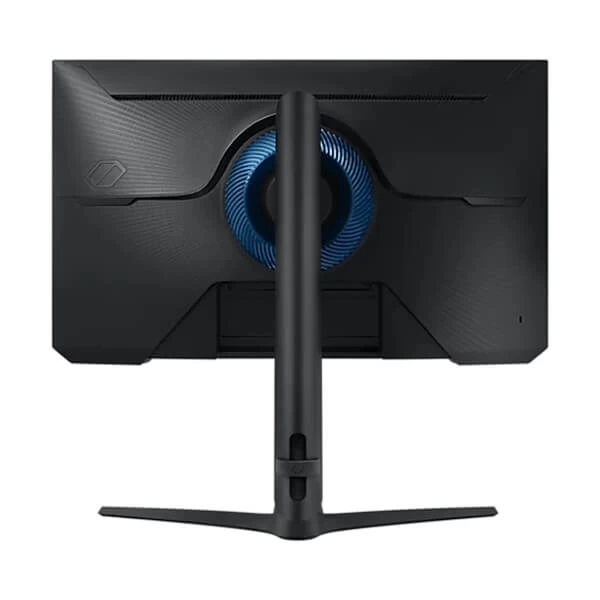
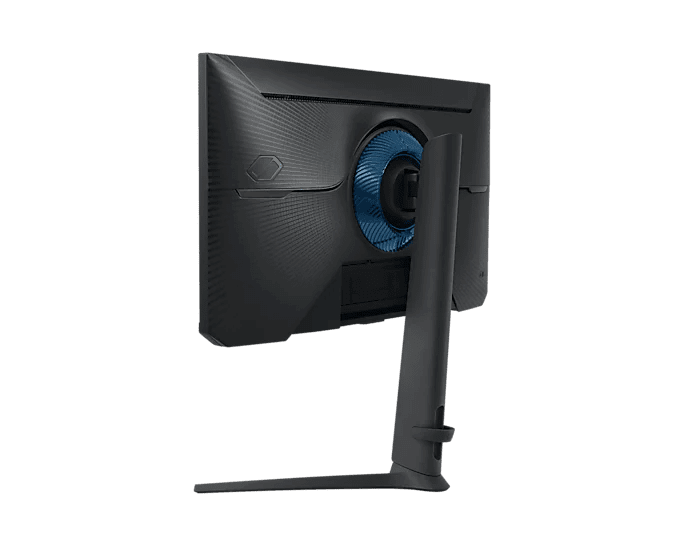
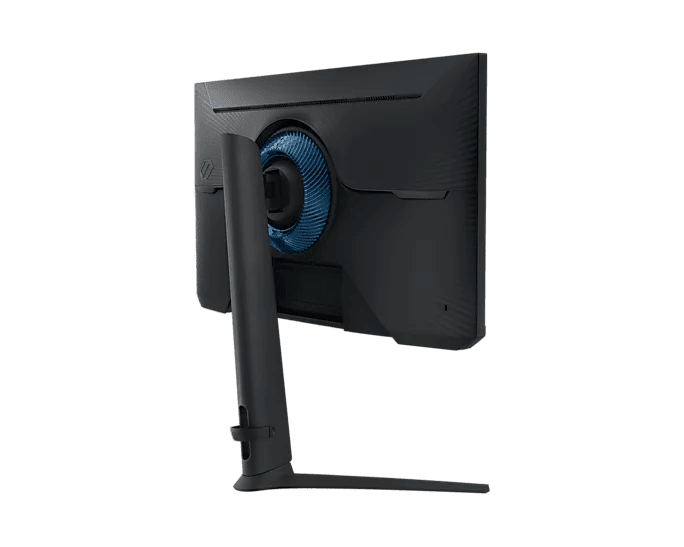
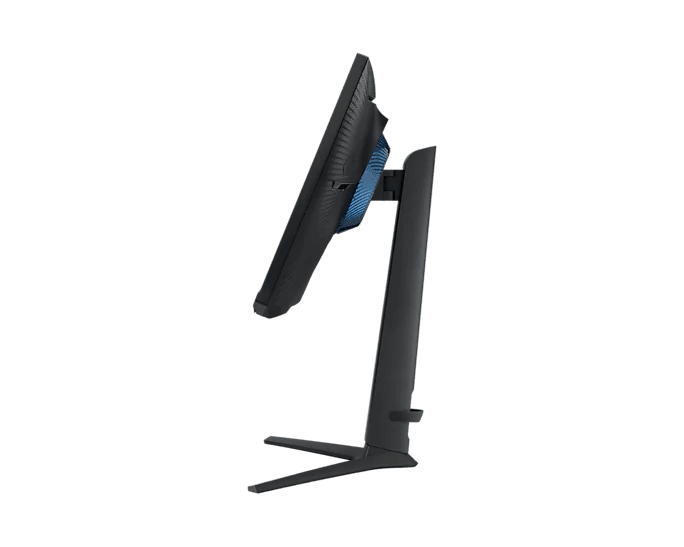
The stand supports height adjustment, swivel, tilt, and full vertical pivot rotation. That flexibility actually matters during long sessions since proper monitor positioning reduces neck and shoulder strain. - G-Sync Compatible & FreeSync Premium
Variable refresh rate support helps eliminate screen tearing and stuttering by syncing the monitor refresh rate with the GPU output.
PERFORMANCE & USAGE
In actual gaming use, the Odyssey G4 feels extremely responsive. Input lag is very low, motion handling is clean, and the jump from 60Hz or even 144Hz is immediately noticeable in competitive games. One of the biggest advantages of staying at 1080p is hardware accessibility. Mid-range GPUs can realistically push close to 240 FPS in esports titles, whereas a higher-resolution 1440p monitor would require much stronger hardware to maintain similar frame rates.
Build quality is fairly solid overall. The design looks gaming-oriented without becoming overly aggressive or covered in unnecessary RGB lighting. Samsung also includes features like Ultrawide Game View, which lets supported games simulate a wider 21:9 aspect ratio. It’s a niche feature, but some competitive players like the additional side visibility in certain games.
HDR support exists, but realistically this isn’t a monitor you buy for cinematic HDR performance. The HDR10 implementation is basic and mainly there for compatibility rather than impressive visual impact.
TARGET AUDIENCE
The Odyssey G4 fits best for:
- Competitive FPS players
- Esports gamers
- Valorant and CS2 players
- Users upgrading from 60Hz or 144Hz displays
- Gamers with limited desk space
- Mid-range gaming PC owners targeting high FPS gameplay
It’s especially good for players who prioritize responsiveness over ultra-high resolution visuals.
COMPARISON INSIGHTS
Compared to Zowie esports monitors, the G4 offers much better colors and viewing angles thanks to the IPS panel. Zowie screens still have an edge in motion blur reduction features for some pro players, but they usually look much worse for general desktop use and media consumption.
Against 1440p 144Hz monitors, the tradeoff becomes pretty simple:
- 1440p gives sharper visuals and more workspace
- 240Hz gives noticeably smoother motion and lower perceived latency
If your main games are cinematic RPGs or open-world titles, a 1440p monitor may feel more immersive. But for competitive shooters and reaction-heavy games, the smoother 240Hz experience usually matters more.
EXPERT RECOMMENDATION
The Samsung Odyssey G4 is one of those monitors that understands its audience well. It doesn’t try to do everything. Instead, it focuses heavily on speed, responsiveness, and practicality. For esports and competitive gaming, the combination of 240Hz, IPS colors, and low input lag makes it a very strong option without jumping into overpriced premium territory.
Just don’t buy it expecting high-end HDR movie performance or ultra-sharp 1440p visuals. This monitor is built for fast gameplay first, and it does that job really well.
FAQ
- Does this monitor come with a DisplayPort cable?
Yes, Samsung usually includes a DisplayPort cable in the box. Using DisplayPort is recommended for reaching the full 240Hz refresh rate. - Is 1080p enough for a 25-inch screen?
Yes. At 25 inches, 1080p still looks reasonably sharp from a normal viewing distance. - Can I use this with a PlayStation 5 or Xbox Series X?
Yes. The monitor supports 1080p at 120Hz on modern consoles, though consoles cannot fully utilize the 240Hz refresh rate. - Does the monitor have built-in speakers?
No. External speakers or headphones are required. - Is it VESA mount compatible?
Yes. It supports standard 100x100mm VESA mounting for monitor arms and wall mounts.

Reviews
Clear filtersThere are no reviews yet.