





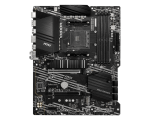
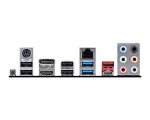



MSI B550-A PRO AM4 Motherboard Price in India
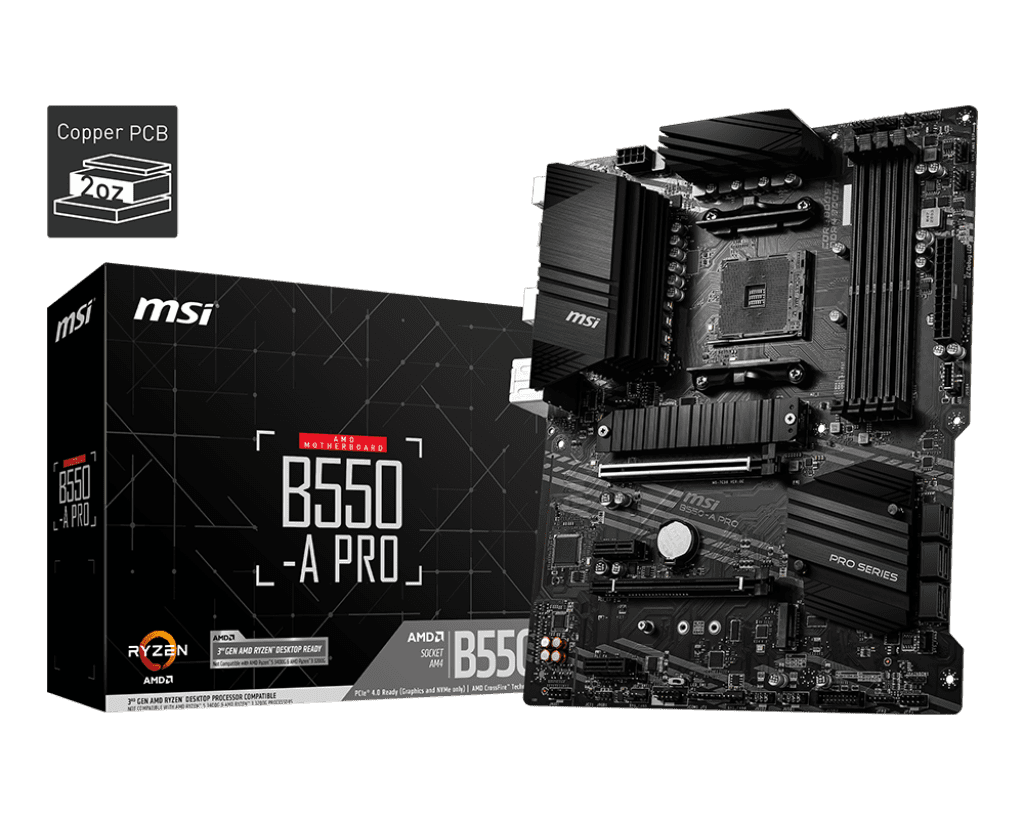
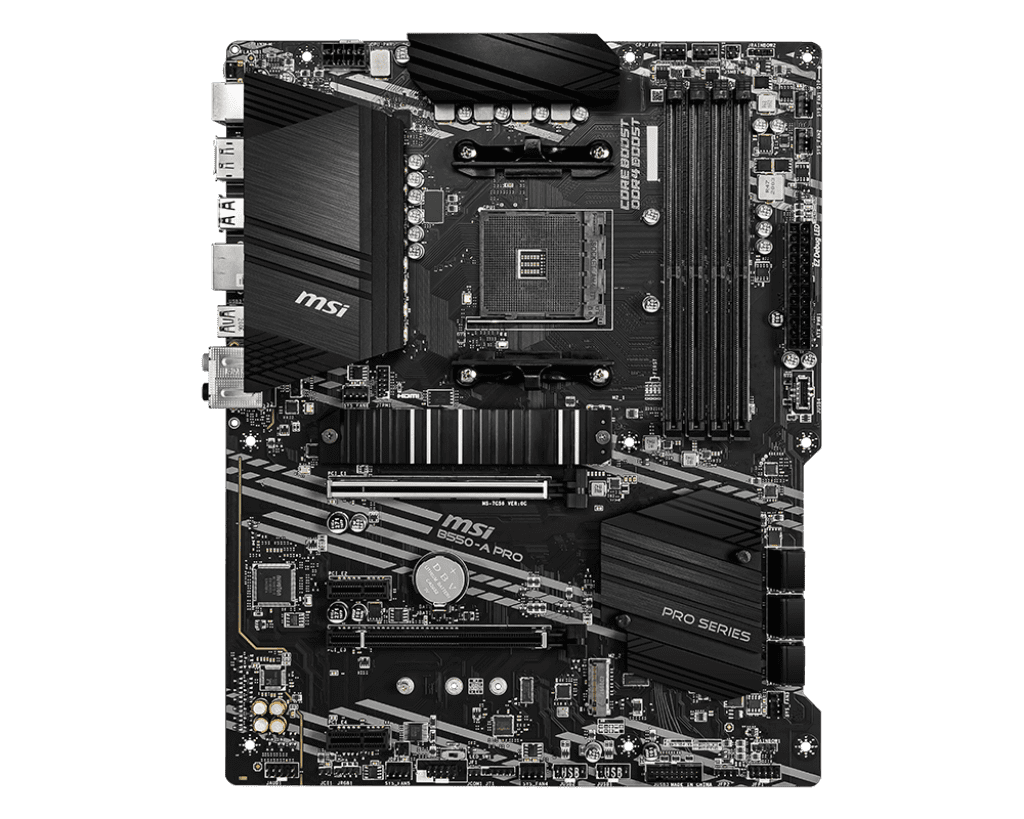
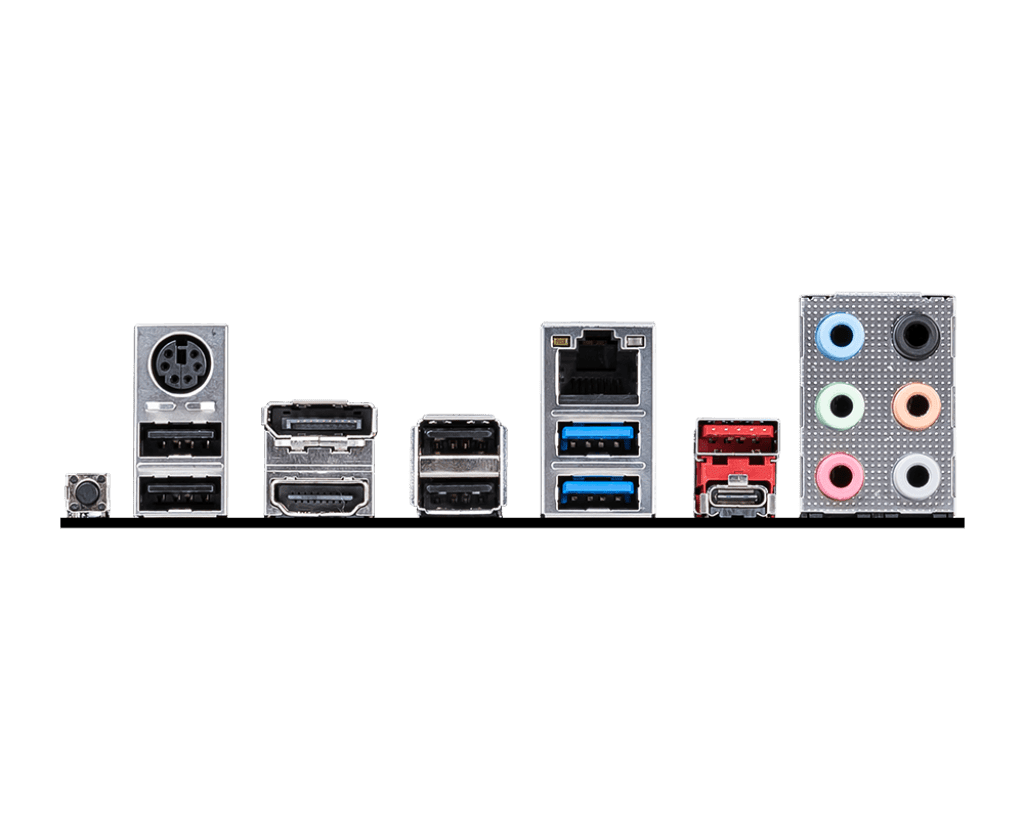
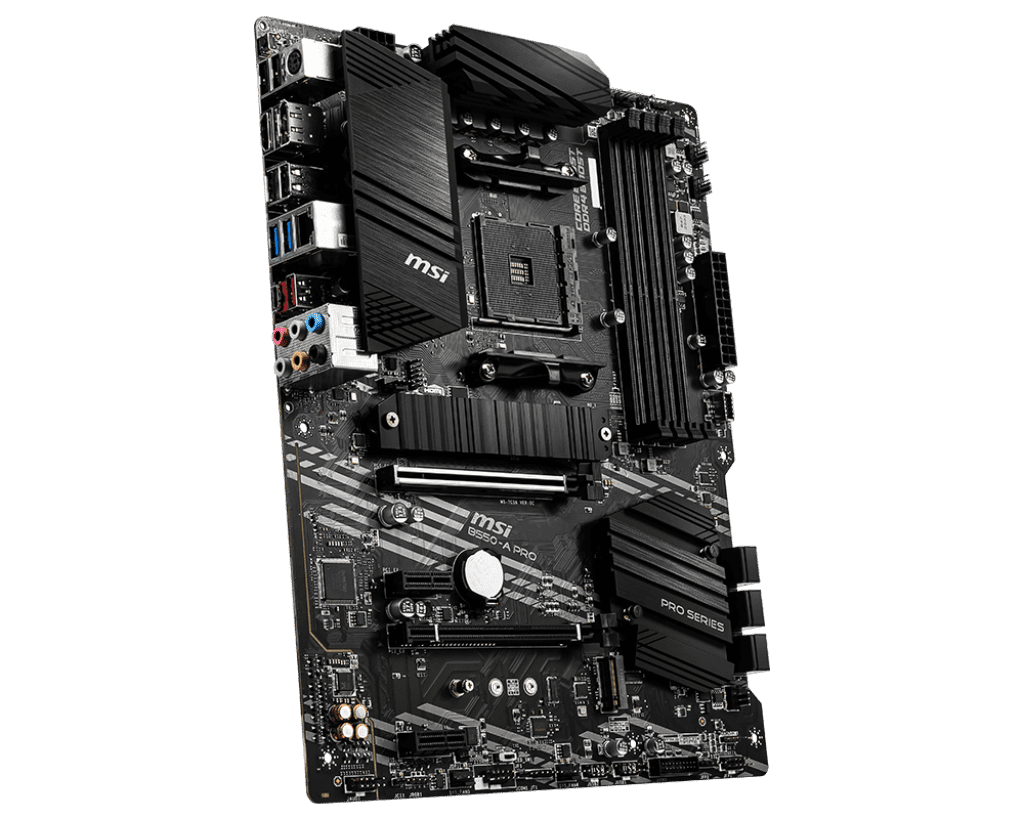
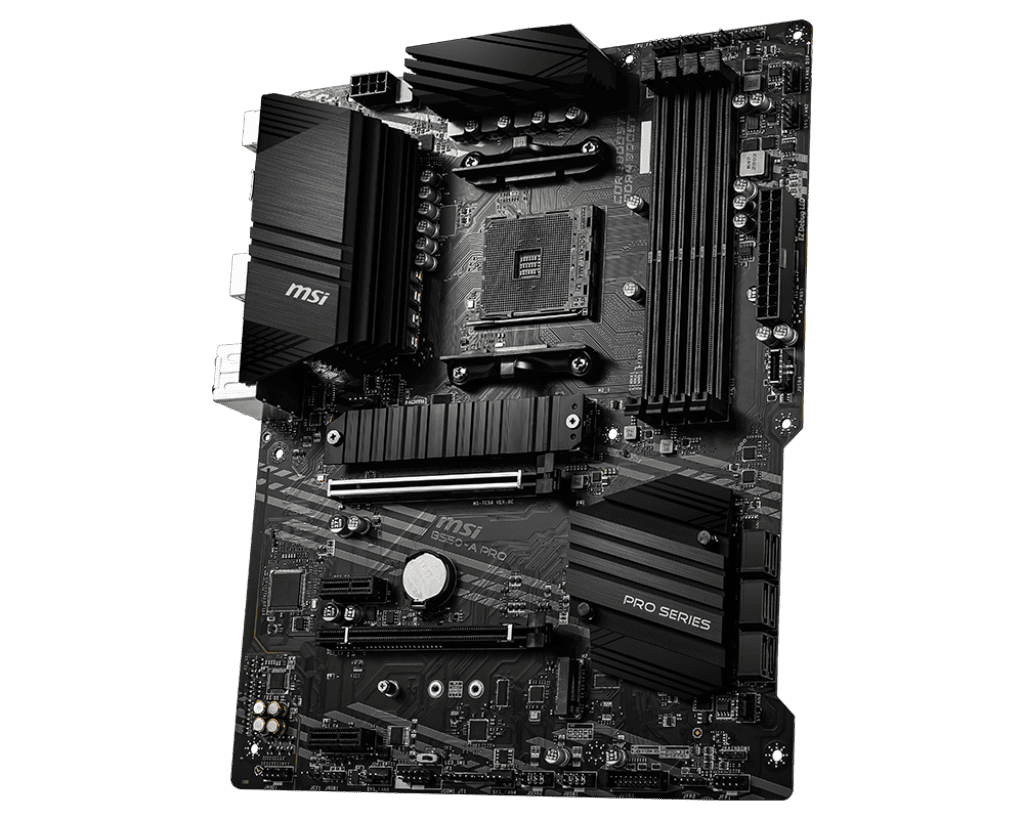
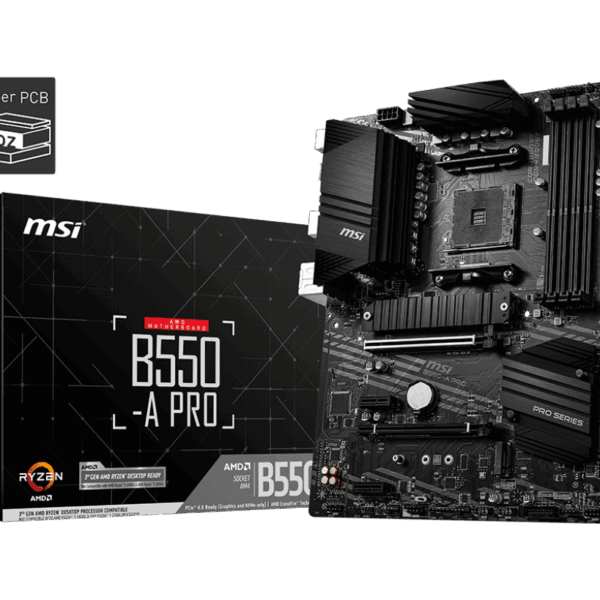
The MSI B550-A PRO is a professional-grade motherboard designed to maximize the performance of the AMD AM4 platform. Built with a 10+2+1 Duet Rail Power System and 7W/mK level thermal pads, it ensures your system stays cool and stable even during prolonged heavy workloads. It features a heavy-duty PCIe 4.0 slot for next-gen graphics cards and a lightning-fast Gen4 M.2 slot with Shield Frozr to prevent thermal throttling of your NVMe drives. With a focus on connectivity and expansion, it includes a front-panel USB-C header and a Flash BIOS button, making it one of the most versatile and reliable “PRO” series boards for a modern desktop.
Key Features:
- Supports AMD Ryzen 3000, 4000G, and 5000 Series: Seamless compatibility with a wide range of powerful AM4 desktop processors.
- PCIe 4.0 Technology: Provides double the bandwidth compared to the previous generation, unlocking the full potential of high-end GPUs and SSDs.
- DDR4 Boost & Overclocking: Optimized memory traces for high-speed DDR4 stability, supporting memory frequencies of 4400+ MHz (OC).
- M.2 Shield Frozr: Built-in thermal solution for the primary M.2 slot that keeps Gen4 SSDs cool and prevents performance drops.
- 2oz Thickened Copper PCB: Enhanced heat dissipation and signal reliability for a longer-lasting, more stable system.
- Audio Boost: Studio-grade sound quality for an immersive experience during video editing or media consumption.
Performance & Usage: The MSI B550-A PRO acts as a reliable foundation for an ambitious, multi-faceted workflow. The PCIe 4.0 support and DDR4 overclocking provide the exact stability required when navigating a rigorous BCA curriculum while simultaneously running local training scripts for a new AI automation agency. When rendering tech tutorial content or managing complex project pipelines, the M.2 Shield Frozr ensures your scratch disk never faces a thermal bottleneck, allowing for rapid 4K video exports. Furthermore, the inclusion of a Flash BIOS button and USB-C support means you can easily upgrade your hardware or manage high-speed external drives with absolute reliability, even in a high-intensity studio environment.
Who Should Buy This:
- Software Developers & BCA Students: Professionals who need a rock-solid platform for running virtual machines, compilers, and heavy IDEs.
- AI Agency Owners: Users requiring a stable board for localized automation scripts and background processing tasks.
- Content Creators: Editors producing tech tutorials who need the high bandwidth of PCIe 4.0 for fast storage and editing responsiveness.
- Value-Focused Professionals: Anyone looking for a premium B550 feature set—like PCIe 4.0 and Type-C—without the “gaming” price premium.
Comparison: MSI B550-A PRO vs. Gigabyte B550 Gaming X V2
- Power Phase Design: MSI B550-A PRO (10+2+1 Phases) vs. Gigabyte B550 Gaming X V2 (10+3 Phases)
- Heatsink Design: MSI B550-A PRO (Extended Heatsink + M.2 Shield Frozr) vs. Gigabyte B550 Gaming X V2 (Standard VRM Heatsink, No M.2 Shield)
- USB Connectivity: MSI B550-A PRO (Rear & Front USB-C) vs. Gigabyte B550 Gaming X V2 (Limited USB-C Support)
- Internal Headers: MSI B550-A PRO (Dual M.2 Slots / 6 Fan Headers) vs. Gigabyte B550 Gaming X V2 (Dual M.2 Slots / 4 Fan Headers)
Recommendation: While both are excellent mid-range boards, the MSI B550-A PRO is the better choice for professional and creator workflows. Its superior thermal management (including the M.2 Shield Frozr) and the inclusion of front-panel USB-C support make it much more “future-proof” for a modern workstation, especially when balancing academic projects with a growing digital agency.
FAQs:
- Does this motherboard support the Ryzen 5 5600X or 5900X? Yes, it fully supports the entire Ryzen 5000 series. If the board arrives with an older BIOS, you can use the Flash BIOS Button to update it without needing an older CPU.
- Can I use DDR5 RAM on this motherboard? No, the AM4 platform is designed for DDR4 memory. This board is not compatible with DDR5 RAM.
- Does it have built-in Wi-Fi? No, the B550-A PRO is a “Wired-first” board. If you need Wi-Fi, you will need to install a PCIe Wi-Fi card or use a USB Wi-Fi adapter.
- Is the PCIe 4.0 slot compatible with older PCIe 3.0 graphics cards? Yes, PCIe is backwards compatible. You can use any standard PCIe graphics card on this motherboard, though it will run at the card’s maximum supported speed.

Reviews
Clear filtersThere are no reviews yet.