








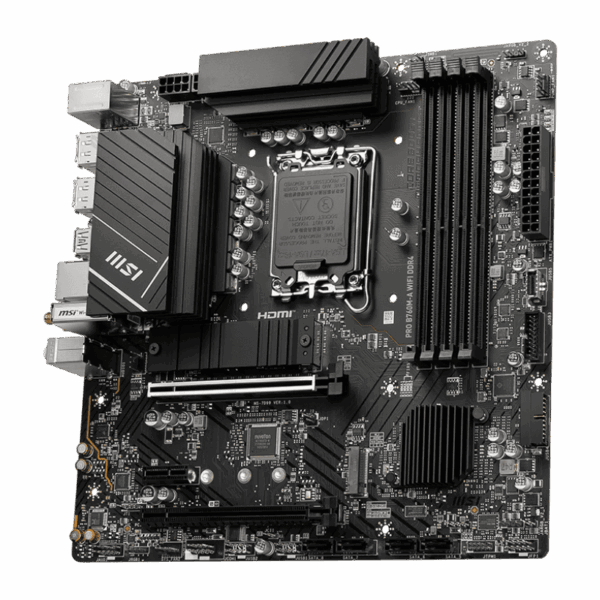
MSI PRO B760M-A WiFi DDR5 Micro-ATX Motherboard | LGA 1700
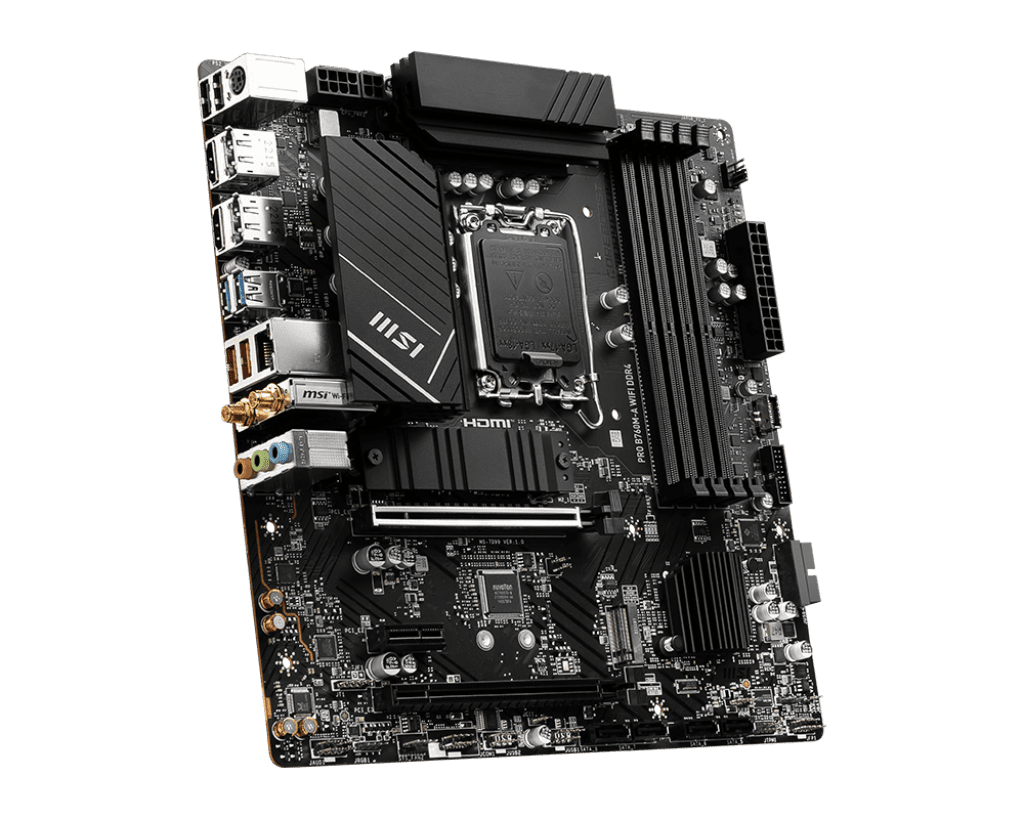
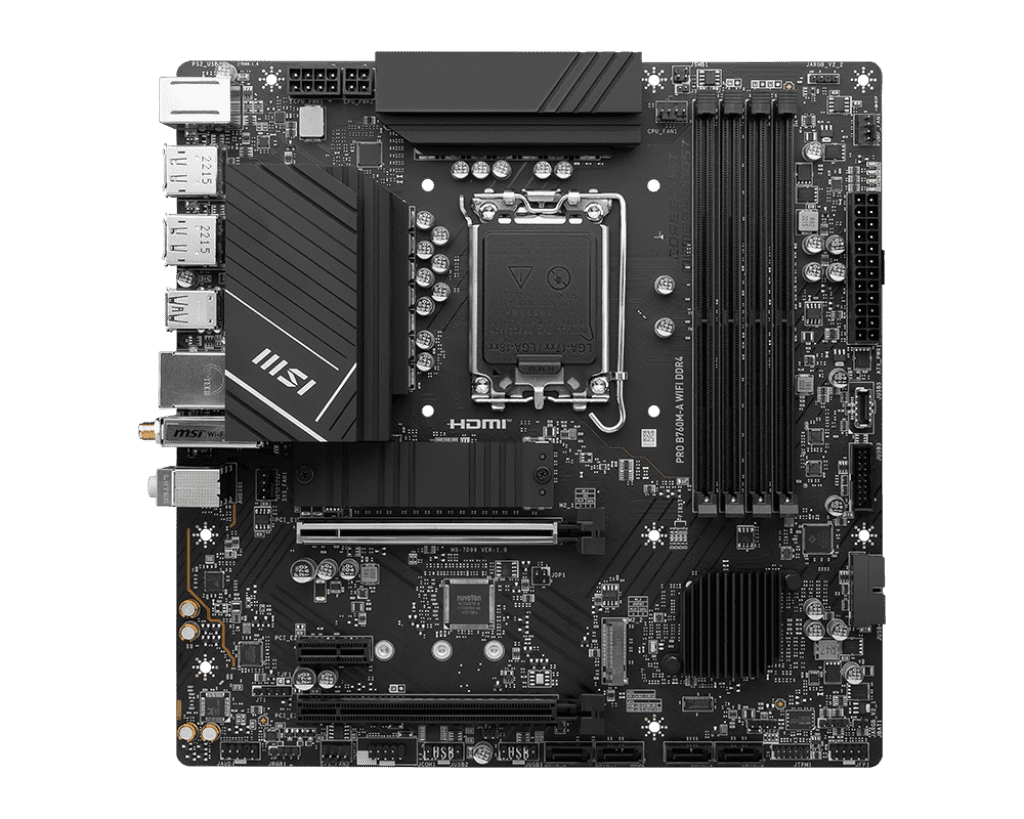
Next-Gen DDR5 Performance: The PRO B760M-A allows builders to step into the future of memory technology. It features four DIMM slots supporting ultra-fast DDR5 memory, capable of reaching extreme frequencies up to 6800+ MHz when overclocked. This massive leap in memory bandwidth ensures faster data transfer between your RAM and CPU, resulting in snappier application loading, vastly improved multitasking capabilities, and smoother frame rates during intense gaming sessions.
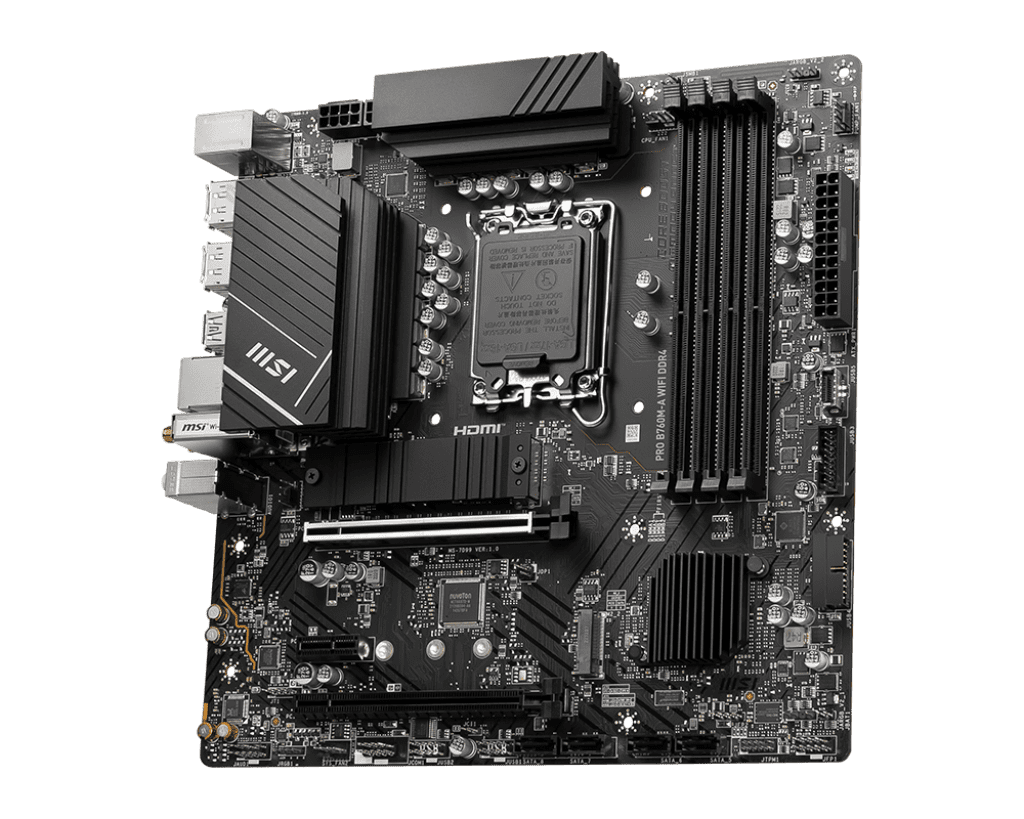
Premium Thermal and Power Design: To support high-core-count processors like the Intel Core i7 and i9 under heavy, sustained workloads, MSI equipped this board with a robust 12+1+1 power design featuring Core Boost technology. Heat is aggressively managed by an extended VRM heatsink design that utilizes premium 7W/mK thermal pads. Furthermore, the primary M.2 SSD slot is covered by MSI’s M.2 Shield Frozr, a dedicated heatsink that prevents high-speed NVMe drives from thermal throttling during large file transfers.
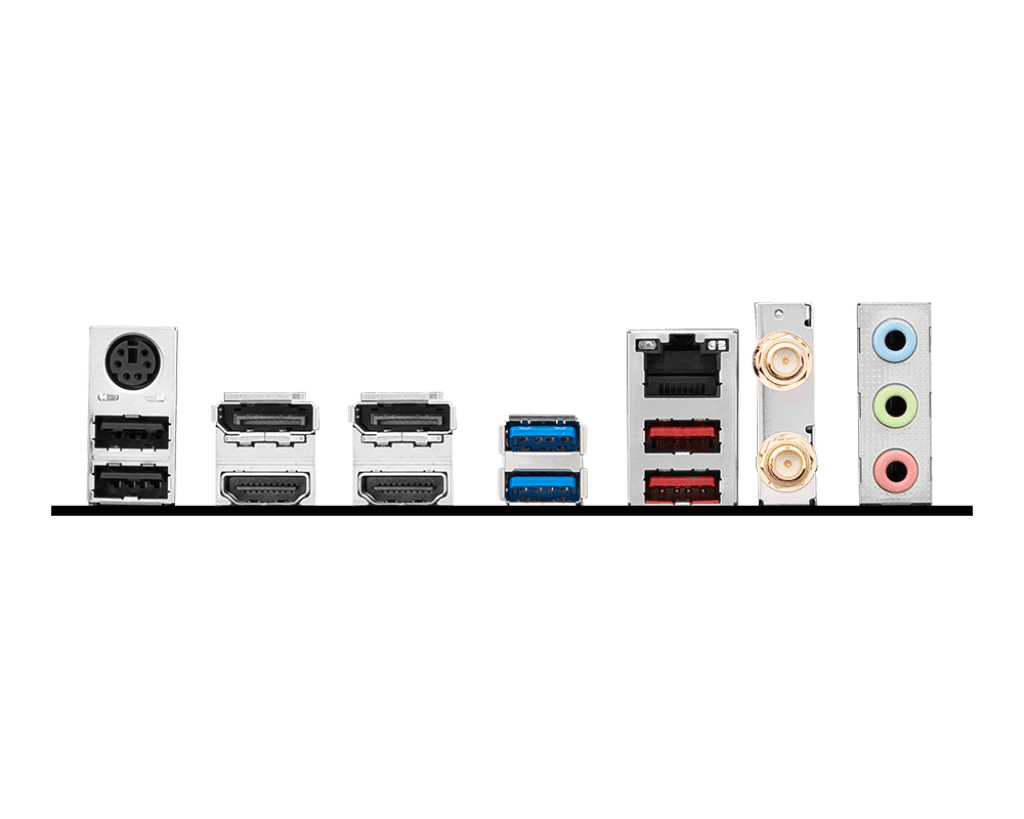
Flawless Connectivity: Whether you are transferring large project files to a local server or playing competitive online shooters, network stability is paramount. The PRO B760M-A is equipped with a premium Realtek 2.5G Ethernet port for flawless, high-speed wired connections. For wireless flexibility, it includes a pre-installed Intel Wi-Fi 6E module. This allows you to utilize the newly opened 6GHz spectrum, providing gigabit wireless speeds and ultra-low latency even in crowded network environments. It also features Bluetooth 5.3 for seamless peripheral pairing.
Key Features
- LGA 1700 Socket: Fully compatible with Intel 12th, 13th, and 14th Generation desktop processors.
- DDR5 Support: Four slots supporting massive memory bandwidth and overclocked speeds up to 6800+ MHz.
- Dual Lightning Gen4 M.2: Two M.2 slots operating at PCIe 4.0 x4 speeds for lightning-fast NVMe storage.
- M.2 Shield Frozr: Integrated thermal solution keeps your primary M.2 SSD safe and prevents thermal throttling.
- Advanced Networking: Features both 2.5G Ethernet LAN and next-gen Wi-Fi 6E / Bluetooth 5.3.
- PCIe 4.0 x16 Slot: Primary graphics slot features MSI Steel Armor to safely support the weight of heavy modern GPUs.
Specifications of MSI PRO B760M-A WiFi DDR5 Micro-ATX Motherboard | LGA 1700
| Feature | Specification |
| CPU Socket | Intel LGA 1700 |
| Chipset | Intel B760 |
| Form Factor | Micro-ATX (mATX) |
| Memory | 4x DDR5 DIMM Slots, Up to 192GB (Max 6800+ MHz OC) |
| PCIe x16 Slots | 2x PCIe 4.0 x16 slots (Primary slot features Steel Armor) |
| PCIe x1 Slots | 1x PCIe 3.0 x1 |
| M.2 Slots | 2x M.2 (PCIe Gen4 x4) |
| SATA Ports | 4x SATA 6Gb/s |
| Networking | Realtek 2.5G LAN + Intel Wi-Fi 6E / Bluetooth 5.3 |
| Rear USB Ports | 2x USB 3.2 Gen 2 (10Gbps) Type-A, 4x USB 2.0 |
| Display Outputs | 2x HDMI 2.1, 2x DisplayPort 1.4 |
| Audio | Realtek ALC897 7.1-Channel High Definition Audio |
Who It’s For
- DDR5 Early Adopters: Builders who want to skip the older DDR4 standard and invest in a motherboard that will support the fastest memory available for years to come.
- Productivity Professionals: The “PRO” series aesthetic features a clean, professional look (no aggressive gamer designs), making it perfect for office workstations that require high-end performance.
- Mainstream Gamers: Pairs perfectly with a mid-to-high-end processor (like an i5-13400F or i7-14700) and an RTX 40-series GPU to create a formidable, stable gaming PC inside a compact case.
Frequently Asked Questions
- Can I use my old DDR4 RAM with this motherboard? No. The MSI PRO B760M-A WiFi DDR5 is specifically built for the newer DDR5 memory standard. The physical slots are different, meaning older DDR4 sticks will not fit into this motherboard. You must purchase DDR5 memory to use this board. (Note: MSI does make a DDR4 version of this exact board, but this specific model is DDR5 only).
- Can I overclock my Intel processor on this board? No. The Intel B760 chipset is designed for stable, standard performance and does not support CPU core overclocking. If you have an unlocked “K-series” Intel processor (e.g., i5-13600K) and wish to manually overclock the CPU cores, you must purchase a Z-series motherboard (like Z690 or Z790). You can, however, still overclock your DDR5 memory using XMP profiles on this board.
- Do I need a BIOS update to use a 14th Gen Intel Processor? While the B760 chipset launched alongside 13th Gen processors, MSI has been updating the BIOS on newly manufactured boards to natively support Intel 14th Gen processors out of the box. However, depending on how long the specific unit you buy has been sitting on a shelf, it might require a BIOS update.

Reviews
Clear filtersThere are no reviews yet.