





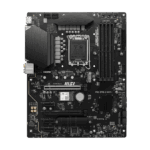
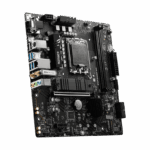
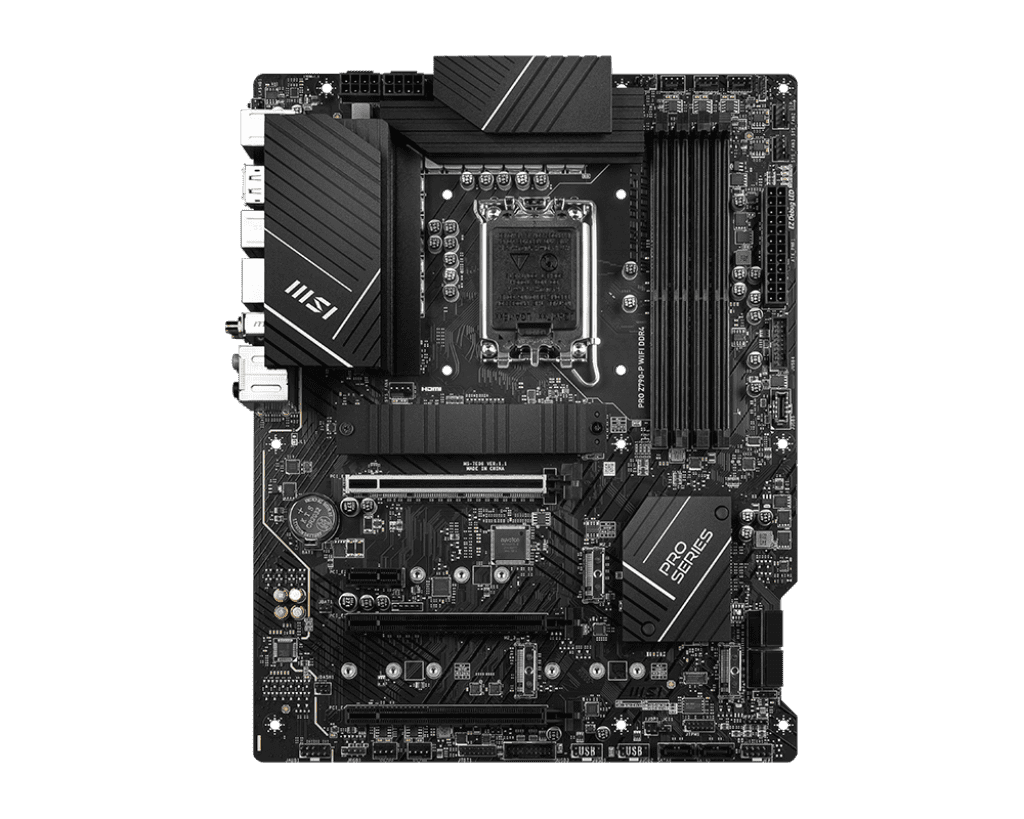
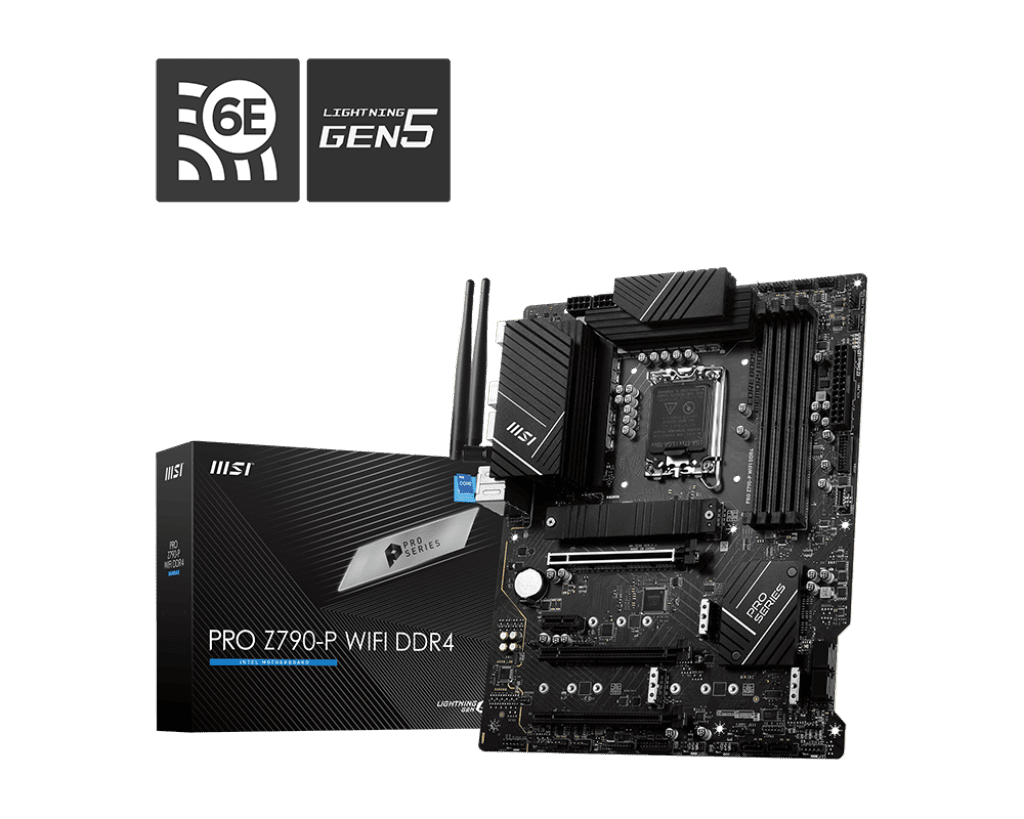
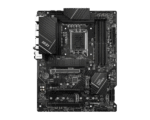



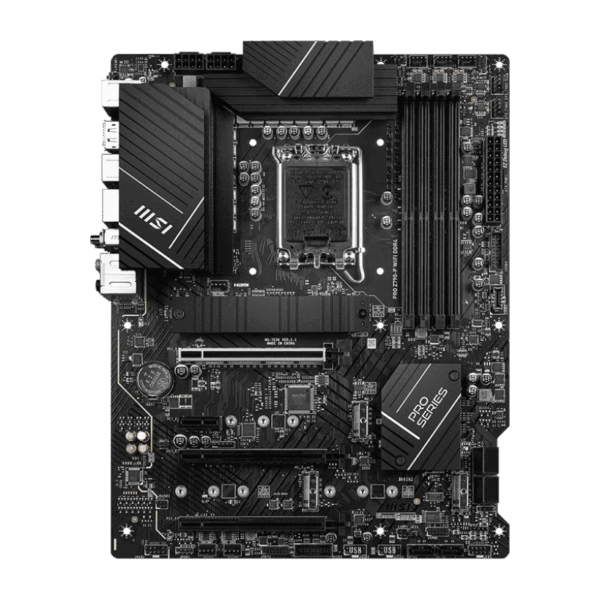
MSI PRO Z790-P WIFI DDR4 | ATX Motherboard, LGA 1700
Future-Ready Processing, Budget-Friendly Memory: The Intel Z790 chipset sits at the top of the LGA 1700 platform, offering the ultimate in power delivery and expandability for modern Intel Core processors. However, transitioning to a new platform often requires expensive new DDR5 memory. The PRO Z790-P WIFI DDR4 solves this by offering four DDR4 DIMM slots. You can easily carry over your existing DDR4 RAM (or buy a new, inexpensive kit) and push it to extreme limits with supported overclocking speeds up to 5333+ MHz via Intel XMP, allowing you to maximize your budget where it matters most: on your CPU and GPU.
Massive Storage and Connectivity: Whether you are managing large databases, editing high-resolution video, or maintaining a massive game library, this motherboard has the storage capacity to handle it. It features a staggering four M.2 slots, all of which run at PCIe 4.0 x4 speeds, allowing you to install multiple lightning-fast NVMe SSDs. It also retains six SATA III ports for high-capacity mechanical hard drives or older SATA SSDs. For external peripherals, the rear panel boasts a massive 20Gbps USB 3.2 Gen 2×2 Type-C port, providing blisteringly fast data transfer speeds for external drives and professional accessories.
Robust Power and Cooling Design: To handle the intense power demands of high-end, multi-core Intel processors (like the Core i7 or i9), the PRO Z790-P features a beefy 14+1+1 Duet Rail Power System driven by dual 8-pin CPU power connectors. To keep this power delivery system stable, MSI utilizes an Extended Heatsink design with high-quality 7W/mK thermal pads. Additionally, the primary M.2 slot is covered by MSI’s M.2 Shield Frozr, a dedicated metal heatsink that prevents your ultra-fast NVMe drive from thermal throttling during heavy read/write workloads.
Key Features
- LGA 1700 Socket: Fully supports Intel 12th, 13th, and 14th Gen Core, Pentium Gold, and Celeron processors.
- DDR4 Memory Support: Maximize your budget by utilizing affordable DDR4 RAM with overclocking support up to 5333+ MHz.
- PCIe 5.0 x16 Slot: Next-generation graphics card slot with MSI Steel Armor to prevent heavy GPUs from sagging or breaking the PCIe slot.
- Quad M.2 Slots: Four PCIe 4.0 x4 M.2 slots provide incredible room for high-speed NVMe storage expansion.
- Advanced Networking: Features Intel 2.5Gbps wired LAN, the latest Wi-Fi 6E standard, and Bluetooth 5.3 for secure, low-latency connections.
- Lightning USB 20G: The rear I/O features a USB 3.2 Gen 2×2 Type-C port for massive 20Gbps data transfer speeds.
Specifications of MSI PRO Z790-P WIFI DDR4 | ATX Motherboard, LGA 1700
| Feature | Specification |
| Model | MSI PRO Z790-P WIFI DDR4 |
| Form Factor | ATX |
| CPU Socket | LGA 1700 |
| Chipset | Intel Z790 |
| Memory Support | 4x DDR4 DIMM Slots (Up to 128GB total), Max 5333+ MHz (OC) |
| Expansion Slots | 1x PCIe 5.0 x16, 1x PCIe 4.0 x16 (runs at x4), 1x PCIe 3.0 x16 (runs at x1), 1x PCIe 3.0 x1 |
| Storage Interfaces | 4x M.2 (PCIe Gen4 x4), 6x SATA 6Gb/s ports |
| Networking | Intel Wi-Fi 6E, Bluetooth 5.3, Intel 2.5GbE LAN |
| Rear USB Ports | 1x USB 3.2 Gen 2×2 Type-C, 1x USB 3.2 Gen 2 Type-A, 2x USB 3.2 Gen 1, 4x USB 2.0 |
| Audio | Realtek ALC897 Codec (7.1-Channel High Definition Audio) |
Who It’s For
- Practical Upgraders: PC builders who want the processing power of a new 13th or 14th Gen Intel CPU but want to save money by reusing their current DDR4 memory kit.
- Creative Professionals: The inclusion of four high-speed M.2 slots and ultra-fast 20Gbps USB-C makes this an exceptional foundation for video editors and 3D artists who manage massive project files.
- Business Workstations: The understated, non-flashy design is perfect for professional office environments, while the dual 8-pin power delivery ensures the system remains rock-solid during heavy compilation or rendering tasks.
Frequently Asked Questions
- Can I use DDR5 memory on this motherboard? No. This specific motherboard is engineered exclusively with DDR4 memory traces and physical slots. DDR5 memory modules have a different pin layout and locking notch, meaning they will not physically fit or function in this board. If you want to use DDR5, you must purchase the standard “MSI PRO Z790-P WIFI” (without the “DDR4” designation).
- Does the PCIe 5.0 slot share bandwidth with the M.2 slots? No. On this specific Z790 motherboard, the primary PCIe 5.0 x16 slot receives its lanes directly from the CPU. The four M.2 slots operate at PCIe 4.0 x4 speeds, meaning you can populate all the storage slots without accidentally slowing down your high-end graphics card.
- What is the Flash BIOS Button on the rear panel used for? The Flash BIOS button allows you to update the motherboard’s fundamental firmware (BIOS) using only a USB flash drive and a power supply. This is incredibly useful if you purchase a brand new 14th Gen Intel processor and the motherboard requires a software update to recognize it—you can perform the update without needing to install a CPU, RAM, or a graphics card first.

Reviews
Clear filtersThere are no reviews yet.