





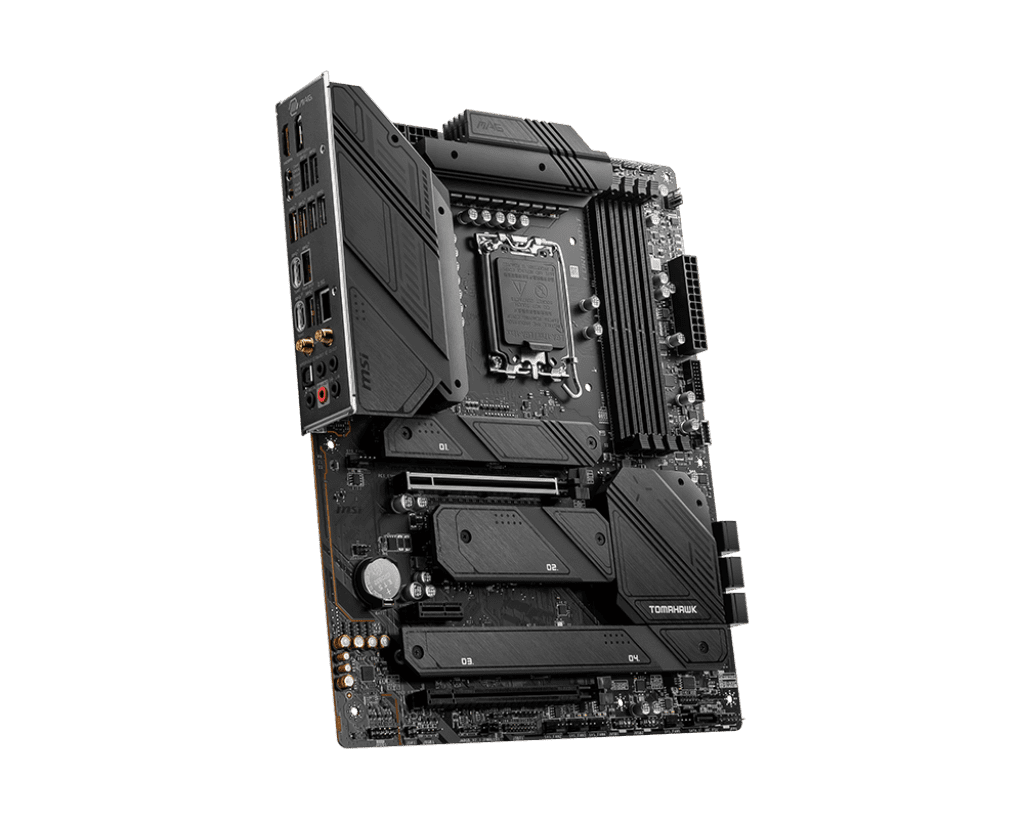
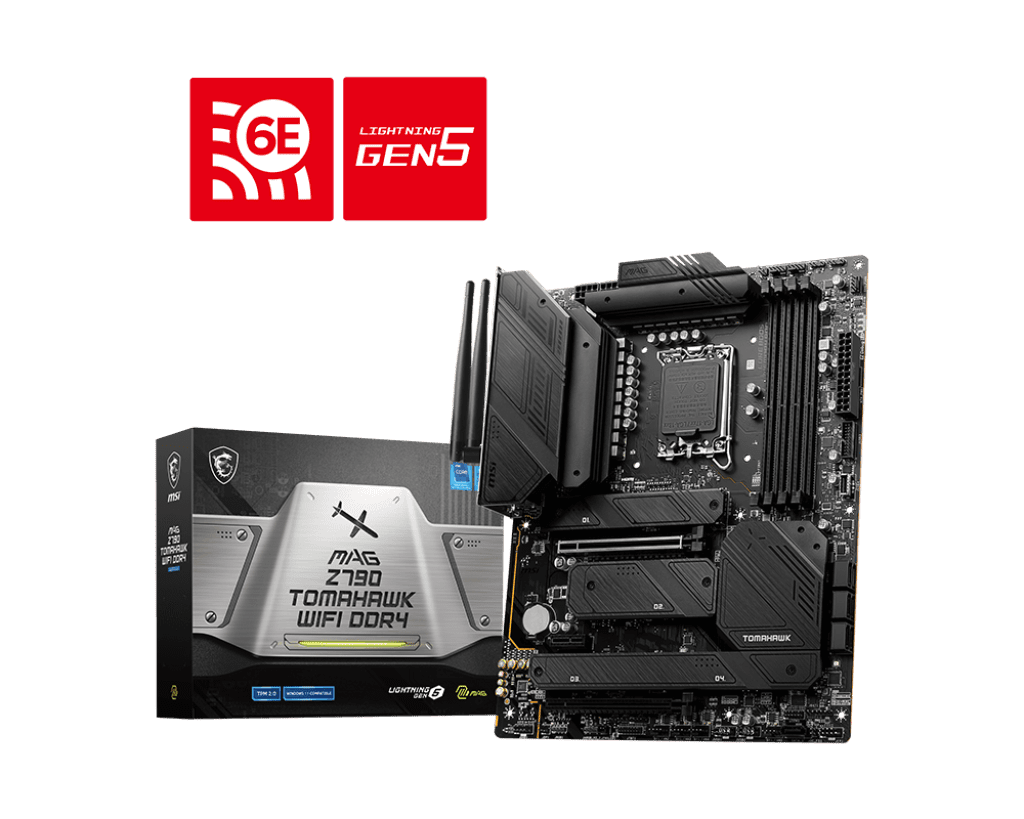


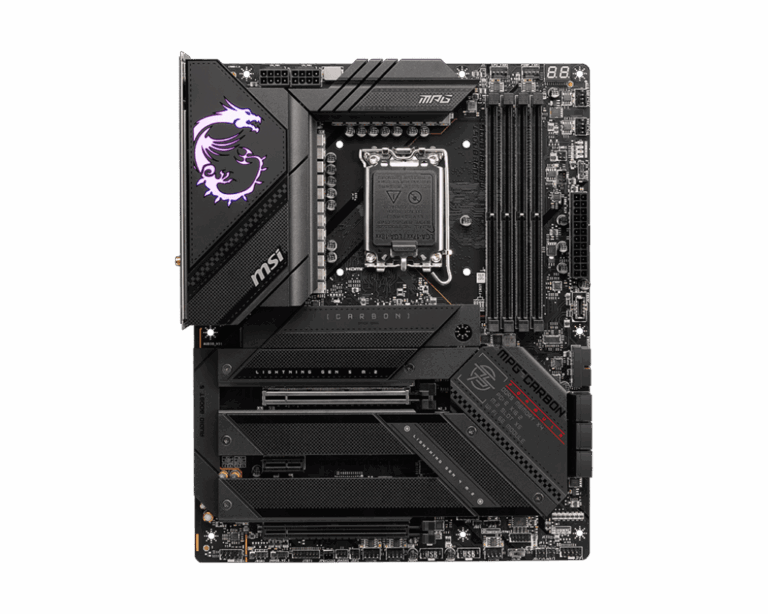
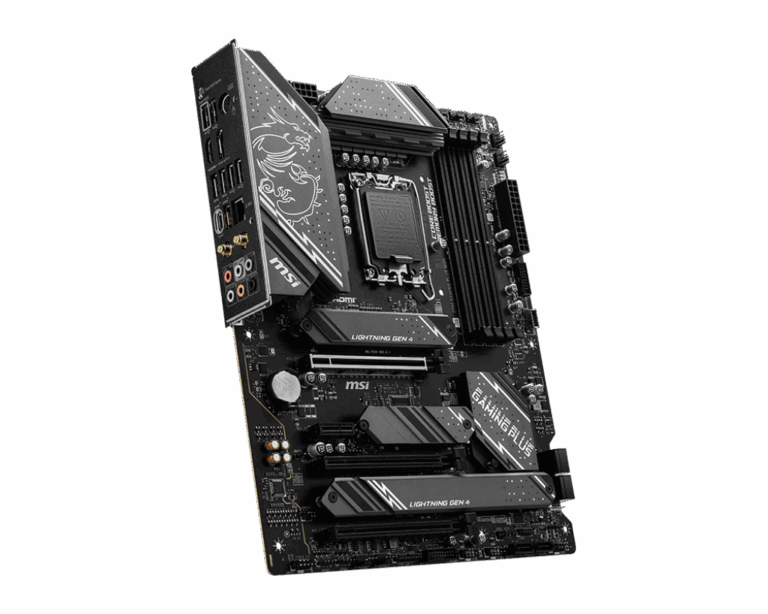
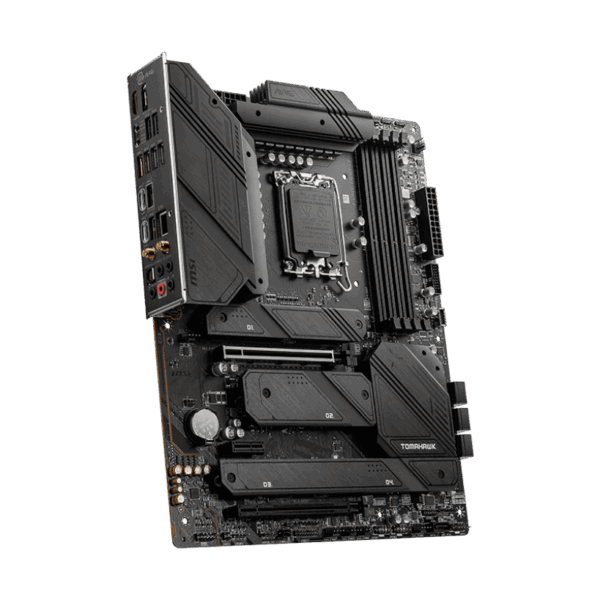
MSI MAG Z790 TOMAHAWK WIFI DDR4 ATX Motherboard
Cost-Effective DDR4 Performance: Upgrading to a top-tier Intel Z790 platform does not mean you have to completely replace your system memory. This specific “DDR4” edition of the Tomahawk allows you to seamlessly carry over your existing high-speed DDR4 RAM kits, saving you a massive amount of money on your new PC build. Utilizing MSI’s proprietary Memory Boost technology and dedicated SMT welding, it ensures perfectly clean data signals, allowing you to easily push premium DDR4 kits to extreme overclocking speeds up to 5333+ MHz.
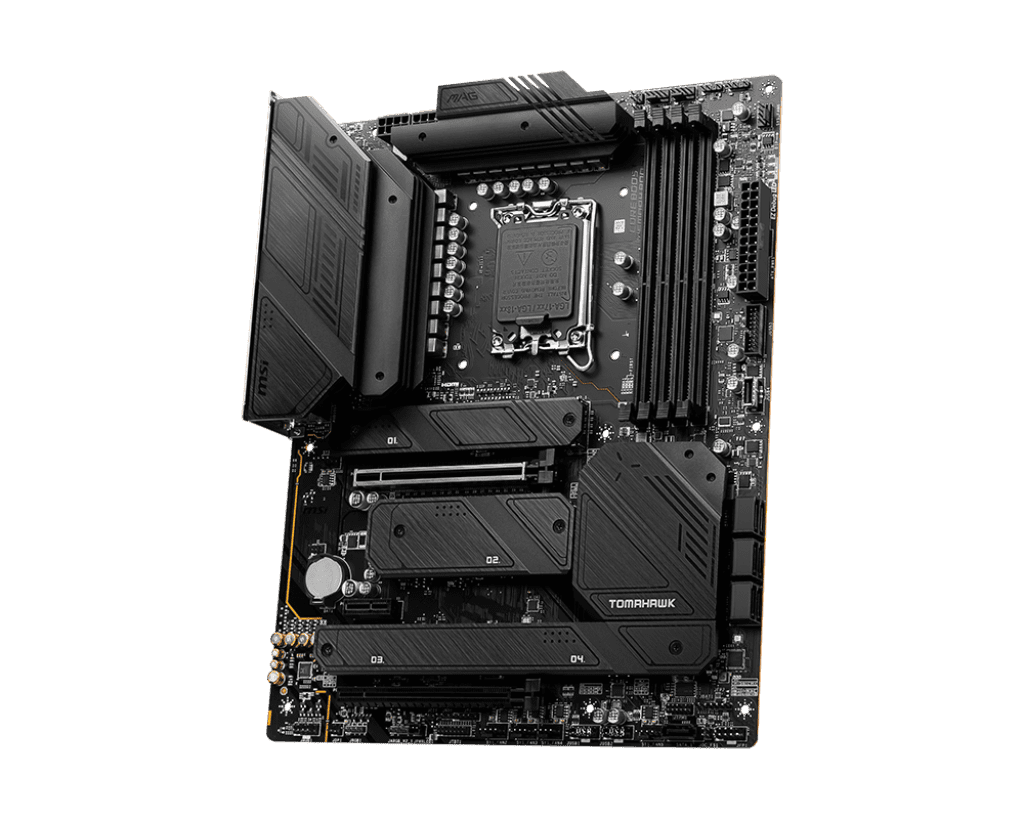
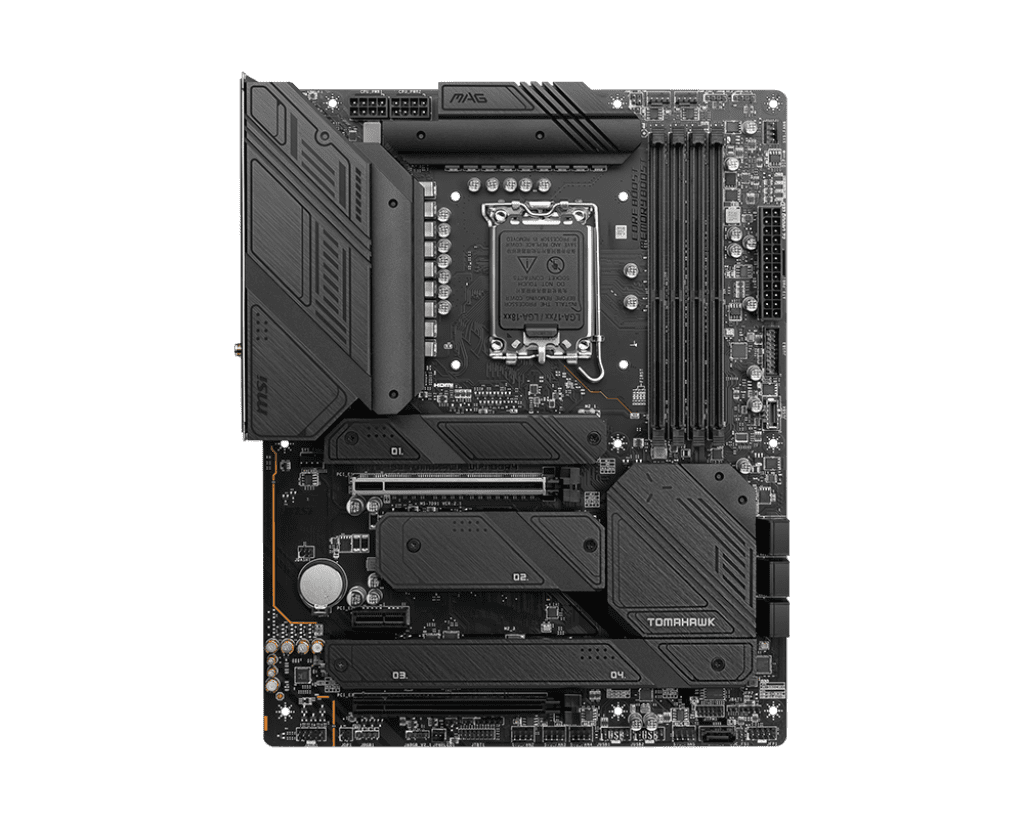
Uncompromising Power and Thermals: Modern Intel Core i7 and Core i9 processors draw a massive amount of electricity under heavy multi-core workloads. To handle this, the Z790 Tomahawk is armed with an aggressive 16+1+1 phase power design utilizing 90A Smart Power Stages. To completely prevent thermal throttling, the motherboard is equipped with an oversized Extended Heatsink over the VRMs, complete with premium 7W/mK thermal pads. Additionally, all four of the M.2 storage slots are covered by MSI’s Shield Frozr metal heatsinks to keep your drives icy cold during intense data transfers.
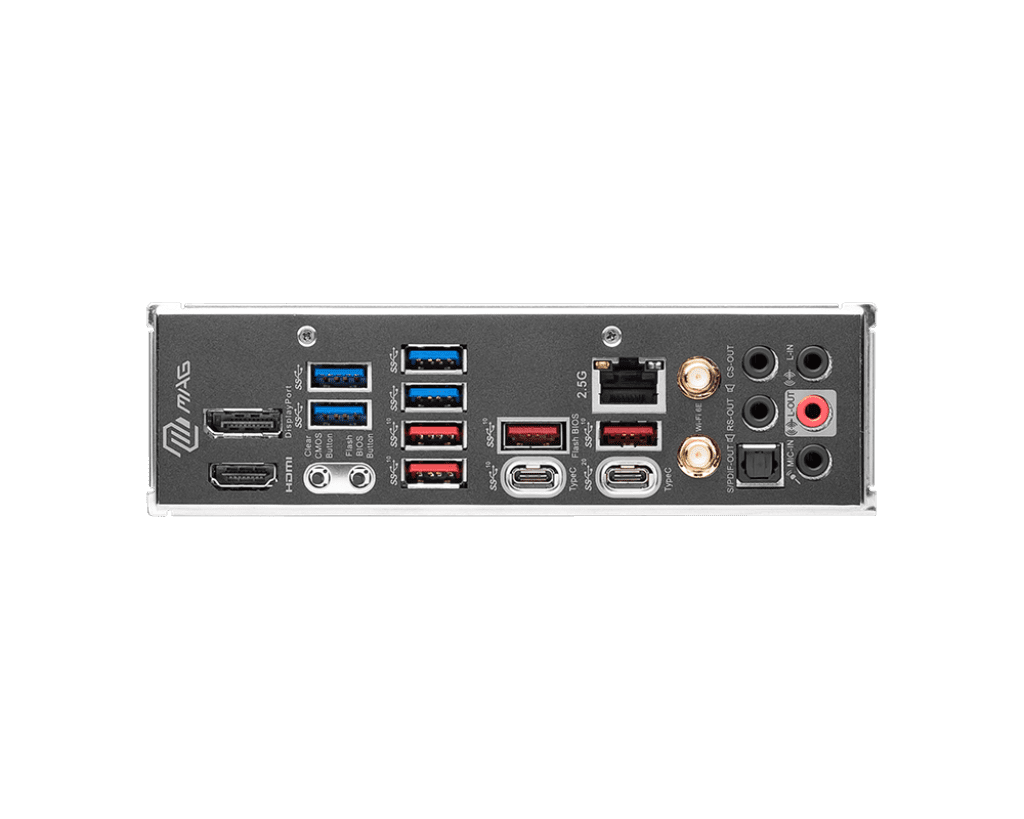
PCIe 5.0 and Next-Generation Connectivity: Prepare your battle station for the future. The primary graphics card slot utilizes the blazing-fast PCIe 5.0 standard and is reinforced with heavy-duty Steel Armor to easily support the immense weight of modern flagship graphics cards without bending. For networking, it features a premium Intel 2.5G LAN port for lag-free wired gaming, alongside cutting-edge Wi-Fi 6E and Bluetooth 5.3 for ultra-fast, low-latency wireless connections.
Key Features
LGA 1700 Socket: Fully compatible right out of the box with Intel’s powerful 12th, 13th, and 14th Generation desktop processors.
16+1+1 Power Design: An absolute powerhouse VRM design guarantees completely stable electricity delivery for heavy CPU overclocking.
DDR4 Memory Support: Retains full compatibility with affordable, high-speed DDR4 memory to heavily reduce your total build cost.
Four M.2 Shield Frozr Slots: Provides enormous capacity for high-speed NVMe solid-state drives, all protected by dedicated metal heatsinks.
PCIe 5.0 Steel Armor: A heavily reinforced primary slot provides maximum data bandwidth for upcoming next-generation graphics cards.
Pre-Installed I/O Shield: The rear input/output panel is permanently attached, providing better EMI protection and eliminating installation frustration.
Specifications of MSI MAG Z790 TOMAHAWK WIFI DDR4 ATX Motherboard
Model: MSI MAG Z790 TOMAHAWK WIFI DDR4
Socket: Intel LGA 1700
Chipset: Intel Z790
Form Factor: ATX
Memory Support: 4 x DDR4 DIMM Slots (Up to 128 Gigabytes)
Storage Slots: 4 x M.2 PCIe 4.0 slots and 7 x SATA 6G ports
Networking: Intel Wi-Fi 6E, Bluetooth 5.3, and Intel 2.5Gb Ethernet
Who It Is For
Value-Conscious Upgraders: PC builders who want the absolute best processor performance from Intel’s 14th Generation chips but want to save hundreds of dollars by reusing their old DDR4 RAM.
Stealth Build Enthusiasts: Gamers looking for a premium, heavy-duty motherboard with a beautiful matte-black finish and absolutely zero distracting built-in RGB lighting.
Storage Hoarders: Creators and heavy gamers who need the physical space to easily install up to four massive, high-speed M.2 NVMe drives natively onto the board.
Frequently Asked Questions
Can I use DDR5 memory on this motherboard later if I want to upgrade? No, absolutely not. The physical slots on this motherboard are exclusively designed for DDR4 memory. Because the physical notches on DDR4 and DDR5 sticks are entirely different, you can never install DDR5 into this board. If you want to use DDR5 in the future, you must buy a brand new motherboard.
Does this board support PCIe Gen 5 storage drives? No. While the primary x16 slot for your graphics card operates at PCIe 5.0 speeds, all four of the M.2 storage slots operate at PCIe 4.0 speeds. You can safely install a PCIe 5.0 SSD into this board, but it will automatically scale down its speed to operate at the PCIe 4.0 limit.
Do I need a separate Wi-Fi antenna? The motherboard has the Wi-Fi 6E module built directly into it, but you do need to attach the antennas to get a signal. MSI includes a pair of premium, screw-on Wi-Fi antennas directly in the box, so you do not need to purchase anything extra to connect to your wireless router.

Reviews
Clear filtersThere are no reviews yet.