








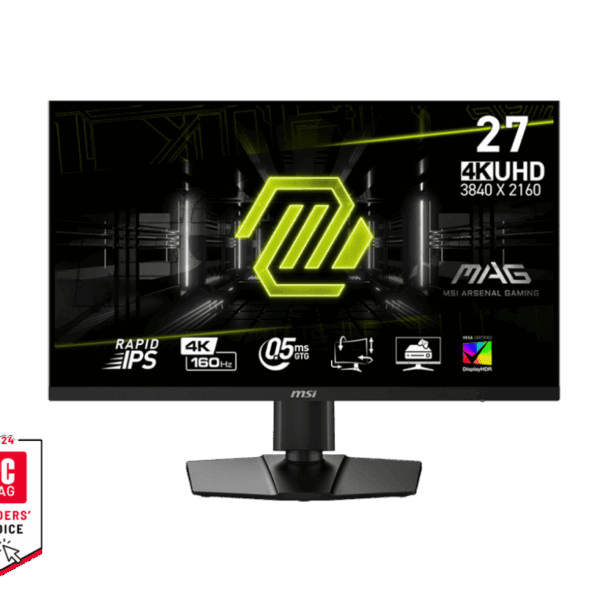
MSI MAG 274UPF E2 27″ 4K 160Hz Rapid IPS Monitor
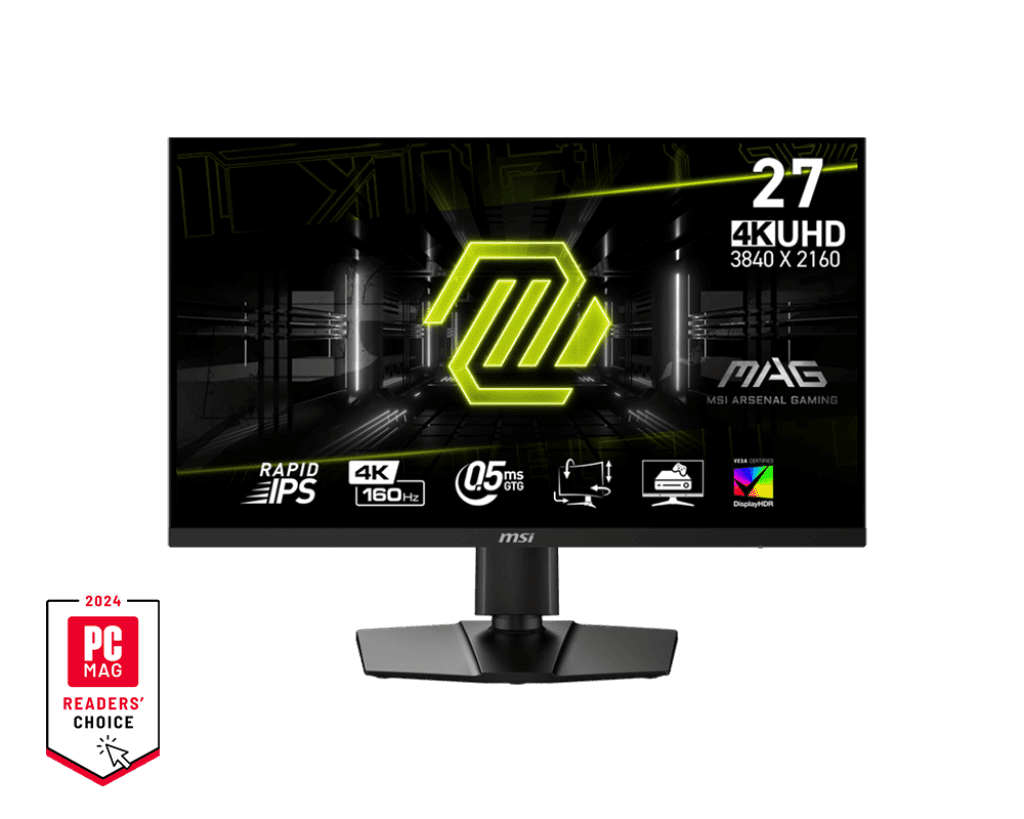
Finding a display that perfectly balances the high visual fidelity of AAA single-player games with the lightning-fast speed needed for esports shooters can be challenging. The MSI MAG 274UPF E2 resolves this friction directly by utilizing advanced Rapid IPS technology paired with a dense 4K UHD resolution. Instead of forcing players to choose between image sharpness and fast frame rates, it delivers an exceptionally crisp 163 PPI (pixels per inch) while significantly reducing motion blur through its ultra-fast 0.5ms minimum GtG response time.
Internally, the monitor is engineered specifically to cater to both desktop PC enthusiasts and next-generation console owners. It features two full-bandwidth HDMI 2.1 ports rated up to 48Gbps, allowing it to interface seamlessly with the PlayStation 5 and Xbox Series X|S via MSI’s specialized Console Mode. Because MSI chose to strip away expensive, niche features like built-in KVM switches and complex RGB lighting found on the older base model, the E2 focuses entirely on raw panel speed, color accuracy, and fluid variable refresh rates, making it a highly rational and accessible choice for pure gaming performance.
KEY FEATURES
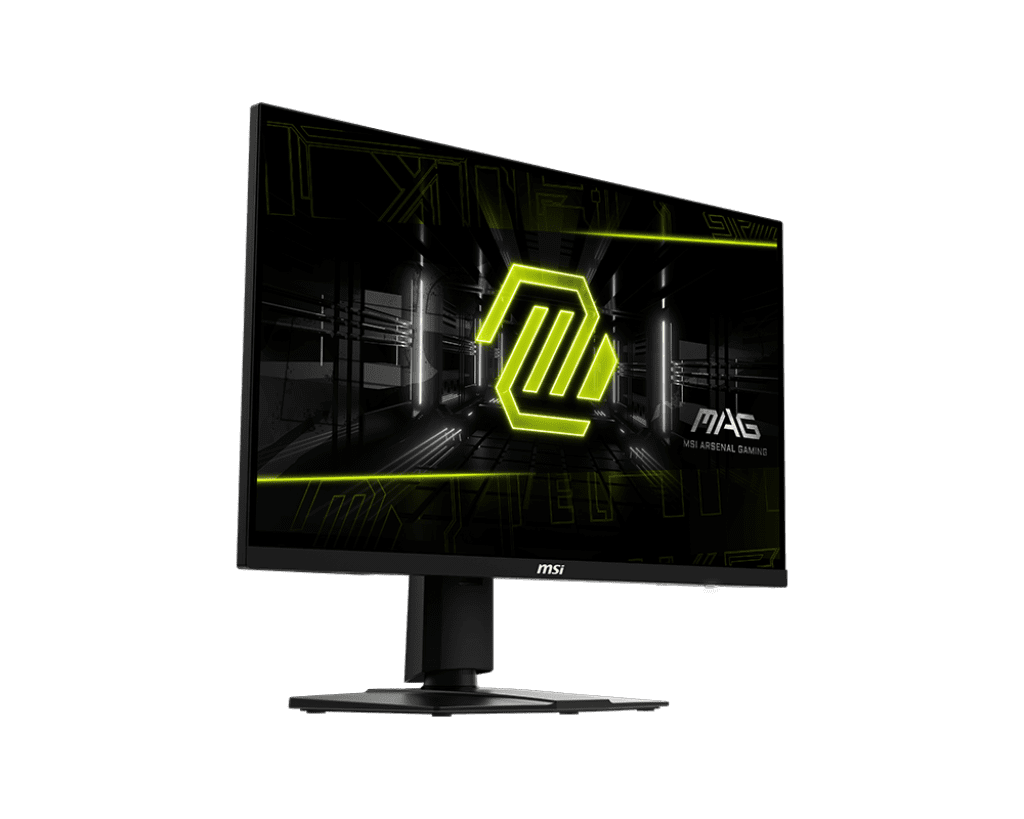
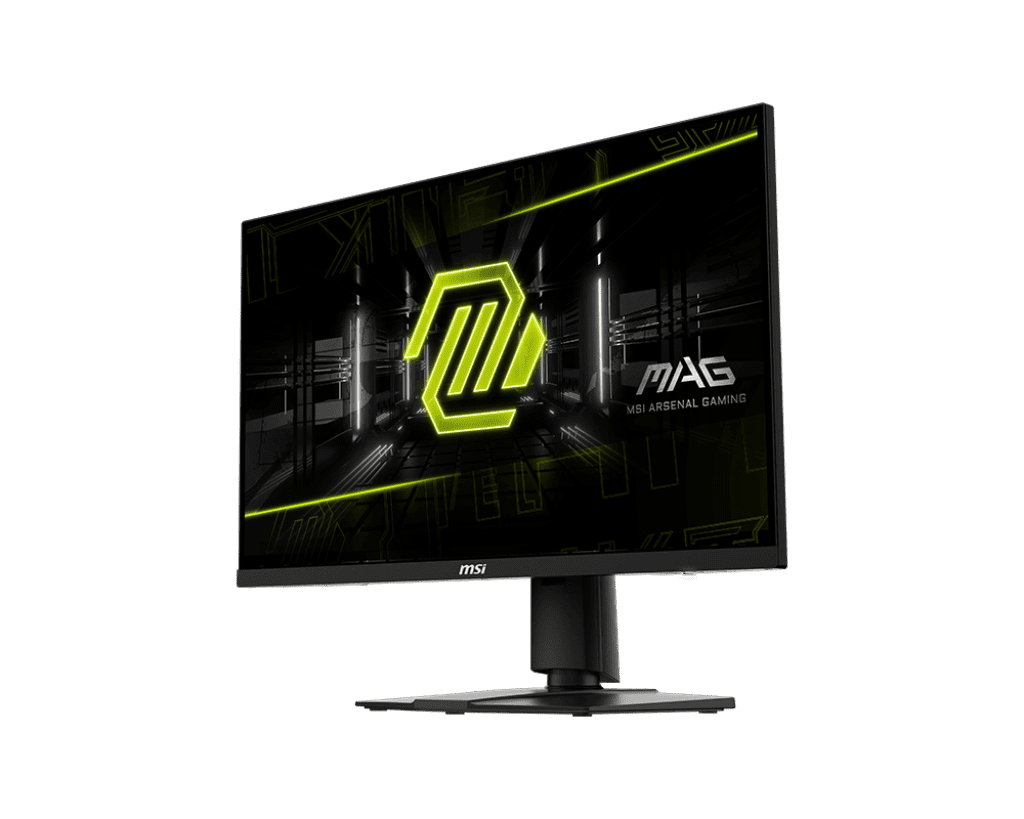
- 27-Inch 4K UHD Rapid IPS Panel: Features an exceptionally sharp 3840 x 2160 resolution paired with wide 178° viewing angles. This dense configuration makes text look incredibly clean and allows gamers to examine detailed open-world environments with crisp clarity compared to standard 1440p displays.
- 160Hz Refresh Rate & 0.5ms GtG Response: Bypasses the input lag and ghosting common in standard 60Hz or 120Hz screens. The upgraded 160Hz panel ensures silky-smooth camera tracking, while the 0.5ms (GtG, Min) response time keeps fast-moving targets from smearing during competitive shooter matches.
- Full Bandwidth HDMI 2.1 Console Mode: Equipped with dual HDMI 2.1 inputs capable of handling full 48Gbps data streams. This natively supports 4K 120Hz gameplay, VRR (Variable Refresh Rate), and ALLM on modern consoles, keeping console gaming entirely tear-free and highly responsive.
- Wide Color Gamut & DisplayHDR 400: Covers an expansive color space reaching 98% DCI-P3 and 133% sRGB, ensuring vibrant, true-to-life in-game colors. It also carries a VESA DisplayHDR 400 certification to provide a modest boost to highlights and contrast in supported media.
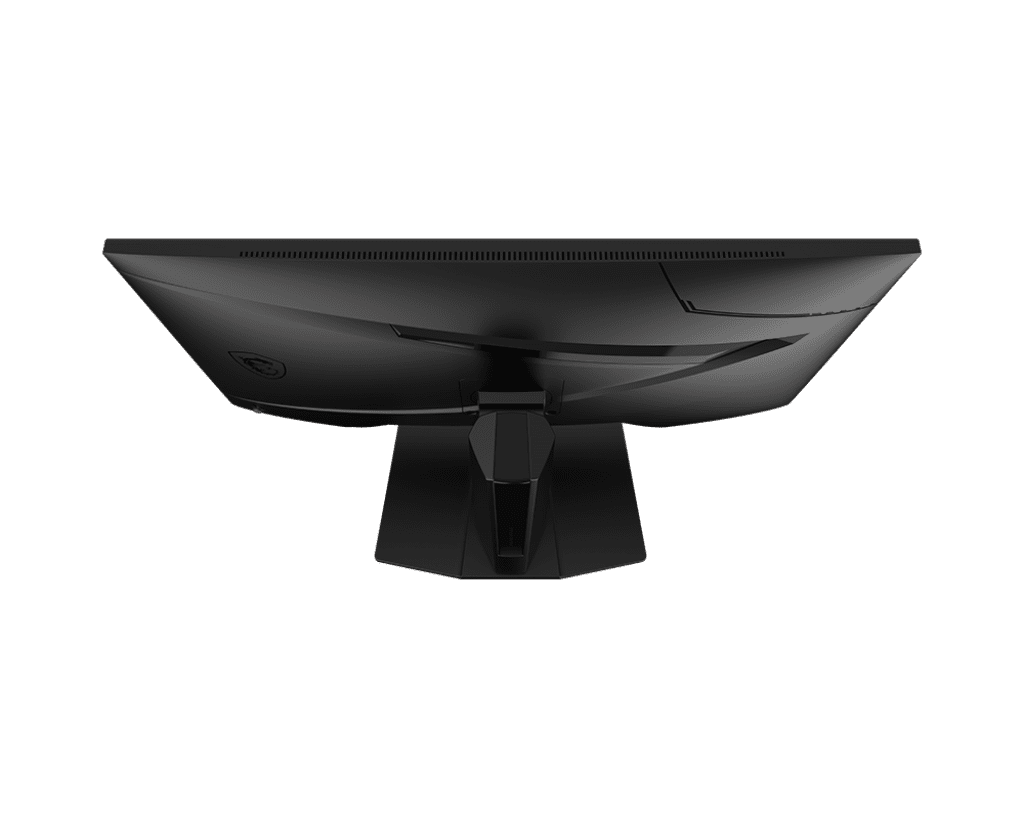
- Highly Ergonomic 4-Way Stand: Includes a sturdy, fully adjustable desktop stand out of the box. Users can easily tweak the height (up to 130mm), tilt (-5° to 20°), swivel (-30° to 30°), or pivot 90° into portrait mode for reading long documents or secondary chat windows.
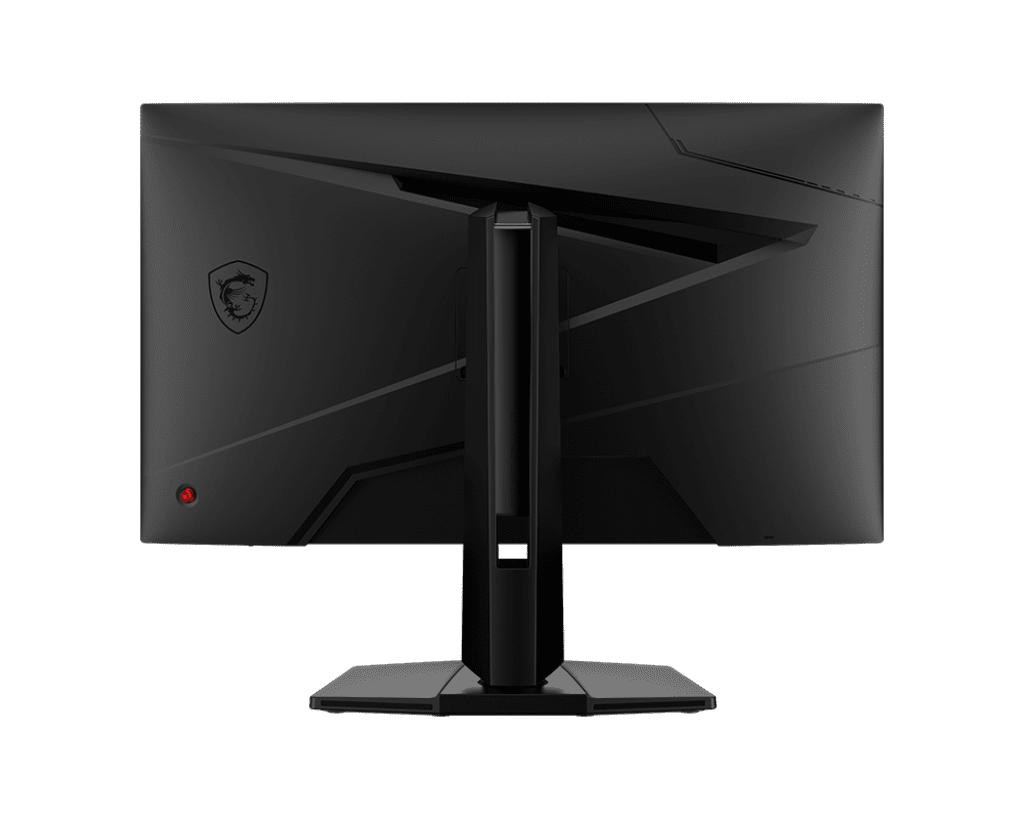
PERFORMANCE & USAGE: In a live daily environment, the MAG 274UPF E2 performs beautifully for both high-frame-rate PC gaming and console media. Titles like Cyberpunk 2077 or Call of Duty: Warzone look incredibly detailed due to the tight pixel density, provided you have a powerful graphics card like an RTX 4070 Ti Super or higher to push 4K frames. Navigating the monitor’s settings is exceptionally straightforward using the physical multi-directional joystick located on the rear panel, eliminating the need to fumble with multiple confusing buttons.
Setup is highly user-friendly, featuring a standard 75x75mm VESA mount pattern if you prefer using third-party monitor arms. However, builders and remote workers should be aware of the specific changes made to this “E2” revision. Unlike the original non-E2 model, this display lacks a built-in KVM switch, does not include extra USB Type-A data ports, and limits its rear USB Type-C port to 15W Power Delivery rather than 65W. This makes the USB-C port suitable for display output and slow phone charging, but entirely inadequate for charging a standard work laptop.
TARGET AUDIENCE: Competitive PC gamers, PlayStation 5 and Xbox Series X owners, and remote content creators. It is heavily tailored for users who demand elite 4K pixel density, high color accuracy, and uncompromised HDMI 2.1 console support while actively avoiding paying extra for unneeded docking features.
COMPARISON INSIGHTS
When compared to the original MSI MAG 274UPF (non-E2), the E2 brings a slightly faster panel (160Hz vs 144Hz) but heavily reduces peripheral utility. The original model included a built-in KVM switch, a multi-port USB hub, and 65W USB-C charging, making it vastly superior for single-cable laptop docking. You buy the E2 specifically when you do not need docking features and simply want the most cost-effective, high-speed 4K gaming screen available.
Against competing premium options like the Gigabyte M28U, the MSI E2 holds a distinct advantage in raw response speed and modern HDMI 2.1 implementation. The Gigabyte uses HDMI 2.1 ports with compressed bandwidth, whereas the MSI provides full 48Gbps throughput, ensuring uncompressed visual signals for console gamers without chroma subsampling.
EXPERT RECOMMENDATION
The MSI MAG 274UPF E2 is a highly rational, streamlined piece of display hardware. It strips away expensive productivity luxuries like heavy laptop charging and puts that entire manufacturing budget directly into what actually matters for gaming: an ultra-fast Rapid IPS panel, full HDMI 2.1 bandwidth, and solid ergonomic build quality. If your primary goal is to build an exceptionally crisp 4K gaming setup for your PC and console, and you do not require a built-in KVM switch, this monitor is an outstanding, high-value investment that delivers incredible visual immersion.
FAQ
- Does the monitor include an HDMI 2.1 cable in the box? Yes. Retail packages typically include a high-speed HDMI 2.1 cable, a power adapter, a power cord, and the fully adjustable stand, allowing you to connect to a PS5 or PC immediately.
- Can I charge my laptop using the USB-C port? The USB-C port supports DisplayPort Alternate Mode for video but is restricted to 15W Power Delivery. While it will slowly charge a smartphone or keep a tablet topped up, it does not provide enough wattage to charge a standard laptop under load.
- Does this monitor have built-in speakers? No, the MAG 274UPF E2 does not feature integrated speakers. However, it includes a standard 3.5mm headphone-out jack on the rear panel, allowing you to plug in external desktop speakers or a gaming headset easily.
- Is 27 inches too small for a 4K resolution? While some users prefer 32 inches for 4K, a 27-inch 4K monitor provides an incredibly dense 163 PPI. This results in a remarkably sharp, retina-like display where individual pixels are virtually invisible from a standard desk viewing distance.
- Does it support Nvidia G-Sync? While it natively features AMD FreeSync Premium for variable refresh rates, it is fully G-Sync Compatible. You can easily enable variable refresh rates manually within the Nvidia Control Panel when connected via DisplayPort.

Reviews
Clear filtersThere are no reviews yet.