





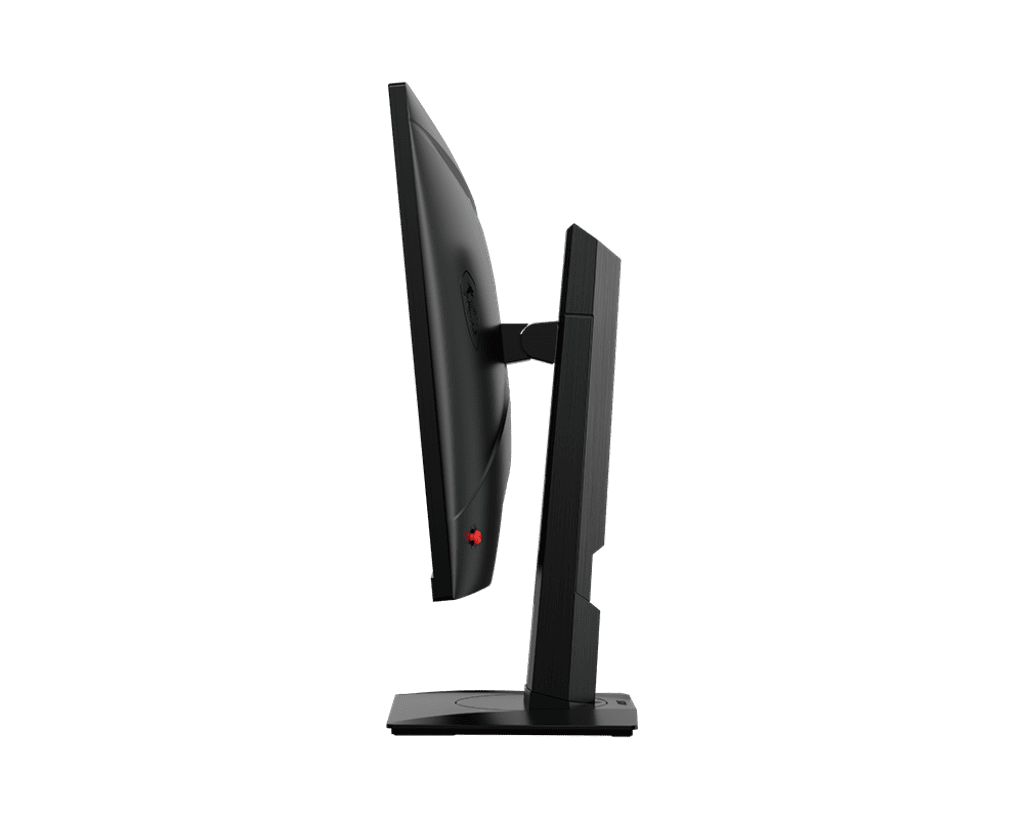
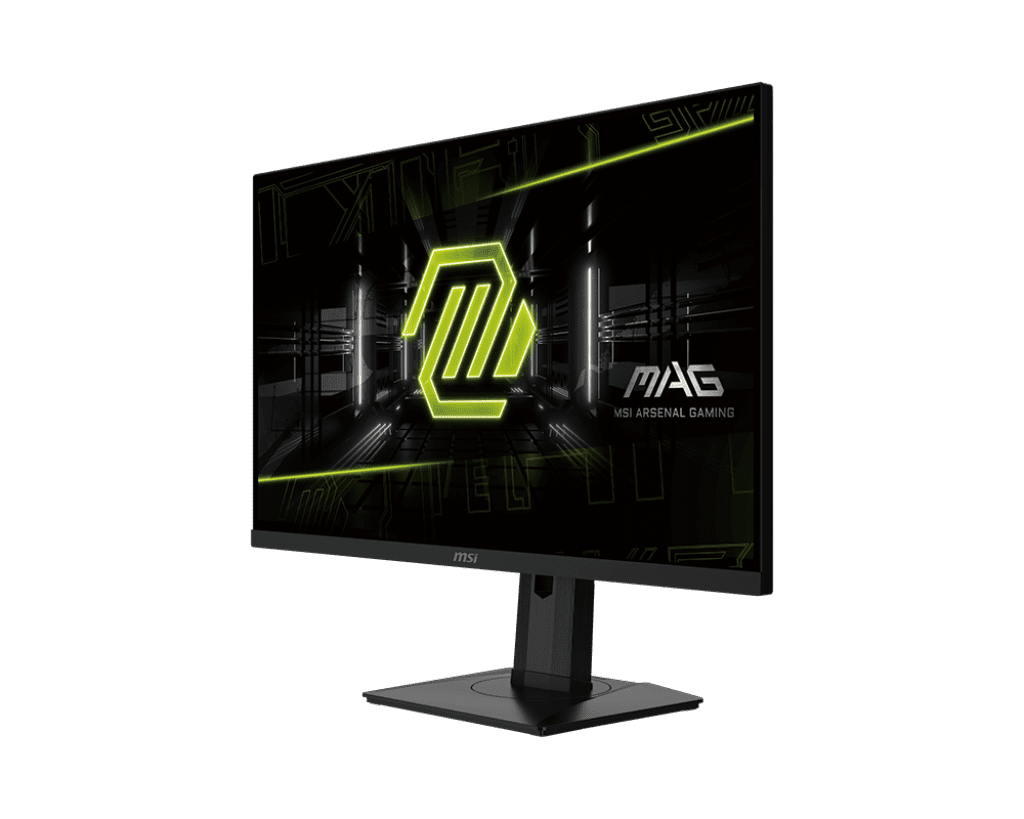
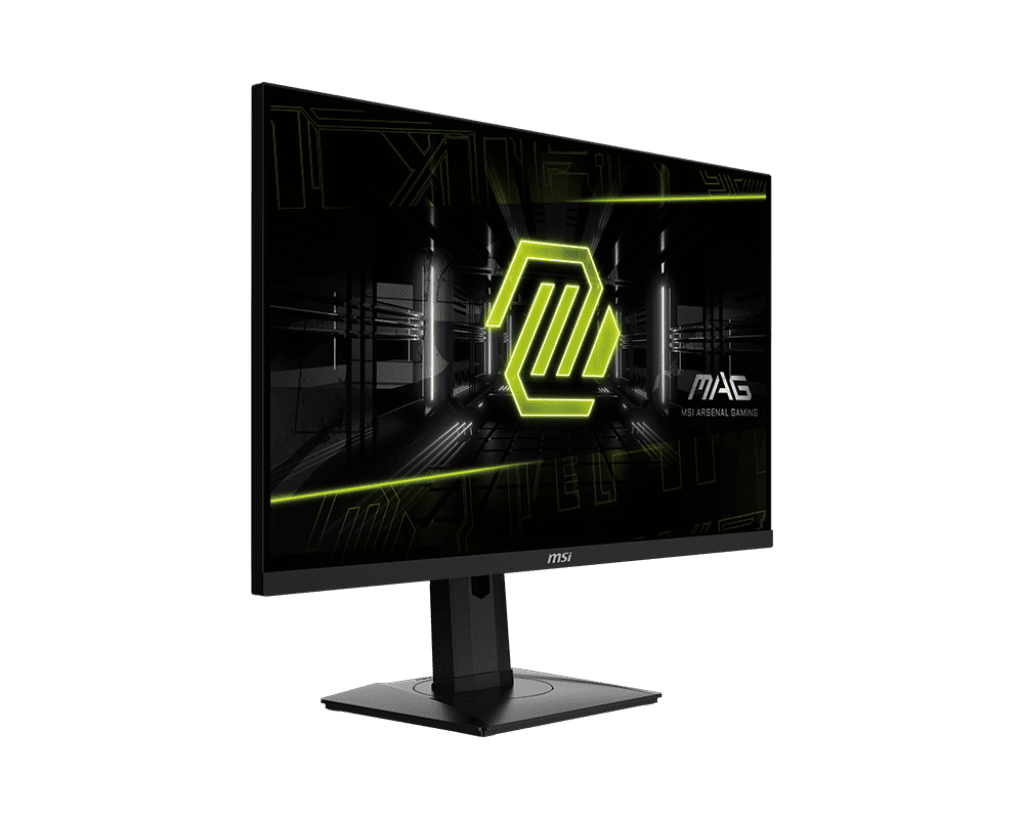



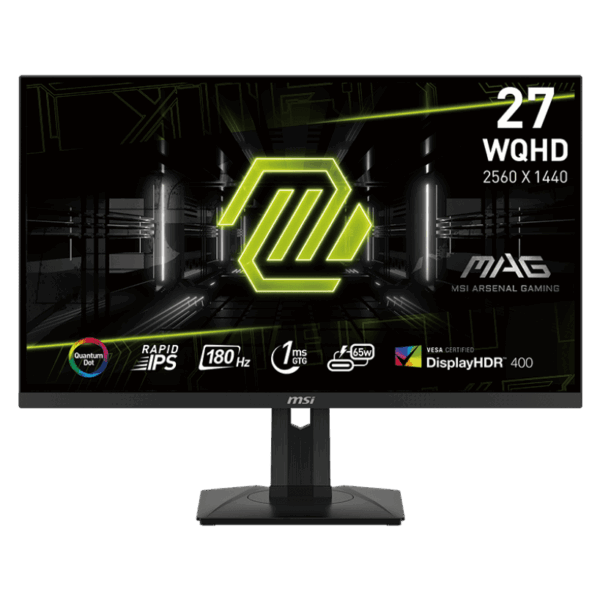
MSI MAG 274QRF QD E2 27-inch WQHD Rapid IPS Monitor | 180Hz
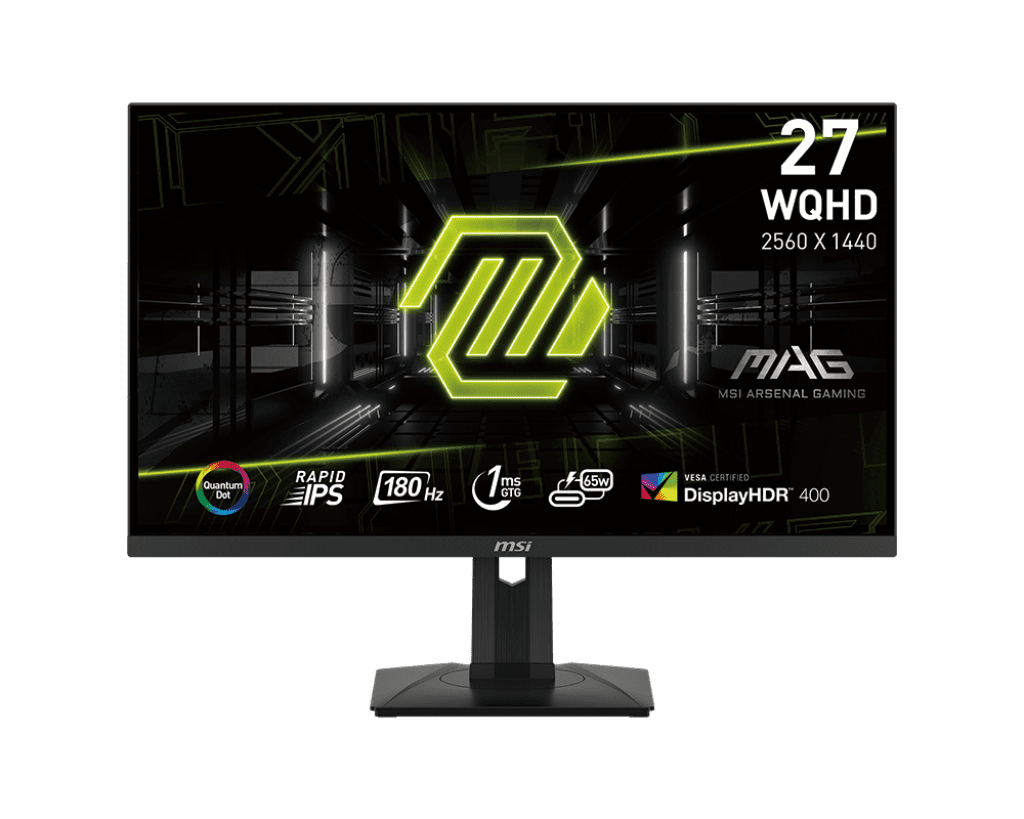
The Quantum Dot Advantage: Standard monitors rely on traditional white LED backlights, which often struggle to reproduce pure, saturated colors. The MAG 274QRF QD E2 utilizes a specialized layer of Quantum Dots-nanocrystals that absorb light and emit highly precise, vibrant colors. This results in a massive color gamut covering 94% Adobe RGB, 98% DCI-P3, and 150% sRGB. Whether you are exploring the neon-soaked streets of Cyberpunk 2077 or editing high-resolution photos, the Quantum Dot layer ensures you experience over 1.07 billion colors with stunning, lifelike accuracy.
The 1440p Sweet Spot: At 27 inches, 1080p can look pixelated, and 4K requires incredibly expensive graphics cards to run smoothly. The WQHD (2560 x 1440) resolution of this monitor is the perfect middle ground. It provides a highly detailed, sharp image with significantly more screen real estate than Full HD, while still allowing mid-to-high-end graphics cards (like the RTX 4070 or RX 7800 XT) to push incredibly high frame rates.
Rapid IPS Speed: Don’t sacrifice color for speed. The Rapid IPS display utilizes liquid crystal molecules that rotate up to four times faster than standard IPS panels. This achieves a true 1ms (Gray-to-Gray) response time, virtually eliminating motion blur and smearing during fast camera pans. Paired with the ultra-smooth 180Hz refresh rate and Adaptive-Sync (which matches the monitor’s refresh rate to your GPU), you get a tear-free, razor-sharp image in fast-paced competitive shooters like Apex Legends and Valorant.
Key Features
- Quantum Dot Technology: Delivers over 1 billion colors for cinematic vibrancy and ultra-precise color reproduction.
- WQHD Resolution: 2560 x 1440 resolution provides perfectly sharp details on a 27-inch screen.
- Rapid IPS Panel: Combines the wide viewing angles of IPS with an ultra-fast 1ms (GtG) response time.
- 180Hz Refresh Rate: Ensures flawlessly smooth gameplay, giving you a reaction-time advantage in competitive titles.
- Gaming Intelligence App: Control monitor settings, create custom display profiles, and utilize on-screen crosshairs directly through Windows.
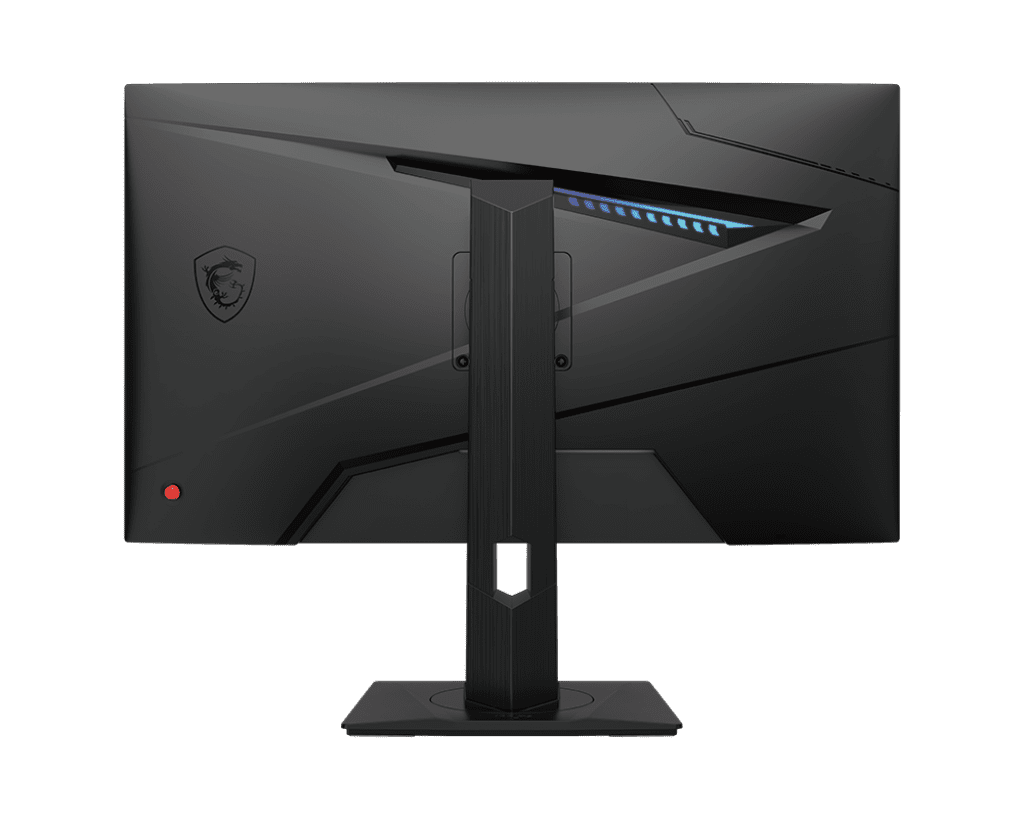
- Fully Ergonomic Stand: Easily adjust the tilt, swivel, height, and pivot (portrait mode) for maximum ergonomic comfort.
Specifications of MSI MAG 274QRF QD E2 27-inch WQHD Rapid IPS Monitor
| Feature | Specification |
| Panel Size | 27 Inches |
| Panel Type | Rapid IPS with Quantum Dot |
| Resolution | 2560 x 1440 (WQHD / 1440p) |
| Refresh Rate | 180Hz |
| Response Time | 1ms (GtG) |
| Aspect Ratio | 16:9 |
| Brightness | 400 nits (HDR Ready) |
| Contrast Ratio | 1000:1 |
| Color Gamut | 94% Adobe RGB / 98% DCI-P3 / 150% sRGB |
| Adaptive Sync | Adaptive-Sync (G-Sync Compatible / FreeSync) |
| Video Inputs | 1x DisplayPort 1.4a, 2x HDMI 2.0b, 1x USB Type-C (DisplayPort Alternate & 65W Power Delivery) |
| USB Hub | 2x USB 2.0 Type-A, 1x USB 2.0 Type-B |
| Stand Adjustability | Tilt (-5° ~ 20°), Swivel (-45° ~ 45°), Pivot (-90° ~ 90°), Height (0 ~ 130mm) |
| VESA Mount | 100 x 100 mm |
Who It’s For
- Mid-to-High-End Gamers: Perfect for users with RTX 4060 Ti / 4070 or RX 7700 XT / 7800 XT graphics cards who want to push high frame rates at 1440p.
- Content Creators & Editors: The incredible color accuracy provided by the Quantum Dot layer makes this monitor excellent for video editing and color grading during the day, before transitioning to a gaming monitor at night.
- Console Gamers: The monitor features a built-in Console Mode, allowing it to perfectly downscale a 4K signal from a PS5 or Xbox Series X to fit the 1440p screen while maintaining a 120Hz refresh rate.
Frequently Asked Questions
- What is the USB Type-C port used for? The built-in USB Type-C port is incredibly versatile. It supports “DisplayPort Alternate Mode,” meaning you can use it to transmit a video signal from a modern laptop or MacBook. Simultaneously, it supports 65W Power Delivery, meaning it will charge your laptop while you use the monitor, all through a single cable.
- How do I use the Gaming Intelligence App? To use the Gaming Intelligence App, you must connect the included USB Type-B cable from the back of the monitor to a standard USB Type-A port on your PC. Once connected, you can download the software from MSI’s website and adjust all monitor settings with your mouse and keyboard instead of using the physical joystick on the back of the screen.
- Can I turn the monitor vertically for reading chat? Yes. The included stand is fully ergonomic and supports a 90-degree pivot. You can easily rotate the monitor into a vertical (portrait) orientation, which is excellent for reading long documents, writing code, or keeping an eye on a Twitch chat while streaming on a primary display.

Reviews
Clear filtersThere are no reviews yet.