





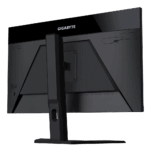
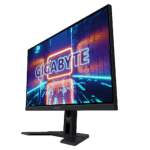
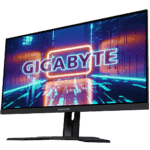


Gigabyte M27Q 27-Inch KVM Gaming Monitor Price in India | Best QHD Monitor
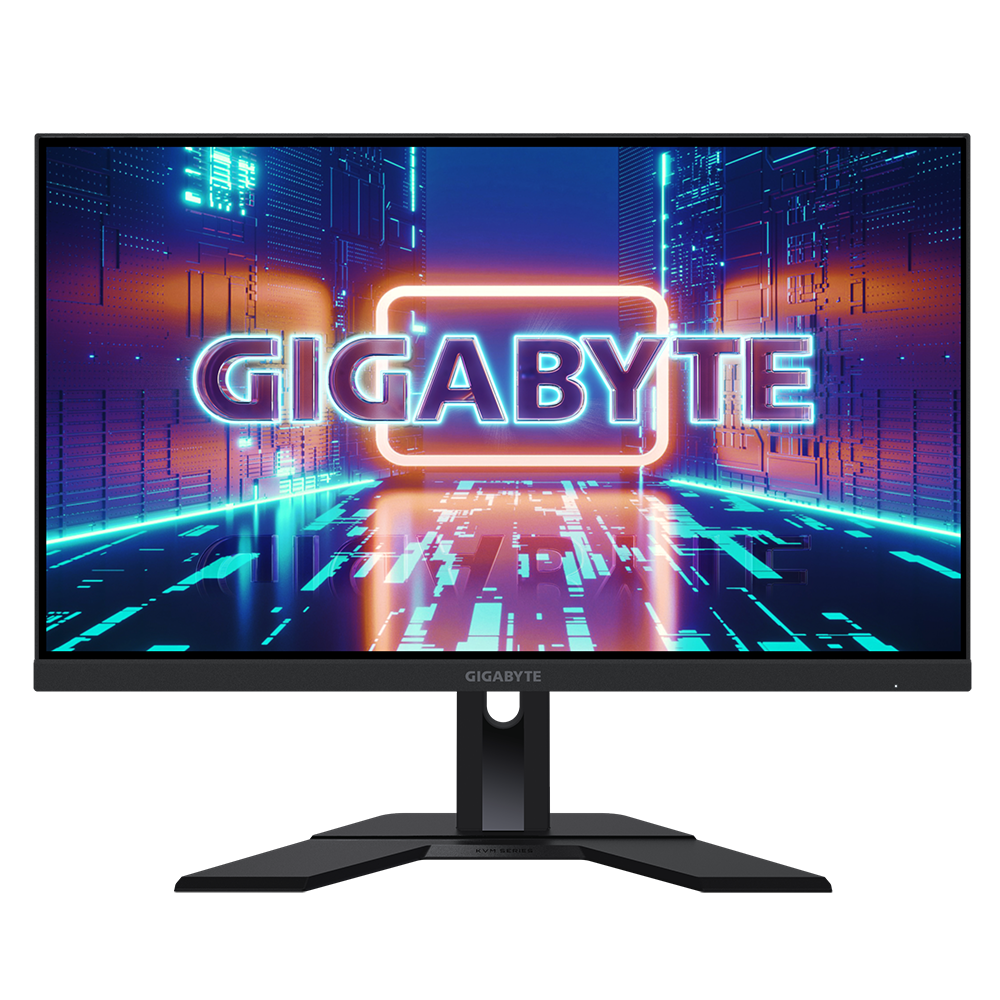
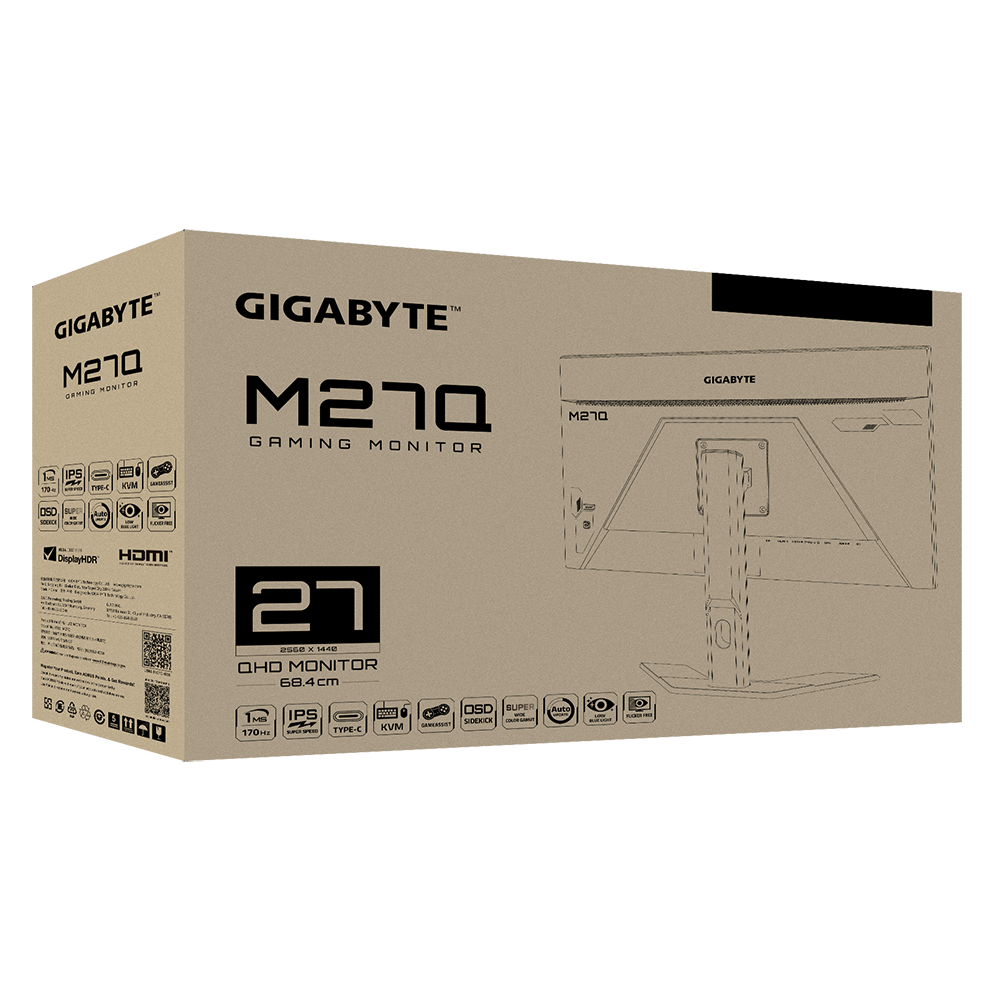
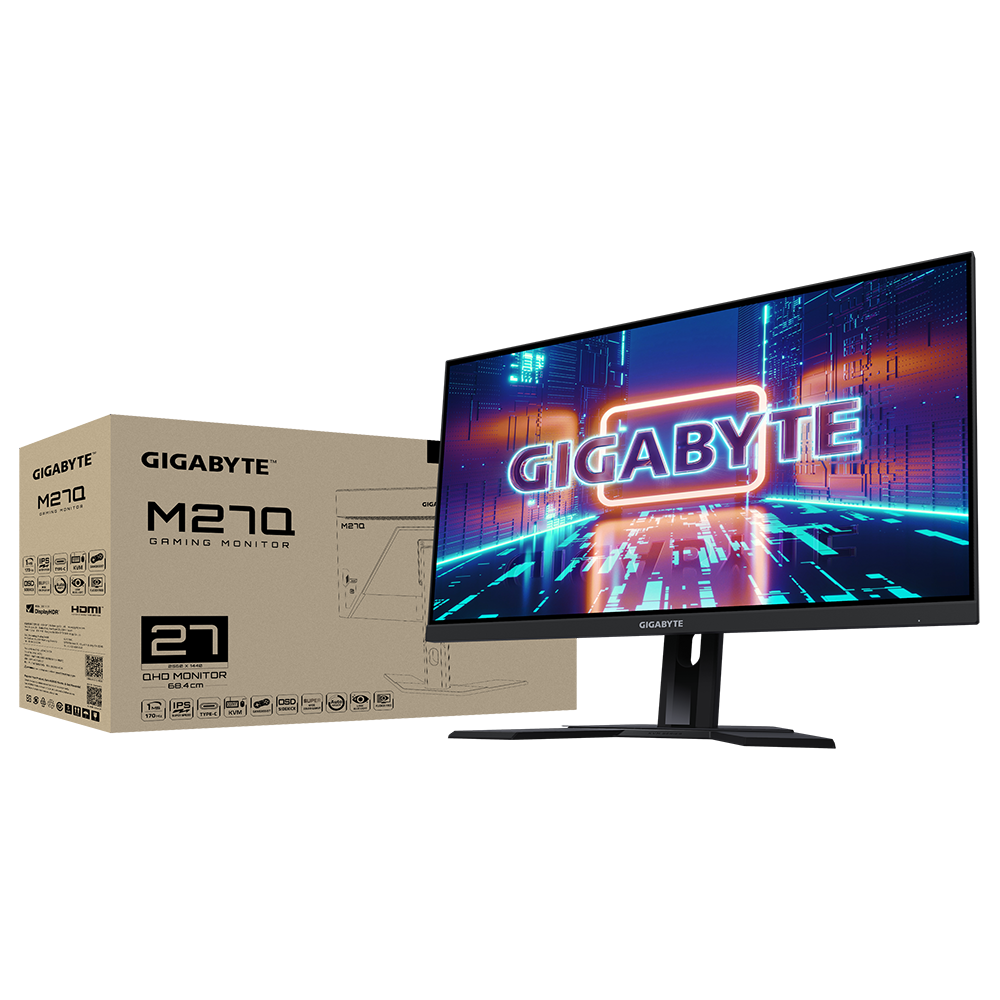
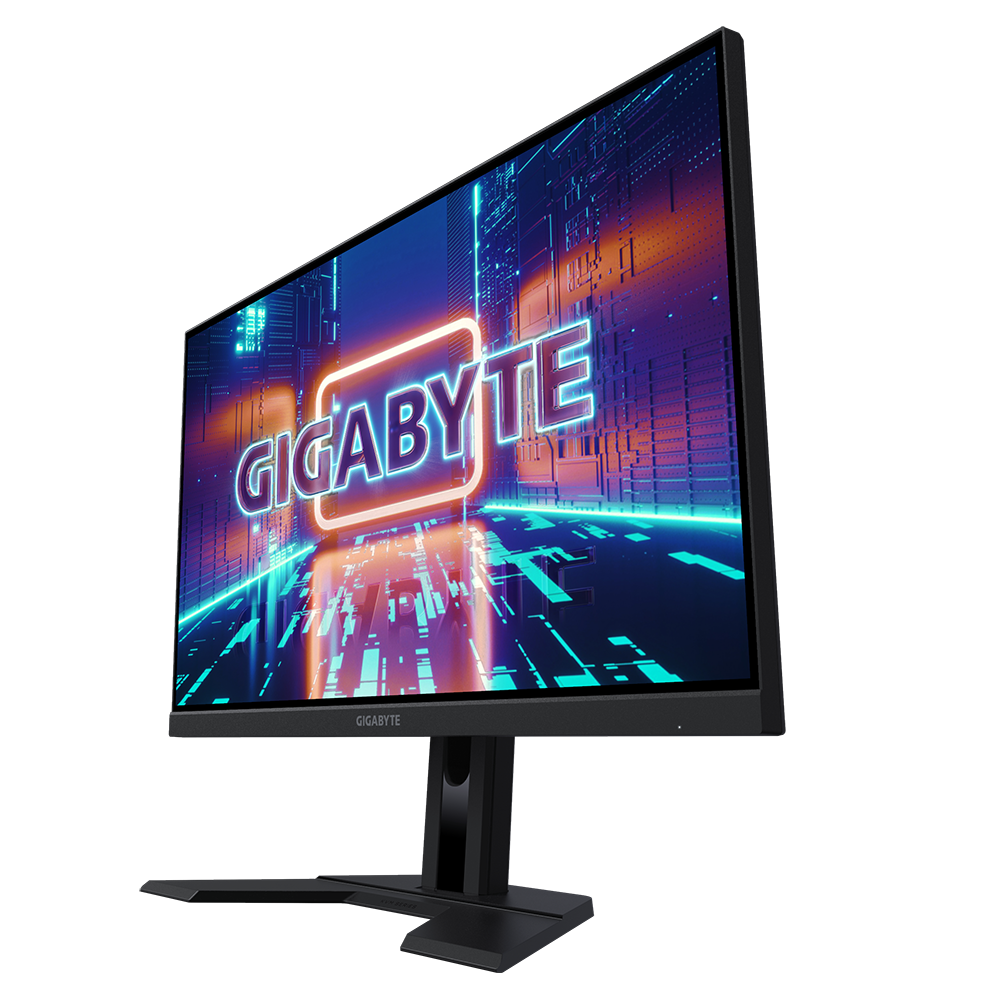
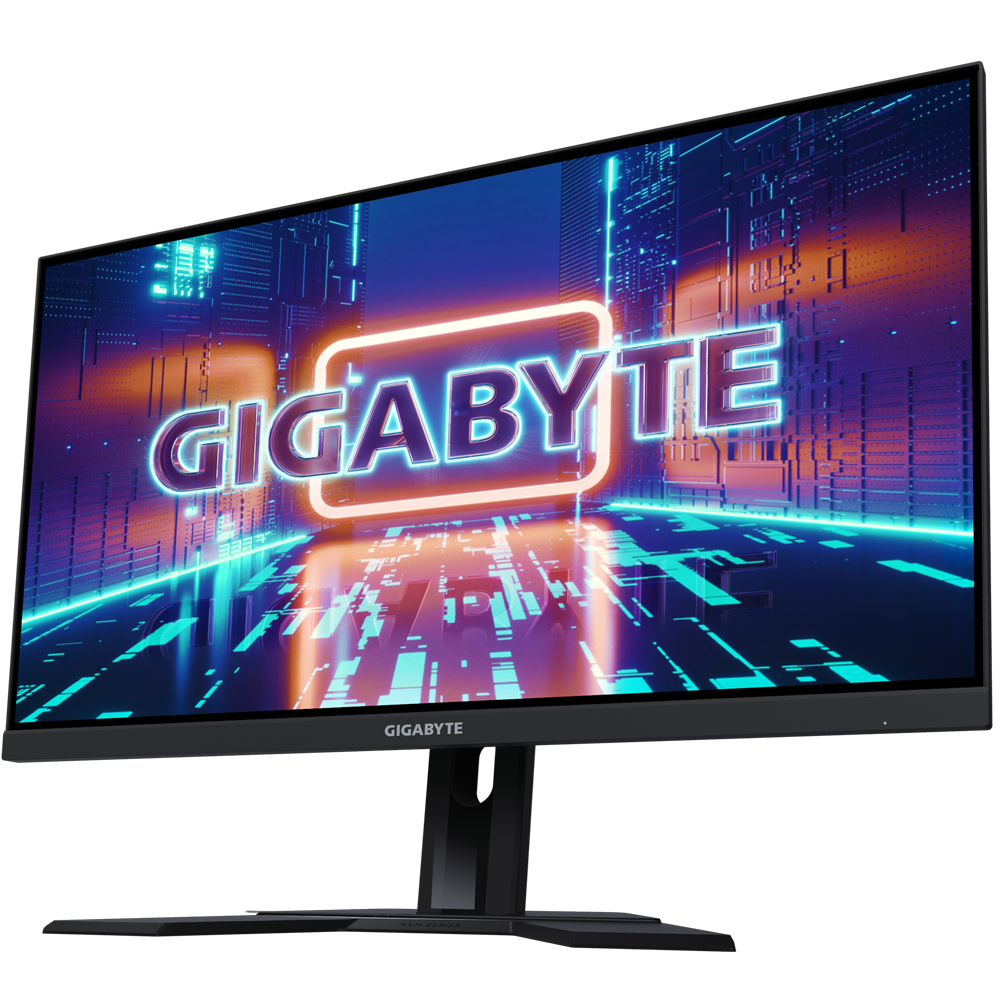
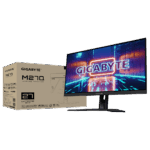
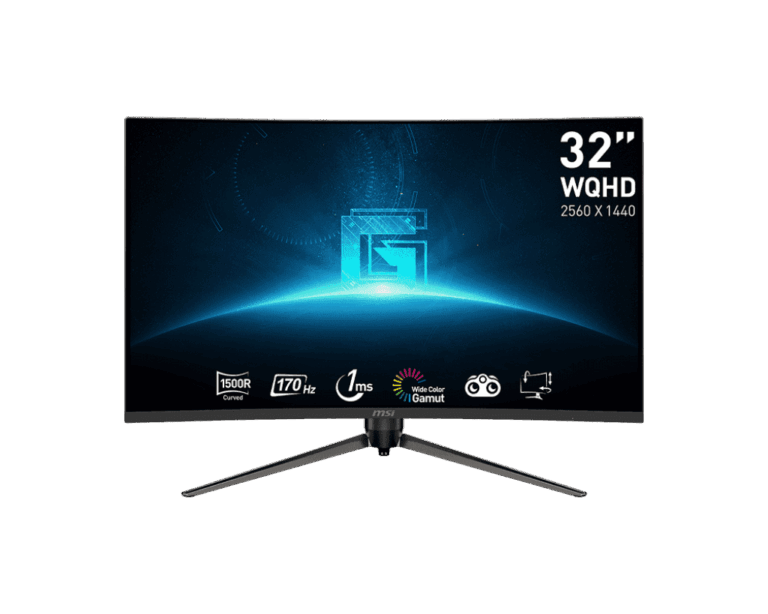
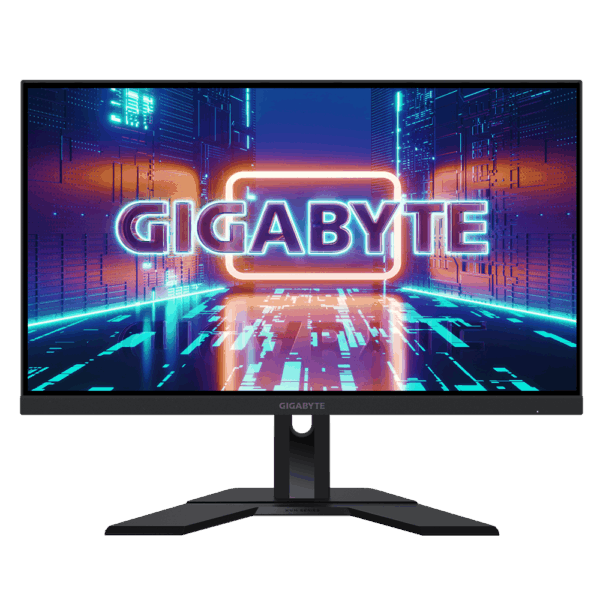
The Gigabyte M27Q is a versatile 27-inch monitor that bridges the gap between a professional workstation and a high-end gaming setup. It features a Super Speed IPS panel with a QHD resolution (2560 x 1440), providing the sharp detail needed for intricate graphics work, web development, and content creation. The standout KVM feature allows you to control multiple devices with a single set of peripherals, making it easy to switch from client projects to academic studies or personal entertainment. For Indian users looking for a high-performance display that supports both technical workflows and fast-paced gaming, the M27Q offers a complete and efficient solution.
Key Features:
- QHD Resolution (2560 x 1440) – Provides extra screen real estate and sharper images, essential for designing websites, editing video, and managing complex digital marketing dashboards.
- 170Hz Refresh Rate & 0.5ms MPRT – Ensures fluid motion and reduces ghosting, offering a highly responsive experience for both gaming and video production.
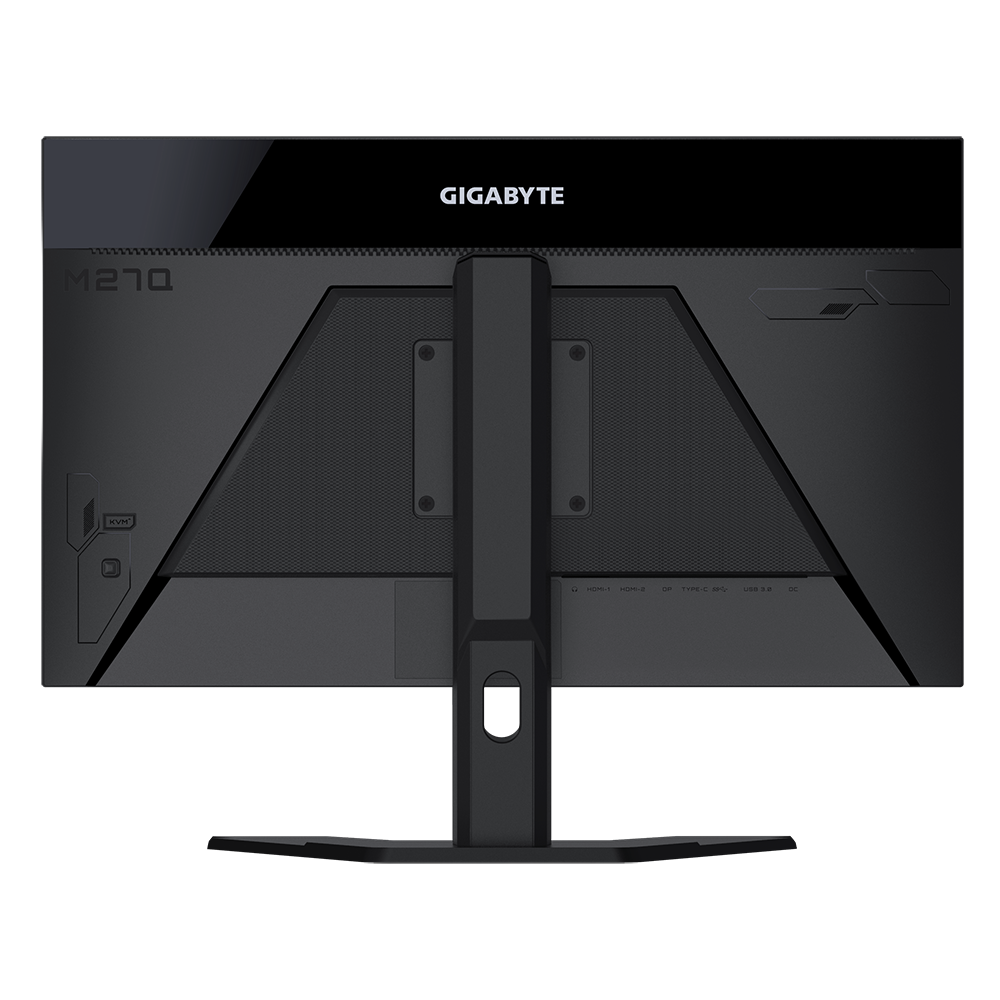
- Built-in KVM Switch – Allows you to control two different computers with one keyboard and mouse, streamlining a workspace that utilizes both a laptop and a desktop.
- Super Speed IPS Panel – Delivers vibrant colors and wide viewing angles while maintaining the fast response times usually found in competitive displays.
- Wide Color Gamut – Offers accurate color reproduction, which is vital for multimedia projects and high-quality visual content.
Performance & Usage: This monitor is engineered for high-productivity environments. In a professional development or digital marketing role, the QHD resolution allows for efficient side-by-side window management, letting you view code and live previews simultaneously. The KVM switch is particularly useful for those who manage client work on a laptop but prefer a powerful desktop for heavy rendering or technical deep-dives. For creators developing tutorials or technical videos, the fast refresh rate and color accuracy ensure that footage looks sharp and professional during the editing process.
Who Should Buy This:
- Multimedia & Graphics Specialists: Users who require color accuracy and high resolution for detailed design and animation work.
- Freelance Developers: Professionals who manage multiple devices and require efficient multitasking tools like an integrated KVM switch.
- Tech Content Creators: Individuals who need a high-quality display for recording software tutorials and editing high-refresh-rate video content.
- Performance-Focused Students: Anyone building a primary workstation that handles both intensive academic research and high-end gaming.
Comparison
Gigabyte M27Q vs. Standard 1080p Monitors: While 1080p monitors are sufficient for basic office tasks, the M27Q’s QHD resolution offers significantly more screen space. This is a major advantage for complex workflows where seeing more information at once improves efficiency. Additionally, the integrated KVM switch removes the need for extra hardware when managing two different systems, a feature rarely found in standard consumer displays.
FAQs:
- What is the benefit of a KVM switch? A KVM switch allows you to use one monitor, keyboard, and mouse to control two different computers (such as a laptop and a gaming desktop), making it much easier to switch between different work environments.
- Is this monitor good for professional graphics work? Yes, the Super Speed IPS panel provides excellent color accuracy and wide viewing angles, making it a reliable choice for multimedia and visual design projects.
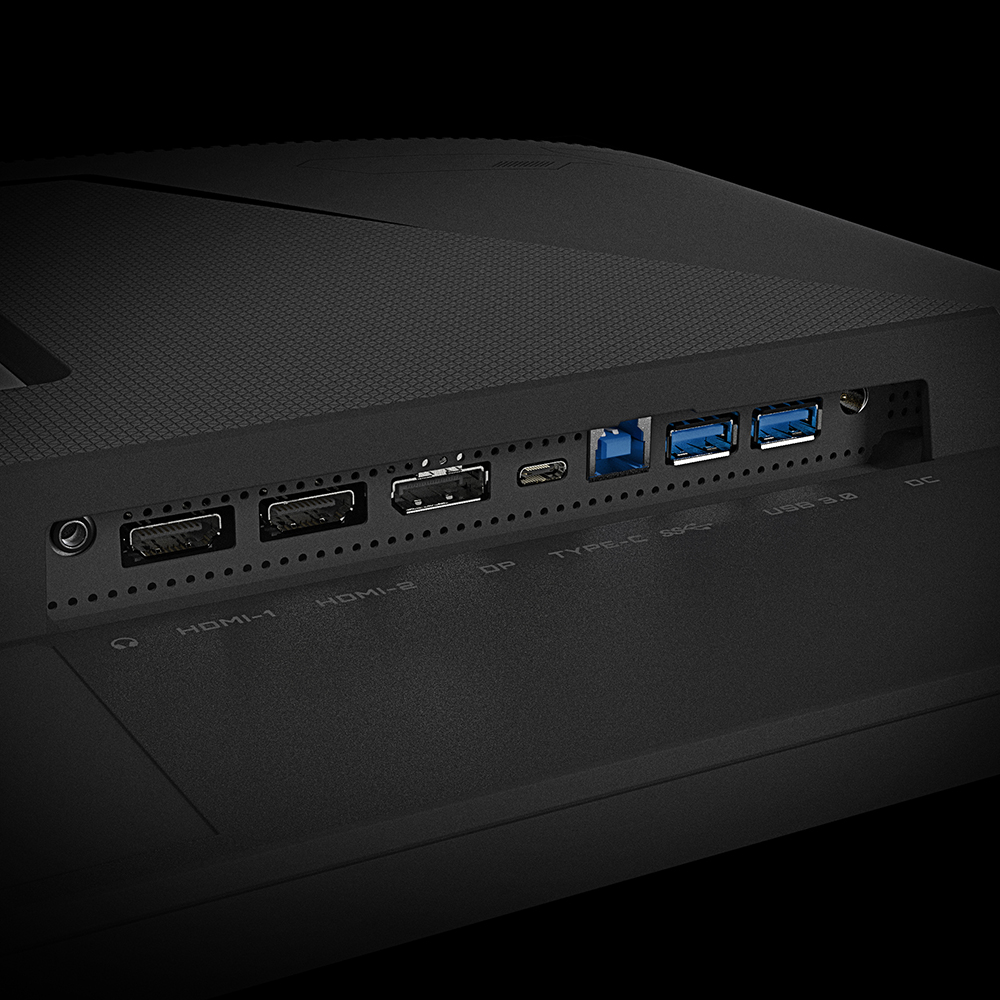
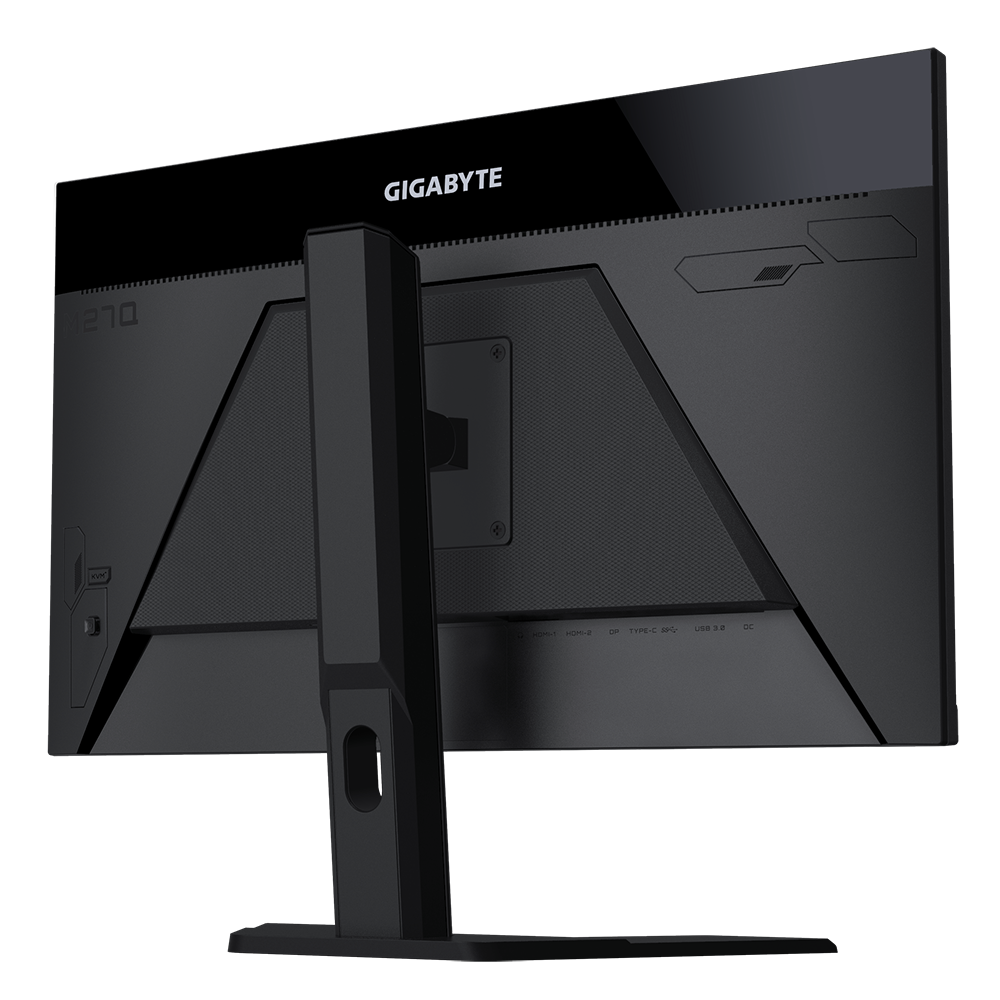
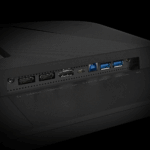
- What cables are needed for the KVM function? To use the KVM feature, you typically connect one device via USB-C (which supports DisplayPort Alt Mode) and the other via a combination of a standard video cable (HDMI or DisplayPort) and a USB upstream cable.
- Can I use this for 4K console gaming? While the native resolution is QHD (1440p), the monitor can accept a 4K signal and downscale it, providing a high-quality image for consoles that support higher output settings.

Reviews
Clear filtersThere are no reviews yet.