


Which Desktop Processor Is Best: Intel Core i3, i5, or i7?

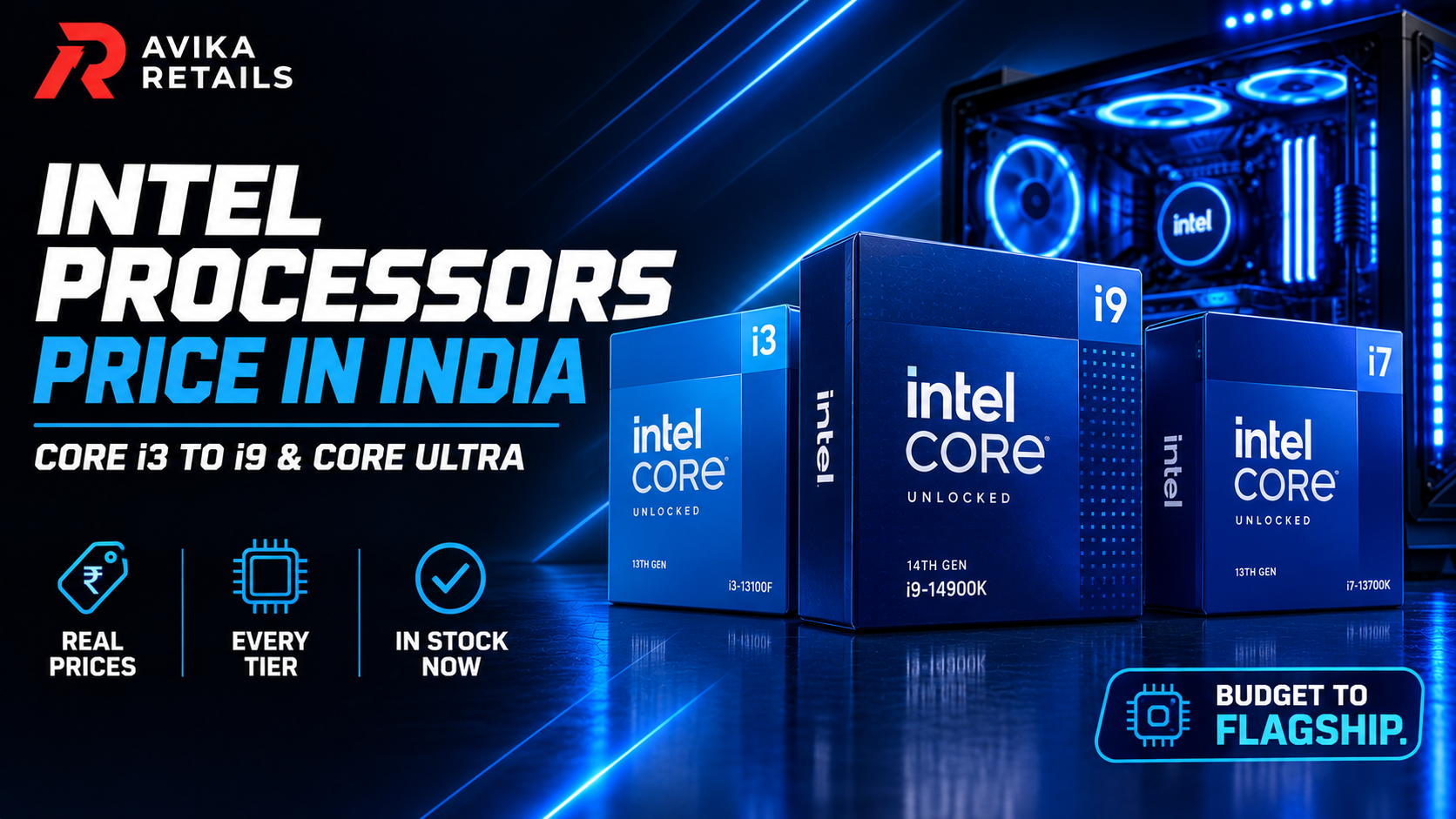
Choosing the right processor is one of the most important decisions when buying a laptop or building a PC. The processor, or CPU, influences how quickly a system can handle applications, multitasking, gaming, content creation, and everyday workloads. Among Intel’s popular Core processor options, i3, i5, and i7 are commonly considered by users looking for different levels of performance and value.
However, the processor name alone does not tell the complete story. Generation, architecture, core count, clock speeds, cache, integrated graphics, and the type of workload all matter. For example, a newer Intel Core i3-12100 12th Gen Processor can offer excellent performance for everyday computing and many demanding tasks, while an older i5 or i7 is not automatically faster simply because of its higher series number.
Understanding Intel Core i3, i5, and i7
Intel Core processors are available in different performance segments. In general, Core i3 models are designed for everyday computing, Core i5 processors target mainstream performance, and Core i7 models are intended for more demanding workloads.
However, these categories should be viewed as general positioning rather than a direct performance ranking across generations.
Intel Core i3
An Intel Core i3 can be a practical choice for everyday tasks such as:
- Web browsing
- Microsoft Office
- Online classes
- Video streaming
- Email and communication
- Basic photo editing
- General home and office use
Modern i3 processors can provide considerably more performance than older models. The Intel Core i3-12100 12th Gen Processor, for example, is a 12th-generation desktop processor that can be considered for budget-conscious systems requiring strong everyday performance.
Intel Core i5
Core i5 processors generally sit in the mainstream performance segment. Depending on the generation and specific model, an i5 can be suitable for multitasking, programming, productivity applications, gaming, and other moderately demanding workloads.
For users who regularly run multiple applications simultaneously or want a gaming CPU, an i5 can be a suitable option when paired with appropriate RAM, storage, graphics, and cooling.
Intel Core i7
Core i7 processors are generally positioned toward higher-performance systems. Depending on the specific generation and model, an i7 may be suitable for heavier multitasking, professional applications, advanced content creation, demanding gaming setups, and other CPU-intensive workloads.
However, an i7 is not necessarily the right choice for every user. Buying a higher-tier processor when the workload does not require it can increase the overall system cost without providing a meaningful benefit for everyday tasks.
Intel Core i3-12100 12th Gen Processor
The Intel Core i3-12100 12th Gen Processor is an example of how processor generation matters when comparing CPUs.
When evaluating this processor, users should consider its specifications, supported motherboard platform, memory compatibility, graphics requirements, and intended workload. It can be an interesting option for users building a cost-conscious desktop for productivity, education, office work, browsing, and general computing.
Its 12th-generation platform also makes it important to compare it against processors from the same or similar generation rather than assuming that every i5 or i7 will automatically provide better real-world performance.
Intel Core i3-10100 Vs Intel Core i3-12100
The Intel Core i3-10100 belongs to an older generation than the Core i3-12100. When comparing processors from different generations, users should examine the complete specifications rather than relying solely on the i3, i5, or i7 branding.
A newer-generation processor can introduce architectural improvements and other changes that affect performance and platform capabilities.
Therefore, someone choosing between an i3-10100 and an i3-12100 should consider factors such as performance requirements, motherboard compatibility, total system cost, availability, and future upgrade plans.
Which Processor Is Better for Gaming?
For gaming, the processor is only one component of the system. The graphics card, RAM, storage, cooling, monitor resolution, and game requirements also influence performance.
A suitable gaming CPU should be paired with an appropriate GPU. For a budget gaming system, an i3 may be sufficient for certain games and configurations, while an i5 can provide a stronger mainstream platform for users with more demanding gaming requirements.
An i7 may be appropriate for high-end gaming configurations or users who combine gaming with streaming, content creation, or other CPU-intensive activities.
Before choosing a processor, check the requirements of the games you actually intend to play.
i3 vs i5 vs i7: Which One Should You Choose?
There is no single processor that is ideal for every user. Your choice should depend on your workload and budget.
Choose an i3 if:
- You primarily browse the internet and use office applications.
- You need a system for education or basic productivity.
- You want to keep the overall system cost under control.
- Your workloads are not heavily CPU-intensive.
Consider an i5 if:
- You regularly multitask.
- You want a mainstream gaming or productivity system.
- You use moderately demanding applications.
- You want additional performance headroom.
Consider an i7 if:
- You regularly use demanding professional applications.
- You perform intensive multitasking or content creation.
- Your workload can take advantage of additional CPU performance.
- You are building a higher-performance system.
Don’t Ignore the Rest of the System
A powerful processor alone does not guarantee a fast computer. When purchasing a system or individual CPU, consider the complete configuration.
RAM affects multitasking, while an SSD can significantly improve boot times and application loading compared with older mechanical storage. A dedicated graphics card may be important for gaming, 3D applications, and certain creative workloads.
You should also check motherboard compatibility, power requirements, cooling, and available upgrade options before purchasing.
Why Buy from Avika Retails?
Avika Retails provides computer hardware and technology products for users looking to build or upgrade their systems. When selecting a processor, customers can compare specifications and choose a product according to their performance requirements and budget.
For customers considering the Intel Core i3-12100 12th Gen Processor, reviewing the product specifications and compatibility requirements before purchase can help ensure that the processor is suitable for the intended system.
Conclusion
So, which processor is best—i3, i5, or i7? The answer depends on how you use your computer.
An i3 can be suitable for everyday computing and budget-focused systems, while an i5 can offer a balance for mainstream productivity and gaming. An i7 can make sense for users with more demanding workloads.
Most importantly, don’t compare processors only by the i3, i5, or i7 label. Always consider the generation, specifications, workload, motherboard compatibility, graphics requirements, and total system budget.
For users considering a 12th-generation option, the Intel Core i3-12100 12th Gen Processor can be evaluated as part of a complete system based on individual performance requirements.
FAQs
1. Is i5 always better than i3?
Not necessarily. Processor generation and model specifications matter. A newer i3 can outperform an older i5 in some workloads, so compare specific processor models rather than just the series name.
2. Is i7 better than i5 for gaming?
An i7 may provide additional CPU performance, but gaming performance also depends heavily on the GPU, game, resolution, RAM, and other components. An i5 can be sufficient for many gaming systems.
3. Is Intel Core i3-12100 good for everyday use?
The Intel Core i3-12100 can be considered for everyday computing, office applications, browsing, education, and other general workloads. The complete system configuration should also be considered.
4. What is the difference between Intel Core i3-12100 and i3-10100?
They belong to different generations. The i3-12100 is a 12th-generation processor, while the i3-10100 is from an earlier generation. Compare their specific specifications and platform compatibility before choosing.
5. Which processor is best for a gaming PC?
The appropriate gaming CPU depends on the games, graphics card, resolution, budget, and other components. An i5 may be suitable for many mainstream gaming systems, while more demanding configurations may require a higher-tier CPU.
6. Should I choose i3, i5, or i7 for office work?
For basic office tasks such as documents, spreadsheets, email, and web browsing, an i3 can be sufficient. Users with heavier multitasking requirements may consider an i5 or i7 depending on their workload.
7. What should I check before buying a processor?
Check the processor’s generation, socket, motherboard compatibility, cores and threads, clock speeds, cache, integrated graphics, power requirements, cooling requirements, and compatibility with your intended workload.
8. Can an i3 processor be used for gaming?
Yes. An i3 can be used for gaming when paired with suitable hardware and when the processor meets the requirements of the games being played. The overall system configuration is important.