


Best SMPS for Gaming PC in India 2026: Power Supply Buying Guide

The SMPS is the part most people buy last, yet the smps for gaming pc builds you choose decides whether your graphics card gets clean, stable power for years. A cheap unit can run fine on day one and then cause random shutdowns the first time a game pushes the GPU hard. Picking an smps for gaming pc use comes down to three things: wattage with headroom, a genuine 80 Plus certification, and the right connectors for your card.
This guide covers a simple wattage method, the 80 Plus tiers, ATX 3.1 and the 12V-2x6 connector on RTX 40 and RTX 50 cards. Every pick is a real power supply unit India at its current Avika Retails price, so you can match an smps for gaming pc to your exact CPU and GPU instead of guessing, and size the smps for gaming pc you need before you visit our Nehru Place store.
What wattage SMPS do I need for a gaming PC?
Add GPU board power, CPU maximum power and about 60W for the rest, then add 40-50% headroom. Most 1080p builds with an RTX 5060, RX 7600 or RTX 5060 Ti land at 550W to 650W. An RTX 5070 Ti or RX 9070 XT needs 750W, an RTX 5080 needs 850W, and RTX 5090 class systems need 1000W or more.
How to size an SMPS: the method we use
Add three numbers: the GPU's rated board power, the CPU's maximum package power, and about 60-75W for the motherboard, RAM, SSDs and fans. That is your estimated peak draw. Multiply it by 1.4 to 1.5 and round up to the next common SMPS size. Headroom matters because modern GPUs spike well above rated power for milliseconds, and an SMPS near its limit trips first. A unit at 50-60% load also sits in its efficiency sweet spot and runs cooler in a Delhi summer.
| SMPS size | Typical CPU | Typical GPU | Est. peak draw | Suits |
|---|---|---|---|---|
| 400W to 450W | Ryzen 5 5500 or 5600GT (88W) | None (iGPU), or RTX 3050 6GB (70W) | 150W to 220W | Office, iGPU and entry 1080p |
| 550W to 650W | Ryzen 5 5600 or 7500F (88W), Core i5-14400F (148W) | RTX 5060 (145W), RX 7600 (165W), RTX 5060 Ti (180W) | 300W to 390W | Mainstream 1080p and 1440p |
| 750W to 850W | Ryzen 7 7700X (142W), Core i7-12700F (180W) | RTX 5070 Ti (300W), RX 9070 XT (304W), RTX 5080 (360W) | 500W to 600W | High-refresh 1440p and 4K |
| 1000W and above | Core i9-14900K (253W), Ryzen 9 9950X3D (230W) | RTX 4090 (450W), RTX 5090 (575W) | 750W to 900W | 4K, AI and render workstations |
Factory-overclocked partner cards can draw slightly more than the rated figure, so lean towards the upper size in each row for premium triple-fan models. Still choosing the card? Our RTX 50 and RTX 40 series price guide lists what is available in India right now.
80 Plus ratings explained
The 80 Plus badge tells you how much power drawn from the wall reaches your components. The rest becomes heat inside the SMPS. The 50% load figure is the one to compare:
| 80 Plus tier | Efficiency at 50% load | Where it makes sense |
|---|---|---|
| White (Standard) | 80% | Office PCs and iGPU builds |
| Bronze | 85% | Budget and mainstream gaming up to 650W |
| Silver | 88% | Less common, treat it like a better Bronze |
| Gold | 90% | The sweet spot for 650W and above |
| Platinum | 92% | 1000W+ systems and machines that run all day |
| Titanium | 94% | Workstations where every watt of heat matters |
On India's 230V mains the same unit usually runs a point or two more efficiently. Bronze vs Gold is roughly 20-30W at the wall under a 400W gaming load, so Gold earns its price mainly on 750W+ builds, quieter fans and longer warranties rather than your electricity bill.
Avoid unbranded SMPS for a gaming build
The unbranded unit bundled with many cabinets is fine for an office PC, but the wrong place to save money on a gaming build. Such units often print peak rather than continuous wattage, skip over-current and short-circuit protection, and carry no 80 Plus certification. For any build with a graphics card, buy a branded unit rated at least 80 Plus Bronze. The Circle 500W 80 Plus White is a sensible choice for office and iGPU systems only.
Modular, semi-modular or non-modular?
Non-modular units have every cable fixed — cheaper, but unused cables must be tucked away. Semi-modular units fix only the 24-pin and CPU cables. Fully modular units let you remove every cable, which helps cable management and upgrades. Semi-modular is the practical middle ground for a glass-panel cabinet; go fully modular for compact or showpiece builds.
Do I need an ATX 3.1 SMPS for an RTX 50 series card?
Not strictly. Cards with the 16-pin 12V-2x6 connector ship with an 8-pin adapter. A native ATX 3.0 or 3.1 unit is still better for RTX 5070 Ti and above: one cable instead of three or four, and a design built to handle short power spikes of up to twice its rated output. Push the plug in until it sits flush, and do not bend the cable sharply near the connector. Entry RTX 50 cards and most Radeon cards still use regular 8-pin connectors, so check your card's listing before paying extra for ATX 3.1.
The picks: best SMPS for gaming PC builds in India
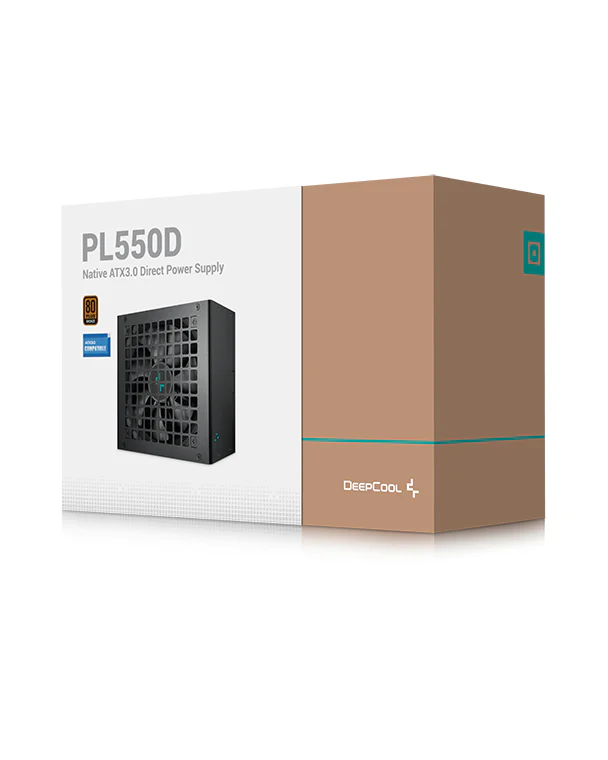
Budget 550WDeepCool PL550D 550W 80 Plus Bronze
At ₹3,390, the cheapest branded Bronze unit we would put in a gaming build. 550W covers a Ryzen 5 5600 or 7500F with an RTX 3050, RTX 5060 or RX 7600.
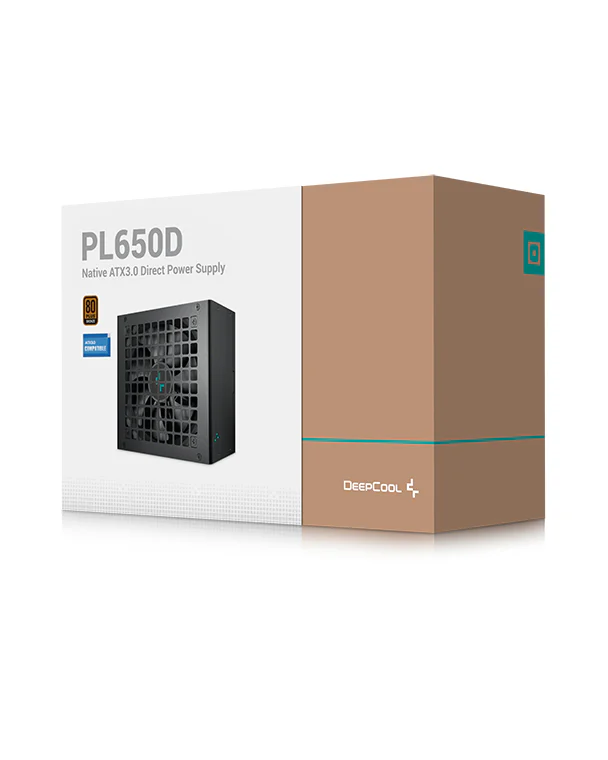
DeepCool PL650D 650W 80 Plus Bronze ATX 3.0
At ₹4,990, the PL650D adds 100W of headroom and is listed as ATX 3.0 — the safe default for an RTX 5060 Ti or RX 9060 XT build.
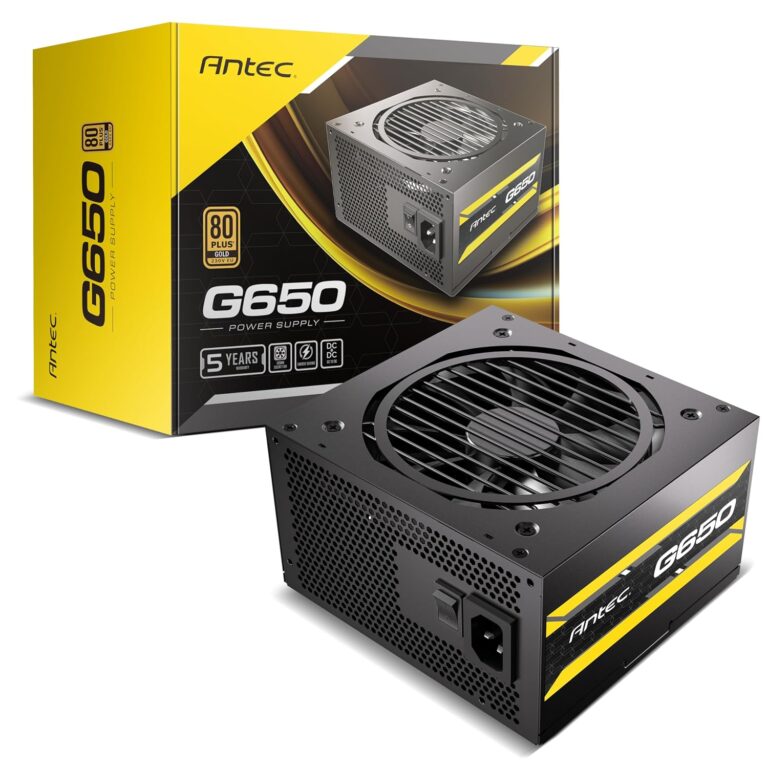
Antec G650 650W 80 Plus Gold Semi-modular
At ₹6,499, the Antec G650 is the 80 Plus Gold PSU we recommend for a quiet mainstream build, with semi-modular cabling for a tidy glass-panel cabinet.
Cooler Master MWE 750W Bronze V3 ATX 3.1
At ₹6,499, the MWE 750 V3 is listed as ATX 3.1 and suits an RTX 5070 Ti or RX 9070 XT paired with a Ryzen 5 or Core i5. To save ₹1,100, the DeepCool PL750D is also 750W, ATX 3.1 and Bronze.
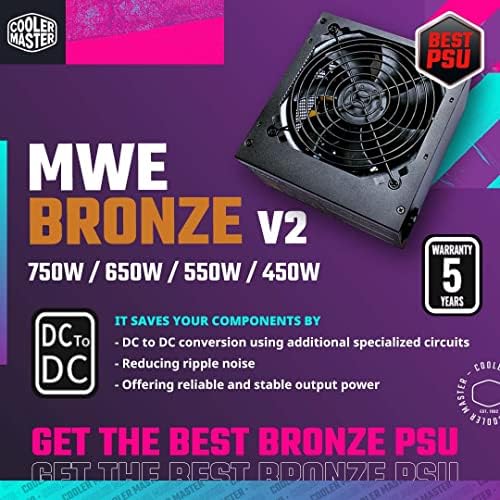
GamerStorm PN750D 750W 80 Plus Gold
At ₹6,949, the PN750D adds Gold efficiency at 750W — our pick for an RTX 5070 Ti or RX 9070 XT build where you want the better efficiency tier.
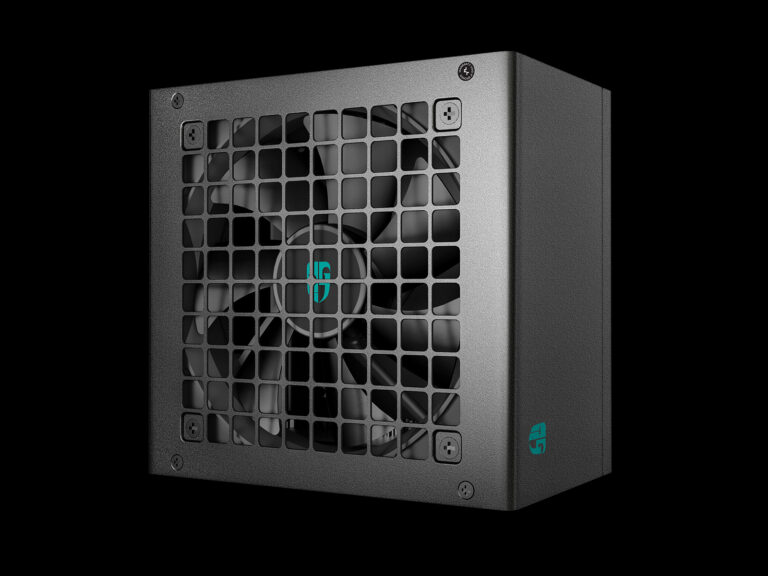
Corsair RM850e
At ₹10,499, the RM850e is the entry point into Corsair's RM range and a sensible 850W choice for an RTX 5080, or a Core i7 paired with an RTX 5070 Ti.
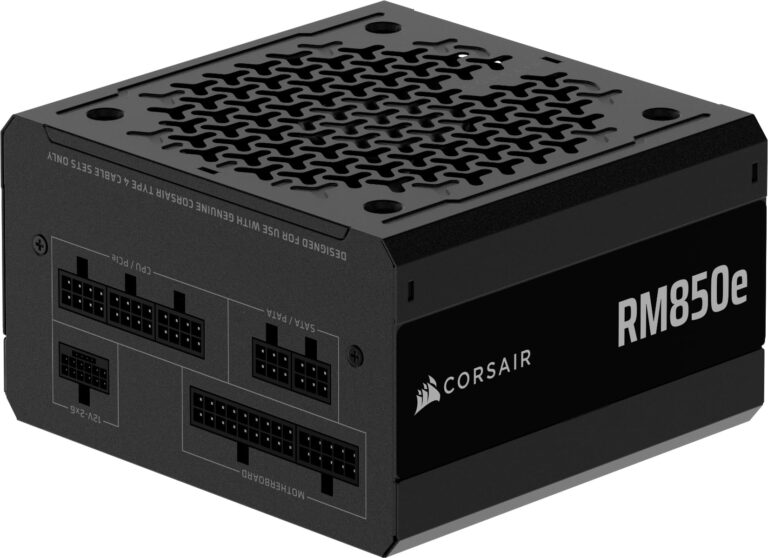
Corsair RM750x Shift White
At ₹19,411, you pay for design: Shift models put the cable sockets on the side so cables route straight behind the motherboard tray, and the white finish suits all-white builds. Fully modular, 80 Plus Gold.
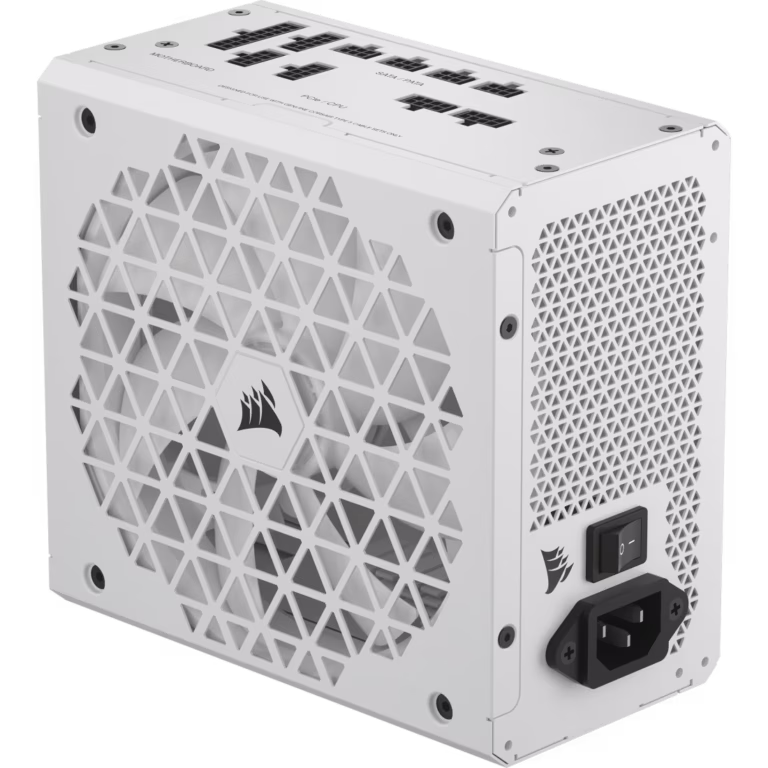
Gigabyte AORUS Elite P1000W
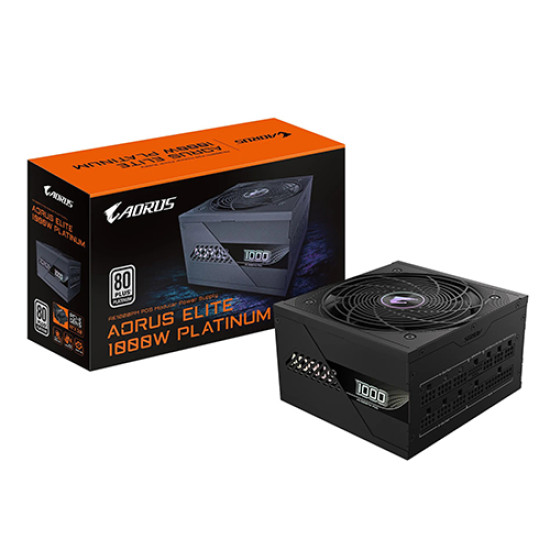
At ₹16,999, a Platinum, fully modular PCIe 5.0 unit for an RTX 5080 with a Core i9, or a future flagship GPU build.
Browse every SMPS in stock
We carry over 36 power supplies from 500W to 1500W. Prices move often, so check today's listing before you decide.
What is the 650W PSU price in India?
In our catalog, 650W units start at ₹3,799 for the 80 Plus Bronze Ant Esports RX650, go to ₹4,990 for the ATX 3.0 DeepCool PL650D, and reach ₹6,499 for the 80 Plus Gold semi-modular Antec G650. That ₹3,799 to ₹6,499 band is the realistic range for a certified 650W gaming SMPS.
More power supplies worth checking
- DeepCool PL750D (₹5,399, ATX 3.1, Bronze) and Ant Esports RX750 (₹4,650, Bronze) are the cheapest 750W units.
- Circle CG RAW Power 750W Gold (₹6,299) and the 850W version (₹6,999): fully modular, ATX 3.1, 7-year warranty listed.
- DeepCool PN850M (₹9,499, Gold, fully modular) and Antec G850W (₹8,499, Gold, semi-modular) are 850W alternatives.
- Corsair RM1000x (₹14,999) and Corsair HX1200i (₹24,999, Platinum) cover RTX 5090 class systems.
Matching the SMPS to the rest of your build
Size the SMPS last, once the CPU and GPU are fixed. Our best GPU and CPU combos for every budget and CPU pairings for the RTX 5060 give you those two numbers. Planning a top-end card? Our RTX 4090 buying guide covers that tier, and our motherboard selection guide helps you lock in the platform first. Prefer the whole system planned for you? Use our custom PC build service.
Not sure which SMPS fits? Send us your CPU and GPU on WhatsApp for the right wattage, or visit our Nehru Place store (get directions) to see the units in person.
Building a full gaming PC?
Spread the cost with Bajaj EMI instead of cutting corners on the power supply.
Frequently asked questions
Which SMPS is best for a gaming PC in India?
For most 1080p and 1440p builds, a branded 650W 80 Plus Bronze or Gold unit such as the DeepCool PL650D (₹4,990) or Antec G650 (₹6,499) is the best balance. Step up to 750W for an RTX 5070 Ti or RX 9070 XT, and 850W for an RTX 5080.
Is 650W enough for a gaming PC?
Yes, for a Ryzen 5 or Core i5 paired with a graphics card rated up to about 200W, such as the RTX 5060, RTX 5060 Ti, RX 7600 or RX 9060 XT. Cards like the RTX 5070 Ti, RX 9070 XT and RTX 5080 need 750W to 850W.
Is 80 Plus Bronze good enough for gaming, or do I need Gold?
80 Plus Bronze is fine for budget and mainstream gaming builds up to 650W. Gold is worth it for 750W and above, for long daily sessions, or if you want a quieter fan and a longer warranty. Skip any unit with no 80 Plus certification for a gaming PC.
Do I need a new SMPS for an RTX 50 series card?
Not always. If your current unit is branded, certified and has enough wattage, you can use the adapter supplied with the GPU. For RTX 5070 Ti and above, an ATX 3.0 or 3.1 unit with a native 12V-2x6 cable is cleaner and handles power spikes better.
Can I use the SMPS that came with my cabinet for gaming?
We do not recommend it for any build with a dedicated graphics card. Bundled and unbranded units often overstate their wattage, lack proper protection circuits and carry no 80 Plus certification. Keep them for office or iGPU systems and buy a certified branded SMPS for gaming.