





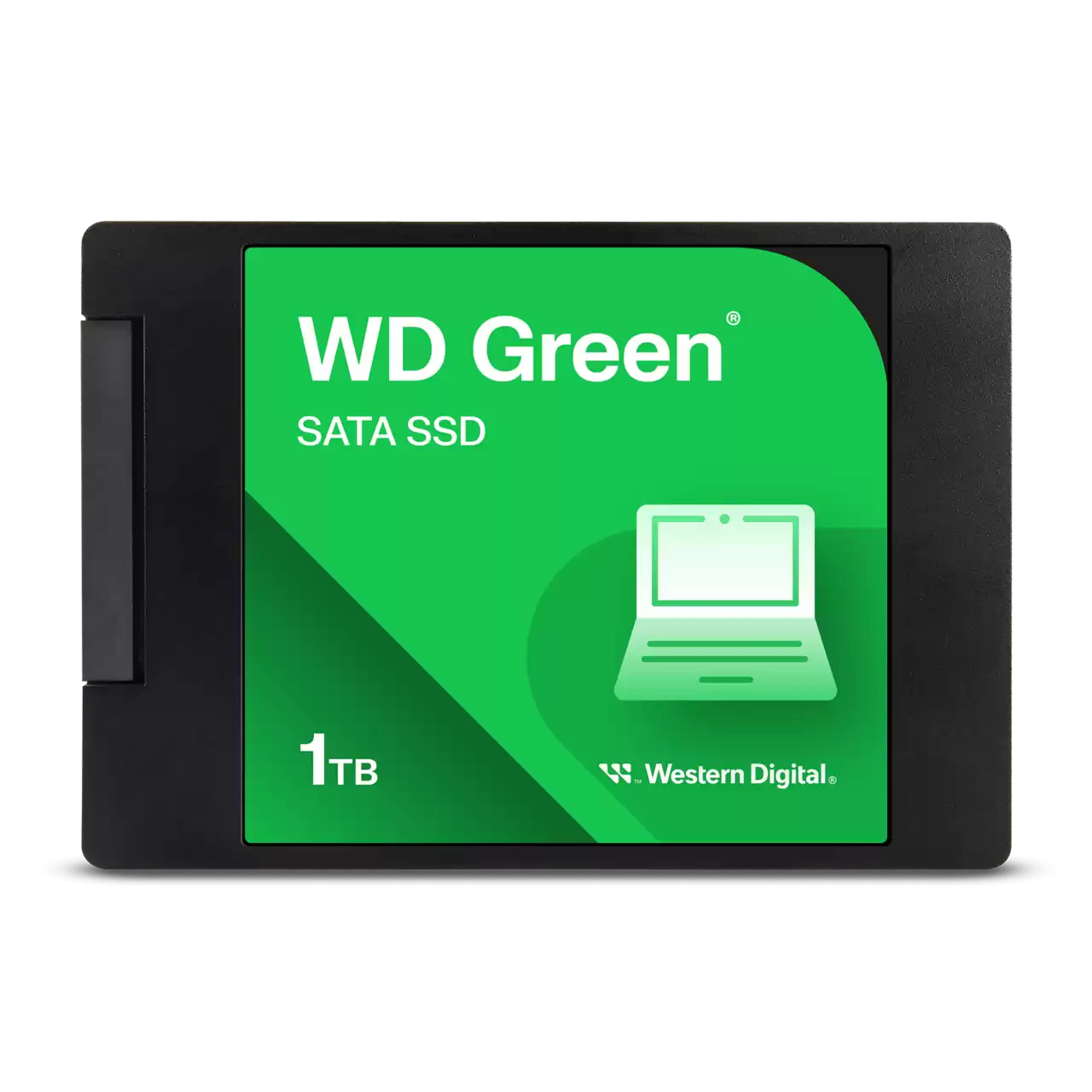
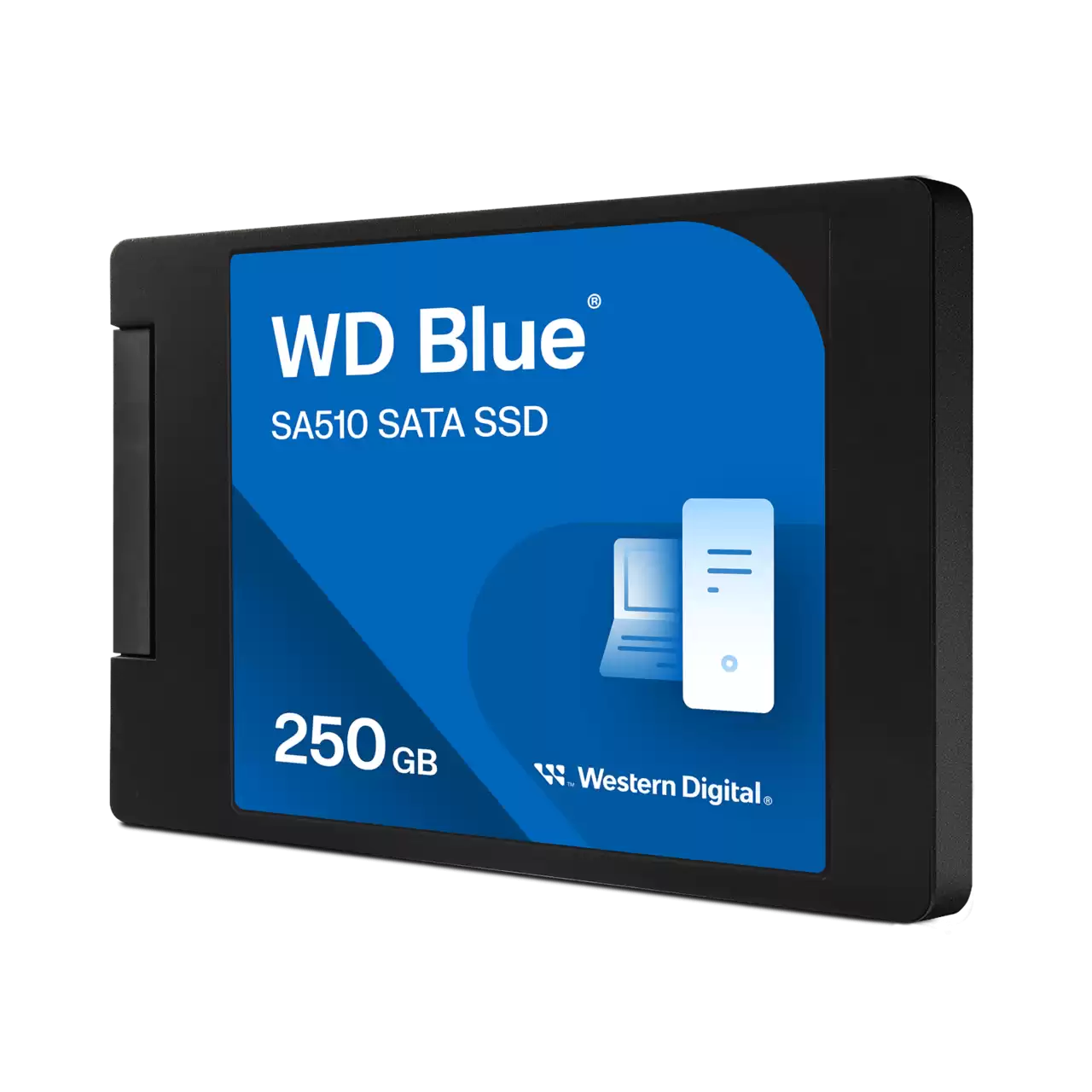
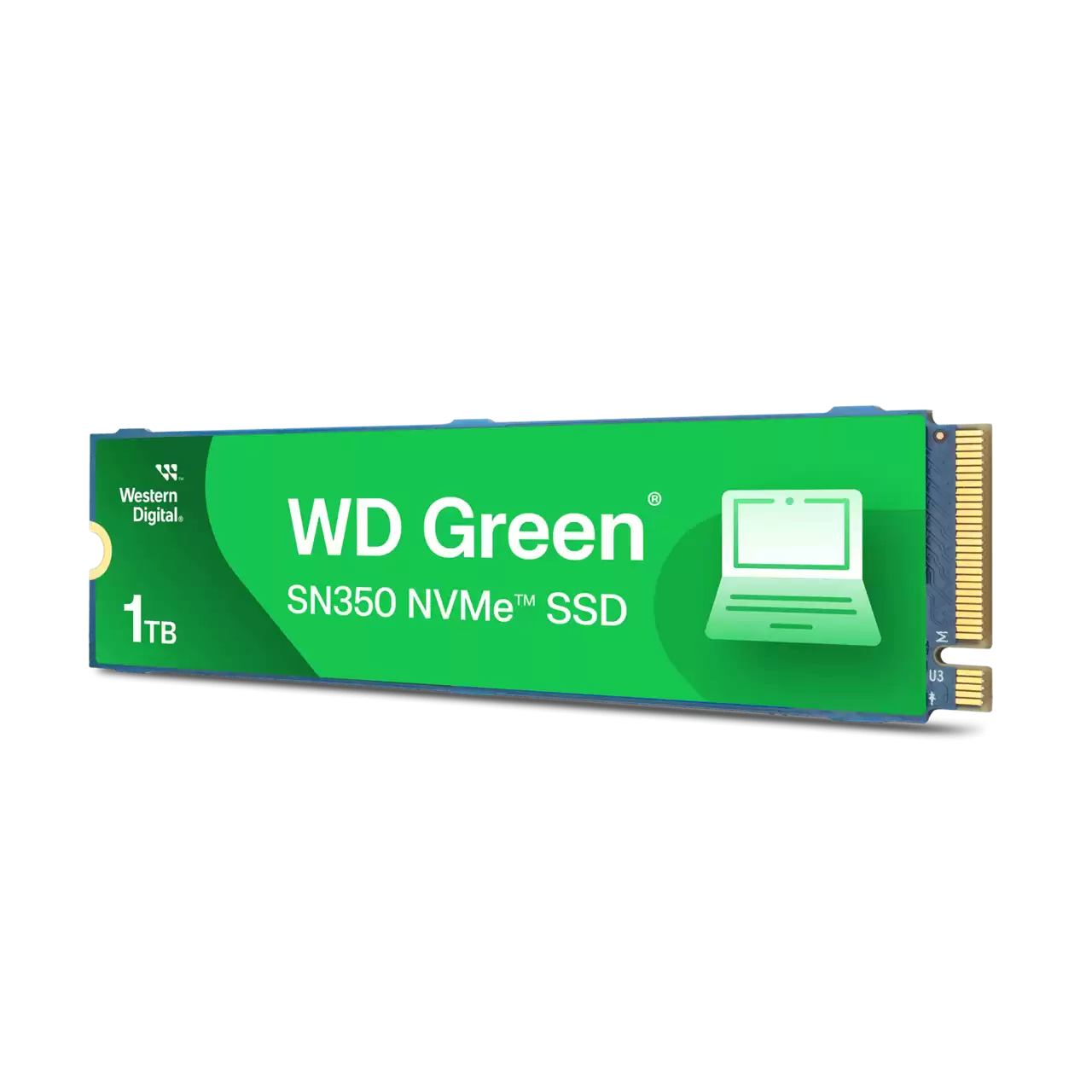
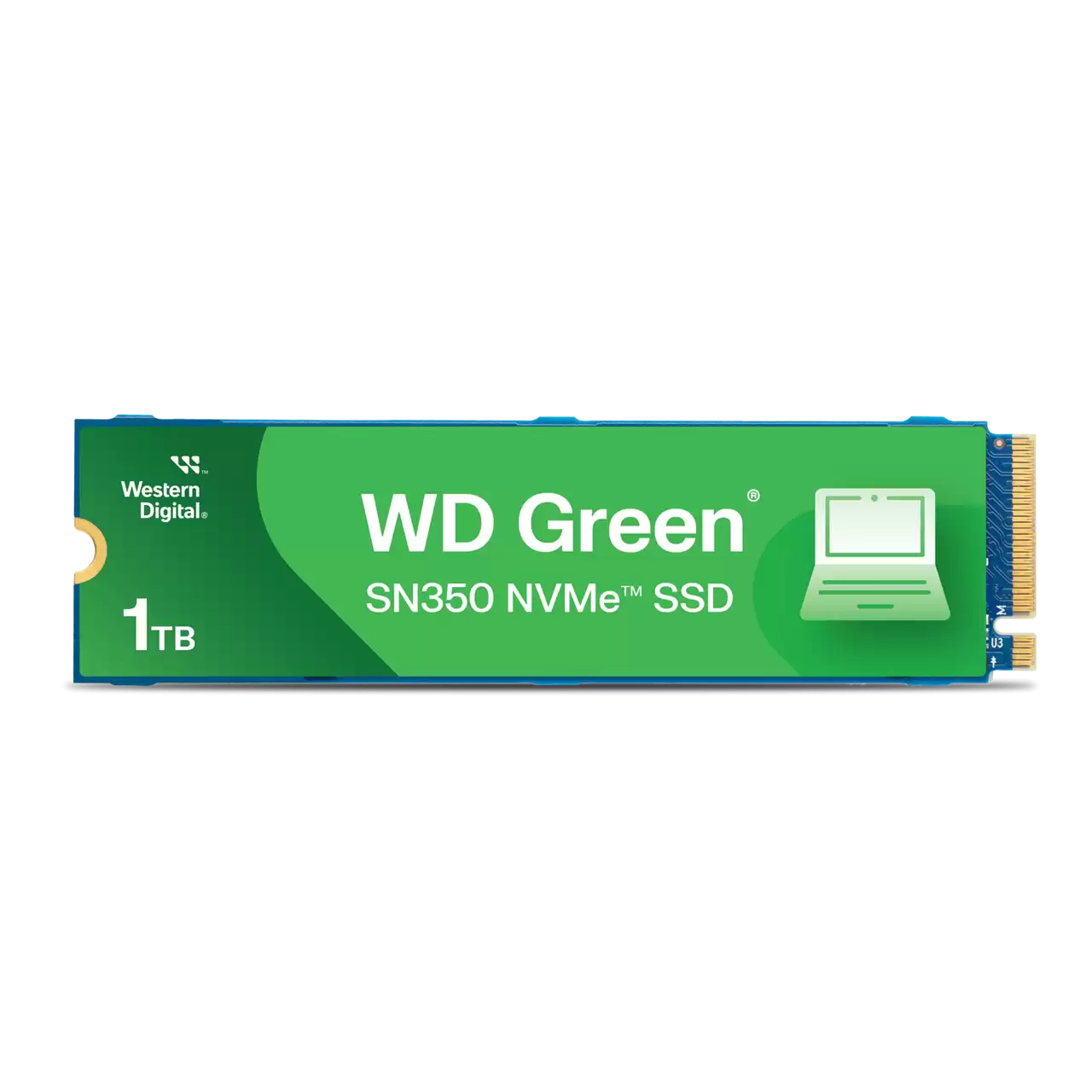
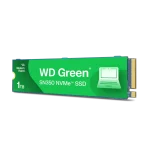
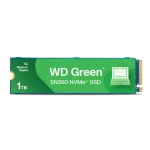



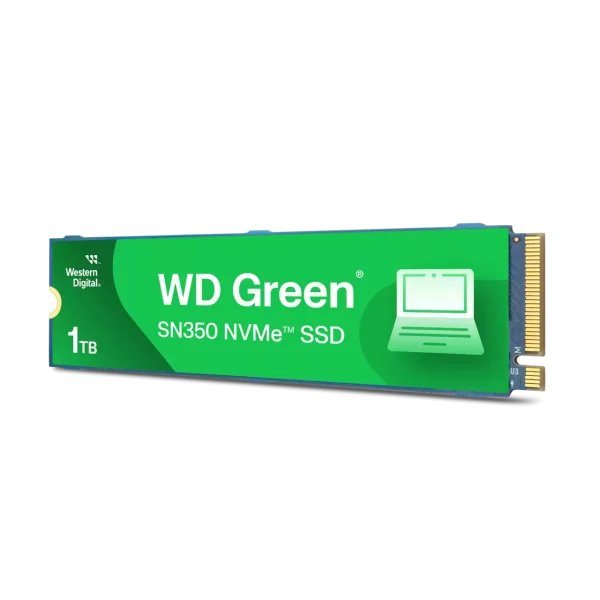
Western Digital Green SN350 1TB NVMe SSD
Storage choice matters when upgrading an older PC or putting together a new build. The Green lineup is Western Digital’s entry-level series, aimed at users who want dependable storage without paying extra for performance they probably won’t use. The SN350 uses a DRAM-less design, meaning there’s no dedicated onboard cache memory. Instead, it uses Host Memory Buffer (HMB) technology, borrowing a small amount of your system RAM to manage file mapping.
Because of that, this isn’t the kind of drive meant for nonstop heavy workloads like editing large 4K video projects or transferring hundreds of gigabytes every day. But realistically, most users never push storage that hard. For Windows boot times, web browsing, office apps, school work, streaming, and general multitasking, the SN350 feels quick and responsive.
This is the kind of SSD people buy when they want reliable 1TB NVMe storage from a trusted brand and don’t see the point in overspending on speeds they’ll rarely notice in daily use.
KEY FEATURES
PCIe Gen3 x4 Interface
With sequential read speeds up to 3200MB/s, the SN350 is several times faster than a typical 2.5-inch SATA SSD. In real use, that means quicker boot times, faster app launches, and less waiting around during normal tasks.
Single-Sided M.2 2280 Form Factor
All NAND chips sit on one side of the PCB, which helps with compatibility in thin laptops and compact mini-ITX systems where thicker dual-sided drives can sometimes cause fitment issues.
Host Memory Buffer (HMB) Technology
To keep pricing low, the drive skips dedicated DRAM cache memory. Instead, it uses a tiny portion of system RAM to handle mapping tasks. For normal everyday usage, most people won’t even notice the difference.
Western Digital Dashboard Compatibility
WD’s dashboard software lets you monitor drive health, temperatures, firmware updates, and remaining lifespan without digging through complicated utilities.
PERFORMANCE & USAGE
In normal day-to-day use, the SN350 behaves exactly how a budget NVMe SSD should. Windows boots quickly, applications open fast, and older systems instantly feel more responsive after the upgrade.
It also runs fairly cool because of its lower power draw and moderate Gen3 speeds, so most users won’t need an aftermarket heatsink.
The limitations mainly show up during large sustained transfers. The drive uses a dynamic SLC cache, so big file copies often start fast and then slow down once the cache fills. If you’re mostly storing documents, photos, media files, or a few games, you probably won’t care. But if you regularly move massive video files or work with heavy production workloads, the slowdown becomes more noticeable.
TARGET AUDIENCE
The SN350 fits well in budget office builds, older laptops needing more storage, secondary game libraries, and simple home PCs. It makes sense for students, casual users, home office setups, or anyone upgrading from an old hard drive without spending unnecessary money.
COMPARISON INSIGHTS
Compared to the WD Blue SN570 or SN580, the Green SN350 is clearly the more budget-focused option. The Blue series handles sustained workloads better and generally offers higher endurance ratings, but it also costs more. Against traditional SATA SSDs, though, the SN350 still feels like a major upgrade. You get faster speeds, cleaner installation, and no extra SATA power or data cables cluttering the system.
Compared to newer PCIe Gen4 SSDs, the SN350 is obviously slower on paper. But for older Gen3 systems, spending extra on a high-end Gen4 drive often doesn’t make much sense since the motherboard itself becomes the limitation.
EXPERT RECOMMENDATION
The WD Green SN350 1TB works best for users who want affordable NVMe storage without overthinking specs. It’s a solid upgrade for aging laptops and desktops, especially if you’re moving away from a mechanical hard drive.
If your workload includes heavy editing, large daily transfers, workstation tasks, or high-end gaming where every second matters, stepping up to a better mid-range SSD is worth considering. But for regular browsing, office work, streaming, school use, and general storage, the SN350 does exactly what most people need it to do.
FAQ
- Will this drive work in a PlayStation 5?
No. The PlayStation 5 requires a much faster PCIe Gen4 NVMe SSD. The SN350 is a Gen3 drive and does not meet Sony’s speed requirements. - Do I need to buy a heatsink for the SN350?
Usually no. The drive runs relatively cool under normal workloads, and standard case airflow or a motherboard M.2 shield is generally enough. - Does it come with cloning software or a mounting screw?
Western Digital typically offers downloadable cloning software, but the drive itself usually does not include an M.2 mounting screw. Most motherboards already include the required screw and standoff. - Can I install this in a PCIe Gen4 motherboard?
Yes. PCIe is backward compatible, so the SN350 works perfectly fine in Gen4 motherboards. It will simply run at its maximum Gen3 speed.


Reviews
Clear filtersThere are no reviews yet.