





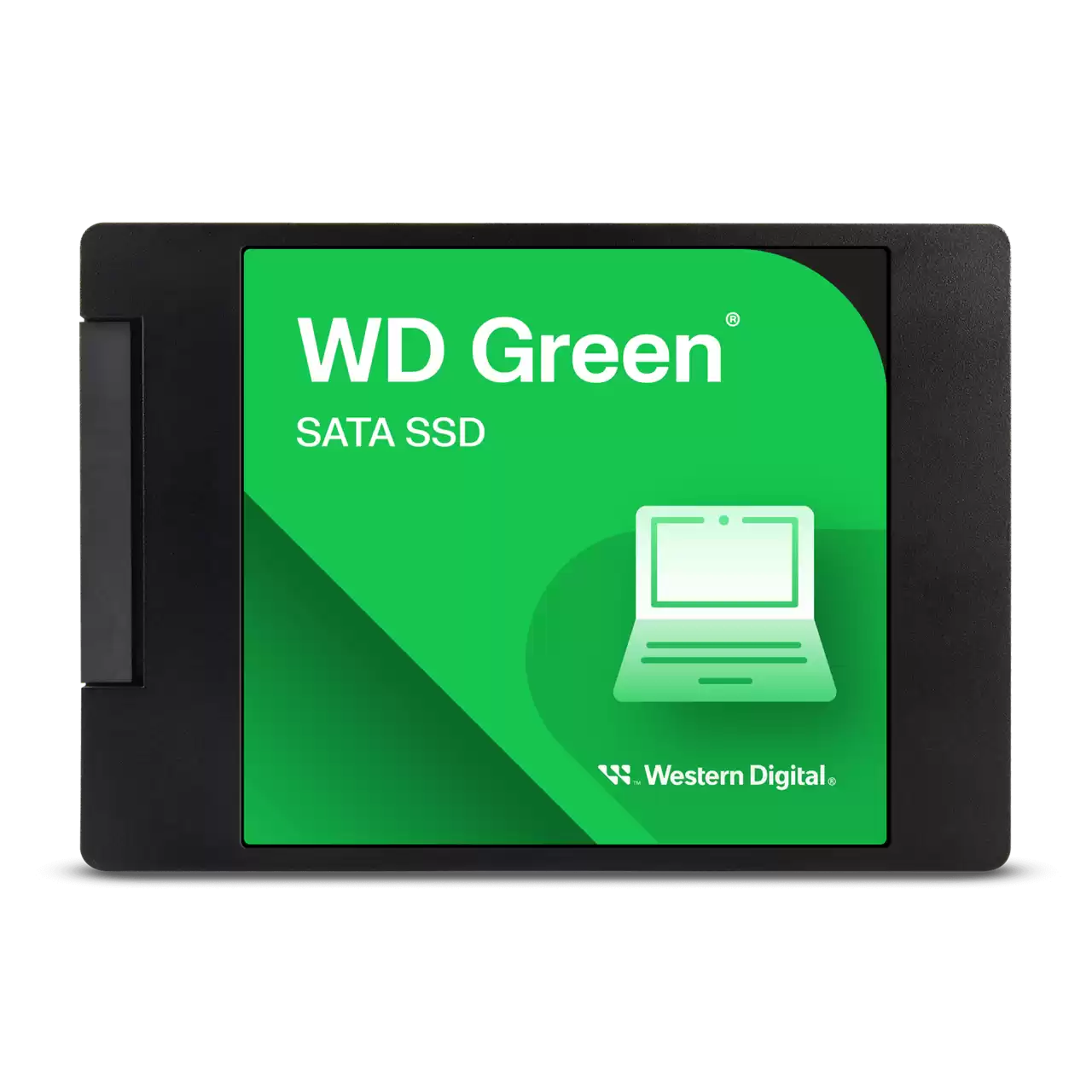
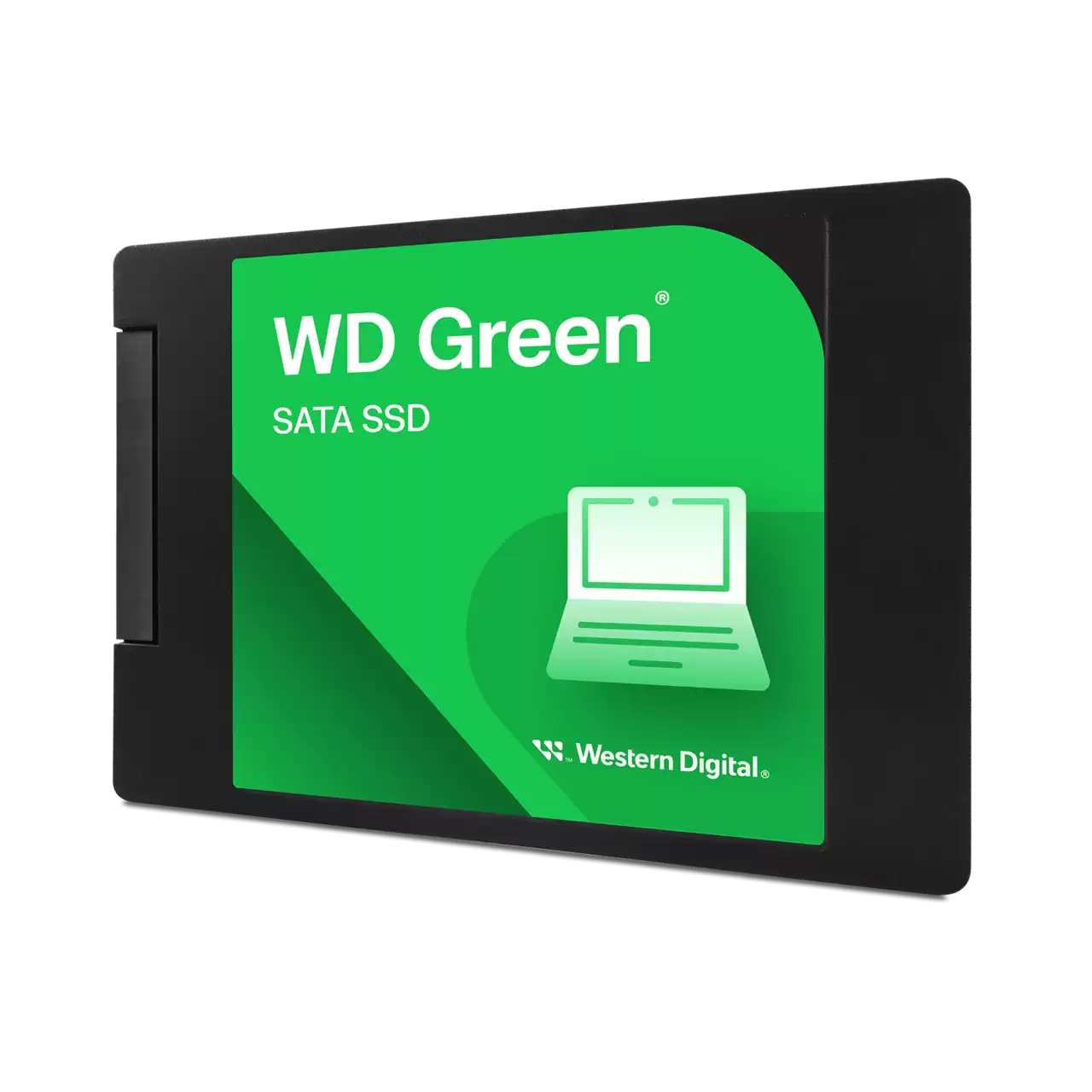
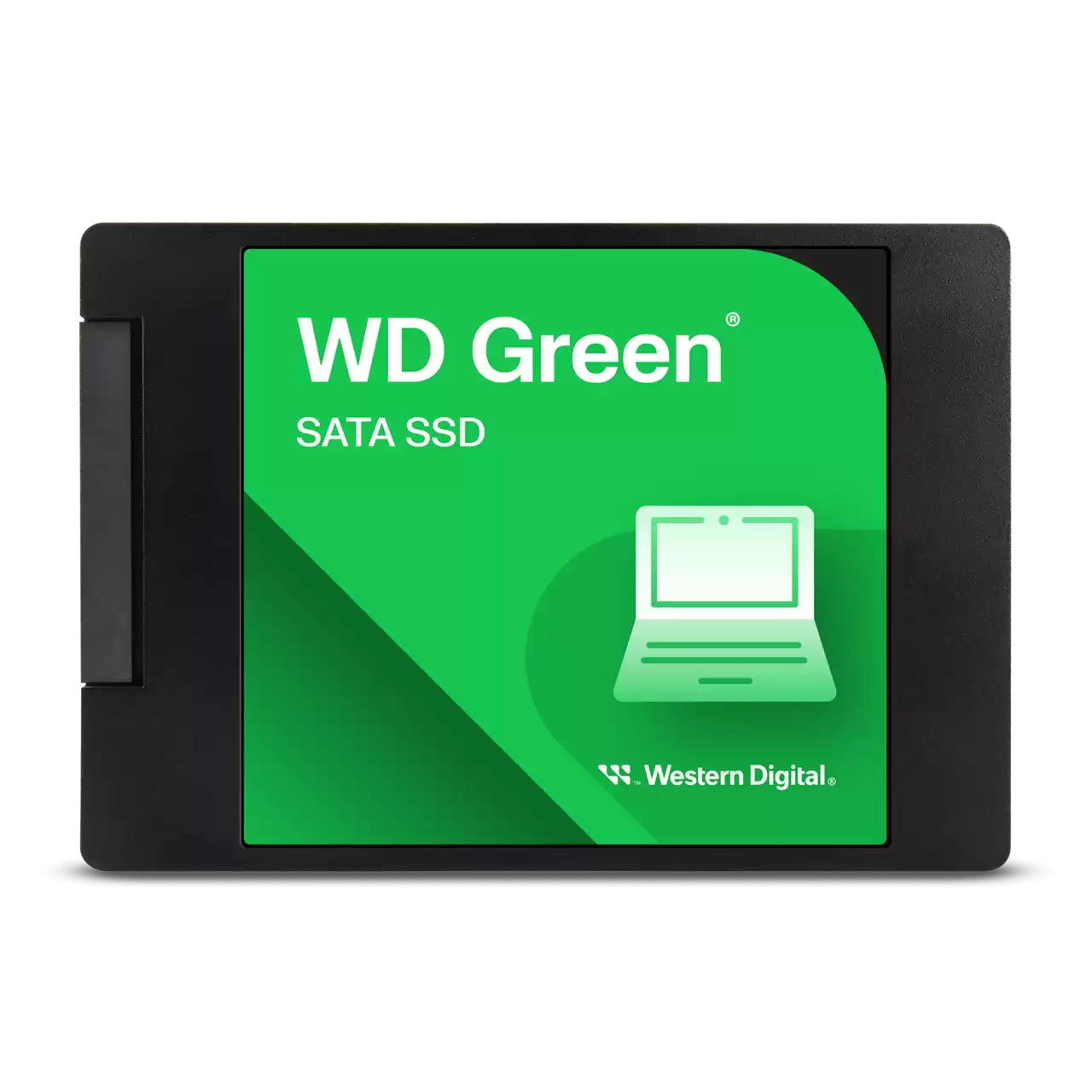



Western Digital Green 250GB SATA SSD
Most people don’t need a professional-grade NVMe drive for a home office PC or a five-year-old family laptop. The WD Green 250GB is built for the “everyday” user who is tired of waiting three minutes for Windows to load. By moving from a spinning hard drive to solid-state technology, you eliminate the physical latency that makes old computers feel sluggish.
This drive utilizes a standard 2.5-inch, 7mm form factor, meaning it slides into almost any laptop or desktop built in the last decade. It focuses on efficiency and price-per-gigabyte. Since it lacks moving parts, it is naturally more resistant to the accidental bumps and drops that often kill traditional laptop hard drives. Buyers usually choose the Green series when they need a reliable boot drive for a basic system or a cheap way to give a second life to a computer that would otherwise be destined for the recycling bin.
KEY FEATURES
- SATA III 6Gb/s Interface While modern tech moves toward PCIe, the SATA III interface remains the universal standard for upgrades. Reaching 545MB/s, this drive pushes the limits of what a standard cable connection can handle, making the difference between an HDD and this SSD feel night and day.
- Shock-Resistant Hardware Traditional hard drives use a physical arm and spinning platters that can break if the laptop is moved too quickly. This SSD uses flash memory, meaning it stays functional even if your laptop takes a rough ride in a backpack.
- Low Power Draw Western Digital tuned this series to be incredibly light on battery consumption. For laptop users, this often results in a modest but noticeable extension of battery life because the system isn’t wasting energy spinning a mechanical motor.
- WD SSD Dashboard Compatibility You get access to free software that monitors the drive’s health. It’s a small but vital feature that lets you track remaining life and performance levels, so you aren’t caught off guard by a failing drive years down the line.
PERFORMANCE & USAGE
In a real-world scenario, the WD Green 250GB excels as a boot drive. You can expect Windows to go from a cold start to the desktop in under 20 seconds. Launching a web browser or opening an Excel sheet feels instantaneous compared to the “grinding” sound and delay of an old HDD.
However, users should keep their expectations grounded regarding heavy file transfers. Because this is a budget-tier drive, it typically uses a DRAM-less architecture. This means if you try to move 50GB of raw video files all at once, the speed will eventually dip once the initial burst cache is full. For browsing, schoolwork, and standard office tasks, you will never notice this. It runs cool and silent, removing the vibration and hum often associated with older tower PCs.
TARGET AUDIENCE: This drive is perfect for students, home office workers, and anyone looking to upgrade an old secondary computer. It’s a logical choice for a parent’s PC or a dedicated “homework” laptop where 250GB is plenty for documents, photos, and a few essential apps.
COMPARISON INSIGHTS
When compared to the WD Blue series, the Green is noticeably more affordable but has a lower endurance rating (TBW – Terabytes Written). The Blue series is better if you are constantly writing and deleting massive amounts of data daily.
Against generic, “no-name” budget SSDs found on discount sites, the WD Green holds a massive advantage in reliability and software support. You are paying for the peace of mind that comes with Western Digital’s firmware and warranty. Compared to a traditional 1TB HDD, you are sacrificing total capacity for raw speed—a tradeoff that almost every modern user finds worth it once they experience the lack of lag.
EXPERT RECOMMENDATION
If you have a computer that is currently running on a mechanical hard drive, the WD Green 250GB is the most cost-effective upgrade you can perform. It is a “set it and forget it” piece of hardware. While 250GB is small by modern standards for gamers or videographers, it is the “sweet spot” for a basic Windows installation and essential software. It’s an honest, no-frills component that does exactly what it promises: it makes your computer feel new again for the price of a few lunches.
FAQ
- Will this fit my laptop? If your laptop uses a standard 2.5-inch SATA hard drive, this will fit. Most laptops from the last 10 years use this standard. If you have an ultra-thin modern laptop, you should check if you need an M.2 version instead.
- Does it come with a SATA cable? No, most internal SSDs do not. If you are installing this in a desktop, you’ll need a standard SATA data cable. If you are replacing a laptop drive, you will simply use the connectors already inside the machine.
- Is 250GB enough for Windows 10 or 11? Yes. A clean install of Windows usually takes up about 30GB to 40GB. This leaves you with over 180GB for your applications and personal files, which is plenty for general use.
- Can I use this as an external drive? Absolutely. You can buy an inexpensive 2.5-inch SATA to USB enclosure and turn this into a very fast, shock-resistant portable drive.

Reviews
Clear filtersThere are no reviews yet.