





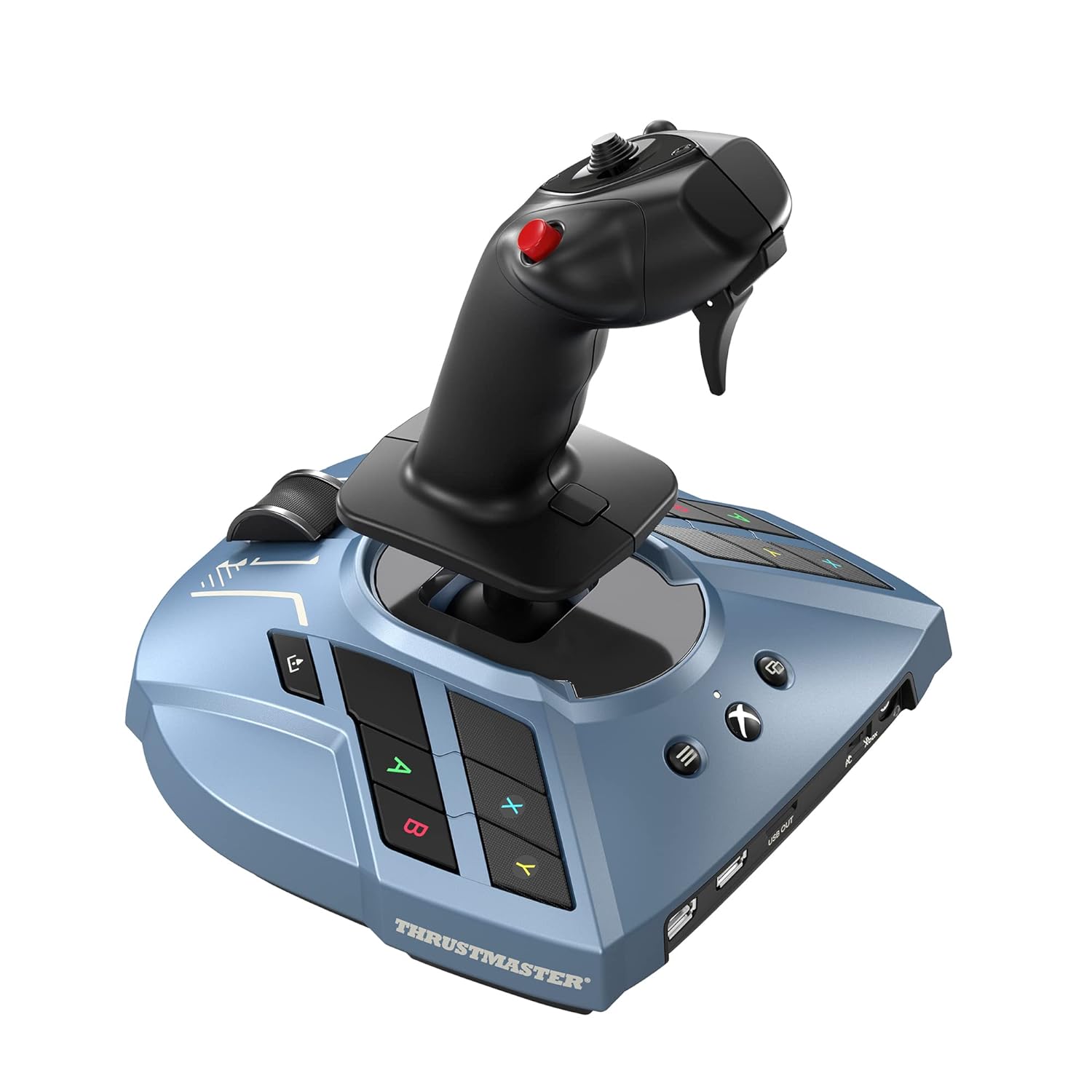


Thrustmaster TCA Sidestick X Airbus Edition | Flight Stick
Flying commercial aircraft in simulators like Microsoft Flight Simulator feels completely different compared to arcade flight games. Small corrections matter. Smooth movement matters. Precision matters. That’s exactly where the TCA Sidestick X works well. Instead of using older potentiometer-based internals, Thrustmaster uses magnetic H.E.A.R.T. sensors that track movement without physical contact. The biggest advantage is consistency over time. You avoid the drifting and dead-zone problems cheaper joysticks often develop after heavy use.
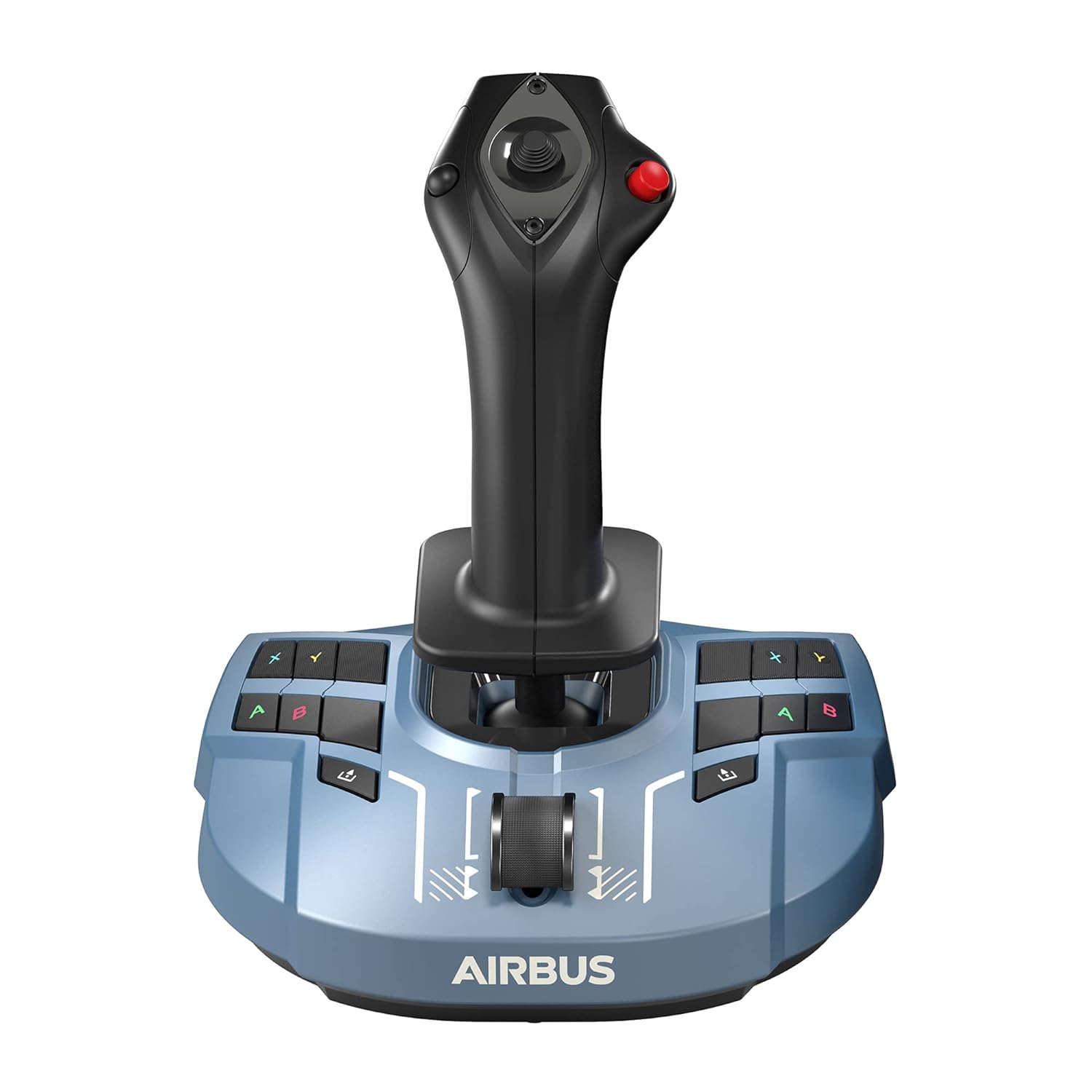
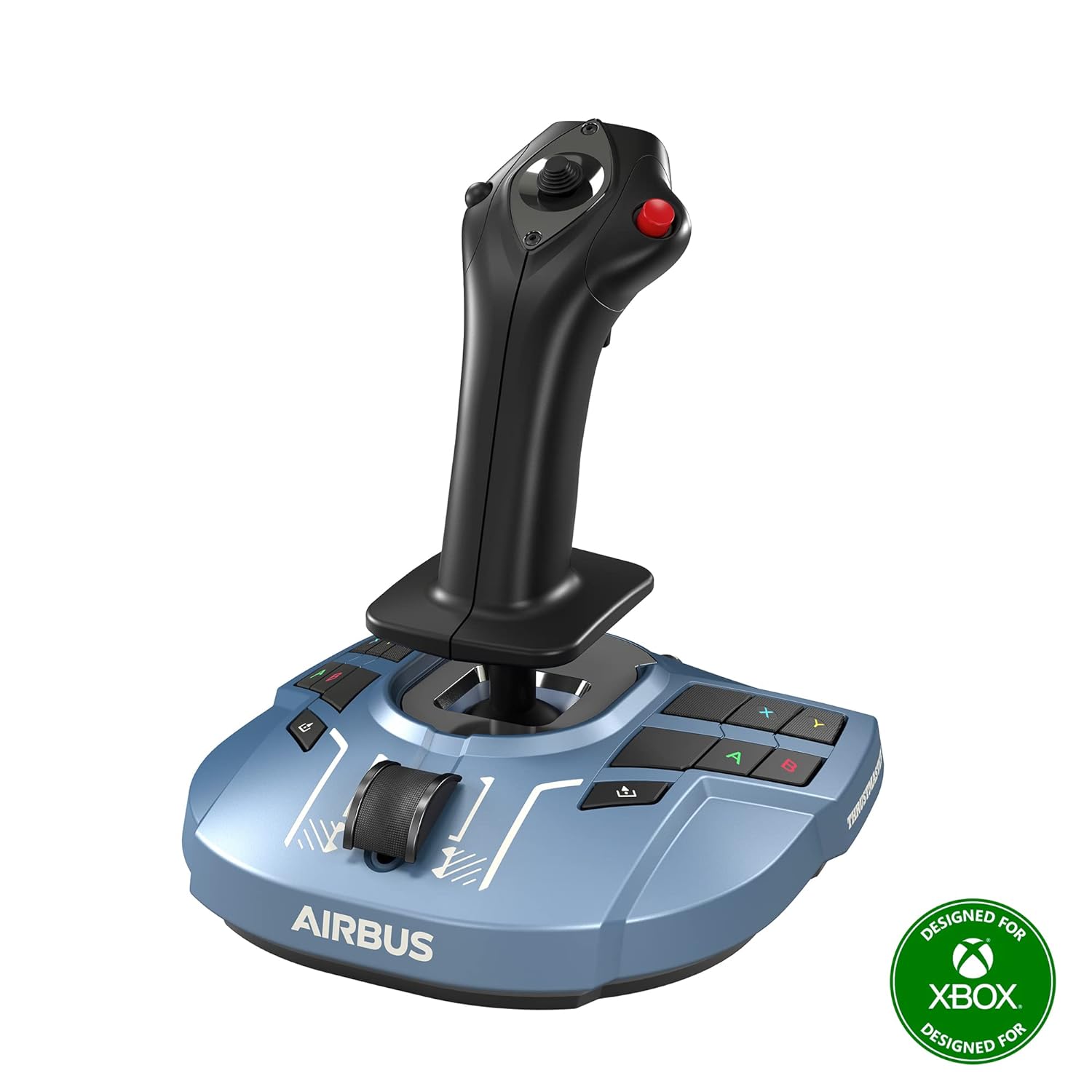
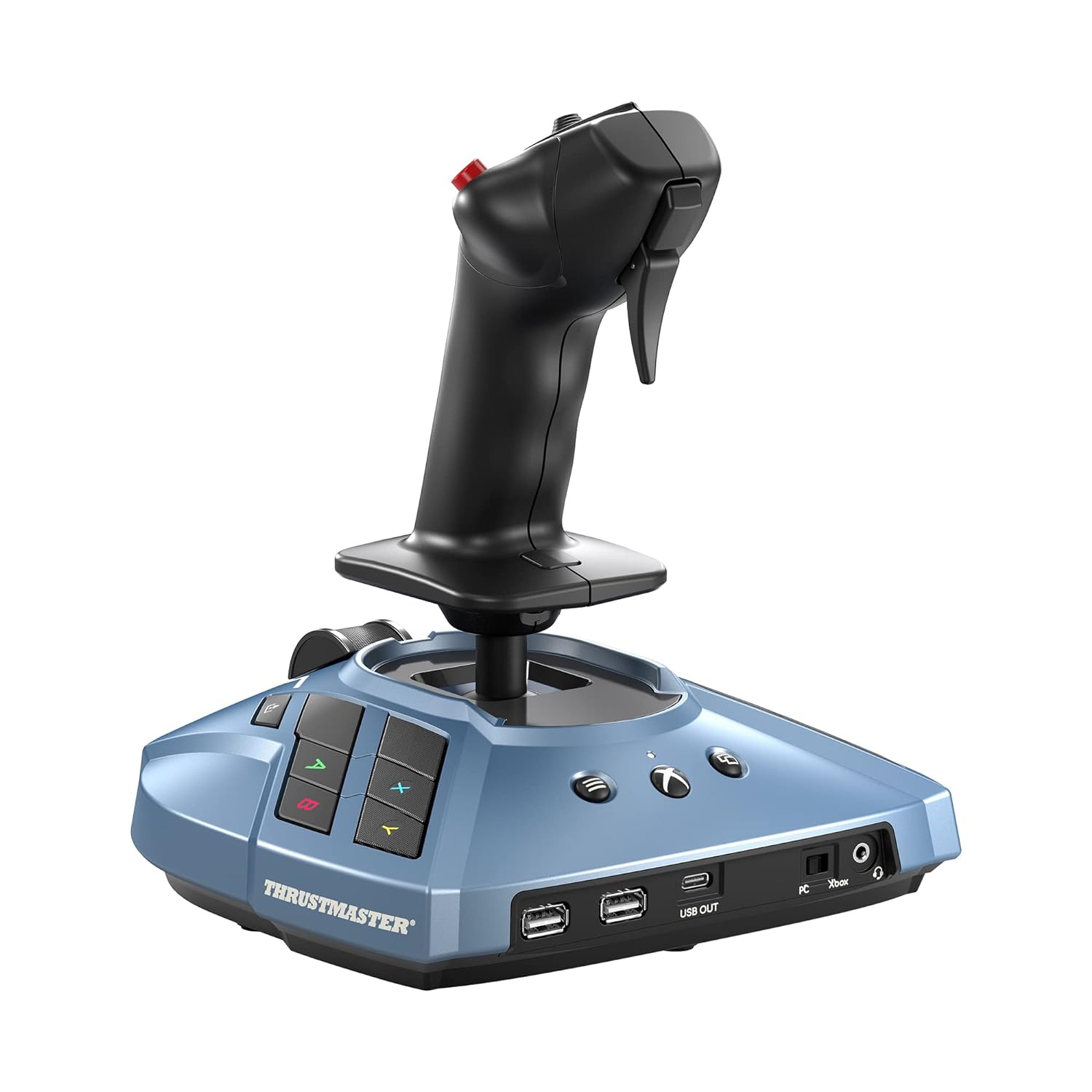
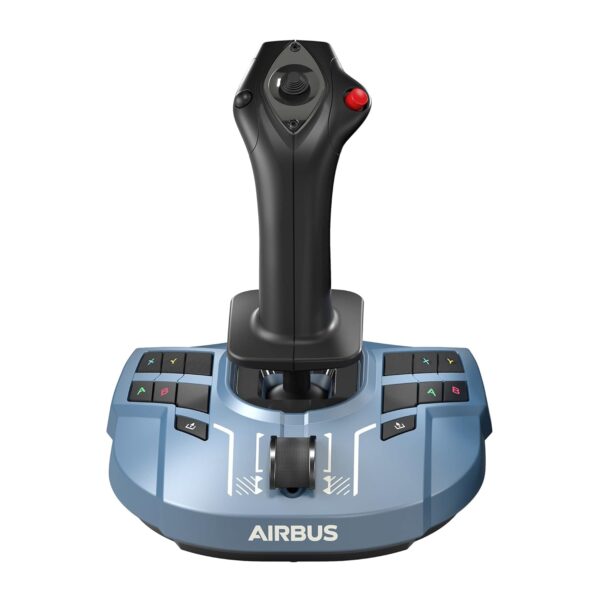
The stick itself is modeled closely after Airbus controls, including the ergonomic grip style and button placement. It feels more focused and less cluttered than military-style HOTAS setups packed with switches everywhere. One genuinely useful feature is the integrated throttle slider built directly into the base. It even includes a thrust reverser detent, which makes landing commercial aircraft feel far more natural without immediately needing separate throttle hardware.
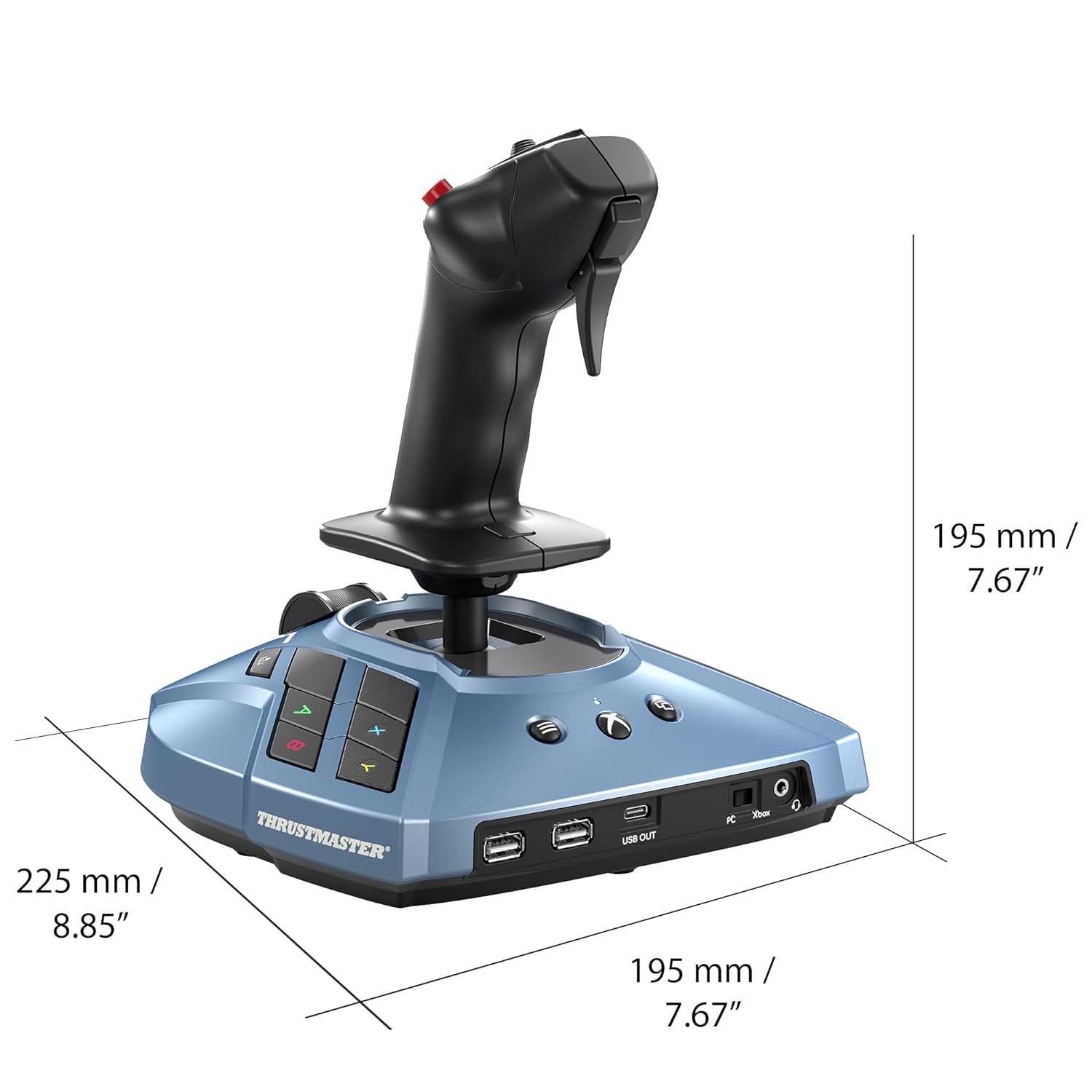
The “X” version also improves cable management quite a bit through the Ecosystem Hub, which lets compatible pedals and throttle accessories connect through the joystick instead of consuming multiple USB ports.
KEY FEATURES
- H.E.A.R.T. Magnetic Sensors
The magnetic sensor system improves precision while avoiding the long-term wear issues common with traditional potentiometers. - Integrated Ecosystem Hub
Compatible Thrustmaster peripherals like rudder pedals and throttle quadrants can connect directly through the joystick base, reducing cable clutter significantly. - Built-In Throttle & Reverse Thrust Control
The integrated throttle slider allows full flight control without needing extra hardware immediately. The reverse thrust detent is especially useful during landings. - Ambidextrous Airbus Configuration
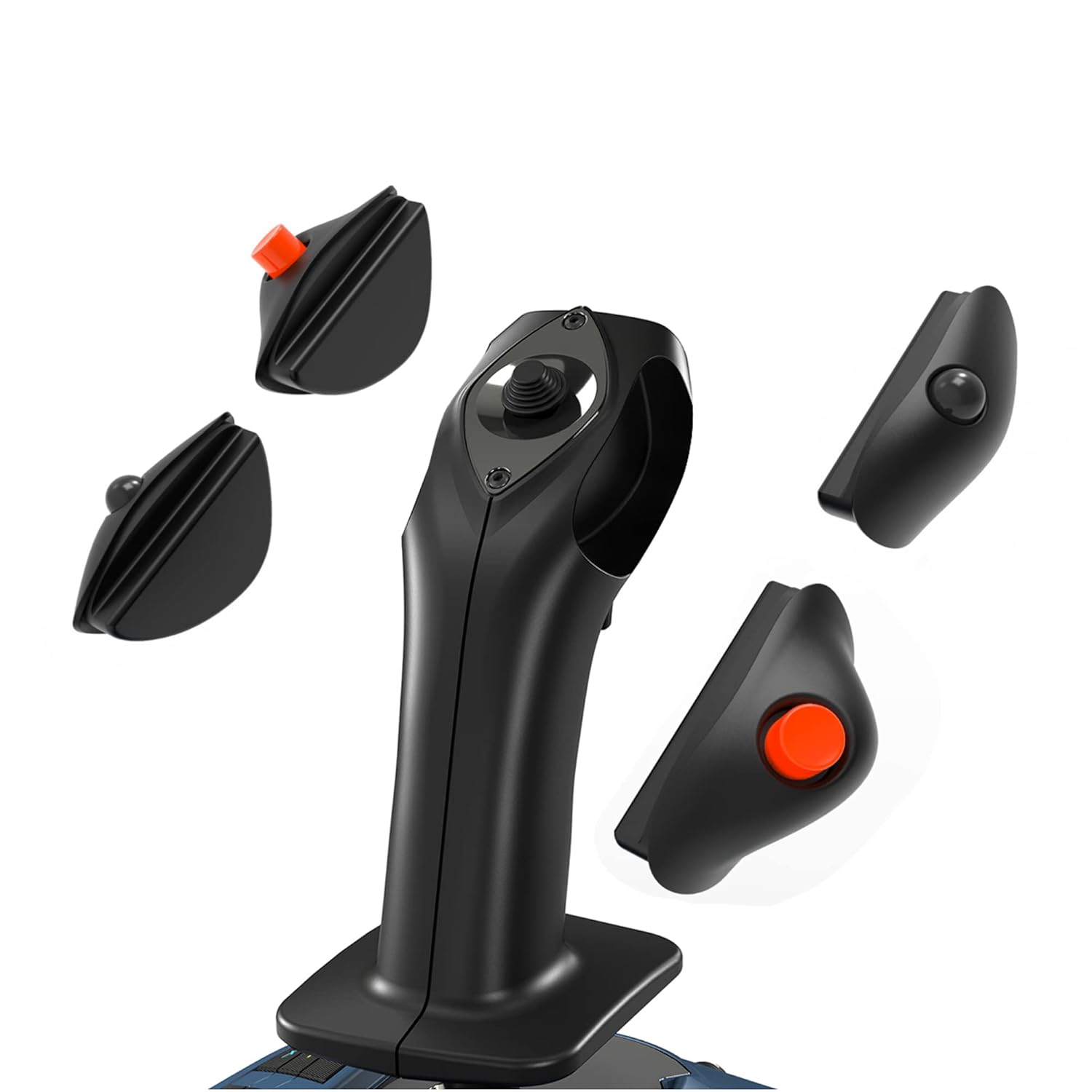
Swappable side modules allow the stick to work comfortably for both left-handed and right-handed Airbus cockpit layouts.
PERFORMANCE & USAGE
In actual use, the Sidestick X feels smooth and controlled rather than twitchy. The centering resistance is firm enough to encourage gradual aircraft corrections instead of jerky overcorrections, which suits commercial airliner flying very well.
The rubberized base also grips desks surprisingly well for a relatively lightweight joystick. Even during aggressive maneuvers or harder pullbacks, it stays stable without sliding constantly.
Setup is simple:
- Xbox users get near plug-and-play functionality
- PC users can configure advanced controls through T.A.R.G.E.T software
The twist rudder functionality is also handled nicely. If you eventually add proper rudder pedals later, a physical lock disables stick twisting completely so accidental yaw movement stops becoming an issue.
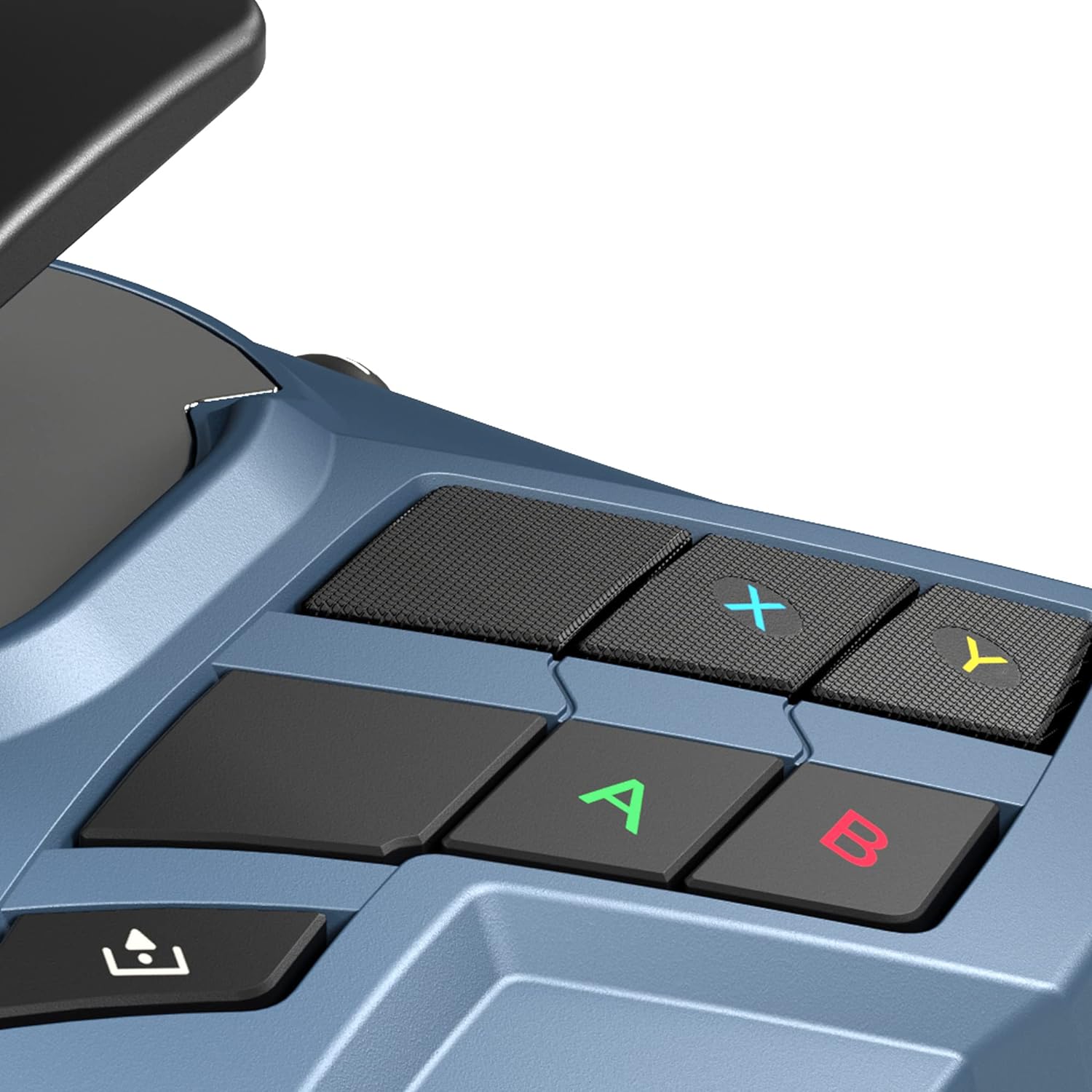
Button count is reasonable for civilian aviation, though clearly not designed for highly complex combat simulators like DCS World where players often want dozens of extra switches and hats.
TARGET AUDIENCE
This joystick fits especially well for:
- Microsoft Flight Simulator players
- Airbus simulation enthusiasts
- Xbox flight sim users
- Beginner-to-intermediate virtual pilots
- Civil aviation fans
- Compact desktop cockpit setups
It’s mainly built for realistic airline simulation rather than combat aviation.
COMPARISON INSIGHTS
Compared to the original non-X TCA Sidestick, this version adds two major upgrades:
- native Xbox compatibility
- the integrated Ecosystem Hub
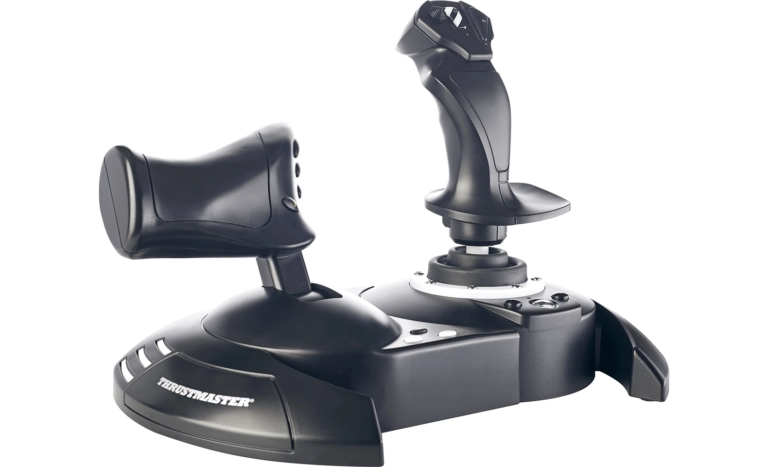
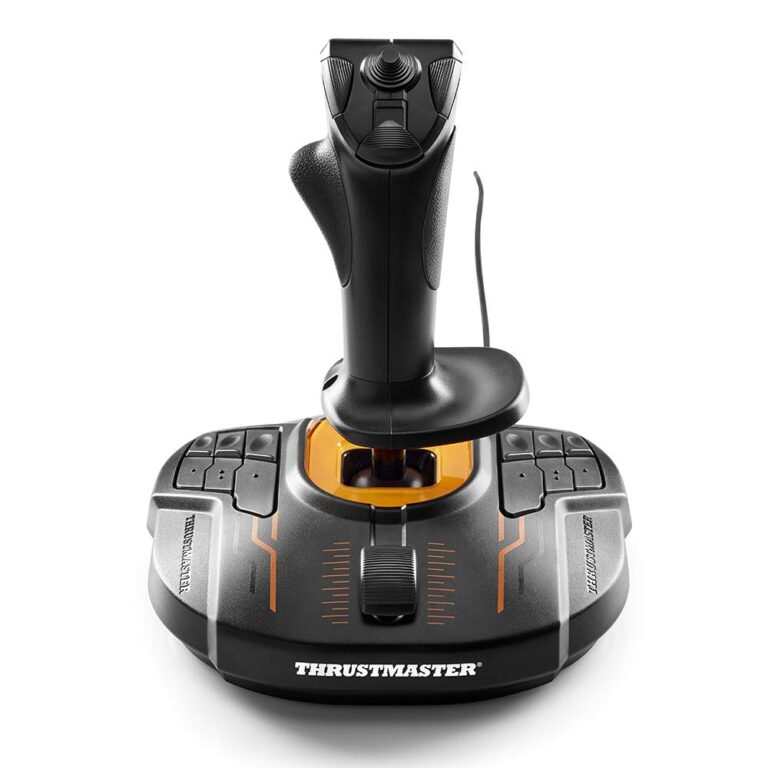
Those improvements matter a lot for console users where USB port management becomes frustrating quickly. Against more general-purpose flight sticks like the Logitech X56 or Thrustmaster T.16000M, the Sidestick X feels far more specialized. Those alternatives offer:
- more switches
- more hats
- more combat-focused controls
But the Airbus stick feels cleaner and more natural for long commercial flights where comfort matters more than button overload.
If your primary interest is fighter jets or space combat games, a HOTAS setup probably makes more sense. But for Airbus and civilian aviation flying, this is one of the better dedicated options available without jumping into extremely expensive simulator hardware.
EXPERT RECOMMENDATION
The TCA Sidestick X is a very sensible starting point for serious civilian flight simulation. The magnetic sensors feel accurate, the Airbus layout stays comfortable during long flights, and the built-in throttle helps keep the setup simple early on.
For Xbox users especially, it solves one of the biggest frustrations in console flight sim setups by reducing USB clutter through the Ecosystem Hub. As long as your focus is commercial aviation rather than combat flying, this joystick feels much more purpose-built than generic alternatives.
FAQ
- Does this work with PlayStation consoles?
No. The Sidestick X is officially supported for Xbox Series X|S, Xbox One, and PC only. - Do I need a separate throttle quadrant?
No. The joystick already includes a built-in throttle slider with reverse thrust support. - Can I disable the twist rudder feature?
Yes. A physical lock mechanism allows you to disable twist controls completely when using dedicated rudder pedals. - Is this good for military flight simulators like DCS?
It works, but it’s not ideal. The control layout is heavily focused on civilian Airbus simulation rather than combat aircraft. - Can left-handed users use this comfortably?
Yes. The swappable side modules allow both left-handed and right-handed configurations.

Reviews
Clear filtersThere are no reviews yet.