





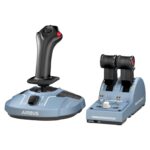
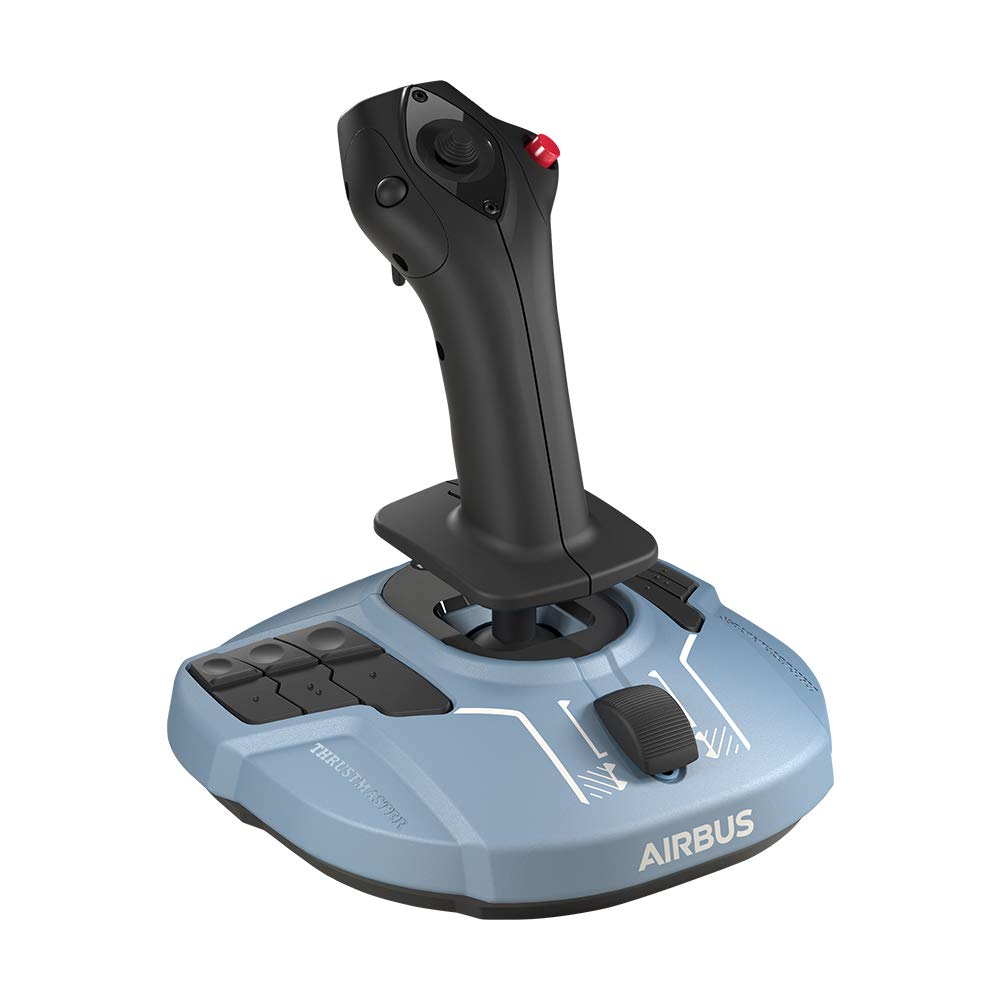
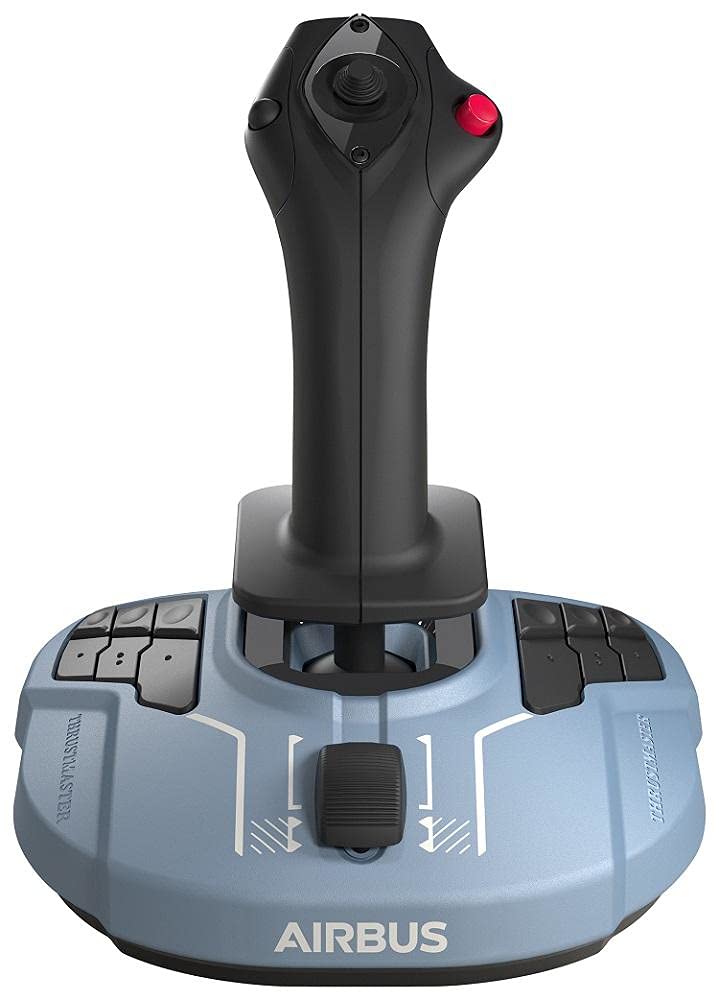


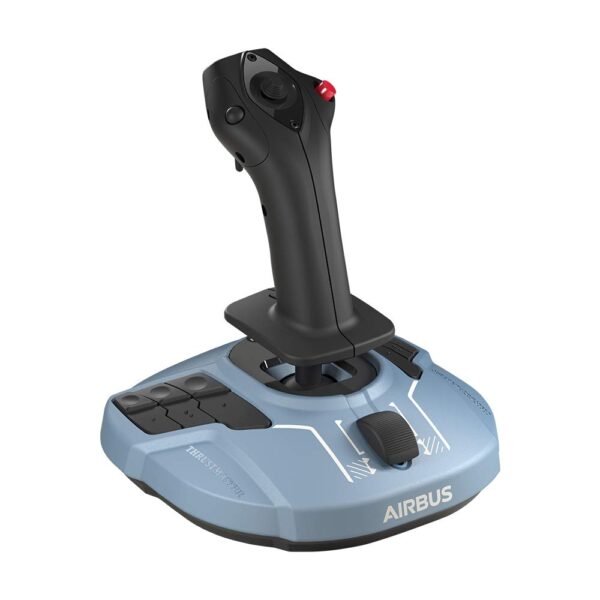
Thrustmaster TCA Sidestick Airbus Edition, Official Licensed
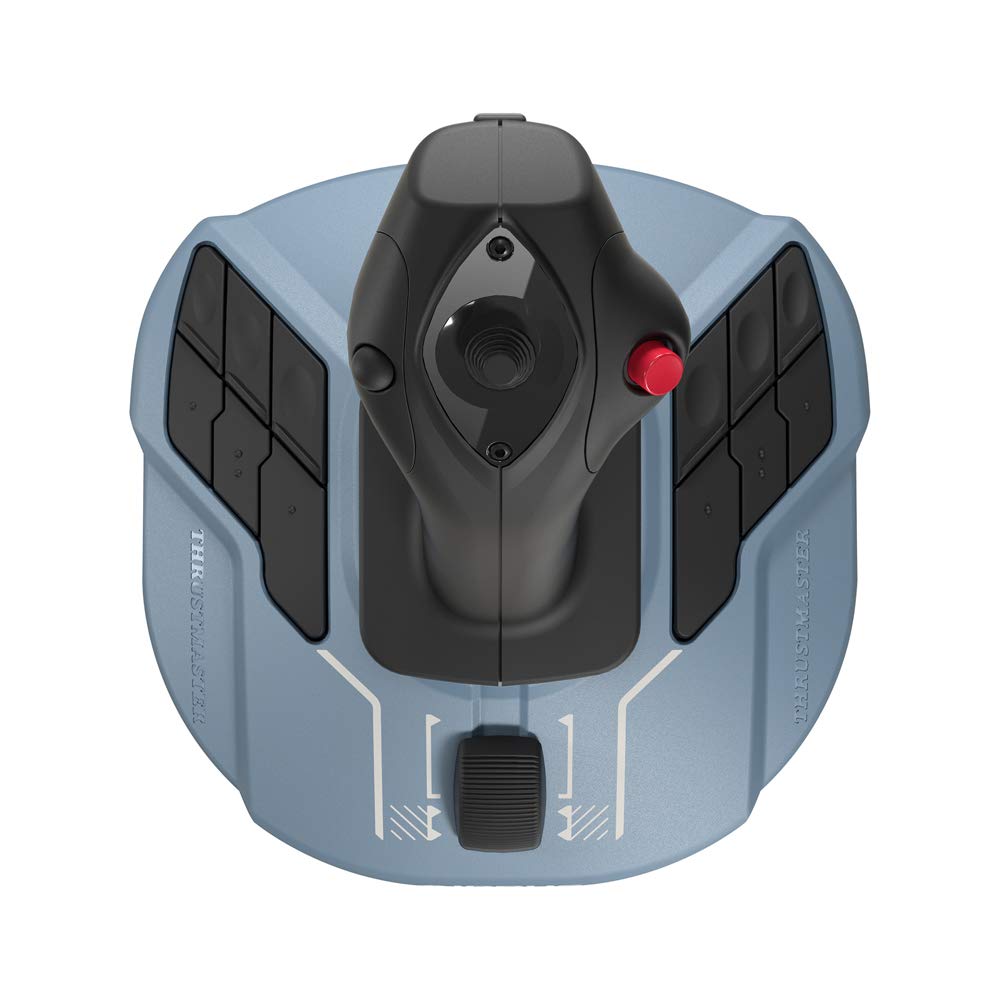
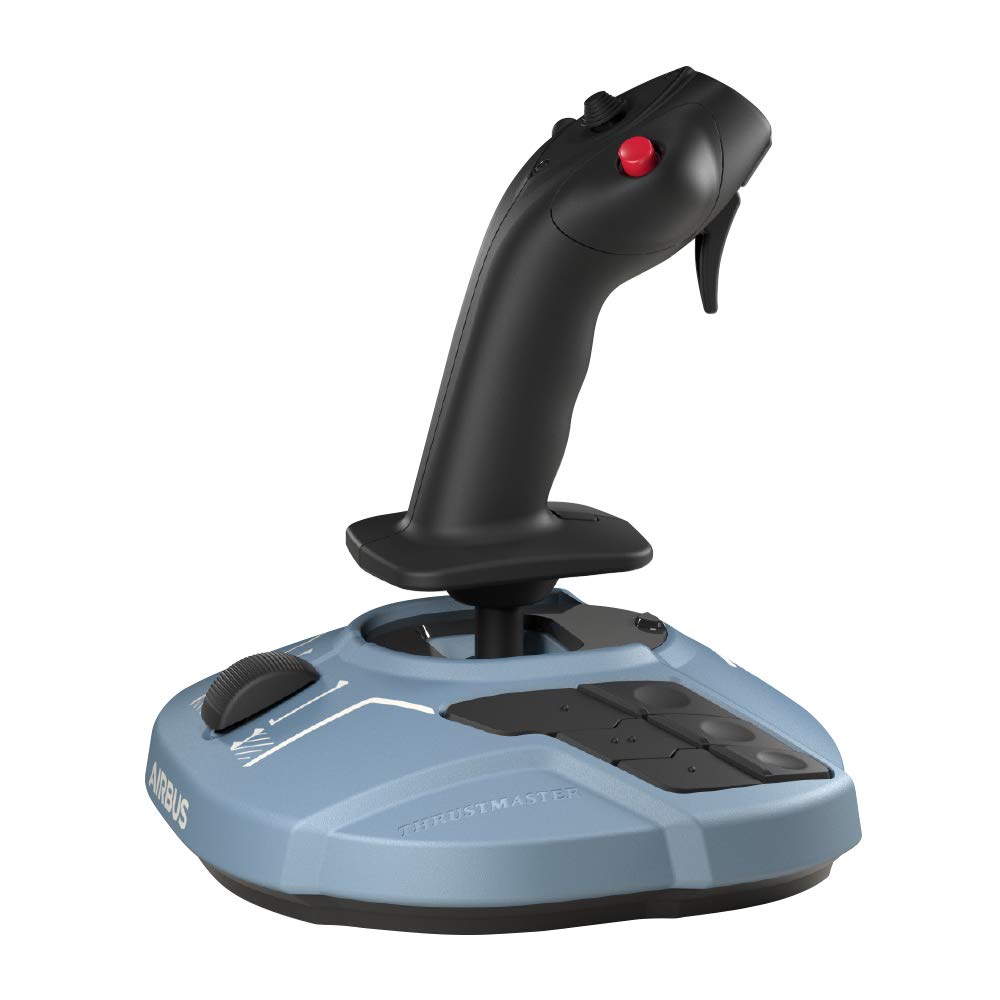
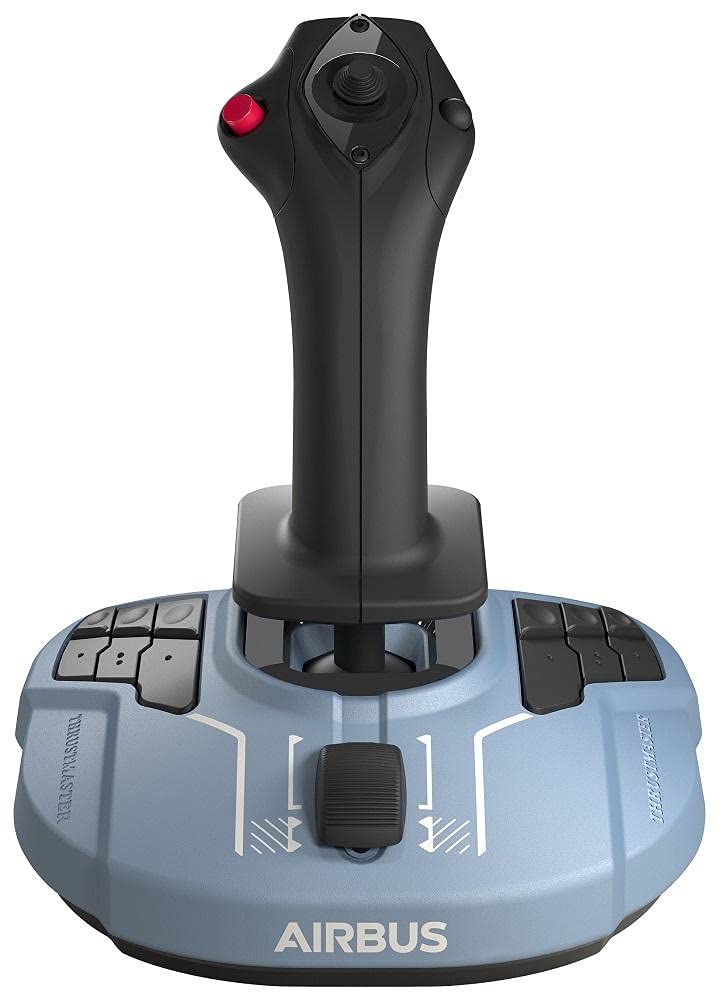
Fully Modular Ambidextrous Design: Whether you prefer flying from the Captain’s seat on the left or the First Officer’s seat on the right, this joystick adapts to your needs. The head of the TCA Sidestick features a unique, fully modular design with four swappable joystick head button modules. In a matter of seconds, you can physically reconfigure the sidestick to suit left-handed or right-handed use, or even set it up for a central, neutral grip. This unprecedented versatility makes it perfect for standalone use or as part of a dual-joystick setup for space simulation games.
H.E.A.R.T Magnetic Precision Technology: Say goodbye to drifting and degradation over time. The TCA Sidestick utilizes Thrustmaster’s exclusive H.E.A.R.T (HallEffect AccuRate Technology) system. By employing 3D magnetic sensors on the flight stick rather than traditional physical potentiometers, it operates entirely without friction. This ensures surgical precision with 14-bit resolution, delivering a smooth, incredibly accurate response to your inputs that will not degrade, granting the joystick a virtually unlimited lifespan even after thousands of flight hours.
Built-in Throttle with Thrust Reverser: Commercial aviation requires specific controls, and this sidestick delivers right out of the box. Integrated seamlessly into the base of the joystick is a dedicated throttle slider axis. Unique to this model, the throttle incorporates a built-in thrust reverser mechanism—a feature entirely native to commercial airliners. This allows you to master your landings and decrease your stopping distance with realistic, accessible control, eliminating the immediate need for a separate throttle quadrant.
Key Features
1:1 Scale Airbus Replica: Officially licensed ergonomic replica of the world-famous Airbus sidestick for ultimate immersion.
Swappable Button Modules: Includes 4 interchangeable head button modules, allowing for complete ambidextrous customization.
H.E.A.R.T Magnetic Sensors: Frictionless 3D magnetic sensors deliver supreme, long-lasting precision without mechanical wear.
Integrated Thrust Reverser: The base-mounted throttle slider features a commercial aviation thrust reverser function for realistic landings.
17 Action Buttons: Features 17 ergonomically placed action buttons with braille-style physical identification, plus an 8-way point-of-view hat switch.
Lockable Twist Rudder: The stick can be twisted for Z-axis rudder control, and includes a mechanical locking system if you prefer to use external rudder pedals.
Specifications of Thrustmaster TCA Sidestick Airbus Edition, Official Licensed
| Feature | Specification |
| Model | Thrustmaster TCA Sidestick Airbus Edition |
| Official License | Airbus |
| Sensor Technology | H.E.A.R.T (3D Magnetic Sensors) |
| Number of Buttons | 17 Action Buttons + 1 POV Hat Switch |
| Axes | 4 (Pitch, Roll, Twist Rudder, Throttle) |
| Ambidextrous Design | Yes (Modular Head Components) |
| Platform Compatibility | PC (Windows 10 / 11) |
| Connection Type | Wired USB |
Who It’s For
Civil Aviation Enthusiasts: The absolute perfect entry point or upgrade for players flying commercial airliners in simulators like Microsoft Flight Simulator, X-Plane 11/12, or Prepar3D.
Left-Handed Pilots: Thanks to the highly customizable modular head, left-handed users can finally have a high-quality joystick tailored specifically to their dominant hand.
Space Simulation Gamers: The ambidextrous design and high precision make it an excellent candidate for a HOSAS (Hands On Stick And Stick) dual-joystick setup in games like Star Citizen or Elite Dangerous.
Frequently Asked Questions
Is the Thrustmaster TCA Sidestick compatible with Xbox or PlayStation consoles?
No. This specific version of the TCA Sidestick is designed and officially supported exclusively for PC (Windows 10 and Windows 11). It will not function on Xbox or PlayStation consoles. Thrustmaster does offer a separate “X” version for Xbox users.
Do I need to download software to map the buttons for Microsoft Flight Simulator?
No, the joystick features native plug-and-play integration with Microsoft Flight Simulator. The game automatically recognizes the device and pre-maps all the buttons and axes to the optimal, realistic settings for Airbus aircraft, allowing you to fly immediately.
Can I disable the twist rudder function if I already own dedicated rudder pedals?
Yes. If you prefer to use external rudder pedals (like the Thrustmaster TPR or TFRP), you can mechanically lock the joystick’s twist function by simply pressing a button located on the base of the stick, preventing any accidental rudder inputs during flight.

Reviews
Clear filtersThere are no reviews yet.