





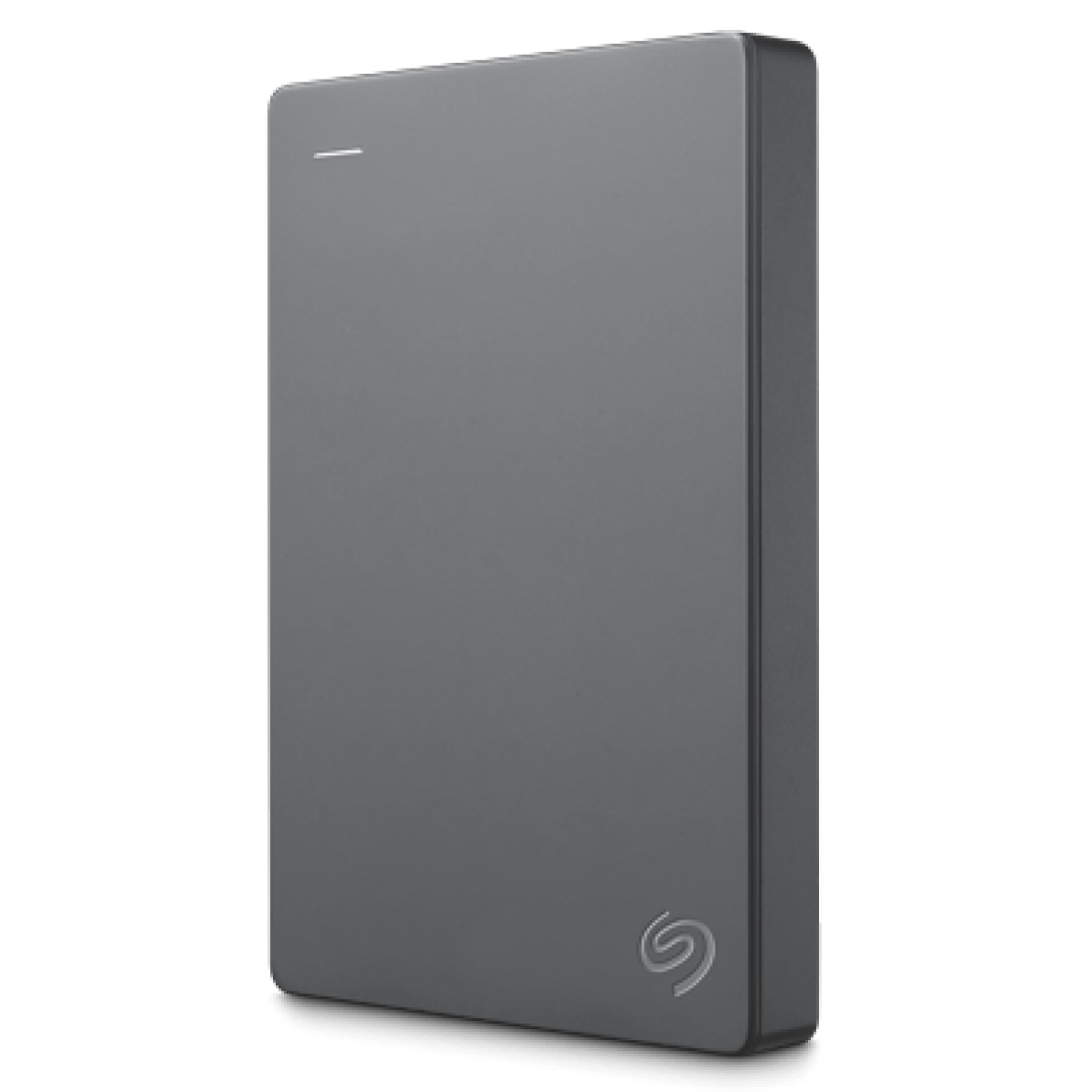
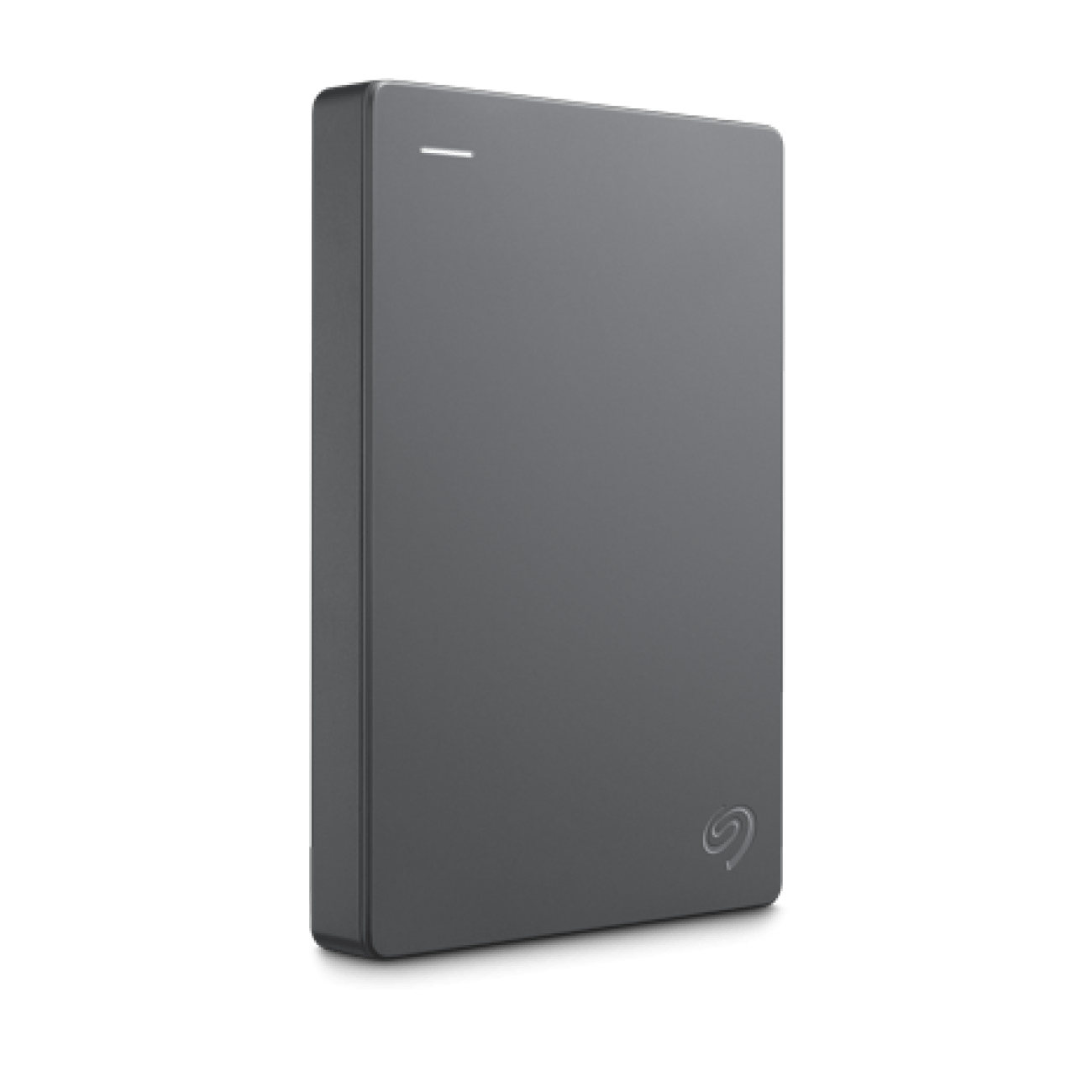



Seagate Basic Portable 2TB External Hard Drive HDD | USB 3.0
Massive 2TB Capacity: Never worry about running out of space on your laptop’s internal drive again. The Seagate Basic offers a generous 2 Terabytes (2000 GB) of storage. This provides enough room to store hundreds of thousands of high-resolution photos, massive music libraries, hours of 4K video, or huge collections of professional documents. It serves as an excellent digital vault to back up your most important files and keep your computer’s internal drive running smoothly.
True Plug-and-Play Simplicity: The defining feature of the Seagate Basic is its effortless operation. Unlike more complex backup drives, this HDD requires zero software installation. Right out of the box, it is pre-formatted and instantly recognized by Windows operating systems. Simply plug the included USB cable into your computer, open your file explorer, and start dragging and dropping files. It operates exactly like a massive USB flash drive.
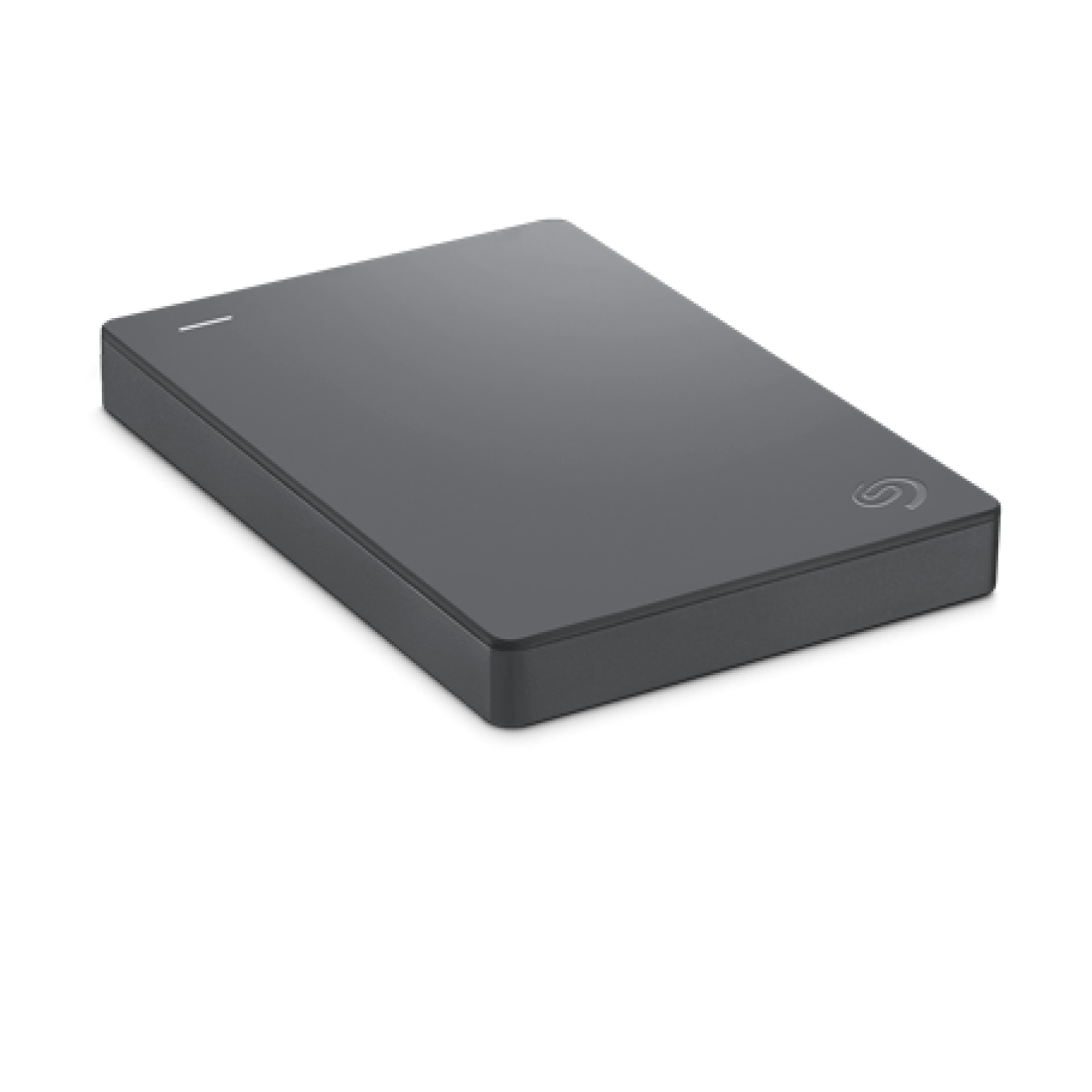
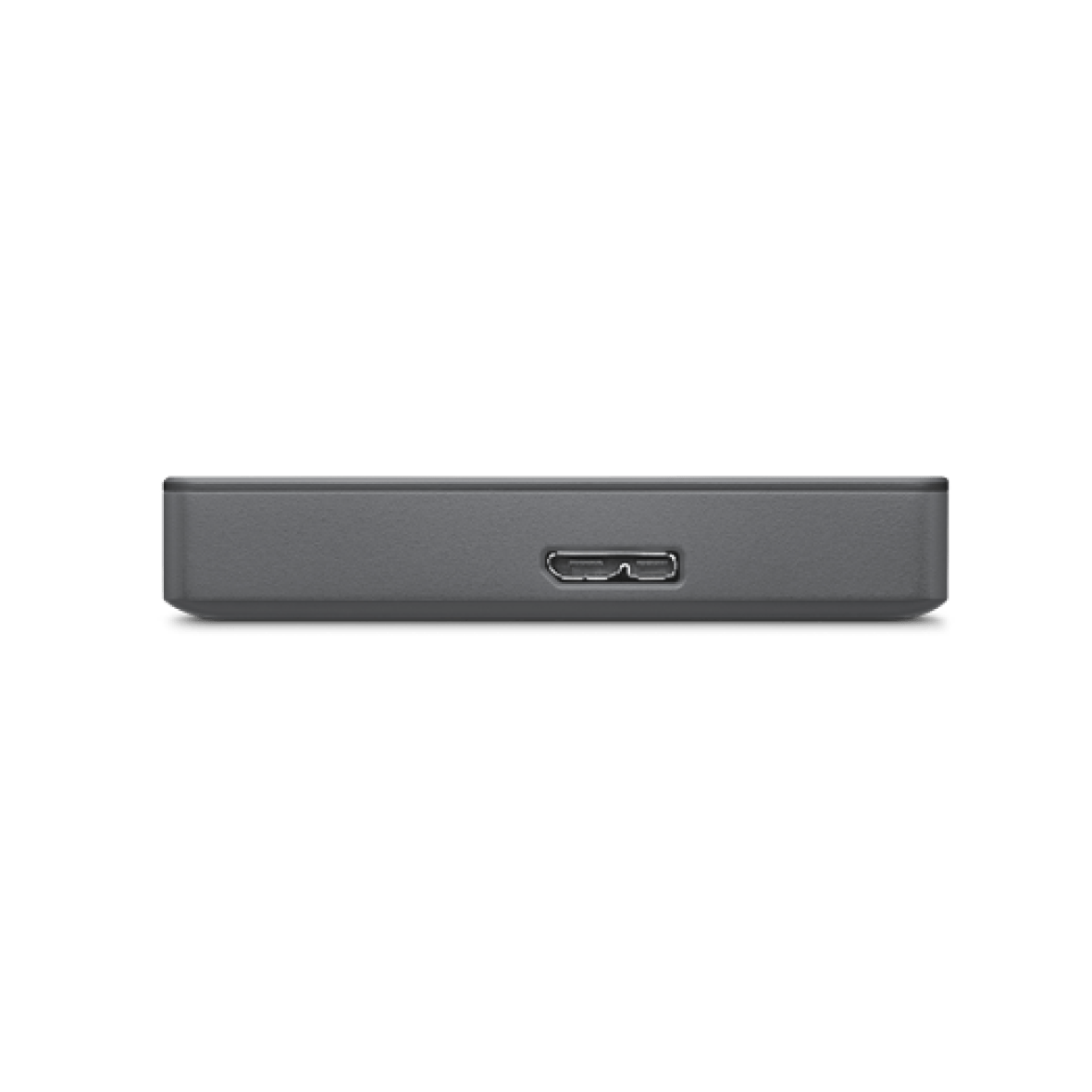
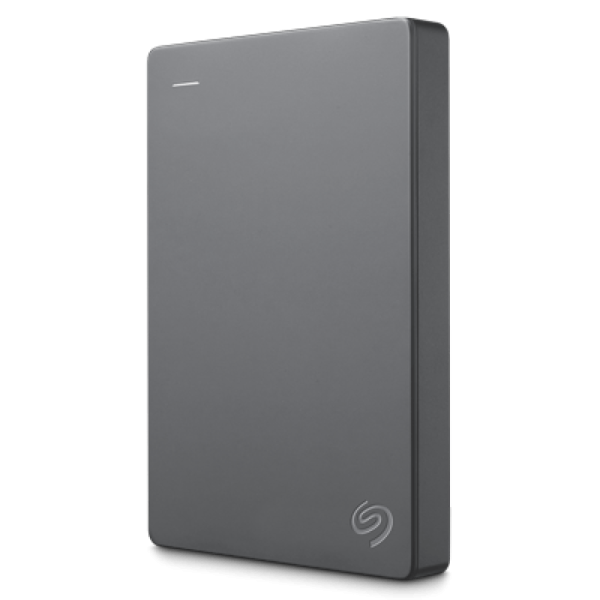
Fast and Portable Design: Measuring just slightly larger than a smartphone, the Seagate Basic easily slips into a laptop bag, purse, or pocket. Because it draws all necessary power directly from your computer’s USB port, you don’t need to carry around a heavy, cumbersome wall adapter. Furthermore, it utilizes the USB 3.0 interface (while remaining fully backward compatible with older USB 2.0 ports), ensuring fast data transfer speeds so you don’t spend hours waiting for large video files or backup folders to copy over.
Key Features
- 2TB Storage: Massive capacity to hold all your important files, media, and system backups.
- USB 3.0 Interface: Delivers fast data transfer speeds for moving large files quickly.
- Plug-and-Play: Instantly recognized by Windows PCs with absolutely no software to install.
- Bus-Powered: Draws power directly from the USB cable; no external power supply required.
- Drag-and-Drop: Save files effortlessly by simply dragging them to the drive’s folder.
- Compact & Lightweight: A minimalist, travel-friendly design that easily fits into any bag.
Specifications of Seagate Basic Portable 2TB External Hard Drive HDD | USB 3.0
| Feature | Specification |
| Capacity | 2TB (2000GB) |
| Drive Type | Hard Disk Drive (HDD) |
| Interface | USB 3.0 (Backward compatible with USB 2.0) |
| Form Factor | 2.5-inch Portable |
| Power Source | USB Bus-Powered (No external adapter needed) |
| Pre-Formatted | exFAT or NTFS (Windows Ready) |
| Dimensions (L x W x H) | Approx. 117 x 80 x 14.8 mm |
| Weight | Approx. 170g |
| Included in Box | Seagate Basic Drive, USB 3.0 Cable, Quick Start Guide |
Who It’s For
- Students & Professionals: Perfect for safely backing up massive school projects, presentations, and professional portfolios without dealing with complicated backup software.
- Travelers: The lightweight, bus-powered design makes it ideal for editing photos or watching stored movies on a laptop while on an airplane or in a hotel.
- Non-Technical Users: The pure drag-and-drop simplicity makes this the perfect drive for users who just want to plug something in and have it work immediately without any tech setup.
Frequently Asked Questions
- Will this work with my Mac? Out of the box, the Seagate Basic is primarily formatted and optimized for Windows computers. However, it absolutely can be used with an Apple Mac. You will simply need to plug it into your Mac, open the “Disk Utility” application, and reformat the drive to “Mac OS Extended (Journaled)” or “APFS”. Note: Reformatting will erase any data currently on the drive.
- Can I use this to store PS4 or Xbox One games? Yes. You can plug this drive into a PlayStation 4 or Xbox One console. The console will prompt you to format the drive for game storage. Once formatted by the console, you can use the massive 2TB space to install and play your games directly from the external drive.
- Does this drive require a power cable to plug into the wall? No. The Seagate Basic is a “bus-powered” drive. This means it draws all the electricity it needs to spin the internal disks and transfer data directly through the USB cable connected to your computer.

Reviews
Clear filtersThere are no reviews yet.