











Buy Redragon M693 Tri-Mode Wireless Gaming Mouse | 8000 DPI RGB Mouse
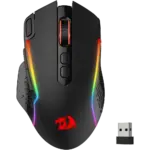
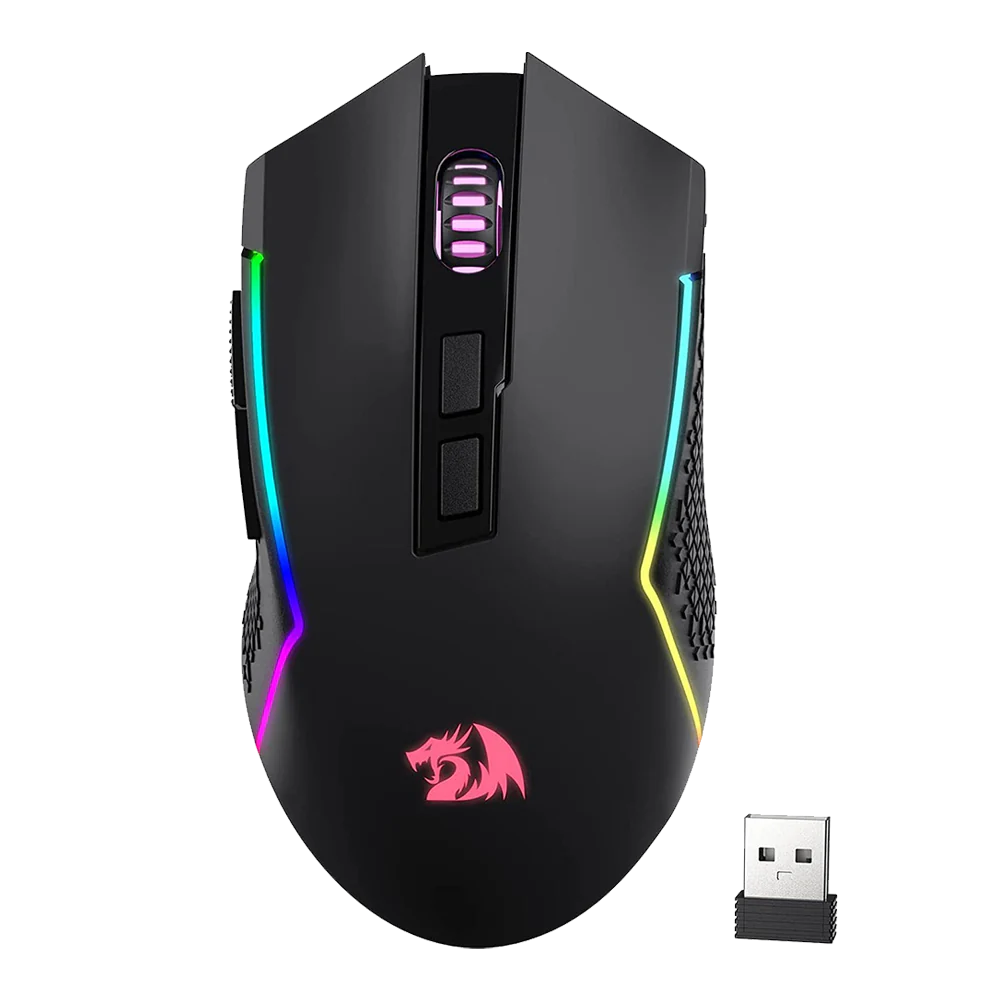
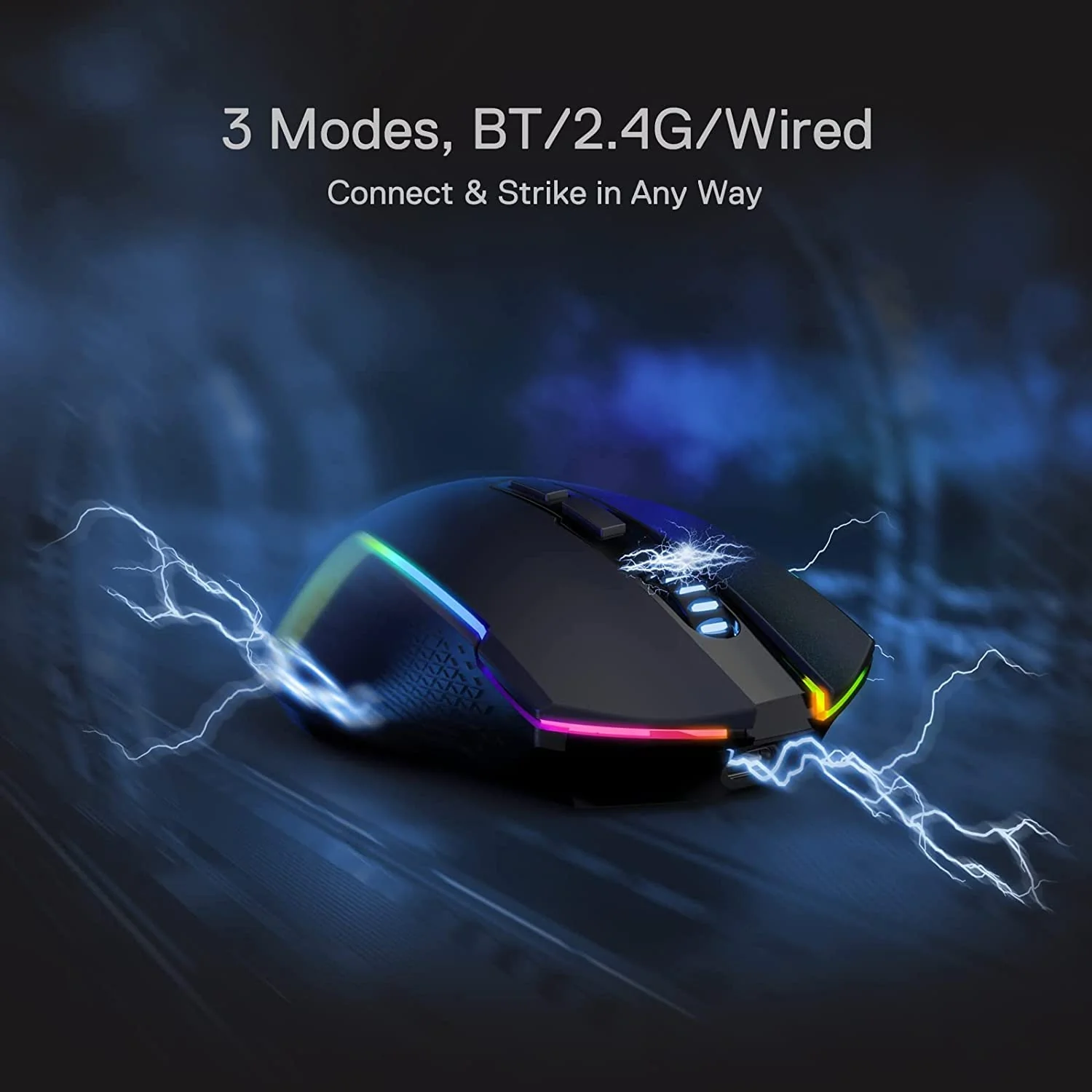
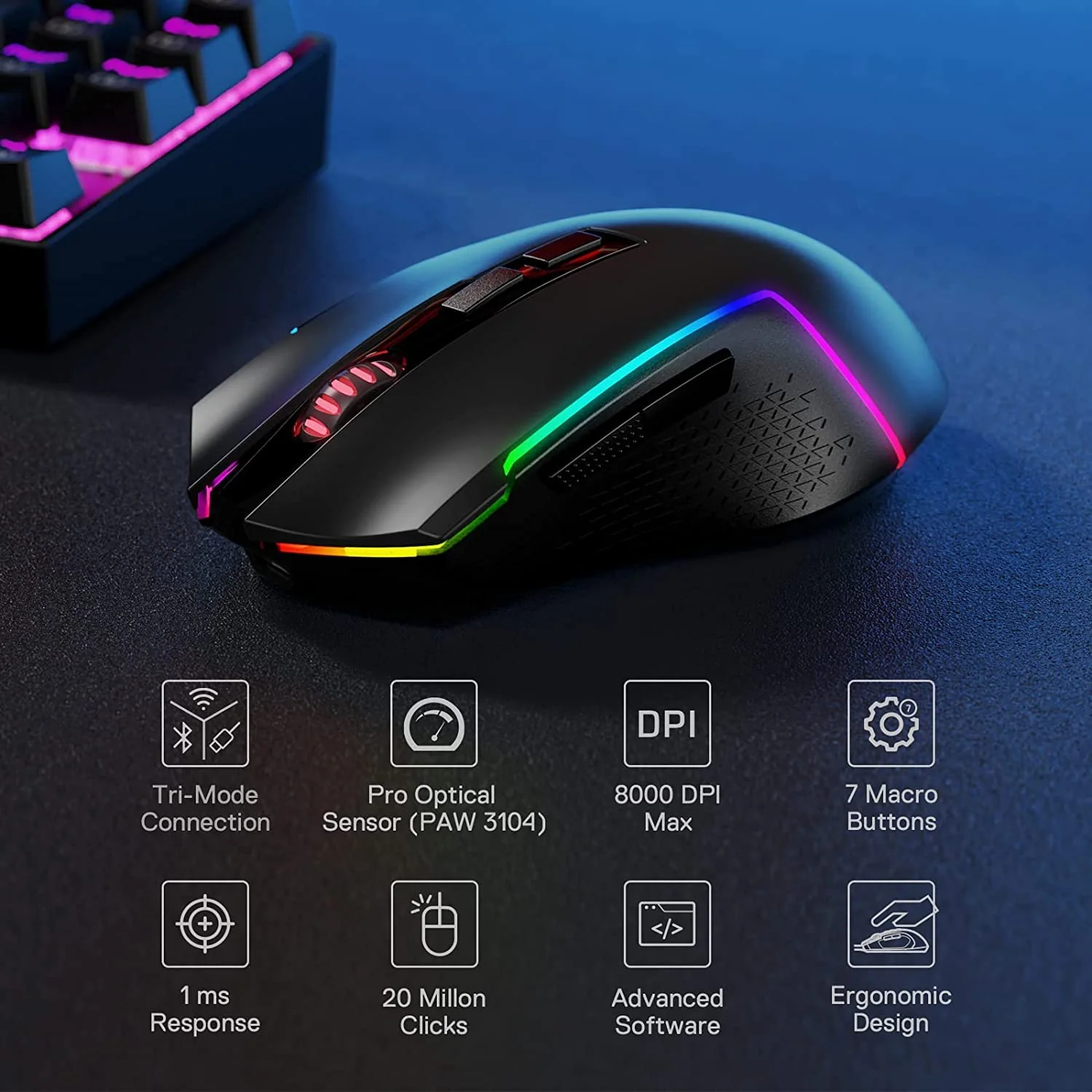
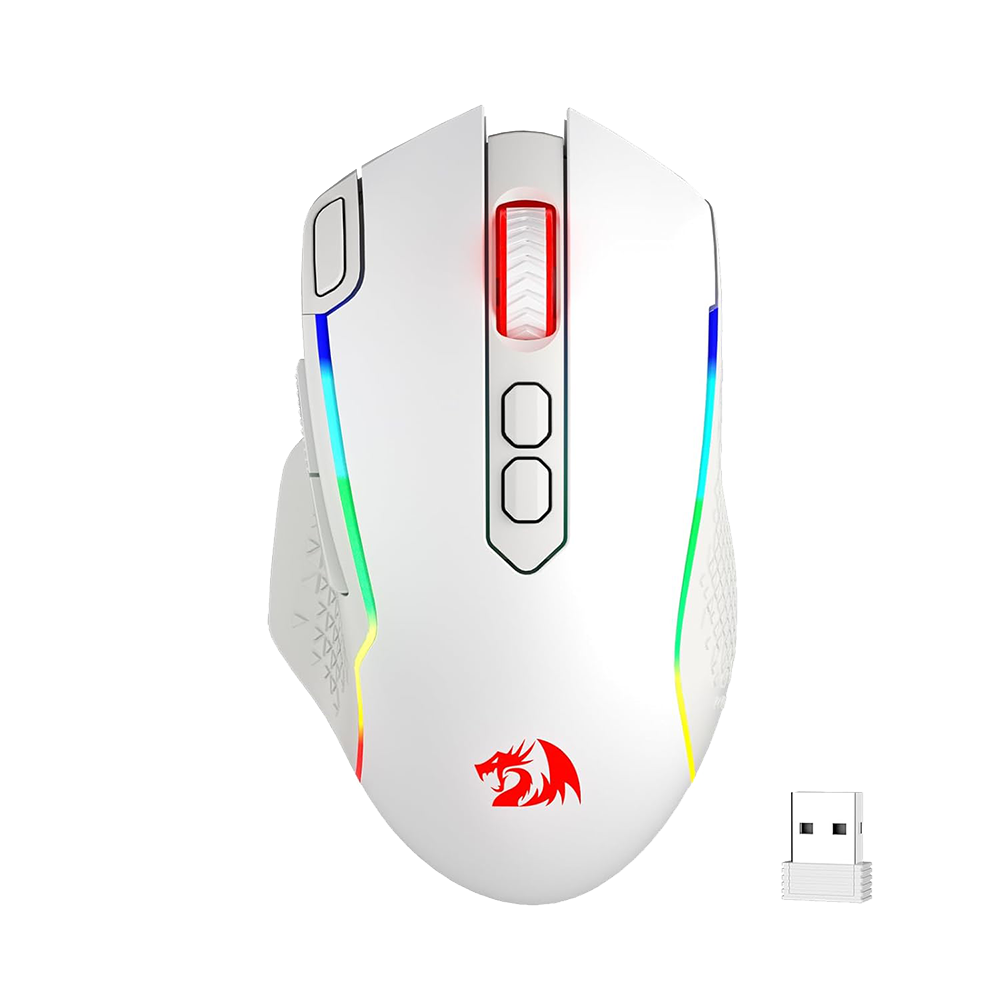
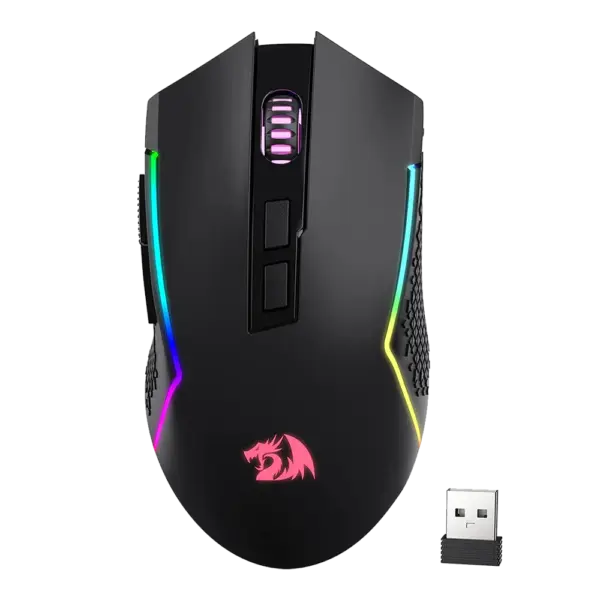
The Redragon M693 is engineered for the modern power user who demands seamless transitions between different computing environments. Whether you are navigating a 9-to-5 college schedule or managing a high-growth AI automation agency late into the night, this mouse adapts to your rhythm. It features a sophisticated tri-mode connectivity suite: ultra-stable 2.4GHz wireless for gaming, Bluetooth for productivity on tablets or laptops, and a reliable USB-C wired mode that charges the device while you work.
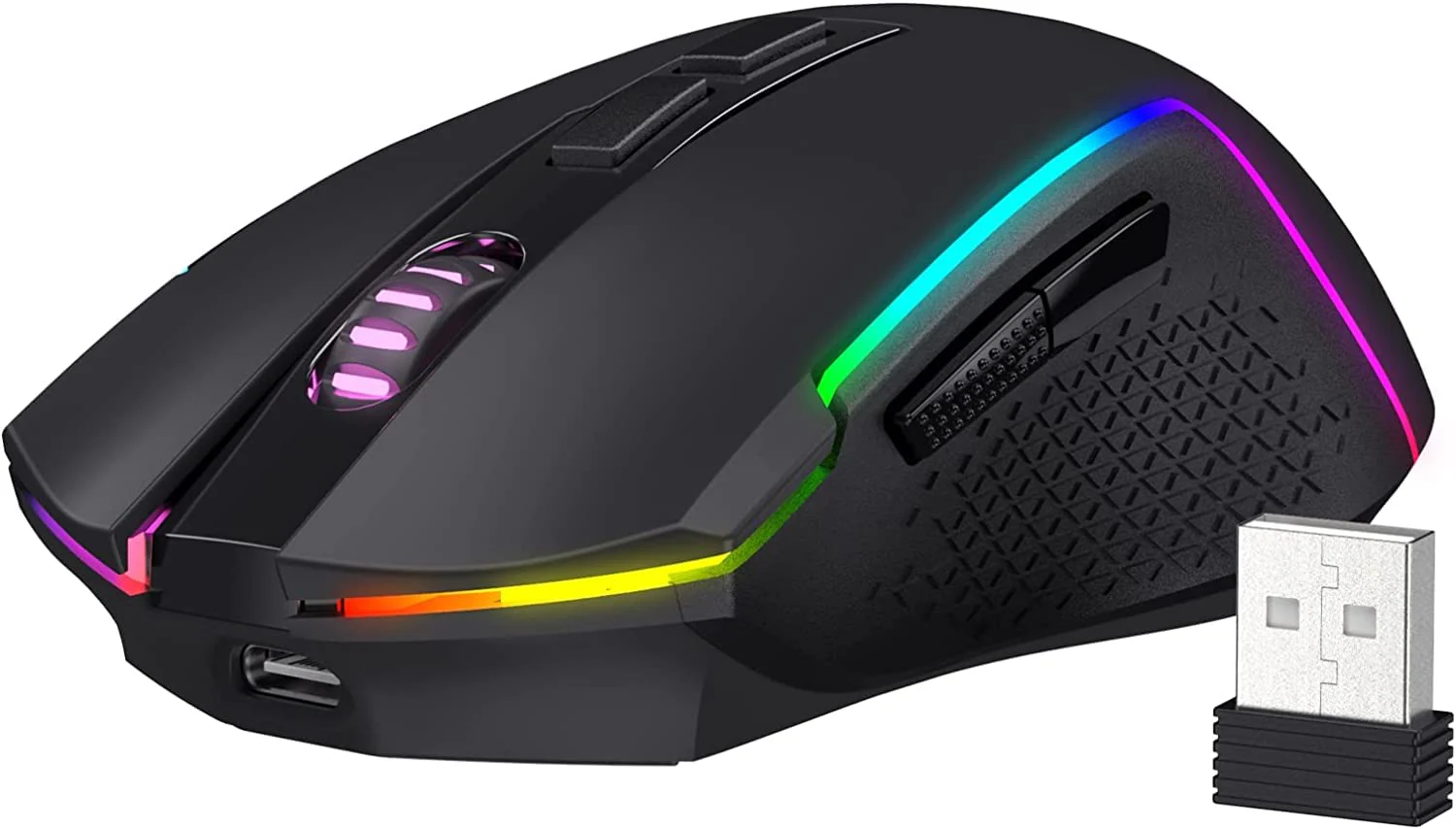
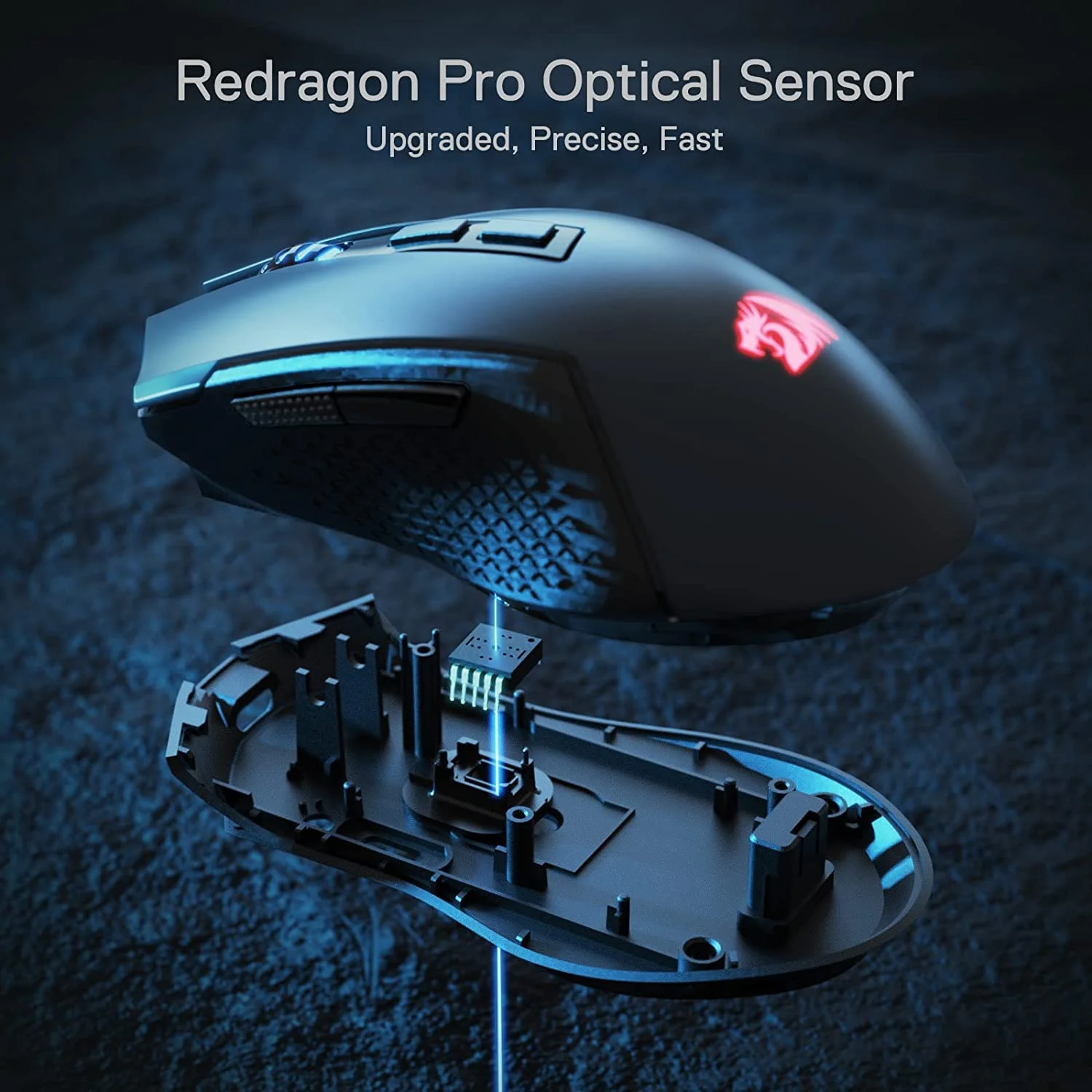
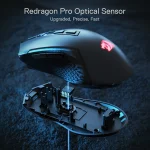
Inside, a high-precision optical sensor offers five adjustable DPI levels up to 8000, ensuring pixel-perfect accuracy for everything from 3D modeling to tactical FPS flick-shots. With its contoured ergonomic shape and textured side grips, the M693 provides the comfort needed for marathon sessions, while the vibrant RGB lighting adds a sharp, professional edge to any minimalist or “faceless” creator setup.
Key Features:
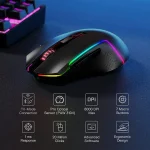
- Advanced 3-Mode Connection: Seamlessly switch between 2.4GHz wireless, Bluetooth 3.0/5.0, and USB-C wired modes to control multiple devices without changing peripherals.
- Precision 8000 DPI Sensor: Offers on-the-fly DPI switching (500/1000/2000/3000/8000), allowing you to jump from surgical design work to rapid-fire gameplay instantly.
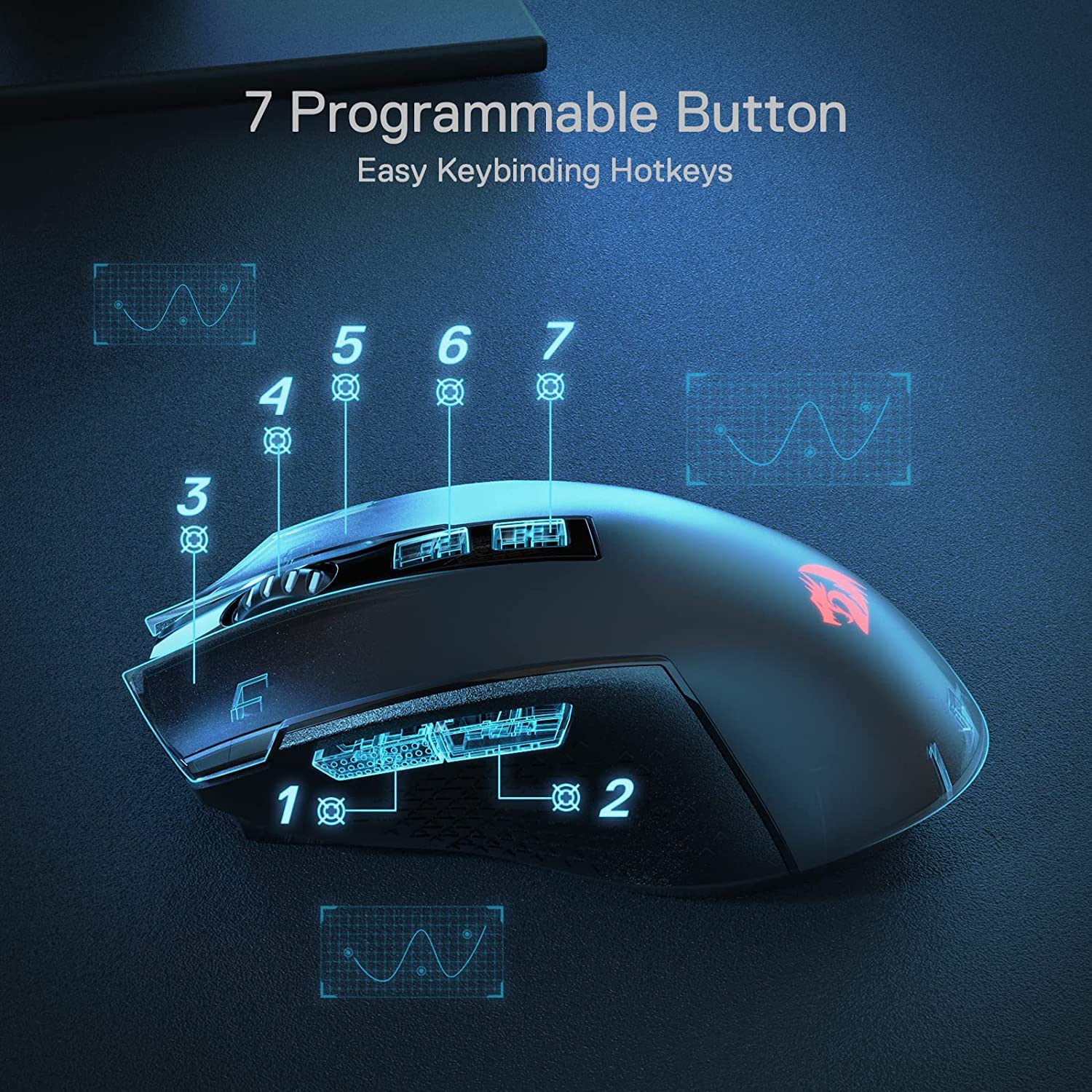
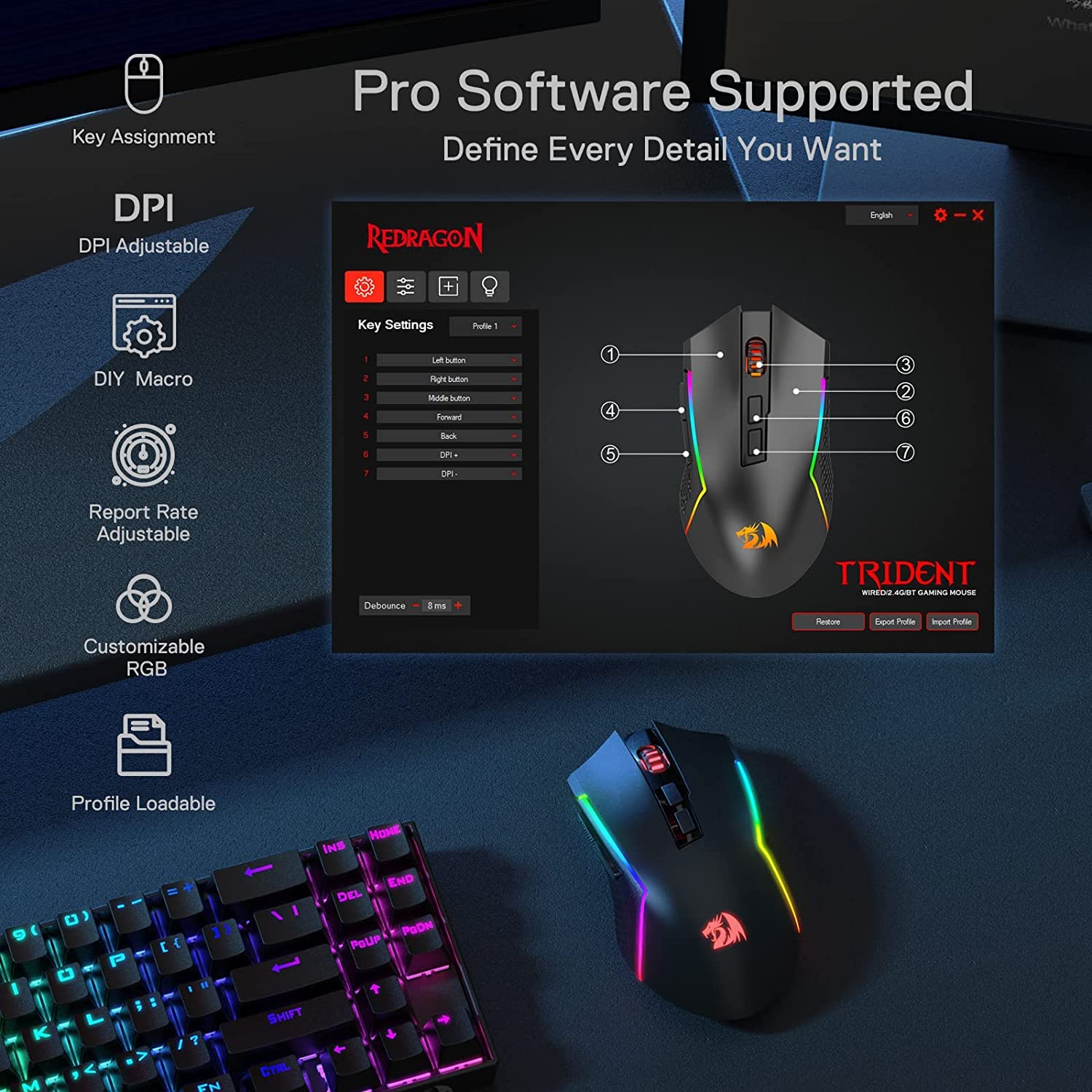
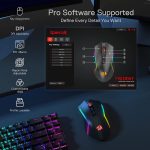
- 7 Programmable Buttons: Fully customizable via dedicated software, enabling you to map macros for complex coding tasks or shortcut keys for video editing suites.
- High-Endurance Rechargeable Battery: Equipped with a long-lasting internal battery that keeps you operational for days; simply plug in the USB-C cable to continue working while it charges.
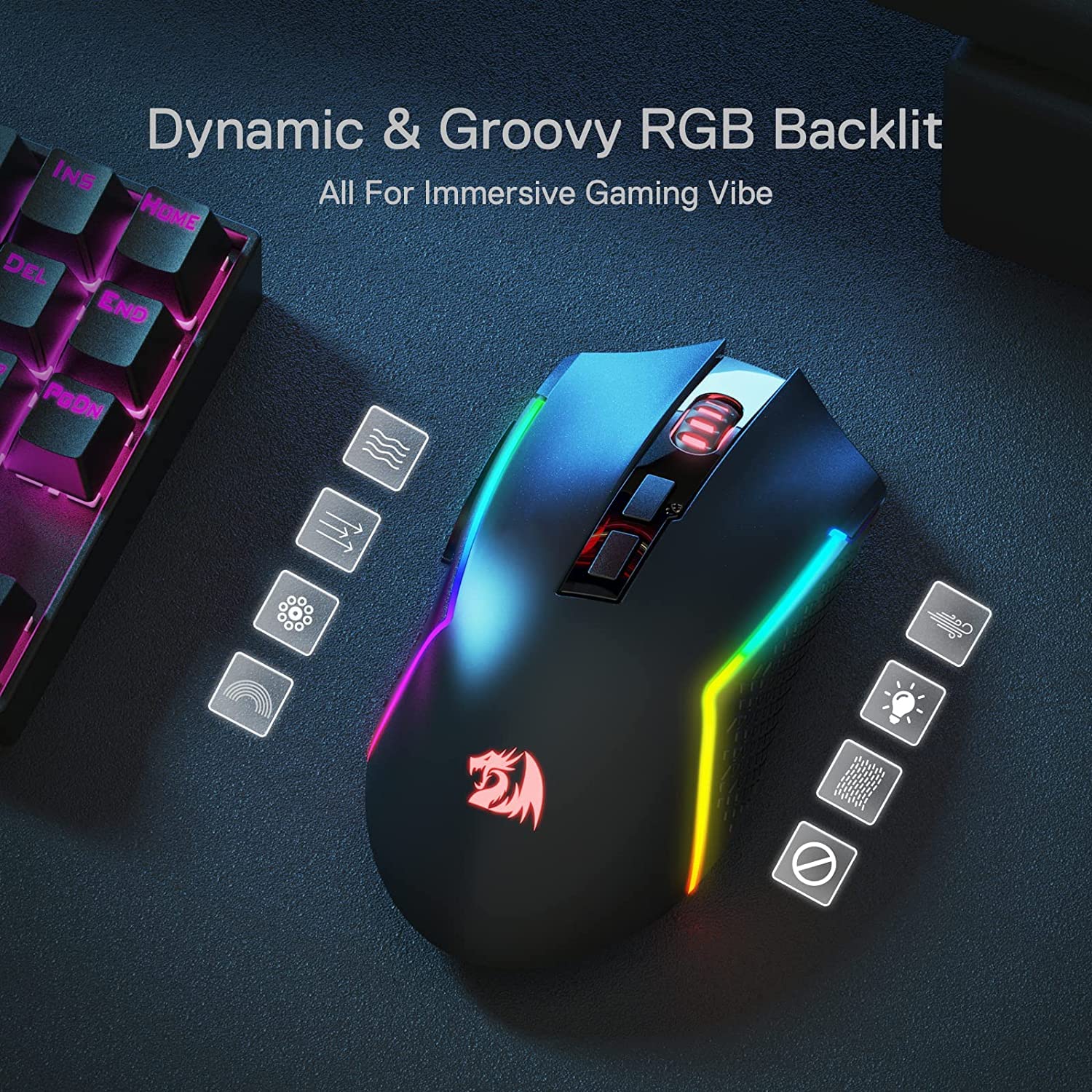
- Dynamic RGB Backlighting: Features multiple lighting modes with 16.8 million colors, allowing for deep personalization of your workspace aesthetic.
- Ergonomic Textured Grip: Designed with a thumb rest and anti-skid surface to reduce hand fatigue during long hours of client work or study.
Performance & Usage: The M693 shines in hybrid environments where speed and versatility are non-negotiable. For multimedia and graphics students, the high polling rate ensures that fine adjustments in Photoshop or Blender are registered without jitter. The Bluetooth mode is a game-changer for those who prefer to draft scripts or manage social media channels on a secondary tablet while keeping the primary workstation clear. When the day shifts from professional tasks to Japanese media consumption or gaming, the 2.4GHz mode delivers a 1ms response time that rivals wired performance. Its lightweight yet sturdy build makes it easy to toss into a bag for college while being robust enough to serve as a primary anchor for a dedicated home agency setup.
Who Should Buy This:
- Multi-Device Professionals: Anyone managing an online business or agency who needs to switch rapidly between a desktop, laptop, and mobile device.
- BCA & Technical Students: Ideal for those who require a reliable, programmable mouse for coding marathons and digital design projects.
- Hybrid Gamers: Players who want the freedom of a wireless mouse for casual play but the security of a wired connection for competitive matches.
- Productivity Creators: Users building YouTube channels or tech tutorial platforms who need a versatile tool that looks as good as it performs on camera.
Comparison
Redragon M693 vs. Traditional Wired Gaming Mice: The M693 offers a level of freedom that standard wired mice simply cannot match. While a wired mouse is tethered to a single machine, the M693’s tri-mode capability allows it to act as the central controller for an entire multi-device ecosystem. Unlike many budget wireless mice that rely on replaceable AA batteries, the M693 features an integrated rechargeable cell, reducing long-term costs and environmental impact. Furthermore, the inclusion of Bluetooth ensures compatibility with devices that lack standard USB-A ports, making it a far more future-proof investment for users moving toward modern, USB-C-centric hardware.
FAQs:
- How do I switch between the three connection modes? There is a dedicated switch on the bottom of the mouse that allows you to toggle between 2.4GHz, Bluetooth, and Wired modes. The mouse will automatically recognize the USB-C cable when plugged in.
- Is the software compatible with Mac? While the mouse works as a plug-and-play device on macOS, the advanced button programming and macro software are currently optimized for Windows environments.
- Can I use the mouse while it is charging? Yes. When you connect the USB-C cable, the mouse functions as a high-performance wired peripheral while simultaneously replenishing the internal battery.
- Does it have a slot to store the wireless receiver? Absolutely. The bottom of the mouse features a secure storage compartment for the 2.4GHz nano-receiver, ensuring you don’t lose it during transit between your home and college.


Reviews
Clear filtersThere are no reviews yet.