





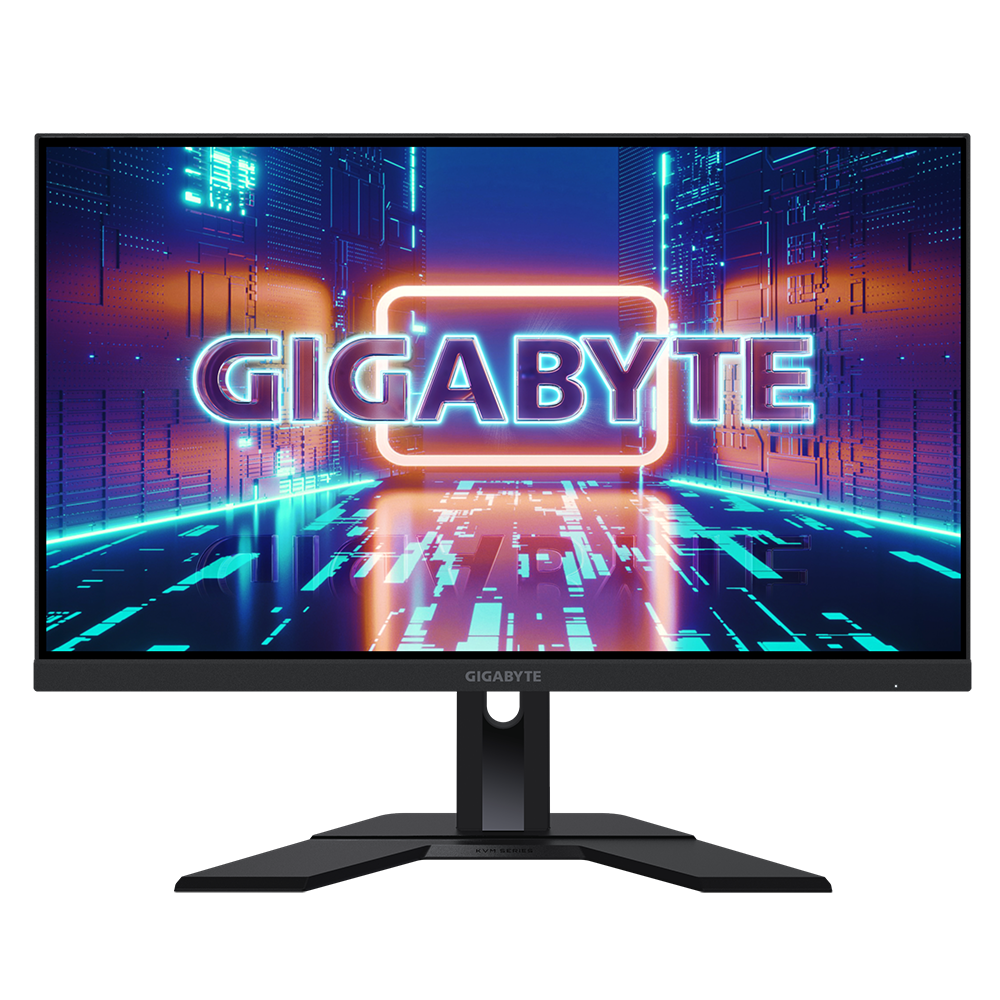
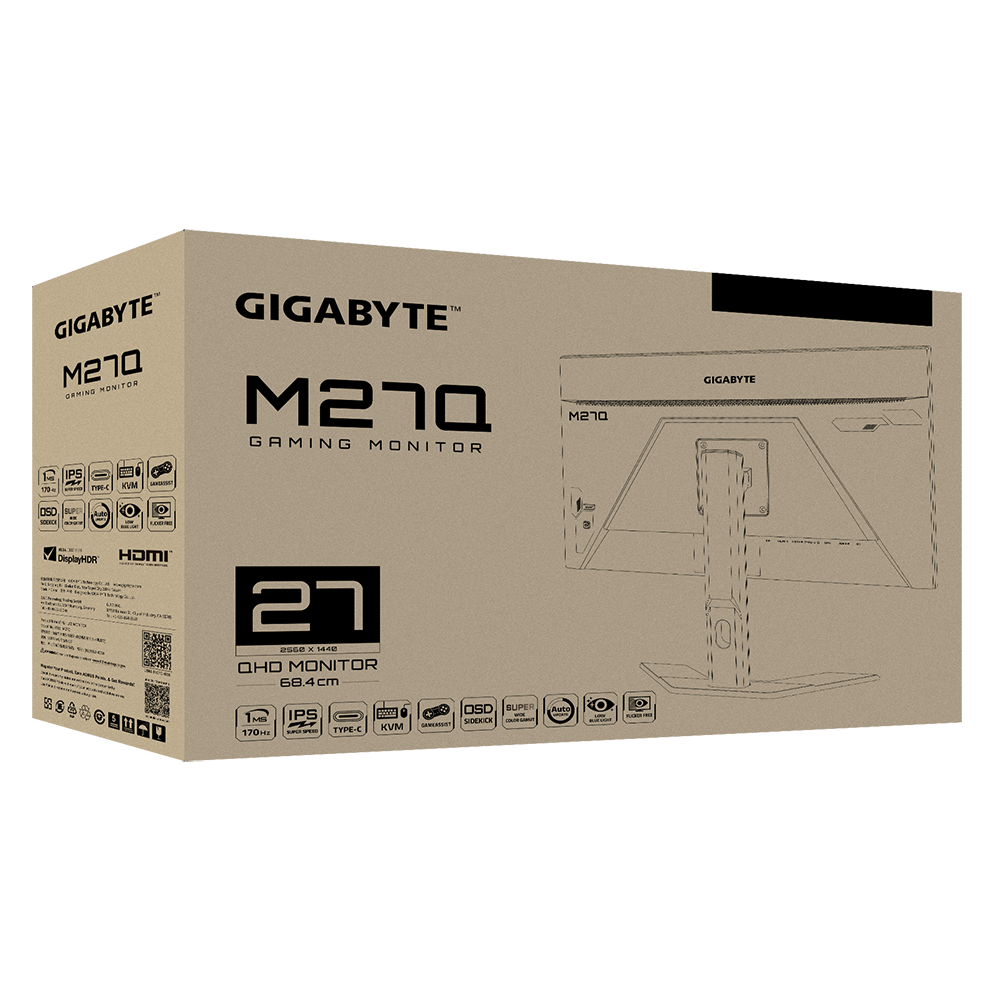
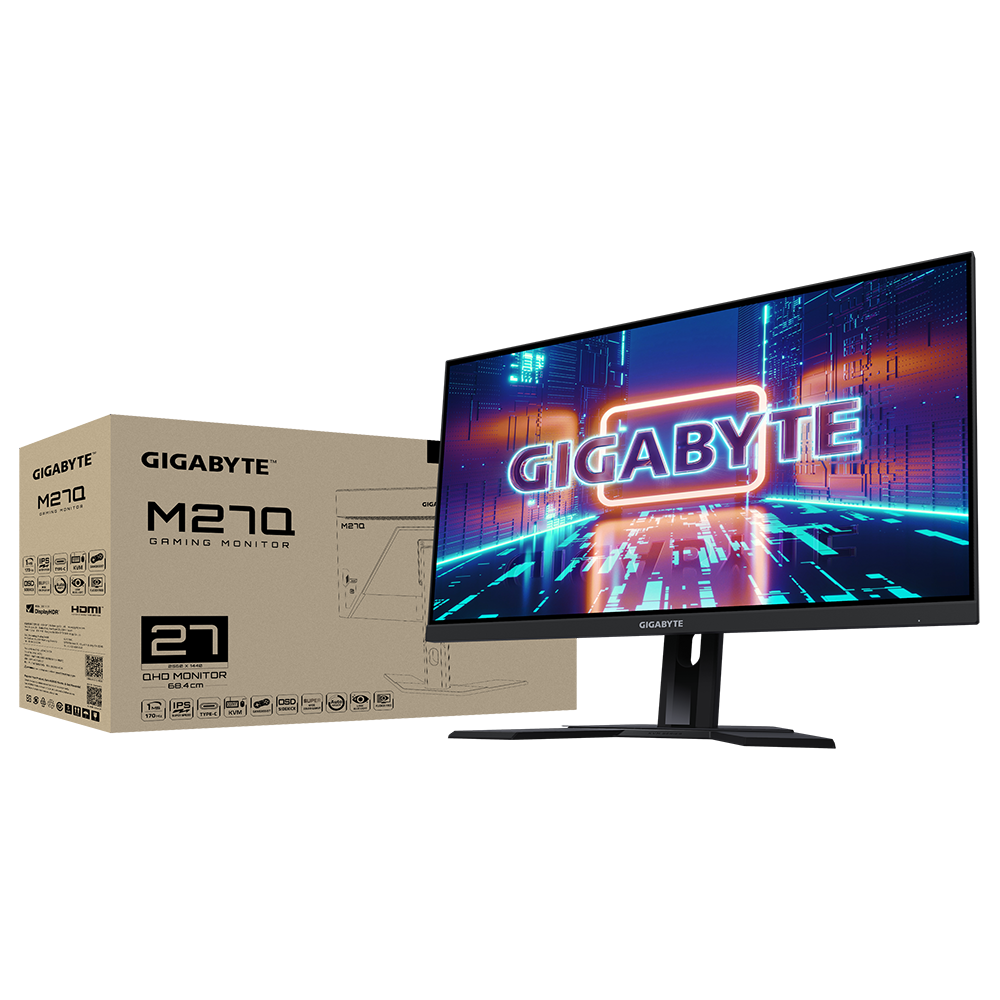
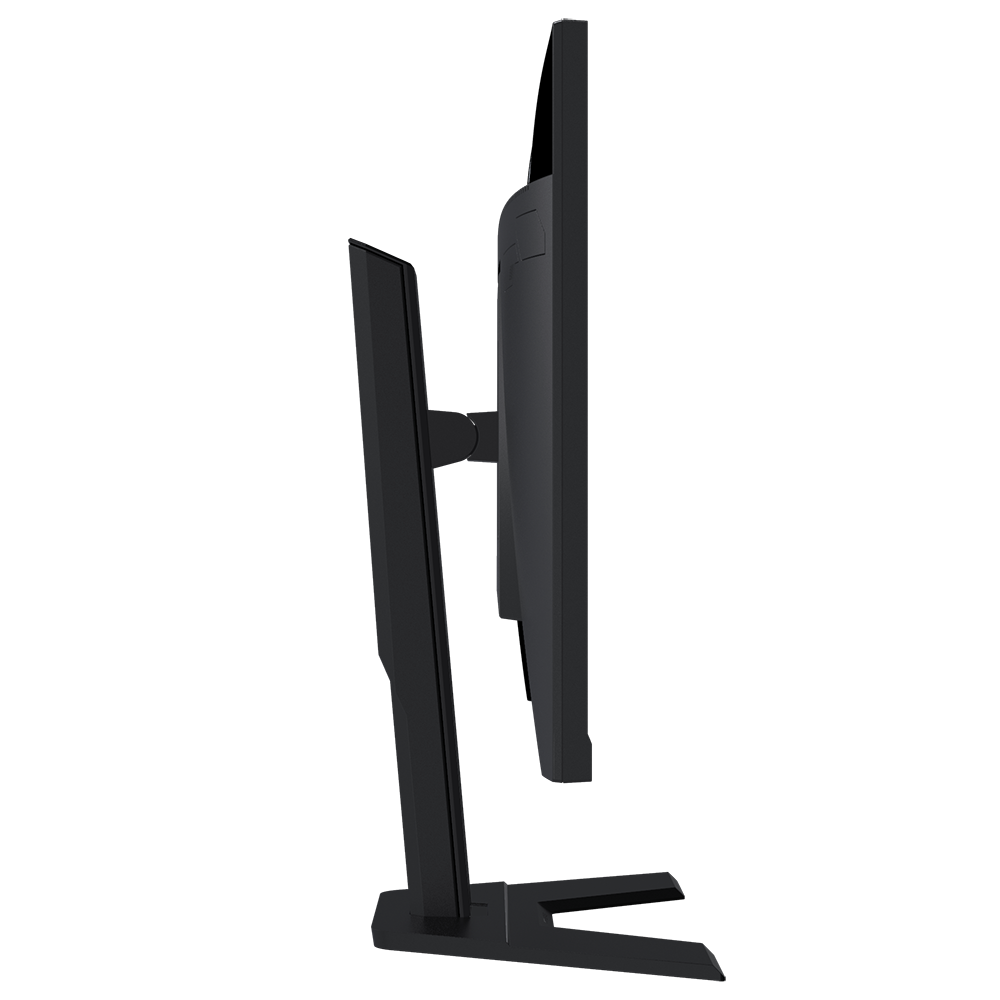
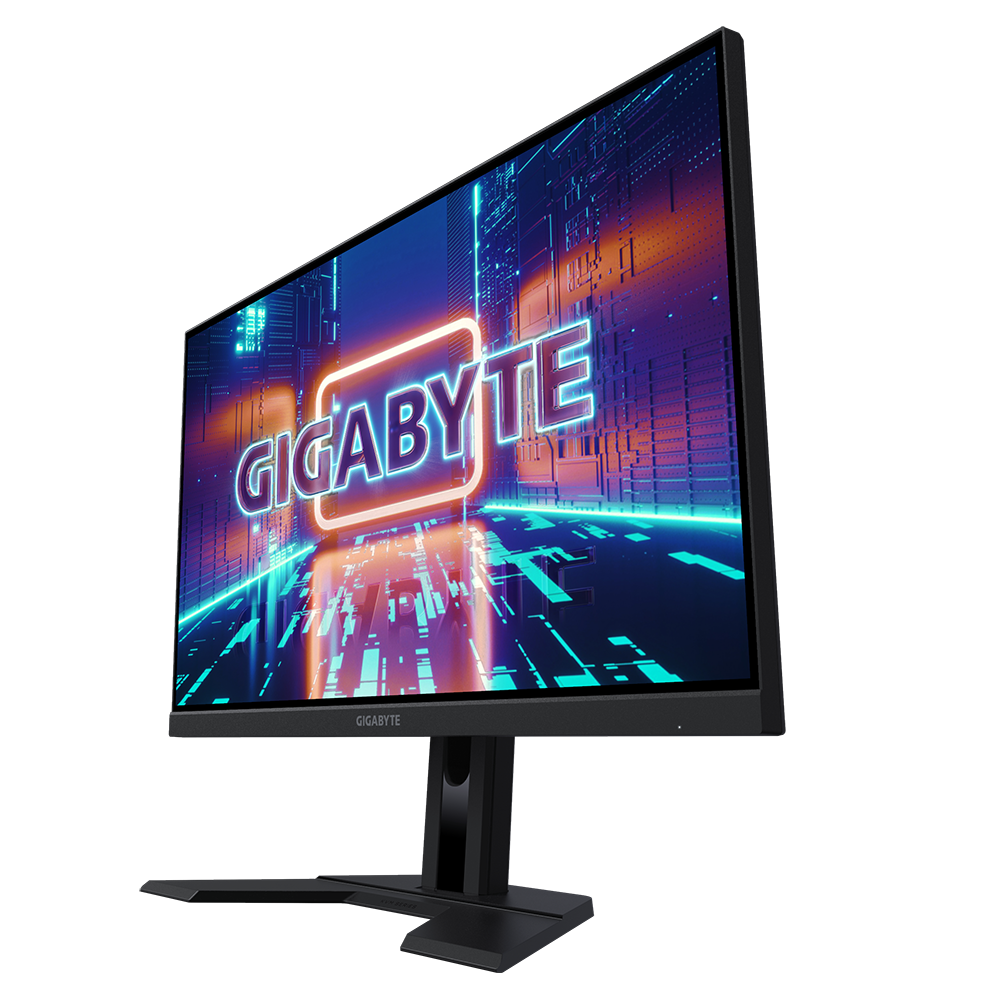
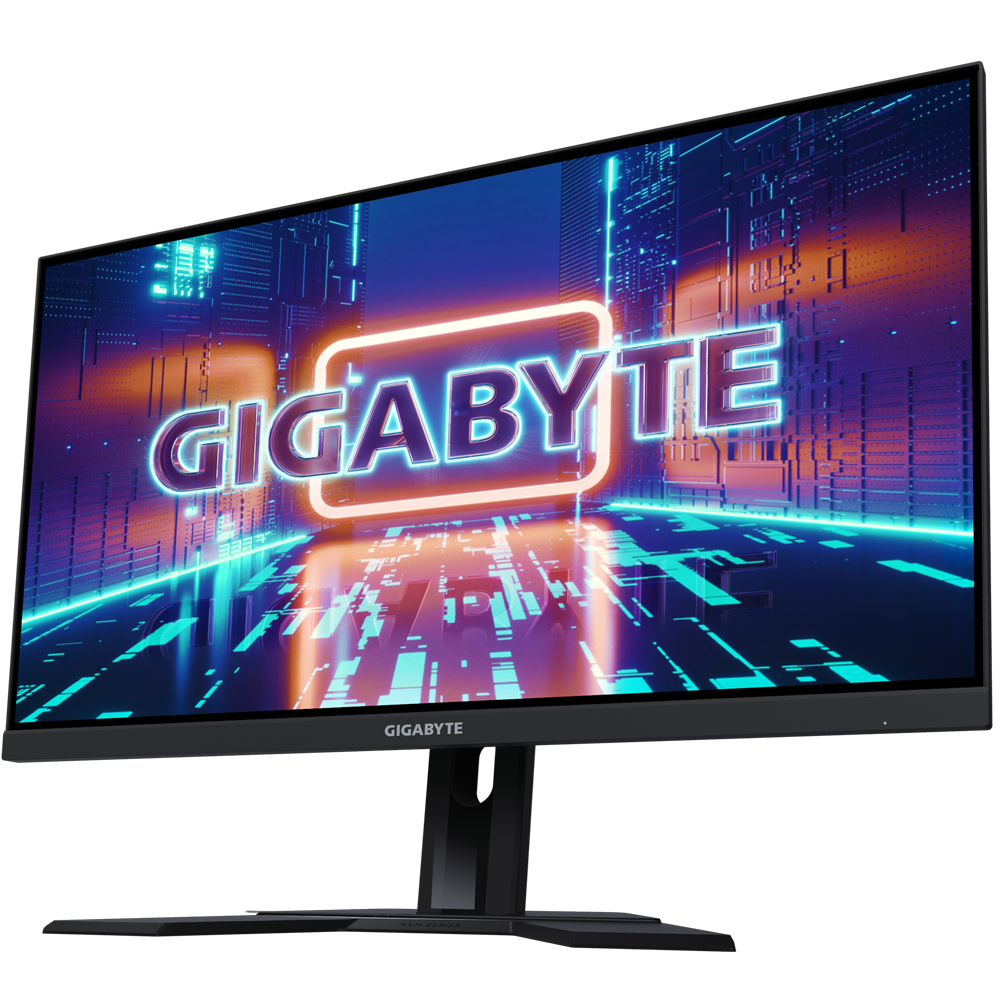
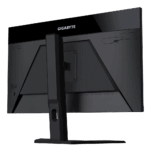
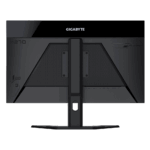
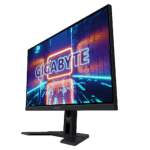
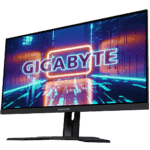


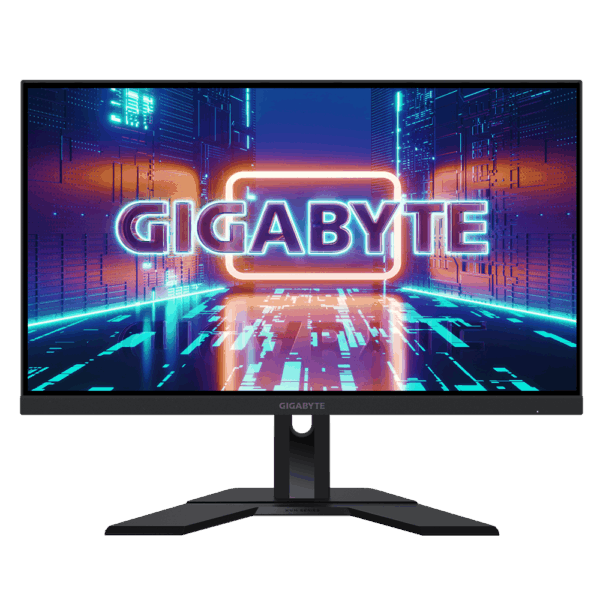
Gigabyte M27Q 27-Inch 1440p KVM Gaming Monitor
Super Speed IPS Performance: Say goodbye to motion blur and ghosting. The M27Q utilizes a specialized Super Speed IPS (SS IPS) panel that drops the response time down to an incredibly fast 0.5 milliseconds (MPRT). When combined with the ultra-smooth 170Hz refresh rate, this monitor provides competitive gamers with unparalleled motion clarity in fast-paced shooters. Furthermore, the 1440p (QHD) resolution offers massive amounts of screen real estate and exceptionally sharp details compared to standard 1080p monitors.
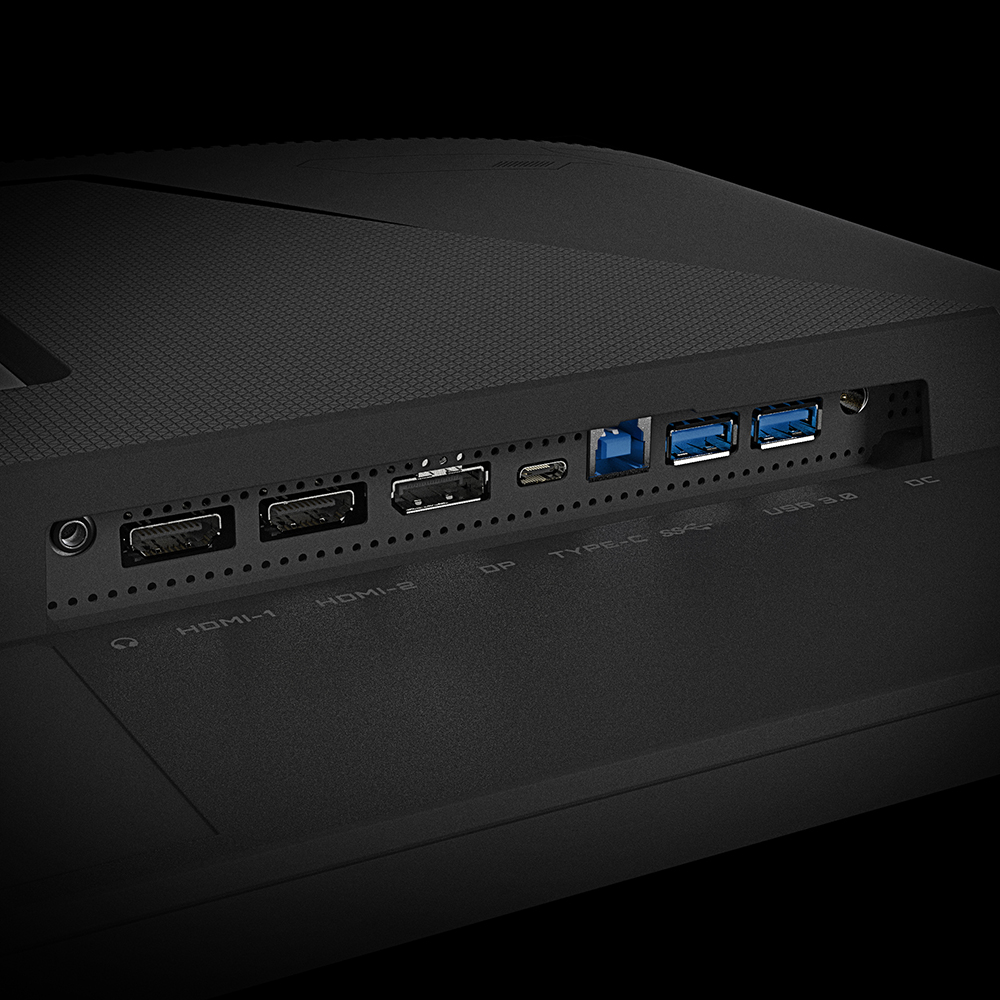
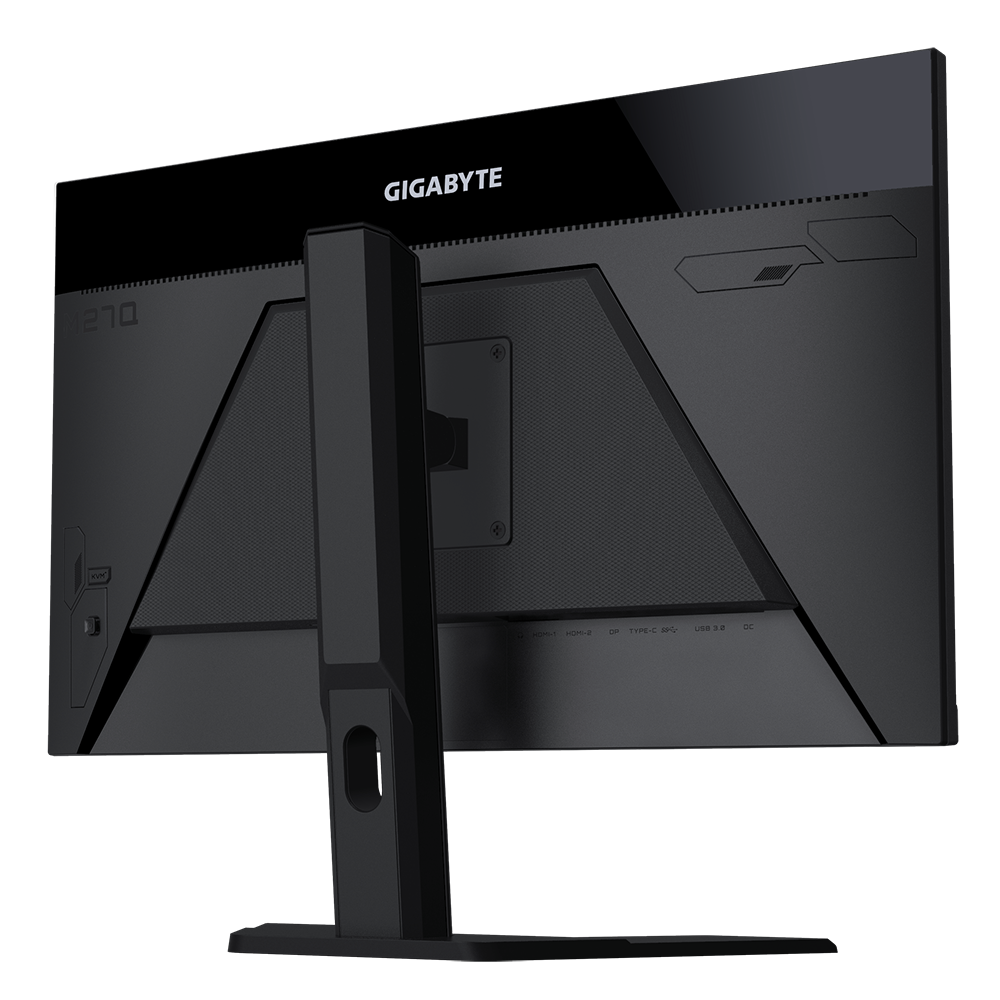
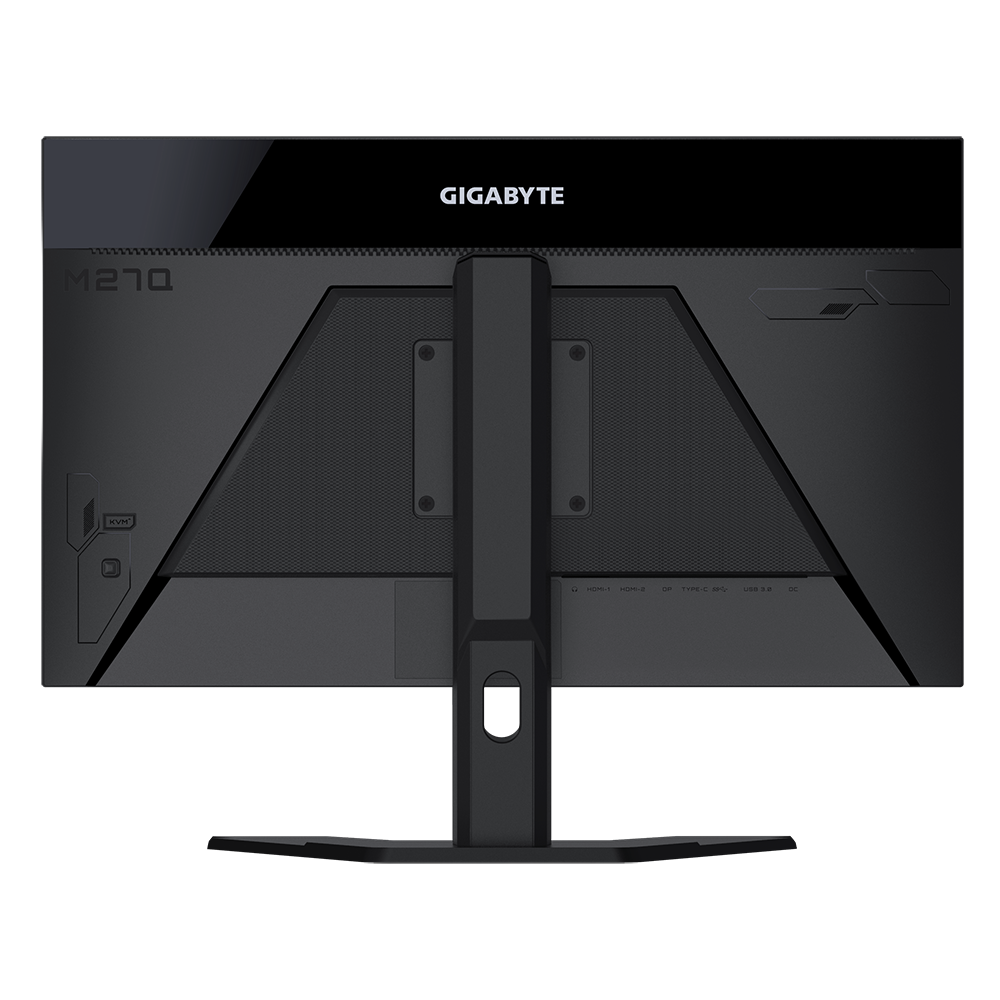
The Built-in KVM Advantage: If you work from home but also use your desk for PC gaming, this monitor will completely declutter your setup. The built-in KVM (Keyboard, Video, and Mouse) switch allows you to plug your mouse and keyboard directly into the monitor. You can then connect your main gaming desktop via a standard display cable, and your work laptop via the USB Type-C port. With the simple press of a physical button on the back of the monitor, you can instantly swap your display, keyboard, and mouse control back and forth between both computers.
Vibrant Colors and HDR: Gaming worlds will look more lifelike than ever. Unlike older, washed-out gaming panels, the M27Q boasts a massive 92% DCI-P3 and 140% sRGB color gamut, delivering rich, heavily saturated colors and deep contrast. It is also VESA DisplayHDR 400 certified, meaning it can hit high brightness levels to make explosions, sun glare, and colorful environments pop beautifully off the screen during cinematic single-player games.
Key Features
Built-in KVM Switch: Instantly control two separate devices with one keyboard and mouse using a dedicated physical switch button.
1440p QHD Resolution: A crisp 2560 x 1440 resolution provides perfectly sharp textures and plenty of desktop space for multitasking.
170Hz Refresh Rate: Delivers incredibly fluid frame rates for competitive esports and fast-paced action titles.
0.5ms Response Time: The Super Speed IPS panel virtually eliminates ghosting and motion blur during rapid camera movements.
USB Type-C Display: The Type-C port supports video output, data transfer, and 10W device charging simultaneously.
OSD Sidekick: A specialized software feature that allows you to easily adjust your monitor settings using your mouse, rather than fumbling with tiny physical buttons.
Specifications of Gigabyte M27Q 27-Inch 1440p KVM Gaming Monitor
Model: Gigabyte M27Q
Screen Size: 27 Inches
Panel Type: Super Speed IPS (SS IPS)
Resolution: 2560 x 1440 (QHD)
Refresh Rate: 170Hz
Response Time: 0.5ms (MPRT)
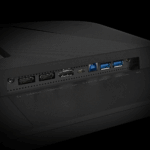
Connectivity: 2 x HDMI 2.0, 1 x DisplayPort 1.2, 1 x USB Type-C, 2 x USB 3.0 Downstream (for KVM)
Who It Is For
Work-From-Home Gamers: Professionals who use a company laptop during the day and a gaming desktop at night, and want to control both using the same screen, keyboard, and mouse.
Competitive FPS Players: Gamers who demand high refresh rates and incredibly low response times for games like Valorant, Counter-Strike, or Apex Legends.
Dual-System Content Creators: Streamers and video editors who use a dedicated streaming PC alongside their main rig and need a seamless way to switch control between them.
Frequently Asked Questions
Does the USB-C port charge my laptop while I use it? The USB Type-C port on the M27Q does provide power delivery, but it is limited to 10 Watts. While this is enough to keep a smartphone charged or slowly trickle-charge a sleeping tablet, it is not powerful enough to actively charge and power a high-end work laptop while you are using it. You will still need to plug your laptop into its own power brick.
Can I use this monitor with my PlayStation 5 or Xbox Series X? Yes, absolutely. Both the PS5 and the Xbox Series X fully support 1440p resolution output. When connected via the HDMI ports, the consoles will recognize the monitor and allow you to play supported games at a smooth 120Hz at 1440p resolution.
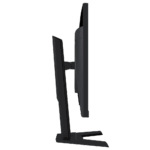
Can I mount this monitor to a desk arm? Yes. While the monitor comes with a very sturdy, height-and-tilt adjustable stand out of the box, the back panel also features a standard 100x100mm VESA mounting pattern. This allows you to easily remove the factory stand and attach the screen to any standard aftermarket monitor arm or wall mount.

Reviews
Clear filtersThere are no reviews yet.