





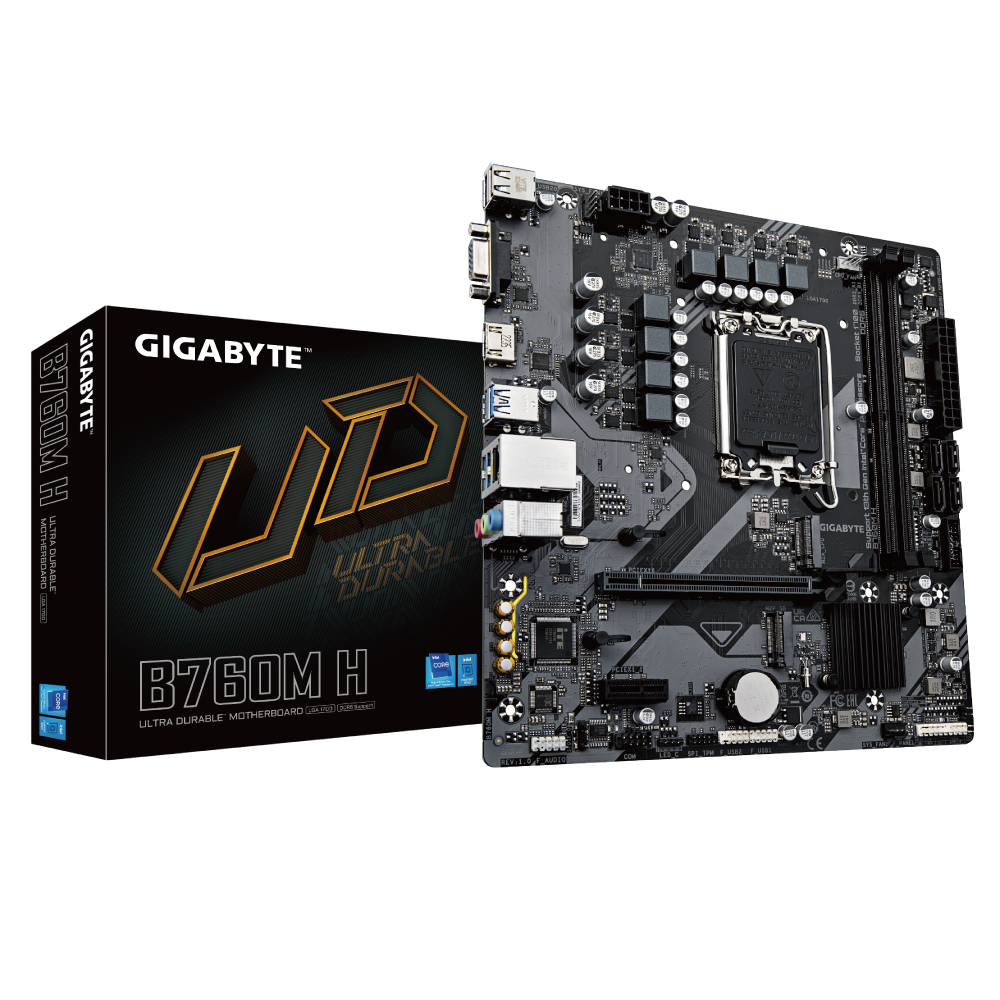

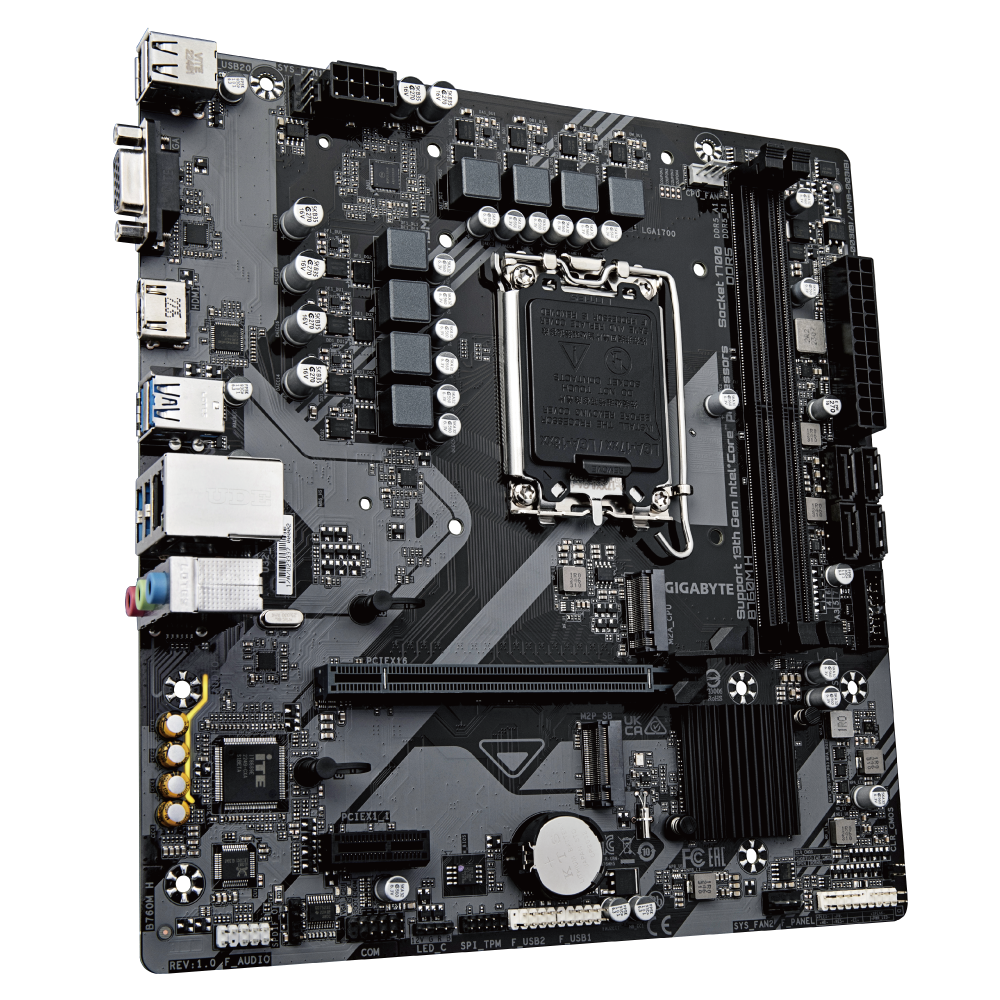

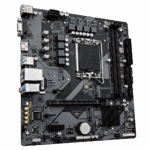
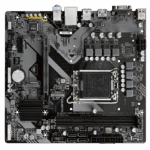



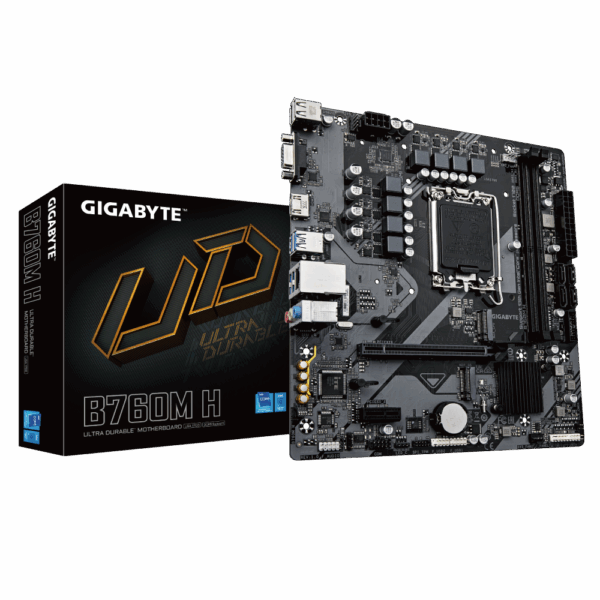
Gigabyte B760M H DDR5 Motherboard | LGA 1700 Micro-ATX
Building a modern PC on a budget usually means choosing where compromises actually matter. The B760M H DDR5 takes a fairly sensible approach by focusing more on core platform features than cosmetic extras. It supports Intel’s LGA 1700 socket, giving compatibility with multiple CPU generations while keeping motherboard pricing lower than premium Z-series boards.
Gigabyte uses a simple 6+1+1 phase VRM setup here. It’s enough for processors like the Core i3-14100, i5-12400, or i5-13400F, but clearly not designed for high-power unlocked i7 or i9 CPUs under heavy workloads. One interesting choice is the use of only two DDR5 memory slots instead of four. On paper that looks limiting, but two-slot layouts can actually help memory stability and high-speed DDR5 compatibility.
For most gaming and office builds, 128GB maximum capacity is already far more than enough anyway. Overall, the board feels designed around reliability and practicality rather than enthusiast tweaking.
KEY FEATURES
- Dual PCIe 4.0 M.2 Slots
The board includes two Gen4 NVMe SSD slots, giving enough room for a fast boot drive plus extra storage for games or applications without relying heavily on SATA drives. - 2-DIMM DDR5 Layout
Using two memory slots helps simplify DDR5 memory training and stability. High-speed XMP kits generally run more reliably compared to some cheaper four-slot boards. - EZ-Latch PCIe Slot
Gigabyte’s extended GPU release latch makes removing larger graphics cards much easier, especially inside tighter Micro-ATX cases. - HDMI & VGA Display Outputs
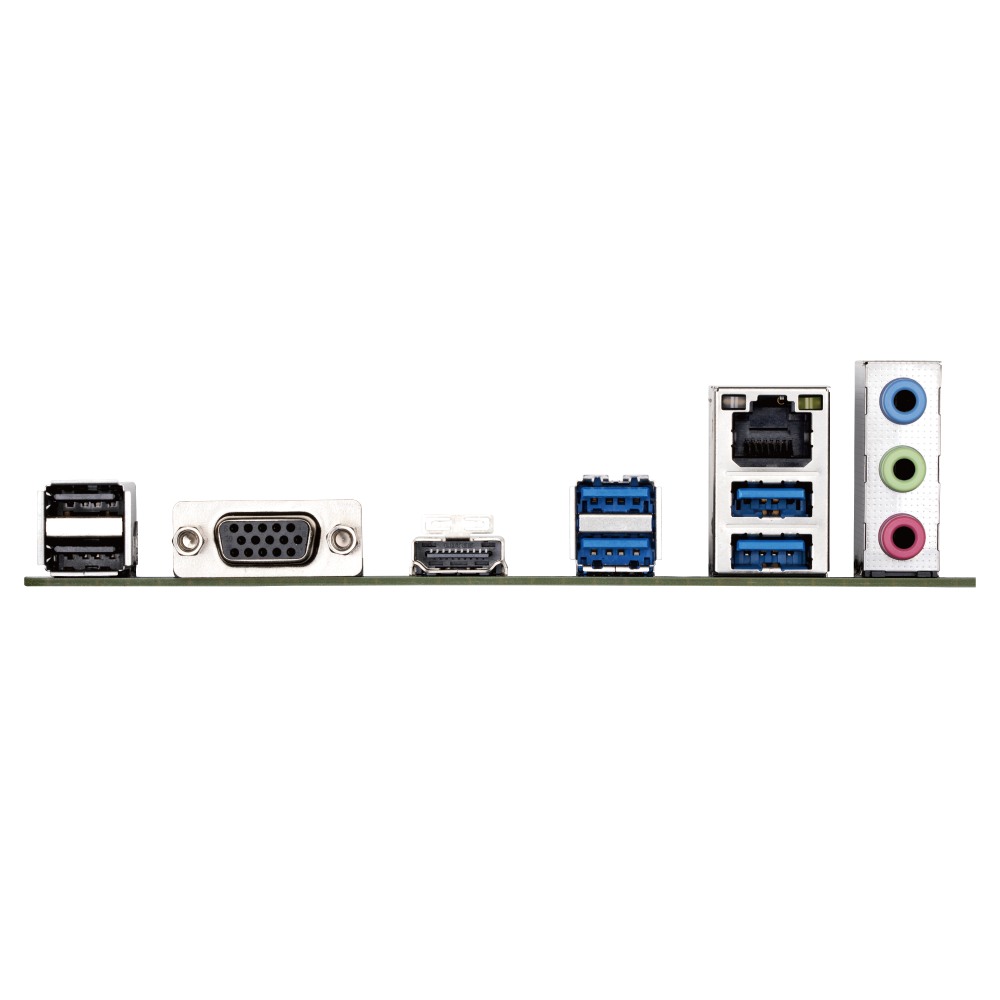
The inclusion of VGA alongside HDMI is surprisingly useful for office setups or older monitors that still rely on legacy display connections.
PERFORMANCE & USAGE
The B760M H DDR5 performs best when paired with balanced hardware choices. With efficient processors like the Core i5-12400 or i5-13400F, the board handles gaming, streaming, office work, and general multitasking without issues. Boot times are quick with NVMe storage, and DDR5 support helps the system feel responsive overall.
The compact Micro-ATX layout does make spacing a little tighter though. Large dual-tower CPU coolers can interfere with RAM clearance, so simpler air coolers usually make more sense here. Gigabyte’s Q-Flash Plus feature is also genuinely useful. It allows BIOS updates without installing a CPU first, which helps avoid compatibility headaches with newer Intel processors.
The biggest limitation remains the VRM cooling. Since there are no heavy heatsinks covering the power delivery components, high-wattage CPUs under sustained rendering or stress workloads can push temperatures much higher than ideal. Networking is wired-only through standard Gigabit LAN. Users needing Wi-Fi or Bluetooth will need a separate adapter or PCIe expansion card.
TARGET AUDIENCE
This motherboard fits best for:
- Budget gaming PCs
- Office and productivity systems
- Intel Core i3 and i5 builds
- DDR5 entry-level builds
- First-time PC builders
- Users upgrading older LGA 1200 systems
It’s mainly built for practical, lower-cost systems rather than enthusiast-level performance tuning.
COMPARISON INSIGHTS
Compared to Gigabyte’s B760M DS3H, the B760M H DDR5 is clearly the more stripped-down option. The DS3H adds features like four RAM slots, better VRM cooling, and DisplayPort output.
Against older H610 boards though, the B760M H is a much better platform overall. You get:
- DDR5 XMP support
- Better chipset flexibility
- Dual Gen4 M.2 slots
- Improved memory support
- Better long-term CPU compatibility
For users trying to keep costs under control while still moving onto modern Intel hardware, it lands in a fairly reasonable middle ground.
EXPERT RECOMMENDATION
The Gigabyte B760M H DDR5 works well when paired with the right expectations.
If you want a stable DDR5 platform for a Core i3 or Core i5 gaming build without spending heavily on motherboard extras, it handles the job fine. It’s not intended for aggressive overclocking, flagship CPUs, or heavy workstation rendering, but that’s also not the audience this board targets.
Keep the airflow decent, stick with efficient Intel processors, and it becomes a reliable foundation for a modern budget system.
FAQ
- Will I need a BIOS update for a 14th Gen Intel processor?
Possibly. Depending on the manufacturing date, a BIOS update may be required. Q-Flash Plus allows easy updating without installing a CPU first. - Does this motherboard include Wi-Fi or Bluetooth?
No. Wireless connectivity requires a separate adapter or PCIe card. - Can I use DDR4 memory on this board?
No. This specific version supports DDR5 memory only. - Does it support PCIe 5.0 graphics cards?
No. The primary GPU slot runs at PCIe 4.0 x16 speeds, which is still perfectly fine for current gaming GPUs. - Can I run dual monitors from integrated graphics?
Yes. If your Intel CPU includes integrated graphics, you can use both HDMI and VGA outputs simultaneously.

Reviews
Clear filtersThere are no reviews yet.