






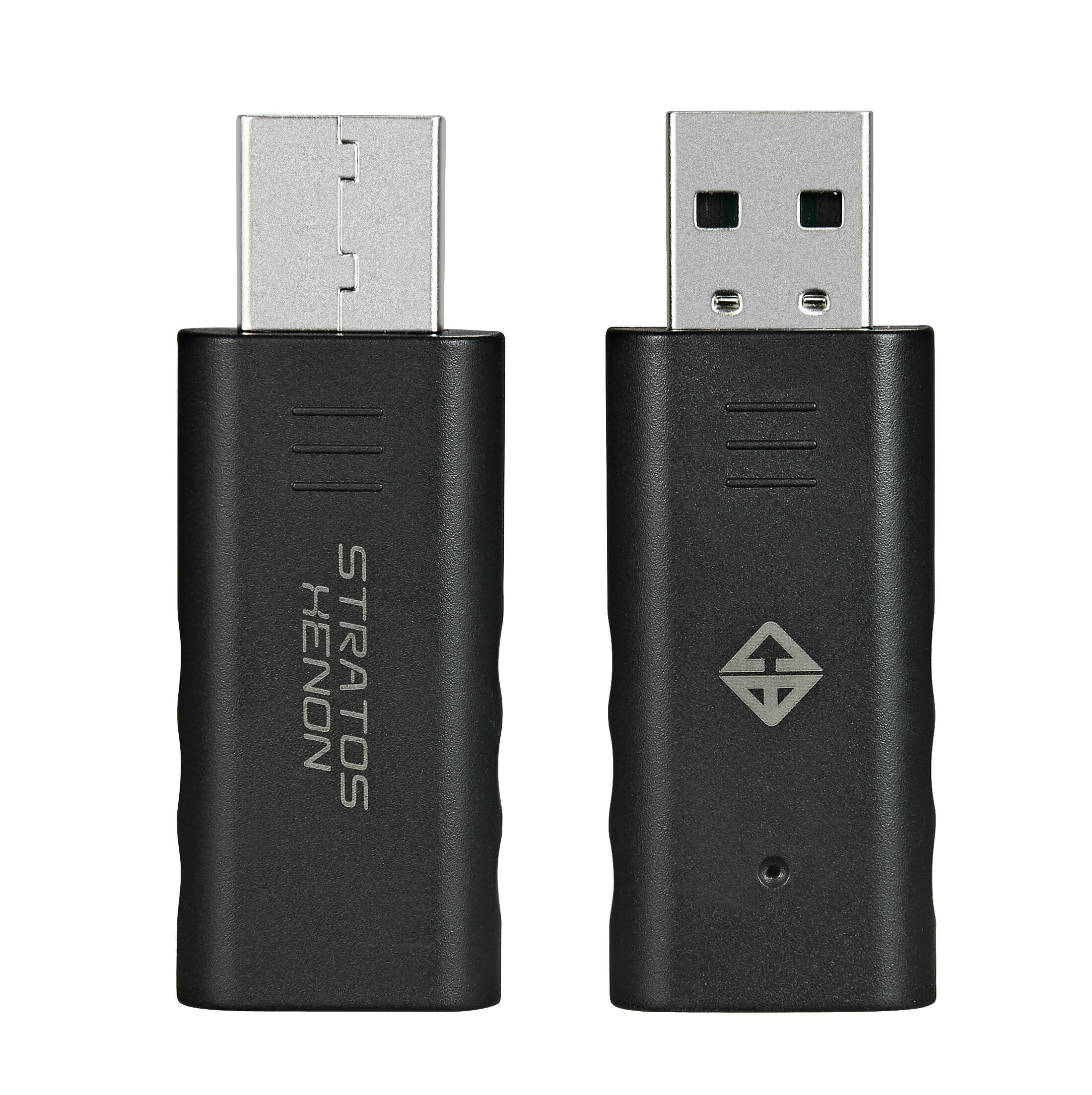



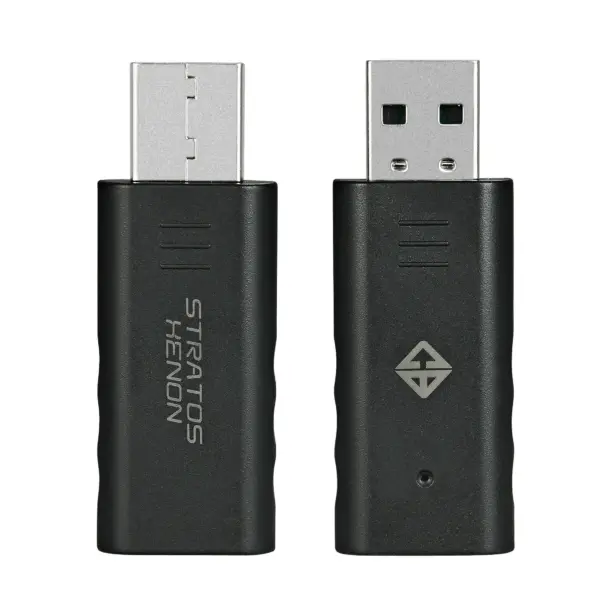
Cosmic Byte Gamepad Dongle for PC | Stratos, Black
Seamless Wireless Gaming: Losing or damaging your original wireless receiver usually means your gamepad is useless on a PC. This replacement dongle restores the 2.4GHz wireless functionality of your Cosmic Byte Stratos, Xenon, or Quantum controllers. The 2.4GHz connection provides a much more stable and lower-latency experience compared to standard Bluetooth, ensuring your button presses register instantly during fast-paced action and competitive gaming.
Plug-and-Play Simplicity: The dongle requires absolutely no third-party software or drivers to work on Windows PCs. Simply plug the dongle into an available USB port, press and hold the “Share + Home” buttons on your controller for three seconds, and the devices will automatically pair within moments. Once connected, your PC will instantly recognize the controller as a standard Windows gamepad.
Dual Mode Compatibility: PC gaming spans decades, and different eras of games require different controller inputs. This dongle fully supports both modern X-input (standard for Xbox-style PC gaming and most modern Steam titles) and legacy D-input (used for older PC games and emulators). You can effortlessly switch between the two modes on the fly by holding the “Share + Options” buttons on your controller for two seconds, ensuring complete compatibility with your entire game library.
Key Features
- Direct Compatibility: Exclusively designed for Cosmic Byte Stratos, Xenon, and Quantum wireless gamepads.
- Zero-Lag 2.4GHz Wireless: Offers a highly stable, low-latency connection compared to standard Bluetooth.
- Plug-and-Play: Requires no additional driver installations or third-party mapping software.
- Dual-Mode Support: Easily switch between X-input (modern games) and D-input (classic games) directly from the controller.
- Compact Design: The small footprint ensures it won’t block adjacent USB ports on your PC or laptop.
Specifications of Cosmic Byte Gamepad Dongle for PC | Stratos, Black
| Feature | Specification |
| Model | Cosmic Byte Stratos Xenon & Quantum Dongle |
| Color | Black |
| Compatibility | PC (Windows) |
| Supported Gamepads | Cosmic Byte Stratos, Xenon, Quantum |
| Connection Type | 2.4GHz Wireless USB |
| Supported Modes | X-Input and Direct-Input (D-Input) |
| Software Required | None (Plug & Play) |
| Warranty | 1 Year |
Who It’s For
- Existing Cosmic Byte Owners: The perfect replacement item if you have lost, misplaced, or broken the original USB receiver that came with your Stratos, Xenon, or Quantum gamepad.
- PC Gamers: Users who want to shift their compatible controller from console or mobile gaming over to a Windows desktop or laptop.
Frequently Asked Questions
- Will this dongle work with the Cosmic Byte Ares gamepad? No. This specific dongle is programmed exclusively to pair with the Cosmic Byte Stratos, Xenon, and Quantum models. If you have an Ares wireless controller, you will need to purchase the dedicated “Ares Dongle” instead.
- How do I pair my controller to the dongle for the first time? Plug the dongle into a USB port on your PC; the blue LED on the dongle will start blinking. On your controller, press and hold the “Share + Home” buttons for about 3 seconds. The white LED on the controller will blink a few times before turning solid. The blue LED on the dongle will then stop blinking, indicating a successful pairing.
- How do I switch between X-input and D-input modes? Once the controller is connected to the PC via the dongle, simply press and hold the “Share + Options” buttons on your controller for 2 seconds. This will toggle the input mode, allowing you to easily play games that require older Direct-Input standards.


Reviews
Clear filtersThere are no reviews yet.