








Cosmic Byte CB-GK-16 Firefly TKL Mechanical Keyboard | Hot-Swappable Outemu Blue Switches, RGB
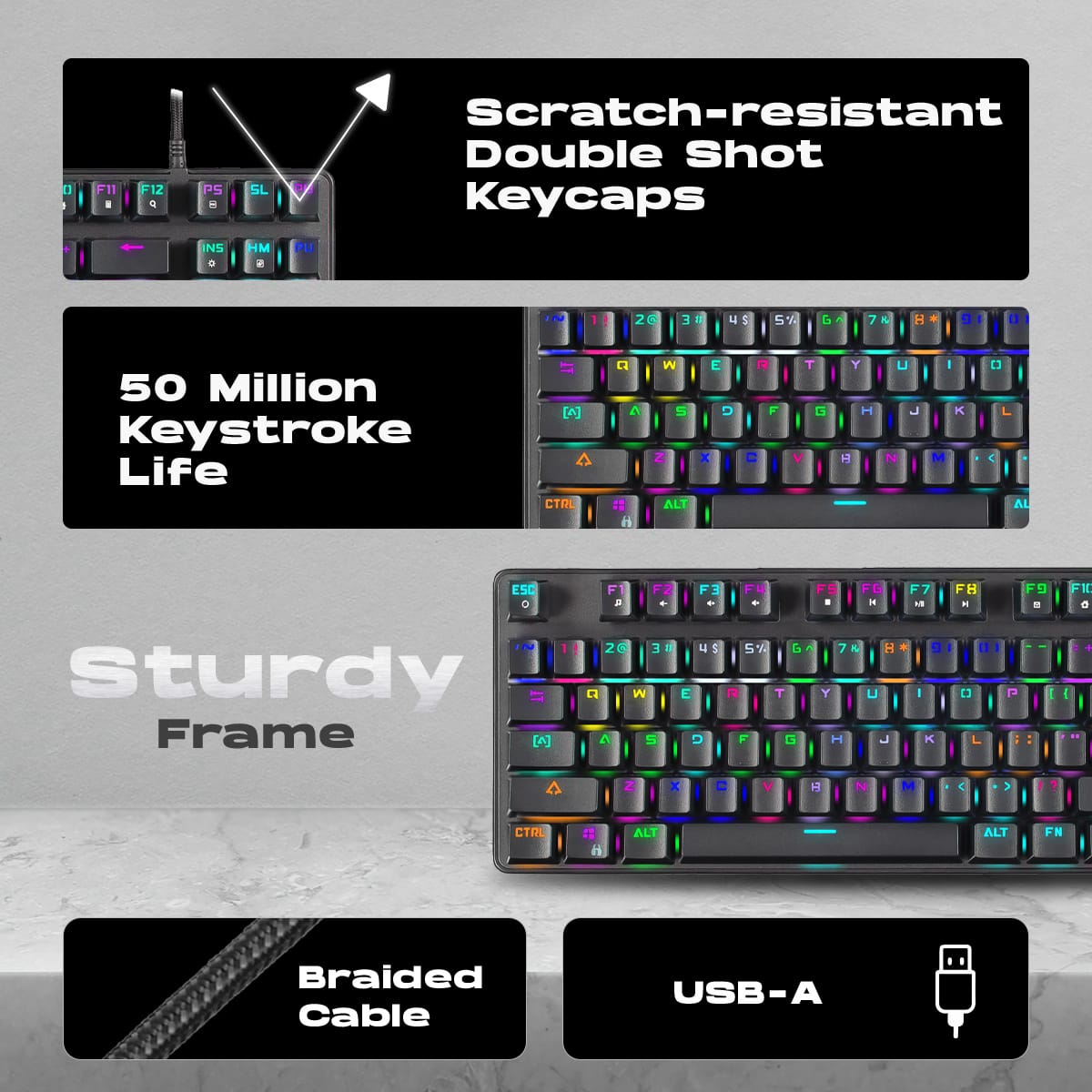
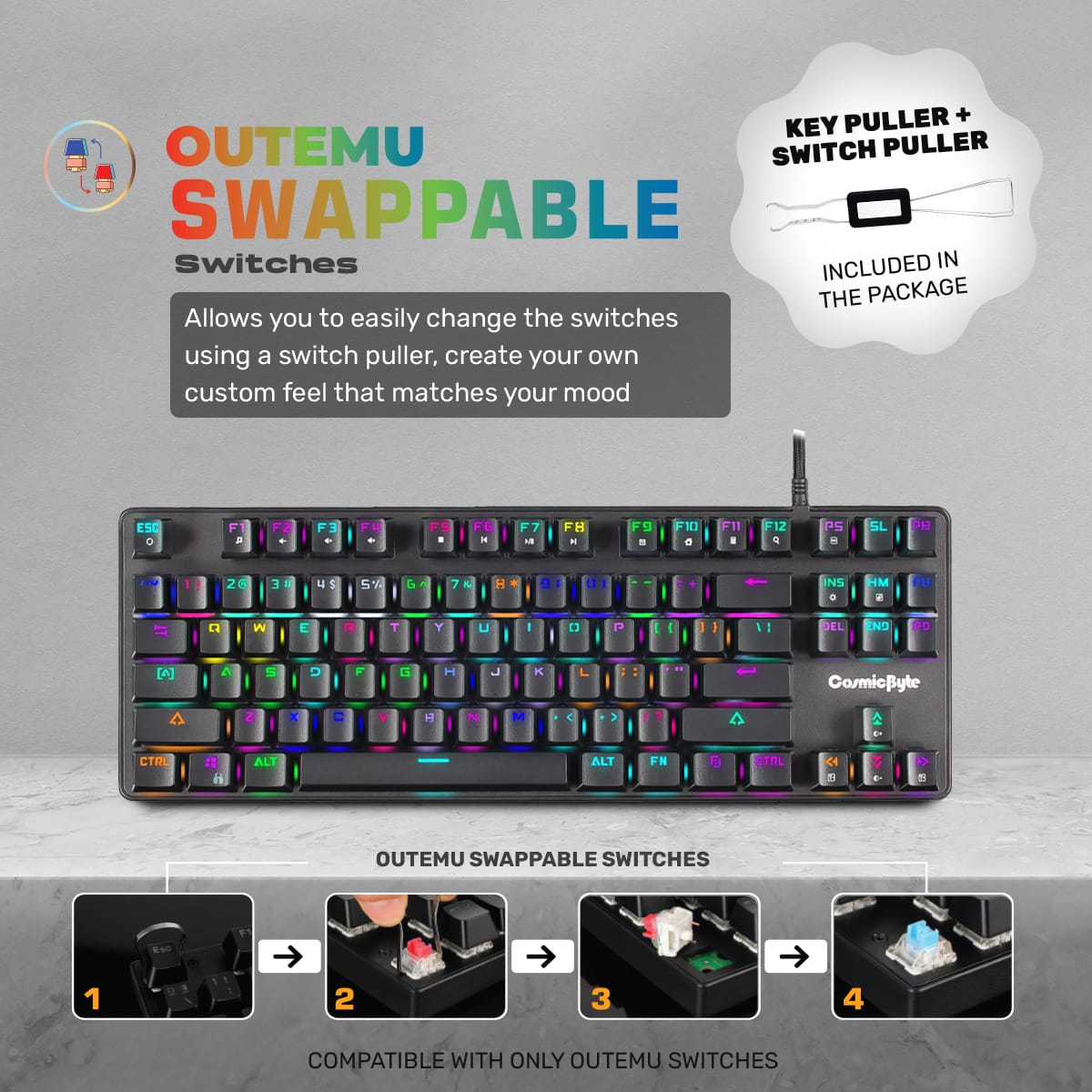
Hot-Swappable Tactile Precision: The CB-GK-16 Firefly comes outfitted with Outemu Blue mechanical switches, famous for their distinct “clicky” sound and tactile bump. These switches are rated for a massive 50 million keystroke lifespan, ensuring durability through years of intense gaming and coding sessions. The standout feature of this upgraded model is the hot-swappable PCB. If a switch ever fails, or if you simply want to try out different switch types (like linear reds or tactile browns) on specific keys, you can easily pull them out and push new ones in using the included tool-no soldering iron required.
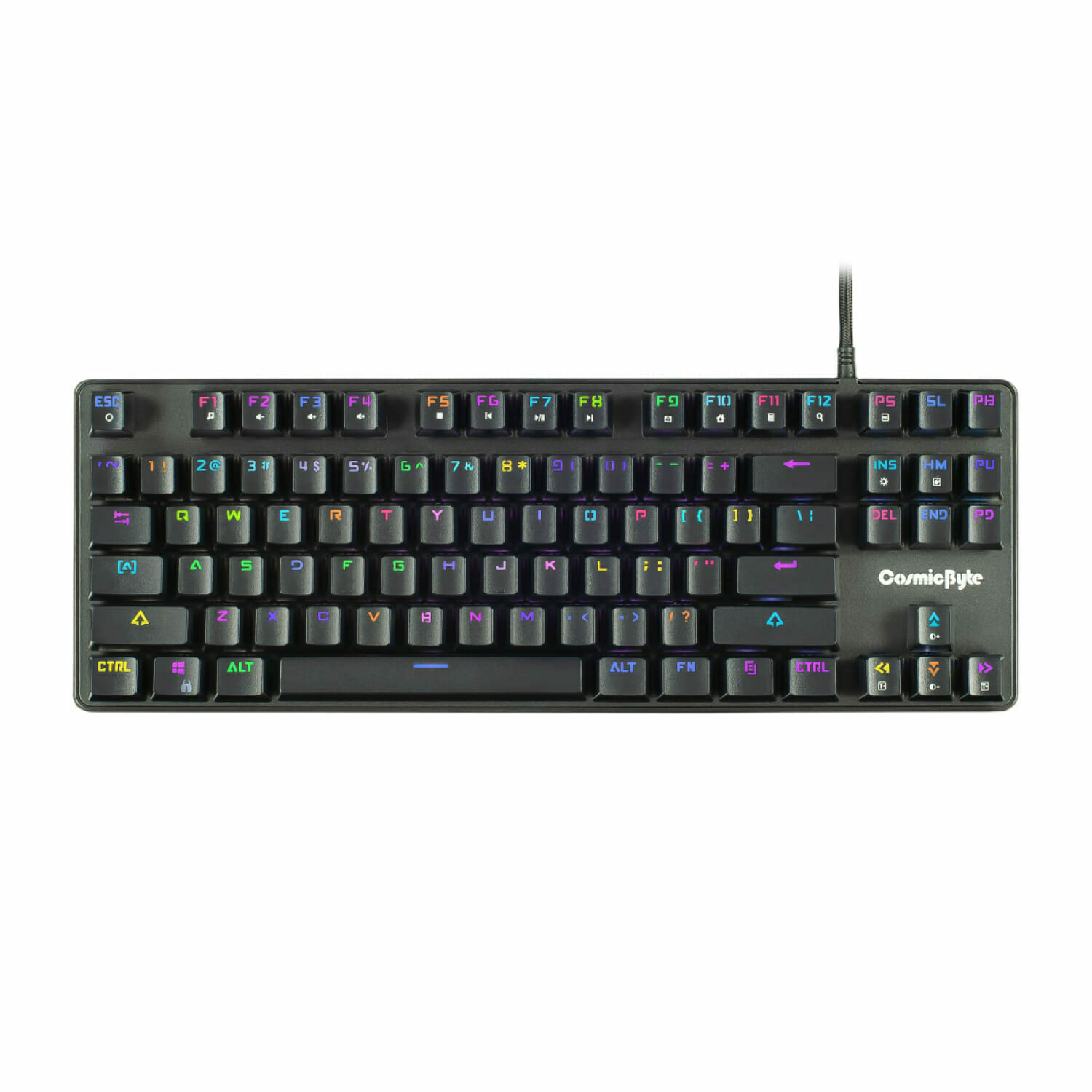
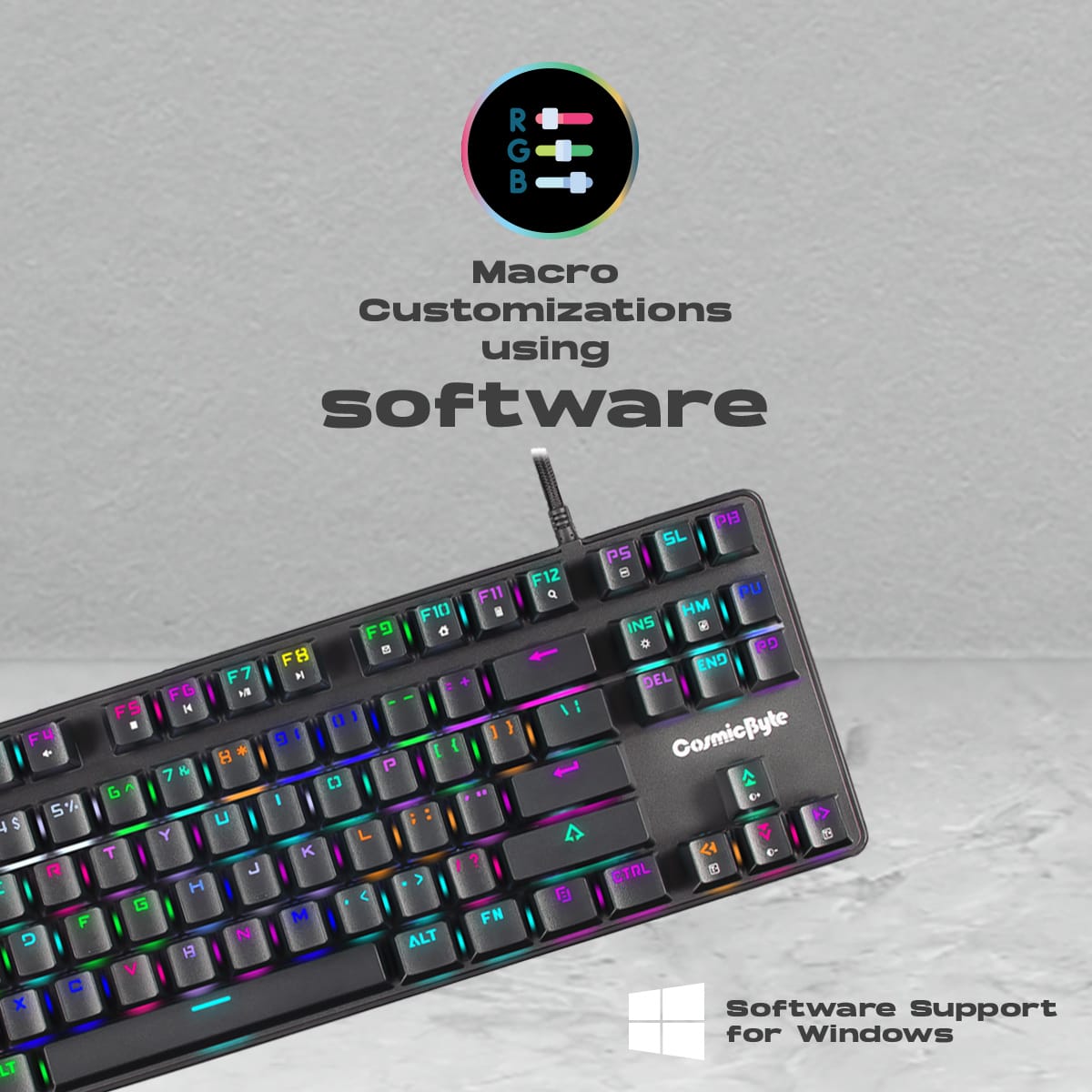
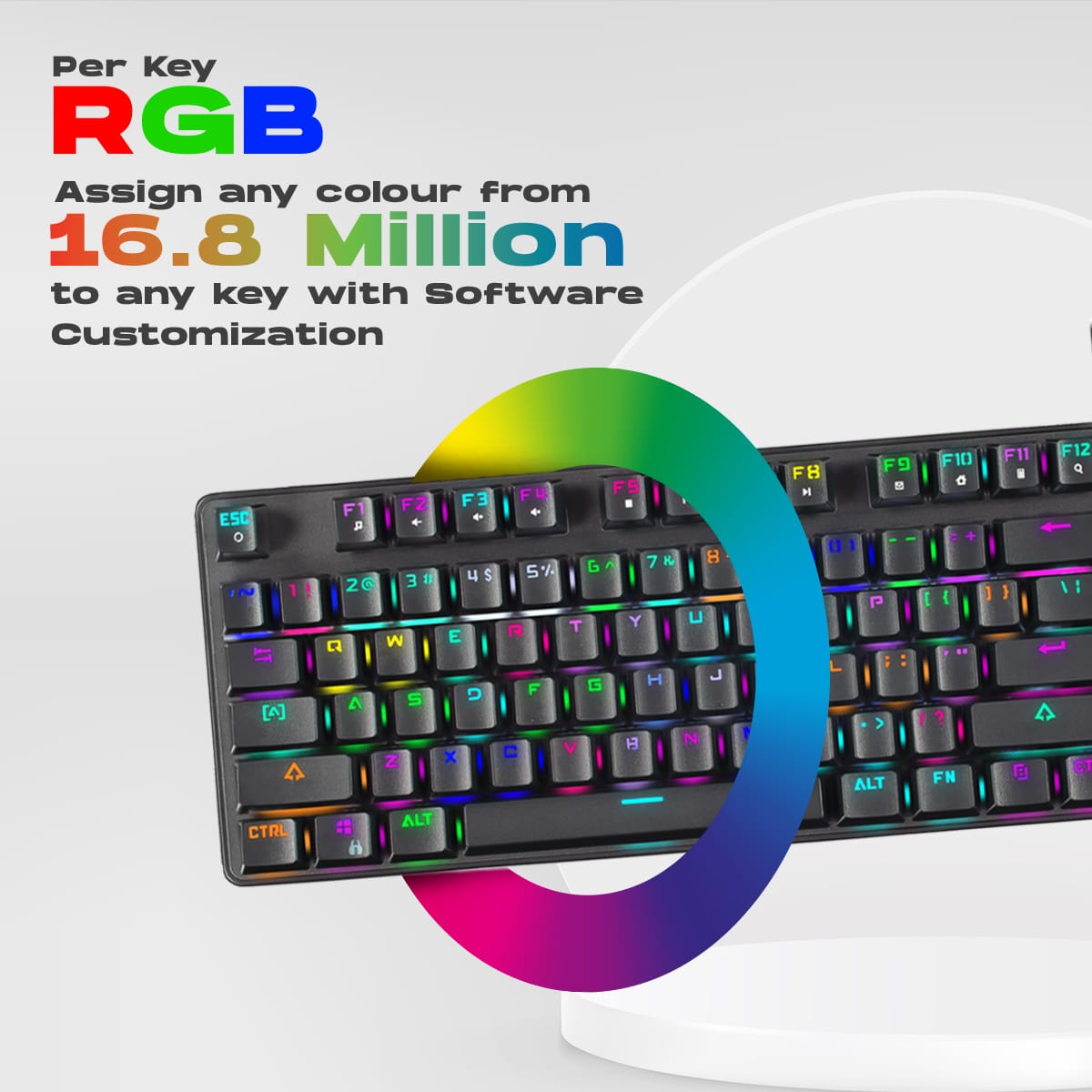
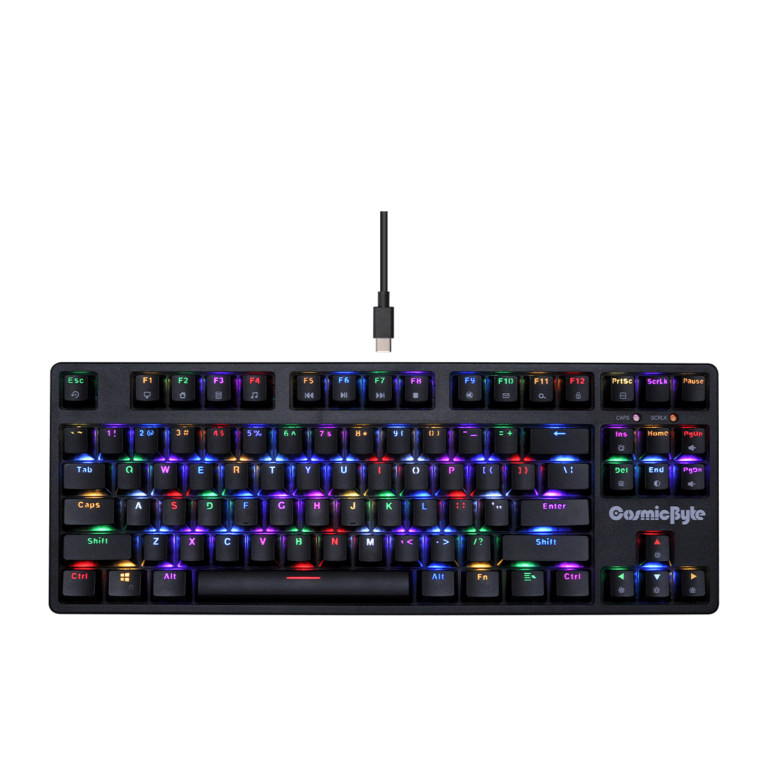
Vibrant Per-Key RGB Lighting: Make your setup truly your own. The Firefly doesn’t just feature basic, static zone lighting; it boasts full per-key RGB illumination with up to 16.8 million color options. Using the dedicated Cosmic Byte Windows software, you can completely customize the lighting layout, program macros, and choose from over 11 dynamic built-in lighting animations to match your mood, aesthetic, or in-game environment.
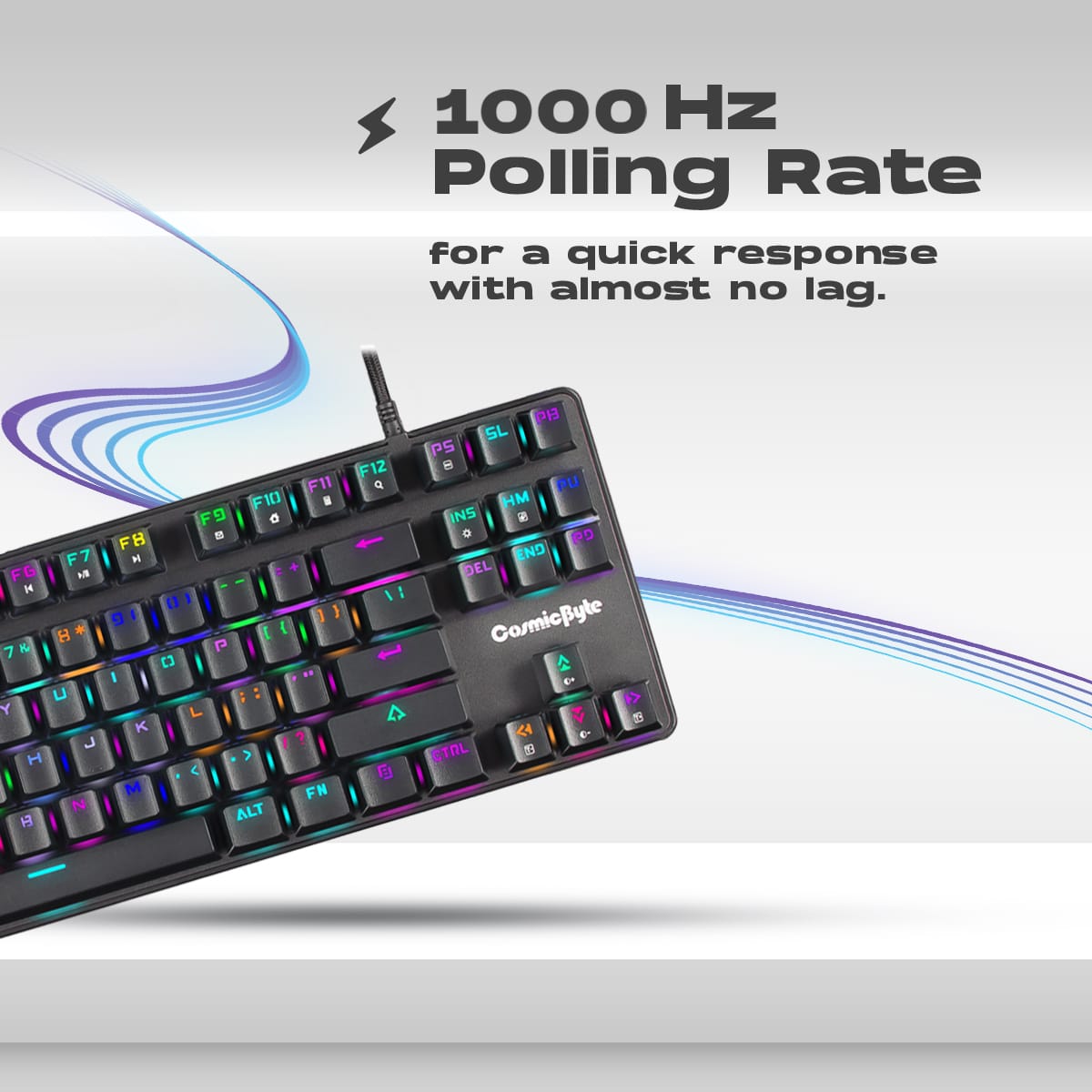
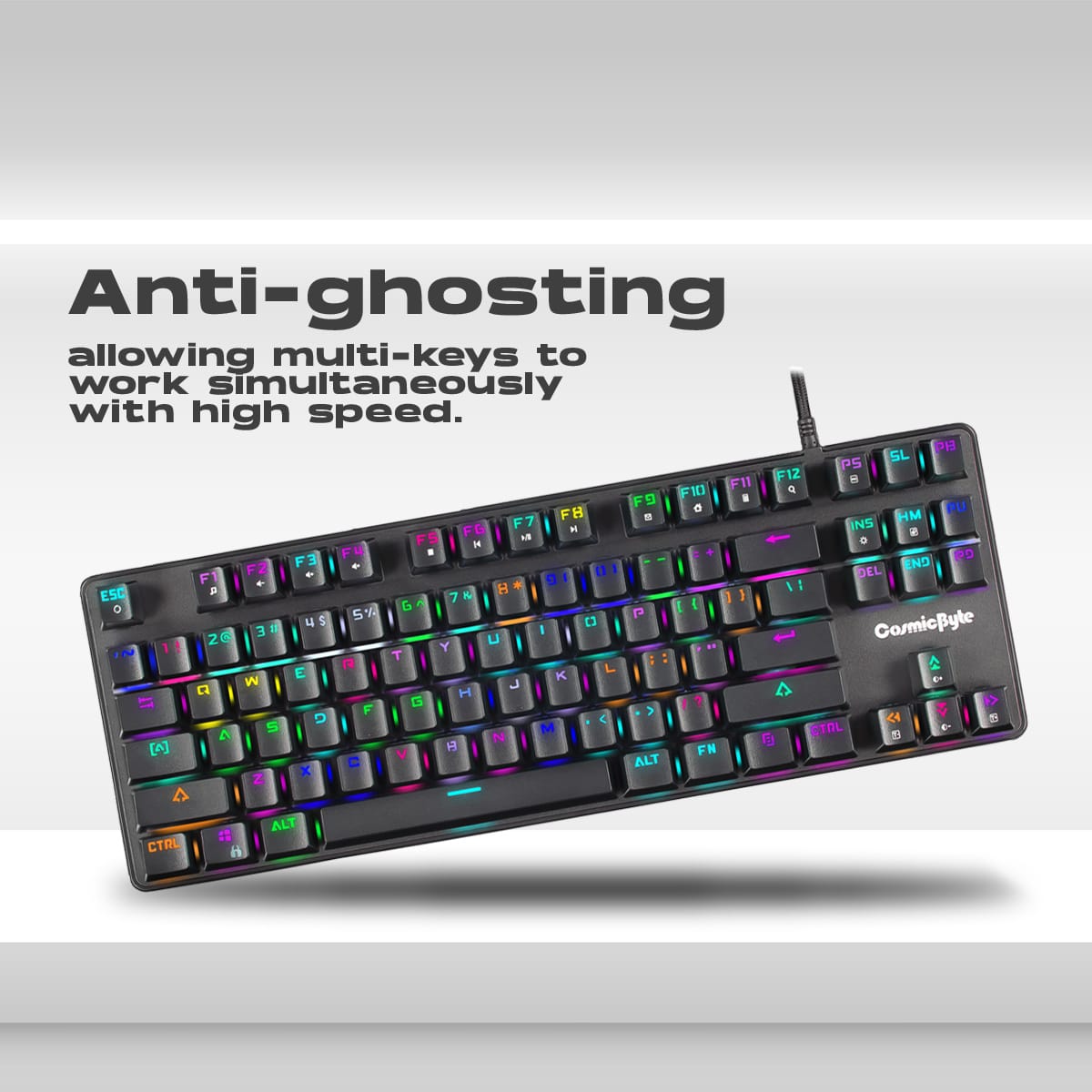
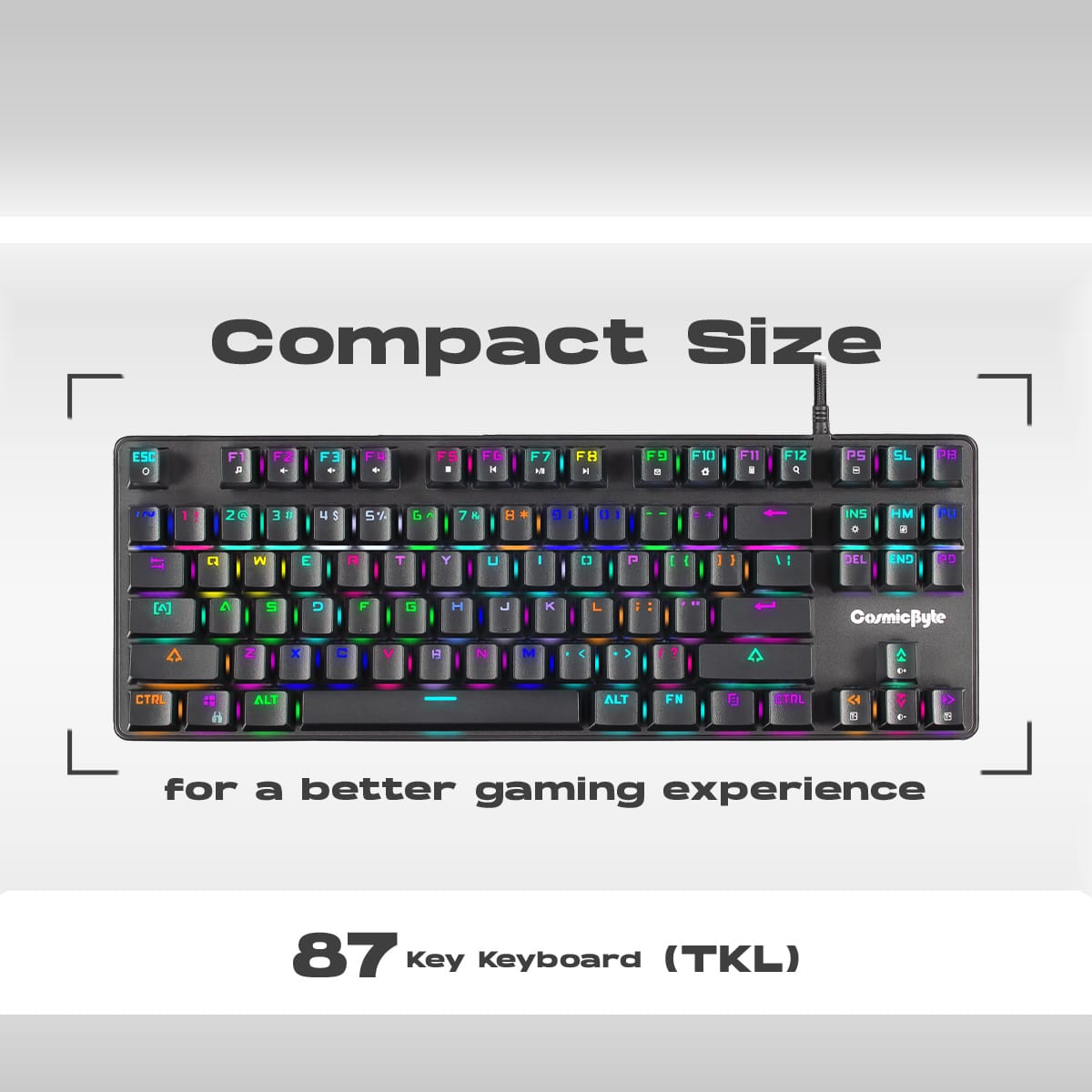
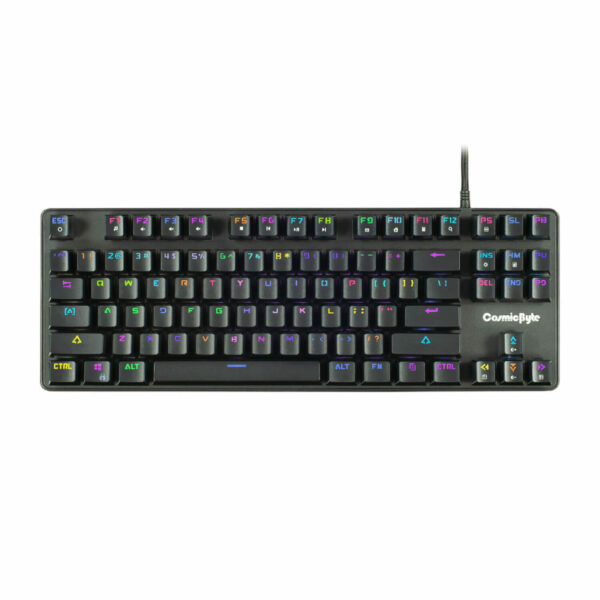
Built for Competitive Gaming: A compact Tenkeyless (87-key) design completely removes the number pad, freeing up valuable desk space and allowing for wider, more sweeping mouse movements essential for competitive gamers. The Firefly is equipped with a rapid 1000Hz polling rate and full N-Key Rollover (100% Anti-Ghosting). This ensures that no matter how fast your fingers fly or how many keys you press simultaneously, every single input is registered instantaneously with zero missed keystrokes. Double-shot injection molded keycaps provide a premium feel and ensure the lettering will never fade away over time.
Key Features
- Hot-Swappable PCB: Easily remove and replace the mechanical switches without needing to solder anything.
- Outemu Blue Switches: Delivers a highly satisfying, clicky, and tactile typing experience perfect for heavy typists.
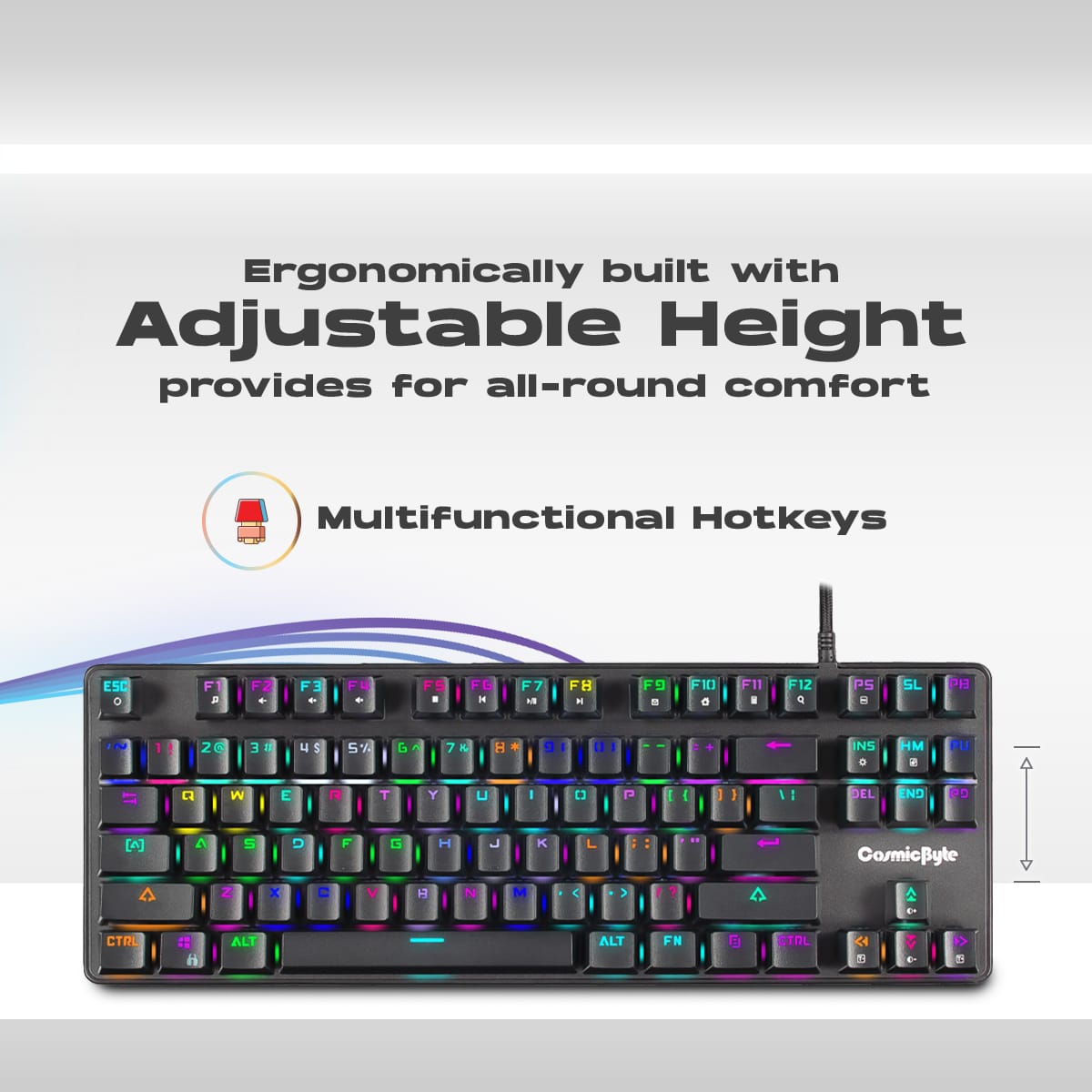
- Compact TKL Design: An 87-key layout saves desk space and provides better ergonomic alignment for your mouse hand.
- Per-Key RGB Lighting: Fully customizable backlighting with 16.8 million colors and multiple dynamic animation presets.
- 1000Hz Polling Rate: Ultra-fast 1ms response time ensures your inputs register immediately in competitive games.
- Anti-Ghosting & NKRO: Guarantees that all simultaneous key presses are accurately registered.
Specifications of Cosmic Byte CB-GK-16 Firefly TKL Mechanical Keyboard
| Feature | Specification |
| Keyboard Size | Tenkeyless (TKL) / 87 Keys |
| Switch Type | Outemu Blue (Clicky / Tactile) |
| Hot-Swappable | Yes (Compatible with Outemu-style pins) |
| Backlighting | Per-Key RGB (16.8 Million Colors) |
| Polling Rate | 1000 Hz (1ms) |
| Keystroke Lifespan | 50 Million Clicks |
| Keycaps | Scratch-Resistant Double-Shot ABS |
| Cable | 1.6m Braided USB |
| Dimensions (L x W x H) | 358 x 135 x 35 mm |
| Weight | Approx. 990g |
Who It’s For
- Entry-Level Enthusiasts: The absolute perfect starting point for PC users who want to experience their first true mechanical keyboard and dabble in hot-swapping switches.
- Heavy Typists & Programmers: The tactile bump and loud click of the Outemu Blue switches provide excellent physical feedback to prevent bottoming out and typos during long typing sessions.
- Budget-Conscious Gamers: Players who want the competitive advantages of a high polling rate, N-Key Rollover, and a space-saving TKL design without spending flagship prices.
Frequently Asked Questions
- Can I put Cherry MX or Gateron switches in this keyboard? While the keyboard is hot-swappable, it uses Outemu-style hot-swap sockets. Outemu sockets have slightly narrower pin holes than standard Cherry MX or Gateron sockets. Therefore, you should strictly look for replacement switches from Outemu or Akko, as standard Cherry/Gateron switches will have pins that are too thick and may bend or damage the socket unless manually filed down.
- Does this keyboard have wireless Bluetooth? No. The Cosmic Byte CB-GK-16 Firefly is a strictly wired keyboard, ensuring the lowest possible latency and uninterrupted power for the RGB lighting via its braided USB cable.
- Is the software required to change the RGB colors? No, you do not have to use the software. The keyboard features onboard memory and allows you to cycle through various lighting animations and adjust brightness directly using combinations of the “Fn” (Function) key and the arrow/navigation keys. However, the software is required if you want to set specific, custom colors for individual keys or program macros.

Reviews
Clear filtersThere are no reviews yet.