





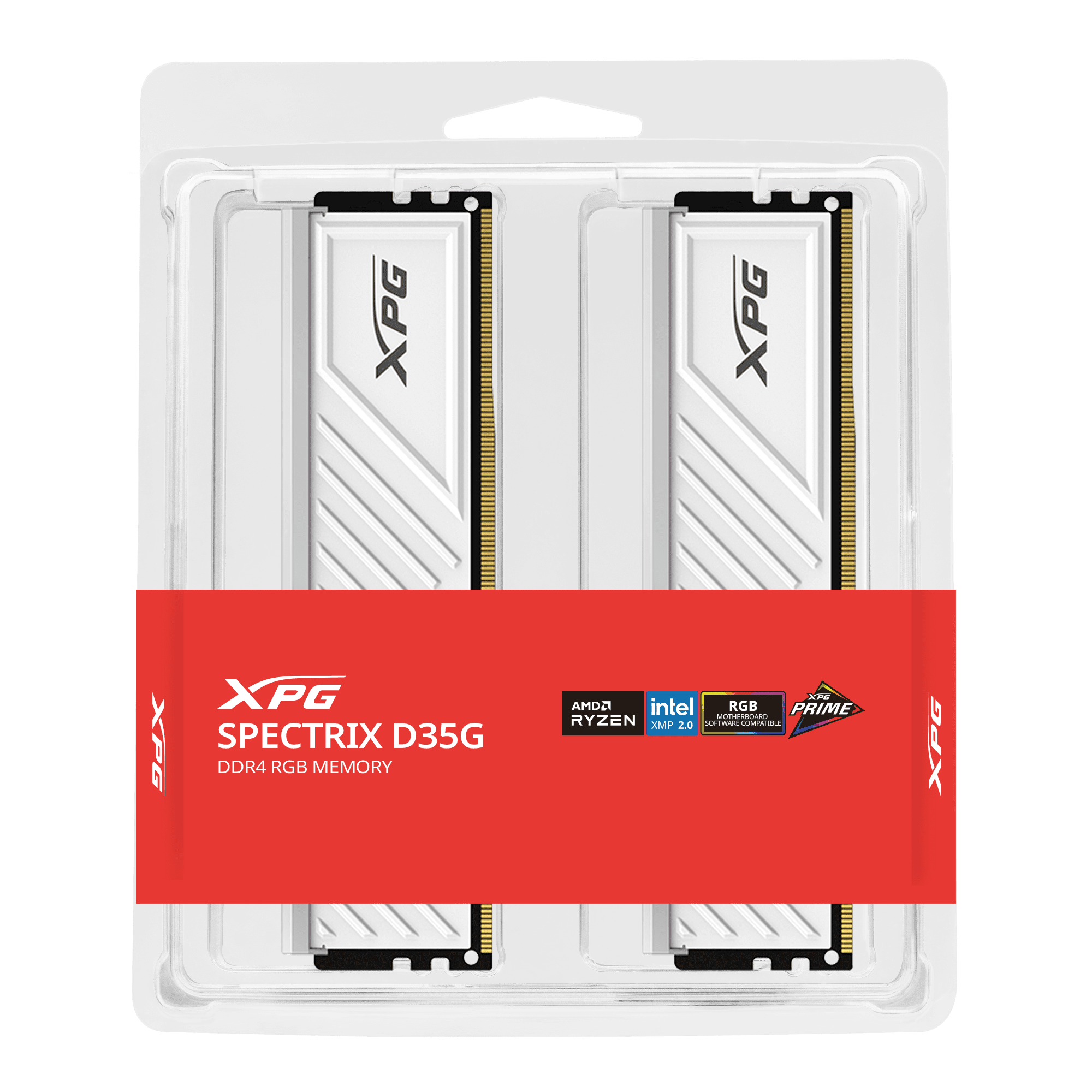



ADATA XPG SPECTRIX D35G 16GB DDR4 3200MHz CL16 | White
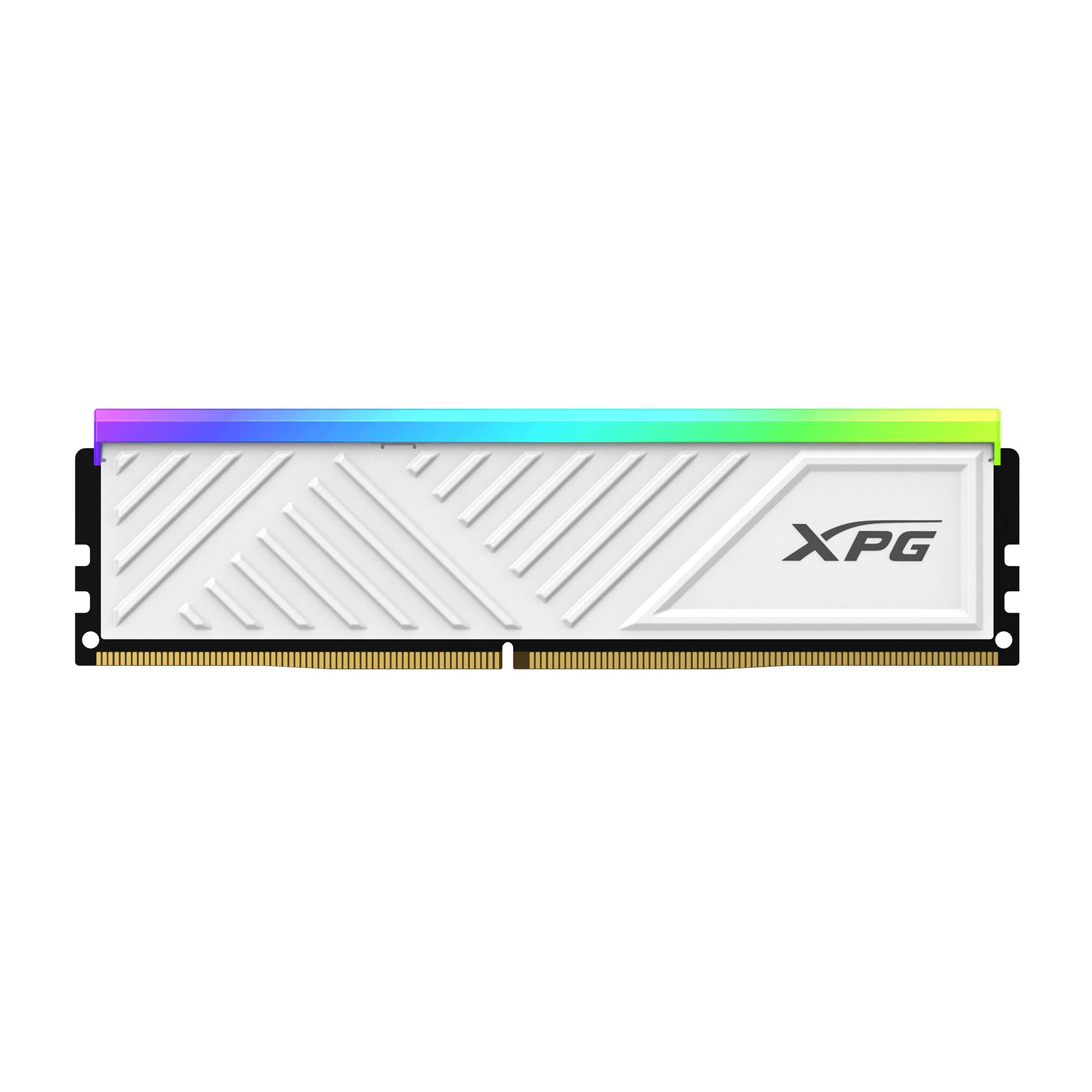
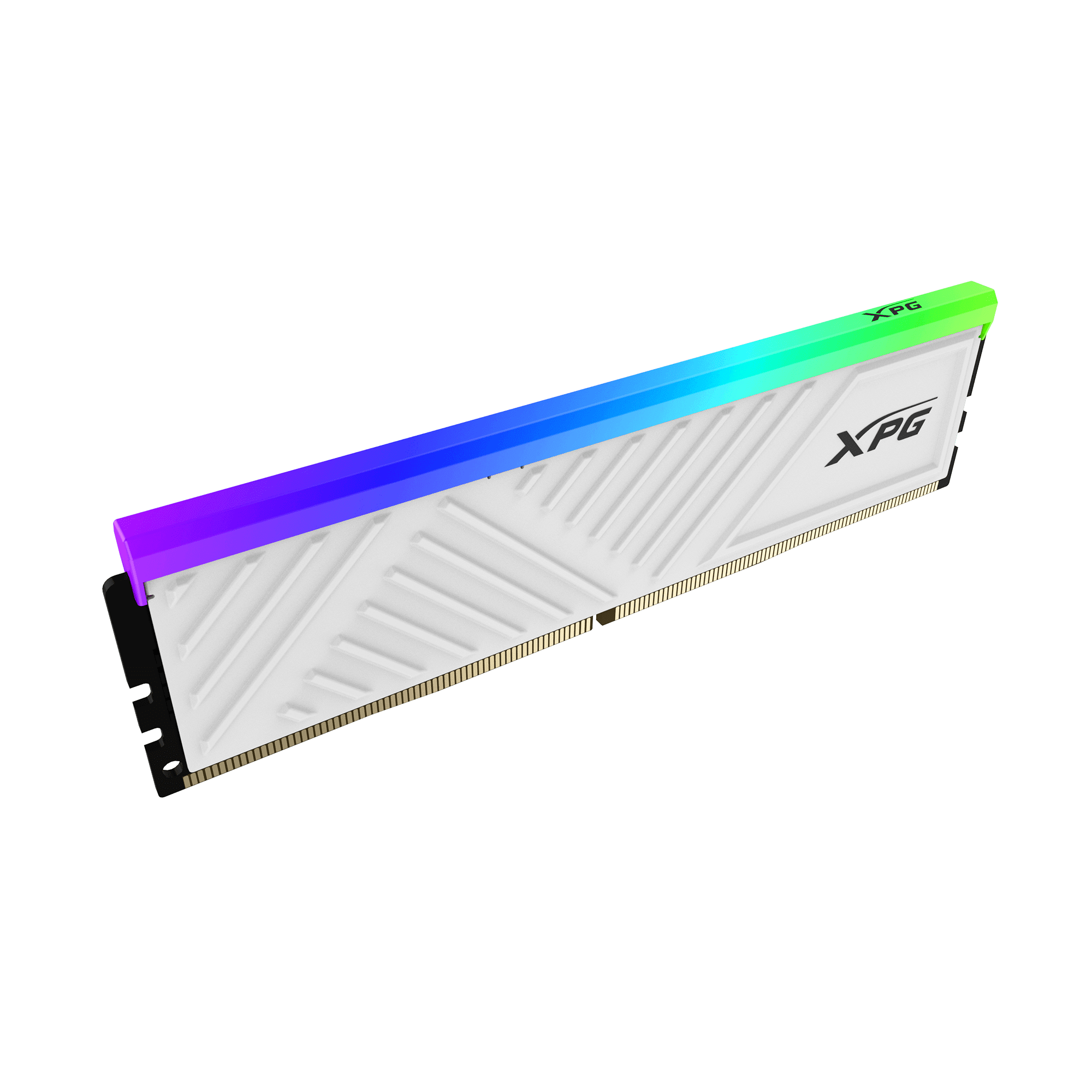
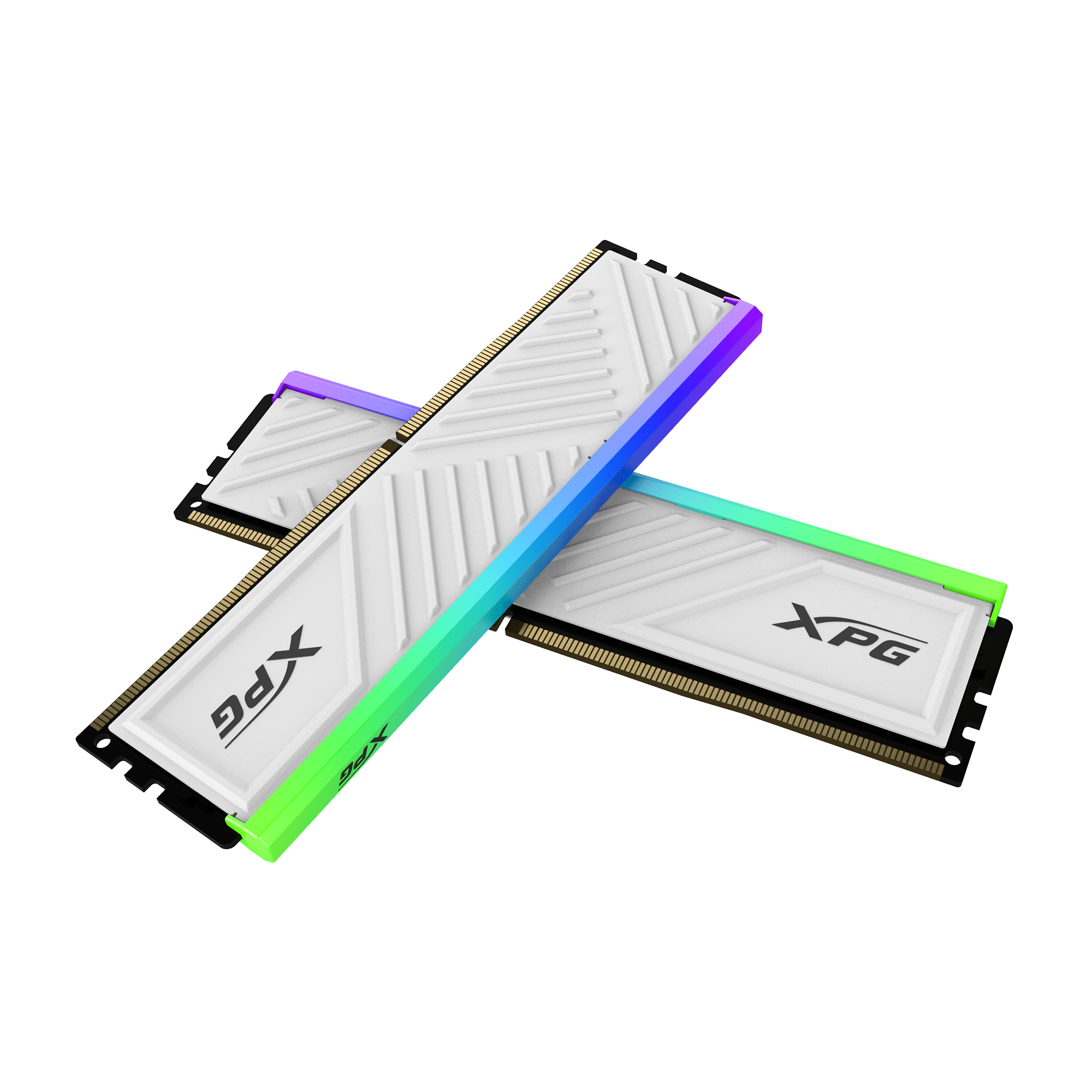
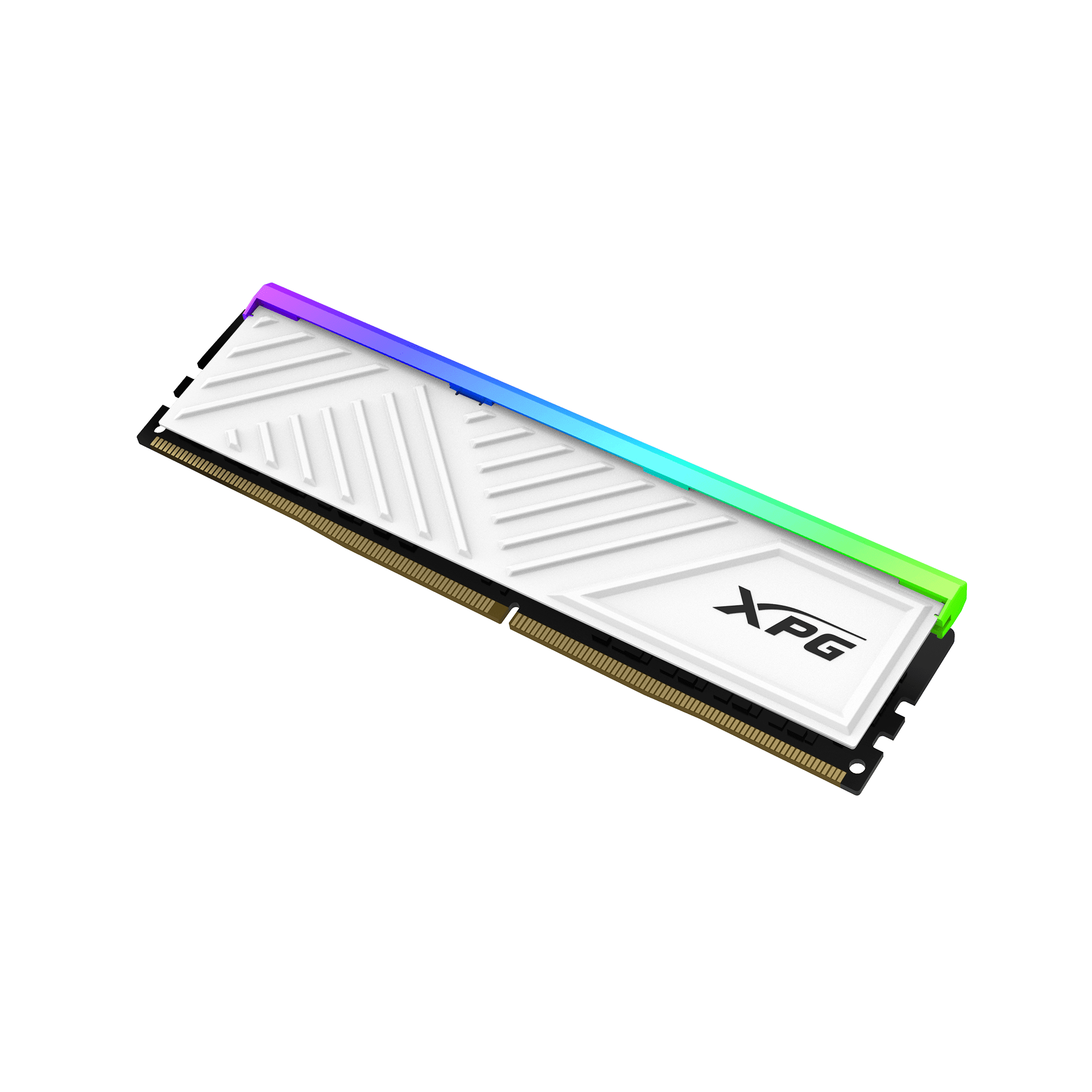
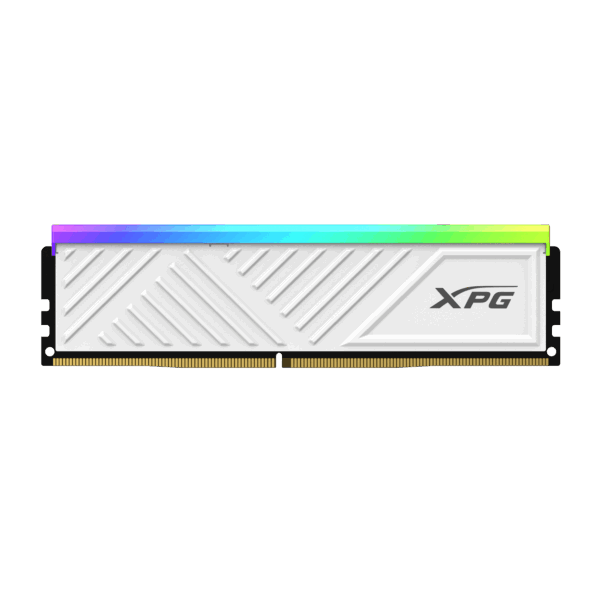
Compact, Low-Profile Heatsink: Building a small form factor (SFF) PC or using a massive dual-tower CPU air cooler often leads to memory clearance issues. The SPECTRIX D35G solves this with its composed, understated triangular outline. The low-profile white aluminum heatsink is specifically designed to slip effortlessly into small chassis without interfering with bulky components, while still effectively dissipating heat to ensure the memory chips run cool and stable under heavy workloads.
Vibrant, Customizable RGB: The top edge of the D35G features a bright, diffused RGB light bar that adds a dynamic visual element to your build. You have full control over the lighting effects. You can use ADATA’s dedicated XPG Prime software to create personalized light shows, or seamlessly sync the RAM with your motherboard’s native software, including ASUS Aura Sync, MSI Mystic Light, Gigabyte RGB Fusion, and ASRock Polychrome. Whether you want a static color, breathing effects, or music-synced lights, the choice is yours.
High Durability and Easy Overclocking: ADATA ensures top-tier quality by utilizing highly screened IC chips and premium PCBs that undergo rigorous reliability and compatibility testing. To reach the advertised 3200MHz speed effortlessly, the SPECTRIX D35G fully supports Intel Extreme Memory Profile (XMP) 2.0. Instead of manually tuning complex voltage and frequency parameters in the BIOS, a single click activates the XMP profile, guaranteeing stable overclocking on both Intel and compatible AMD Ryzen motherboards.
Key Features
- 16GB Capacity: A single 16GB module provides excellent headroom for modern gaming and heavy web browsing.
- 3200MHz Speed: Hits the DDR4 “sweet spot” for performance with tight CL16 latency.
- Low-Profile Design: The compact heatsink guarantees clearance for massive CPU air coolers and mini-ITX cases.
- Customizable RGB: Features a bright RGB light bar compatible with major motherboard sync software and XPG Prime.
- Intel XMP 2.0: Enables quick, safe, and stable one-click overclocking in your system’s BIOS.
- Crisp White Aesthetic: The matte white aluminum heat spreader perfectly complements snow-themed or all-white PC builds.
Specifications of ADATA XPG SPECTRIX D35G 16GB DDR4 3200MHz CL16 | White
| Feature | Specification |
| Model | XPG SPECTRIX D35G |
| Memory Type | DDR4 (U-DIMM) |
| Capacity | 16GB (1 x 16GB Module) |
| Tested Speed | 3200 MHz (MT/s) |
| Tested Latency | CL 16-20-20 |
| Tested Voltage | 1.35V |
| Heatsink Color | Matte White |
| Lighting | RGB (Customizable) |
| Overclocking Profile | Intel XMP 2.0 |
| Compatibility | Intel and AMD DDR4 Platforms |
Who It’s For
- White PC Builders: The pristine white heatsink and glowing RGB make this the perfect addition to a winter or snow-themed gaming setup.
- Small Form Factor (SFF) Enthusiasts: The low-profile design ensures it will easily fit inside cramped Mini-ITX cases where standard, tall RGB RAM would be blocked by cables or coolers.
- Air-Cooling Users: Builders utilizing massive CPU air coolers (like the Noctua NH-D15) who want RGB RAM but need low-profile sticks to clear the front fan.
Frequently Asked Questions
- If I buy this 16GB stick, should I buy a second one later? Yes. While a single 16GB stick works perfectly fine, running memory in “Dual Channel” mode (using two identical sticks) significantly increases your system’s memory bandwidth. If you want maximum CPU performance in games, adding a second identical 16GB SPECTRIX D35G stick later (for a total of 32GB) is highly recommended.
- Do I need a special cable to control the RGB lighting? No. The RGB lighting draws its power and data directly through the standard DDR4 motherboard slot. There are no extra wires to plug in. You simply install the RAM and download your motherboard’s RGB software to control the colors.
- Will this run at 3200MHz as soon as I install it? No. Like all high-performance DDR4 memory, it will initially boot at a standard JEDEC baseline speed (usually 2133MHz or 2666MHz). To achieve the advertised 3200MHz speed, you must enter your motherboard’s BIOS and enable the “XMP” (or “DOCP” on some AMD boards) profile.
- Can I put this DDR4 memory into a newer DDR5 motherboard? No. DDR4 and DDR5 memory modules have different physical pin layouts and notches. This DDR4 RAM will not physically fit into a DDR5 motherboard slot. Always check your motherboard’s specifications before purchasing memory.

Reviews
Clear filtersThere are no reviews yet.