





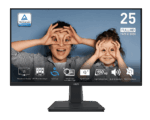



MSI PRO MP251 24.5-Inch FHD IPS Business Monitor | 100Hz
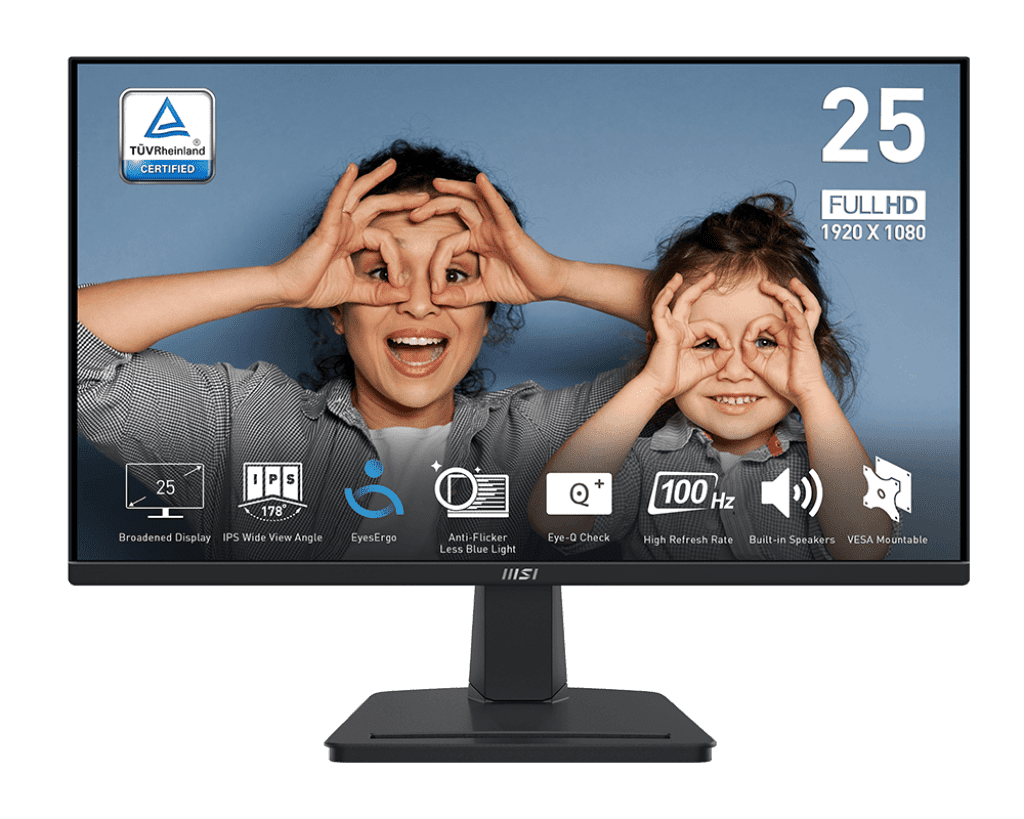
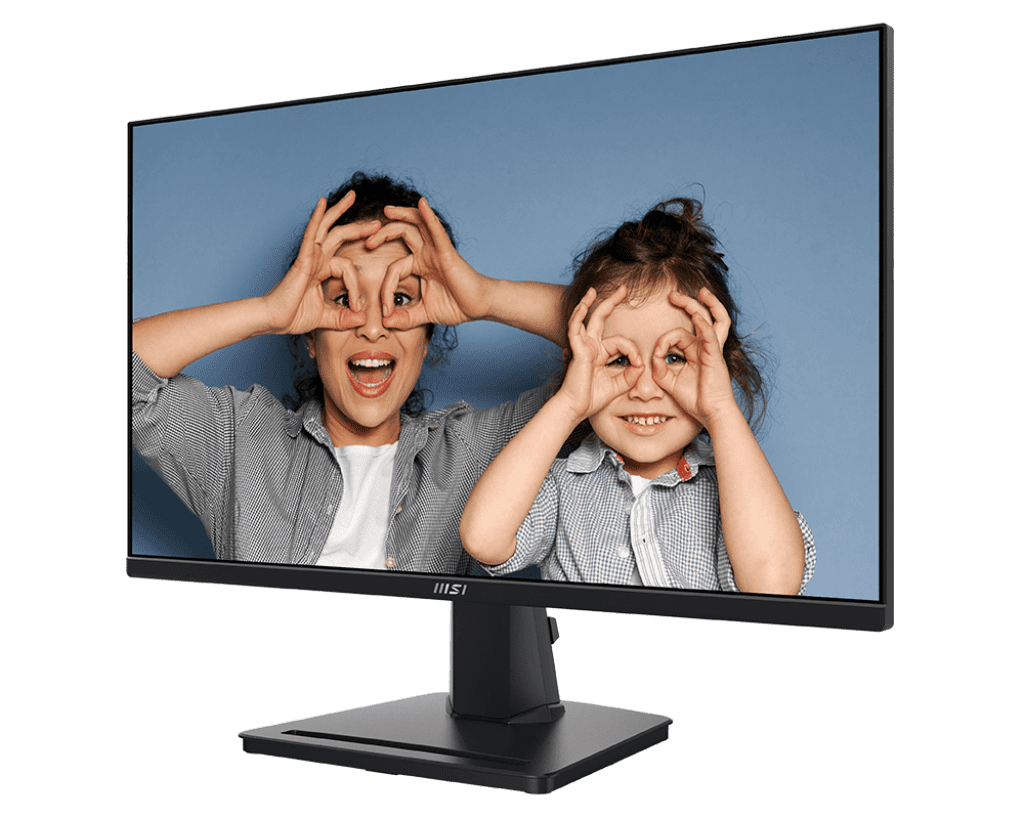
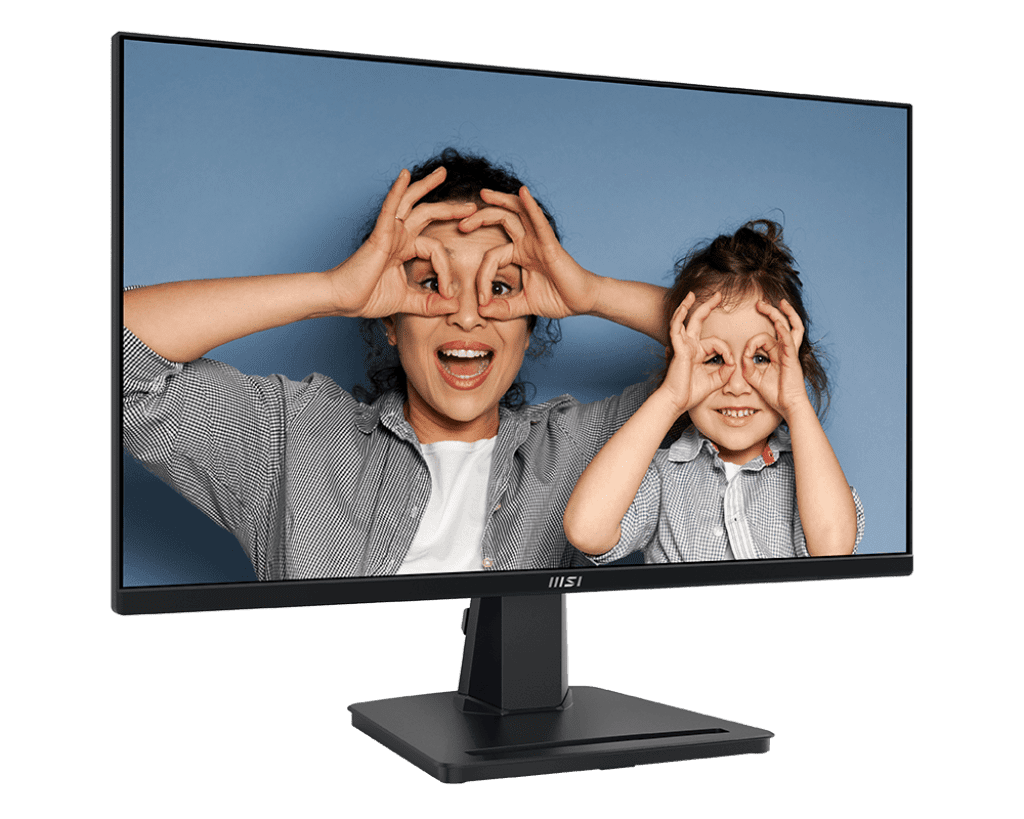
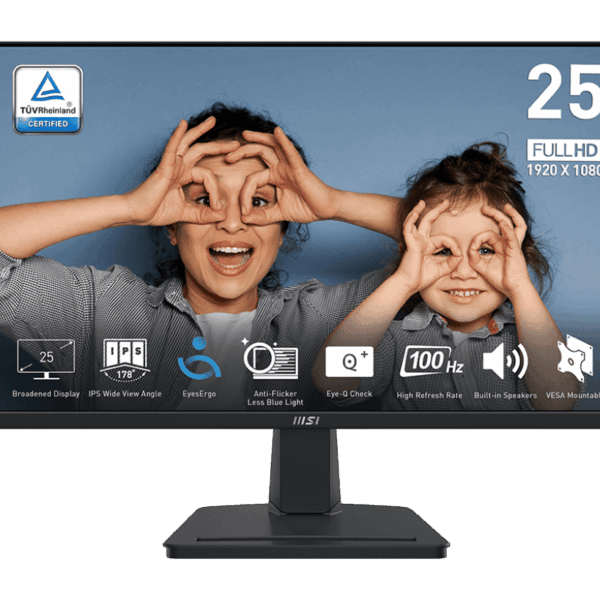
The 24.5-Inch Productivity Sweet Spot: The PRO MP251 utilizes a 24.5-inch display, which provides a slightly broader canvas than the standard 23.8-inch screens common in this price tier, without taking up massive amounts of desk space. The 1080p resolution on a 24.5-inch IPS panel results in sharp, clear text and excellent color reproduction (101% sRGB coverage). The monitor also features a sleek, 3-sided frameless design, making it aesthetically pleasing and highly practical if you plan to set up a seamless dual-monitor workstation.
Fluid Visuals with 100Hz and Adaptive-Sync: Most entry-level business monitors run at a 60Hz or 75Hz refresh rate, which can lead to eye fatigue and motion blur when scrolling through long documents or websites. The MSI PRO MP251 steps up to a 100Hz refresh rate alongside a 1ms MPRT response time. This ensures much smoother motion and significantly less blurring. Furthermore, it includes Adaptive-Sync technology to synchronize the display’s refresh rate with your system’s graphics output, completely eliminating screen tearing and stuttering during video playback or casual gaming sessions.
EyesErgo Technology and Built-in Speakers: MSI built the PRO MP251 with your visual health in mind. The monitor is TÜV Rheinland certified, featuring Anti-Flicker technology and a Less Blue Light PRO filter to dramatically reduce eye strain and fatigue during prolonged use. It also features the built-in “Eye-Q Check” software to help you self-assess eye strain and remind you to take breaks. For added convenience and a cleaner desk, the monitor includes two built-in 2W speakers, allowing you to participate in video calls or listen to audio without needing external desktop speakers.
Key Features
- 24.5″ IPS Panel: Vivid colors and wide viewing angles on a screen slightly larger than the standard 24-inch class.
- 100Hz Refresh Rate: Provides a noticeably smoother visual experience than traditional 60Hz office monitors.
- 1ms Response Time: MPRT technology reduces motion blur during fast-moving video or scrolling.
- Adaptive-Sync: Eliminates screen tearing for fluid, artifact-free performance.
- EyesErgo Suite: Hardware-level Anti-Flicker and Less Blue Light technology protect your eyes during long shifts.
- Built-in Speakers: Two integrated 2W speakers save valuable desk space.
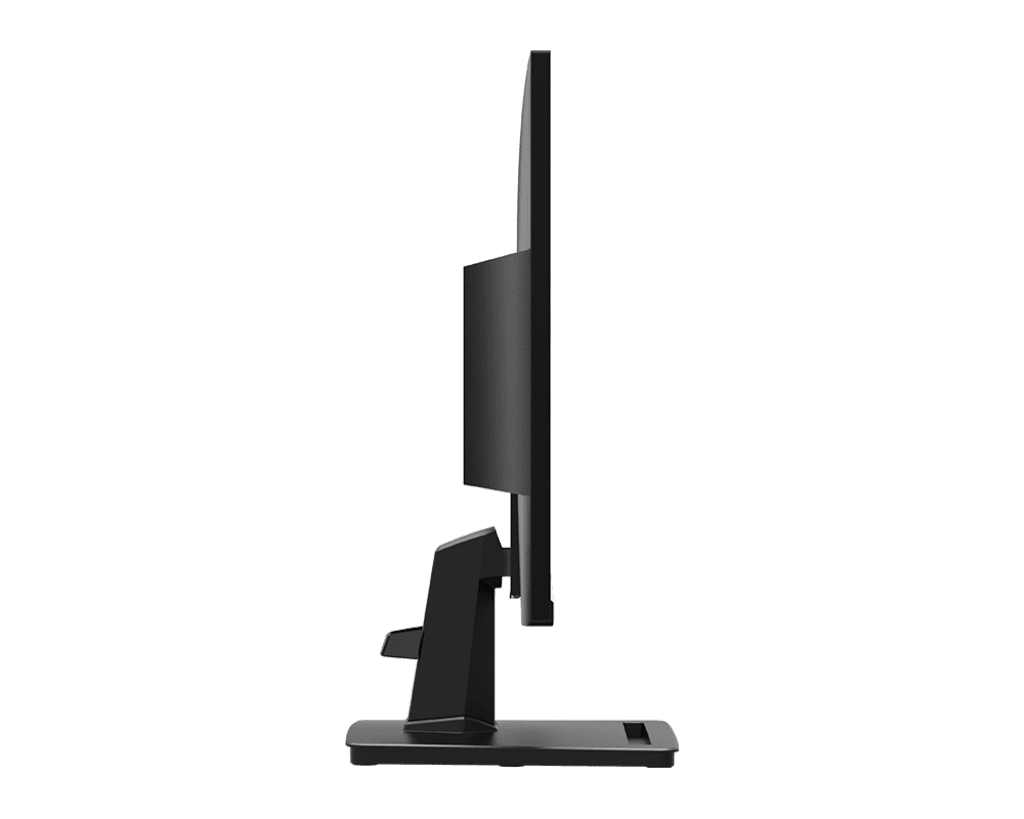
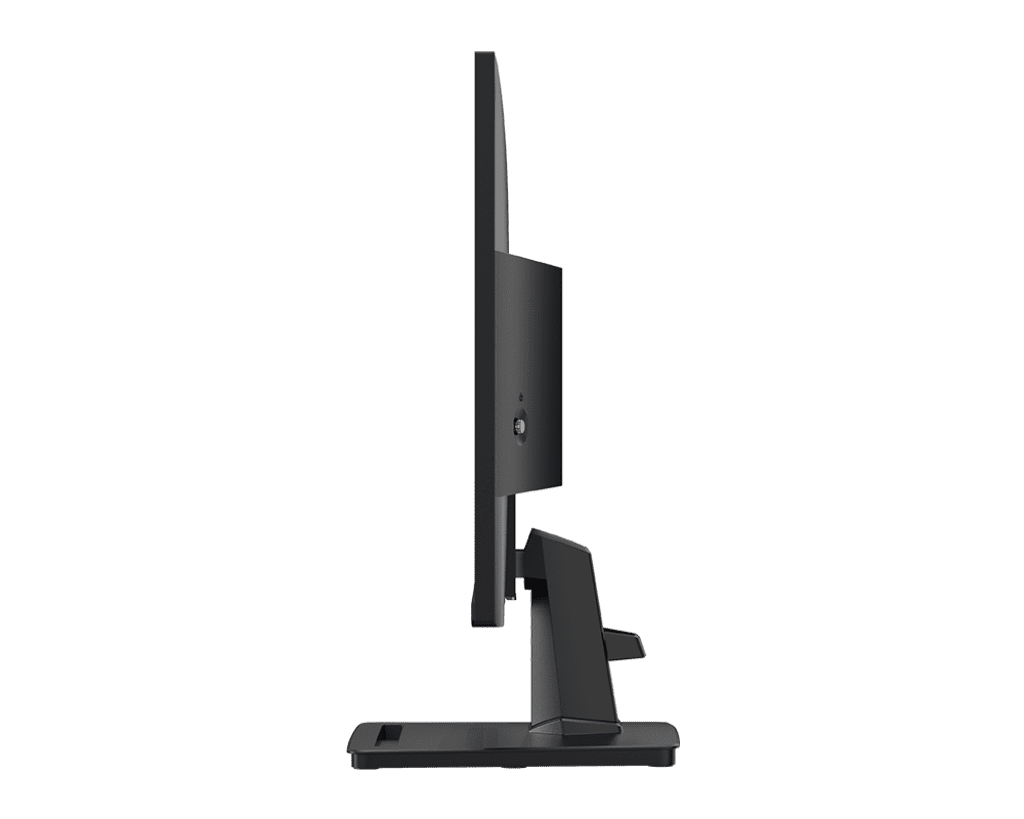
- Accessory Slot Stand: The base features a convenient slot designed to hold your smartphone or pens.
Specifications of MSI PRO MP251 24.5-Inch FHD IPS Business Monitor | 100Hz
| Feature | Specification |
| Model | MSI PRO MP251 |
| Panel Size | 24.5 Inches |
| Resolution | 1920 x 1080 (FHD / 1080p) |
| Panel Type | IPS (In-Plane Switching) |
| Refresh Rate | 100Hz |
| Response Time | 1ms (MPRT) / 4ms (GTG) |
| Color Gamut | 101% sRGB |
| Variable Refresh Rate | Adaptive-Sync |
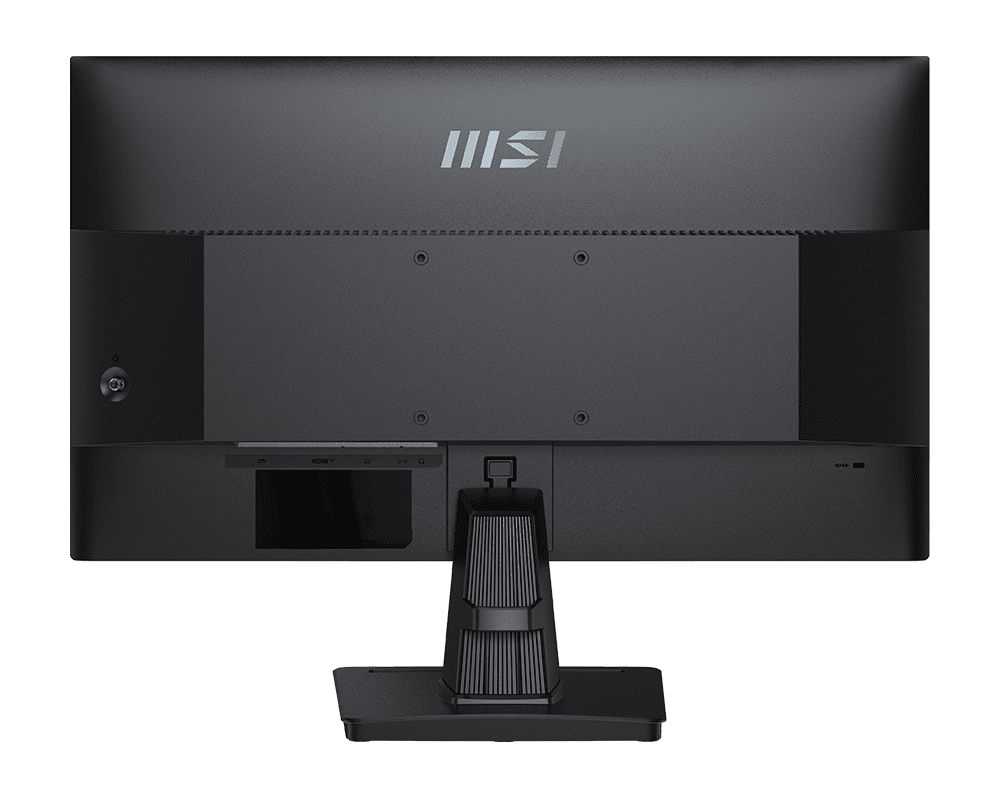
| Video Ports | 1x HDMI (1.4b), 1x D-Sub (VGA) |
| Audio | 2x 2W Built-in Speakers, 1x Line-in, 1x Headphone-out |
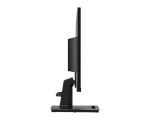
| Adjustability | Tilt (-5° ~ 20°) |
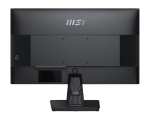
| VESA Mounting | Yes (100 x 100 mm) |
Who It’s For
- Remote Workers and Professionals: The Anti-Flicker tech, blue light reduction, and 100Hz refresh rate make 8-hour shifts significantly more comfortable for your eyes.
- Students: A highly affordable, versatile display that handles research papers, video lectures, and light after-hours gaming beautifully.
- Minimalist Desk Setups: The built-in speakers and the smartphone accessory slot built directly into the stand help keep your workspace completely free of clutter.
Frequently Asked Questions
- Does this monitor have a DisplayPort connection? No. The MSI PRO MP251 is equipped with one HDMI 1.4b port and one legacy VGA (D-Sub) port. If your computer only has DisplayPort outputs, you will need to purchase a DisplayPort-to-HDMI adapter or cable separately.
- Can I adjust the height of this monitor? No. The included stand only supports tilting the screen up and down (-5° to 20°). However, the monitor does feature a standard 100x100mm VESA mounting pattern on the back. You can easily remove the stock stand and attach the monitor to a third-party, fully adjustable ergonomic monitor arm if you require height adjustment.
- Are the built-in speakers loud enough for watching movies? The monitor features two 2W speakers. While they are perfectly adequate for system notification sounds, Zoom calls, and casual YouTube viewing, they lack the bass and volume of dedicated desktop speakers. If you want a cinematic experience for movies or gaming, it is highly recommended to plug a headset into the monitor’s dedicated headphone jack.

Reviews
Clear filtersThere are no reviews yet.