








Cosmic Byte Pandora TKL Mechanical Keyboard | Outemu Blue
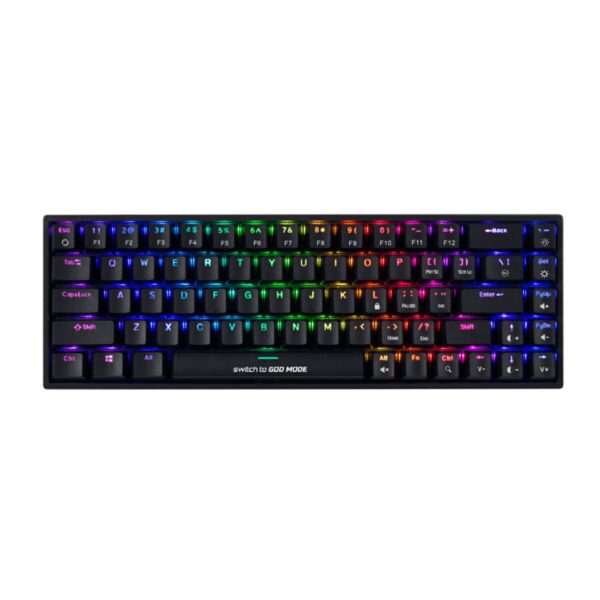
For many people, the jump from a normal membrane keyboard to a mechanical one feels huge the first time they try it. The Pandora TKL leans directly into that experience.
Instead of focusing on expensive RGB software, fancy screens, or wireless features, Cosmic Byte kept things simple:
- clicky switches
- sturdy build
- compact layout
- mechanical feel
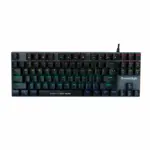
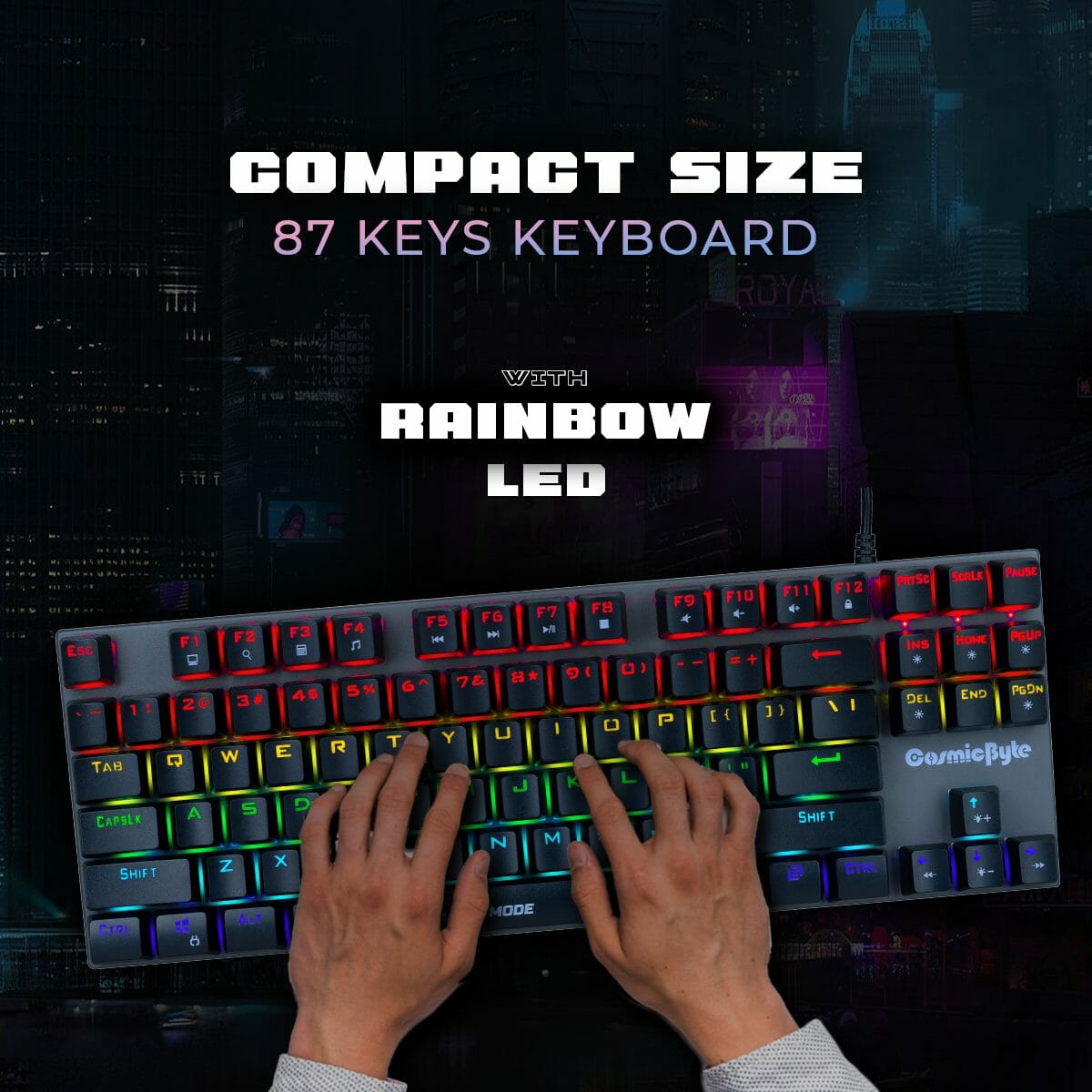
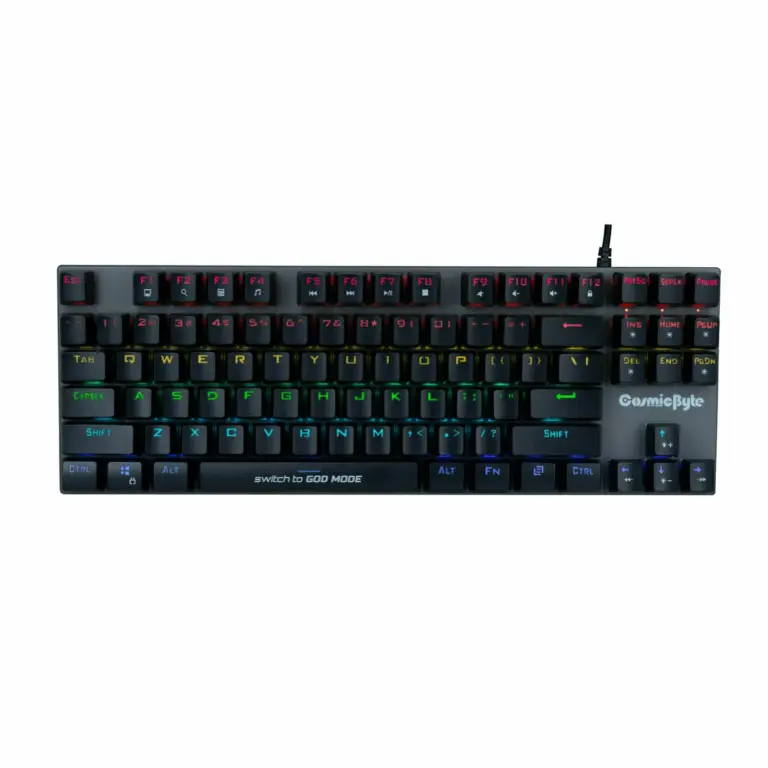
The TKL (Tenkeyless) design removes the numpad entirely, which frees up desk space and gives more room for mouse movement. For FPS games especially, that smaller footprint actually feels more comfortable during long sessions. Under the keycaps, the board uses Outemu Blue mechanical switches. These are loud, tactile, and very noticeable.
Every keypress gives a physical bump along with a sharp click sound, which some people absolutely love and others immediately hate. That’s important to understand before buying this keyboard. The Pandora doesn’t try to be subtle.
KEY FEATURES
- Outemu Blue Mechanical Switches
The switches provide strong tactile feedback with an audible click on every press. You clearly feel when a key activates, which many users prefer for typing and rhythm-heavy gaming. - TKL Compact Layout
Removing the numpad saves desk space and helps keep the mouse closer to your natural arm position during gaming. - Metal Top Plate Construction
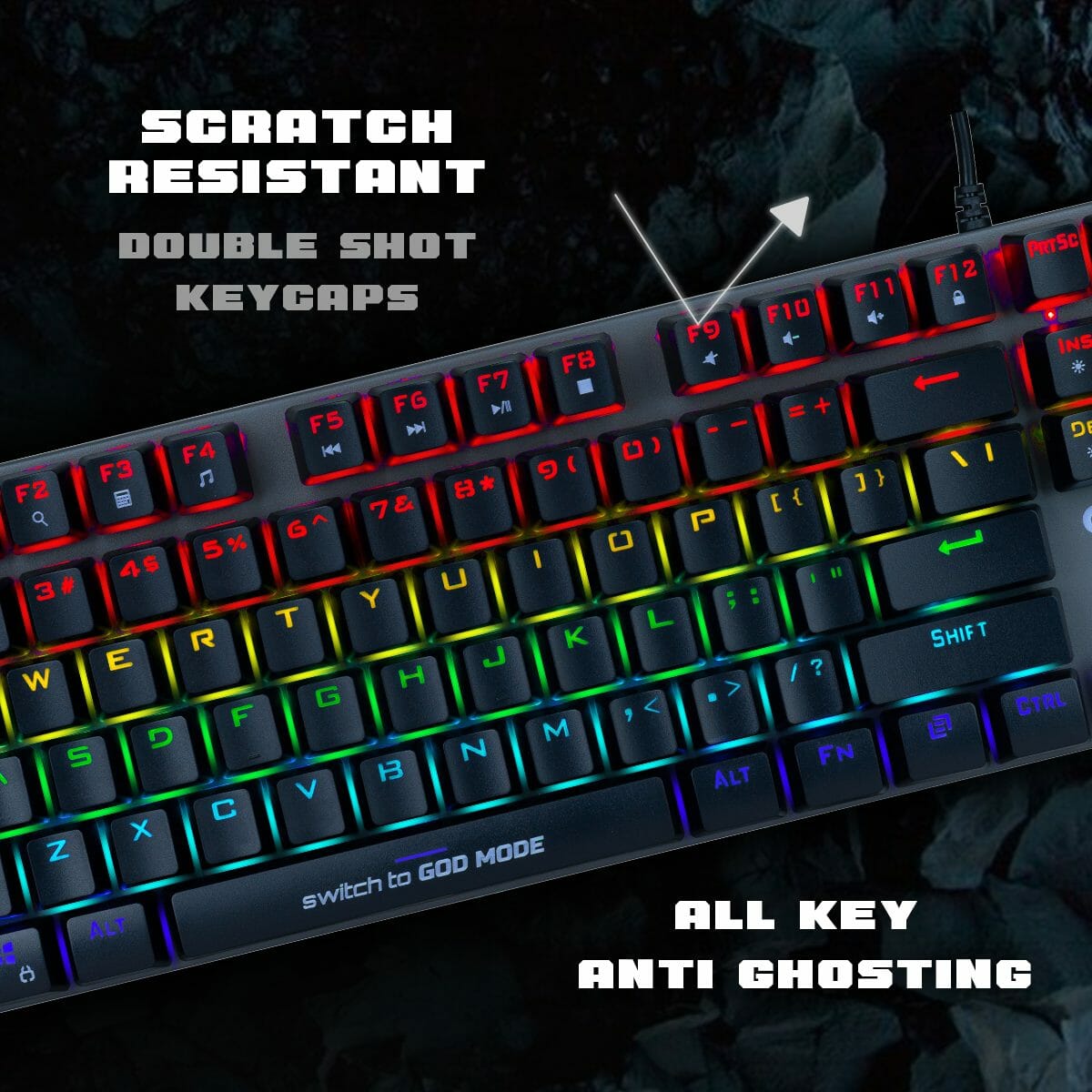
The reinforced metal chassis gives the keyboard a sturdier feel compared to cheaper plastic-only boards that flex heavily while typing. - Full Anti-Ghosting Support
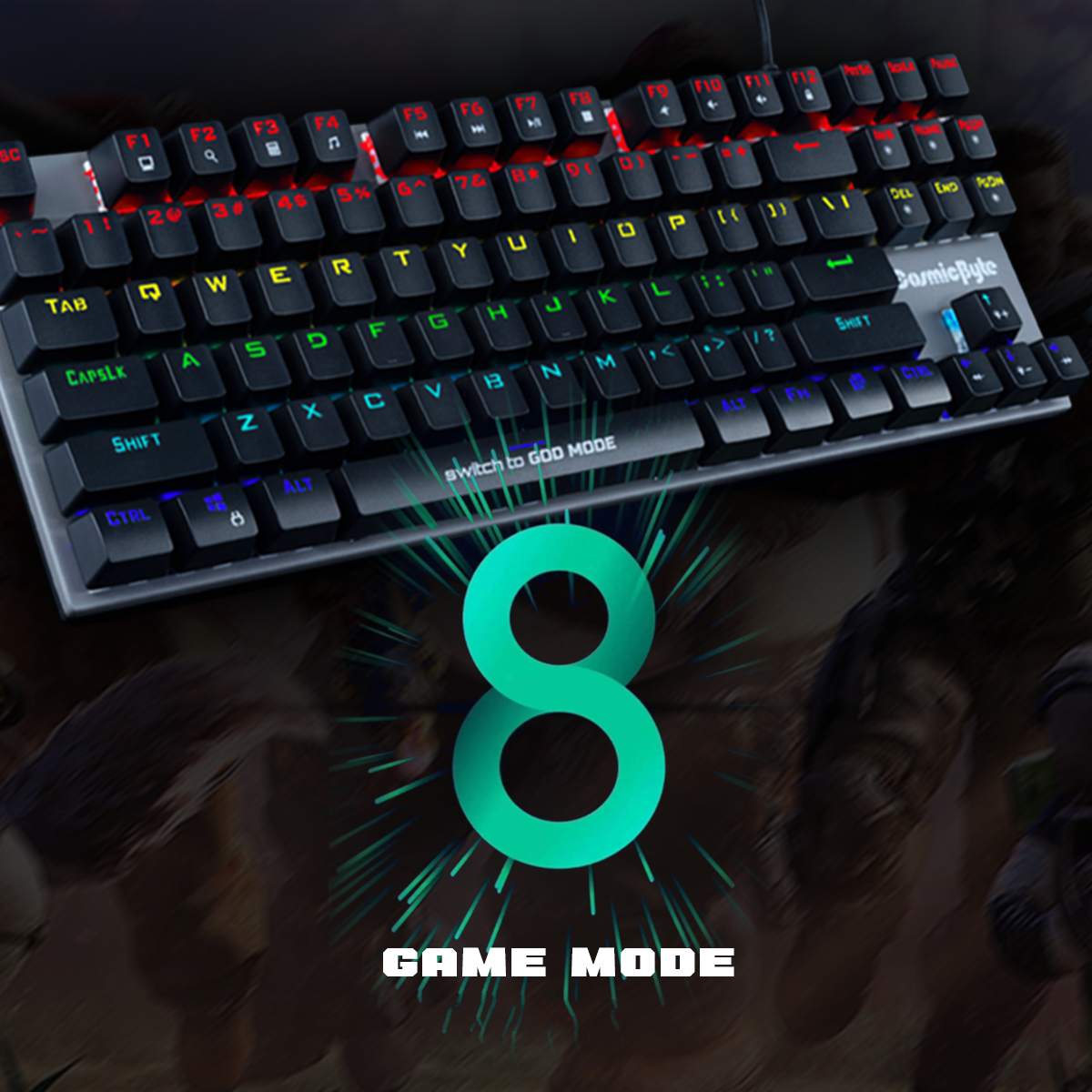
Multiple simultaneous key presses register correctly, which matters during gaming where movement keys, crouching, jumping, and abilities are often pressed together.
PERFORMANCE & USAGE
Using the Pandora TKL feels very different from a standard office keyboard. Typing is loud. Really loud. Outemu Blue switches create a sharp click sound that easily carries across a room. For people who enjoy that classic mechanical keyboard sound, it feels satisfying and responsive. But if you share a room, work in an office, attend online classes, or keep your mic open on Discord constantly, people around you will absolutely hear it.
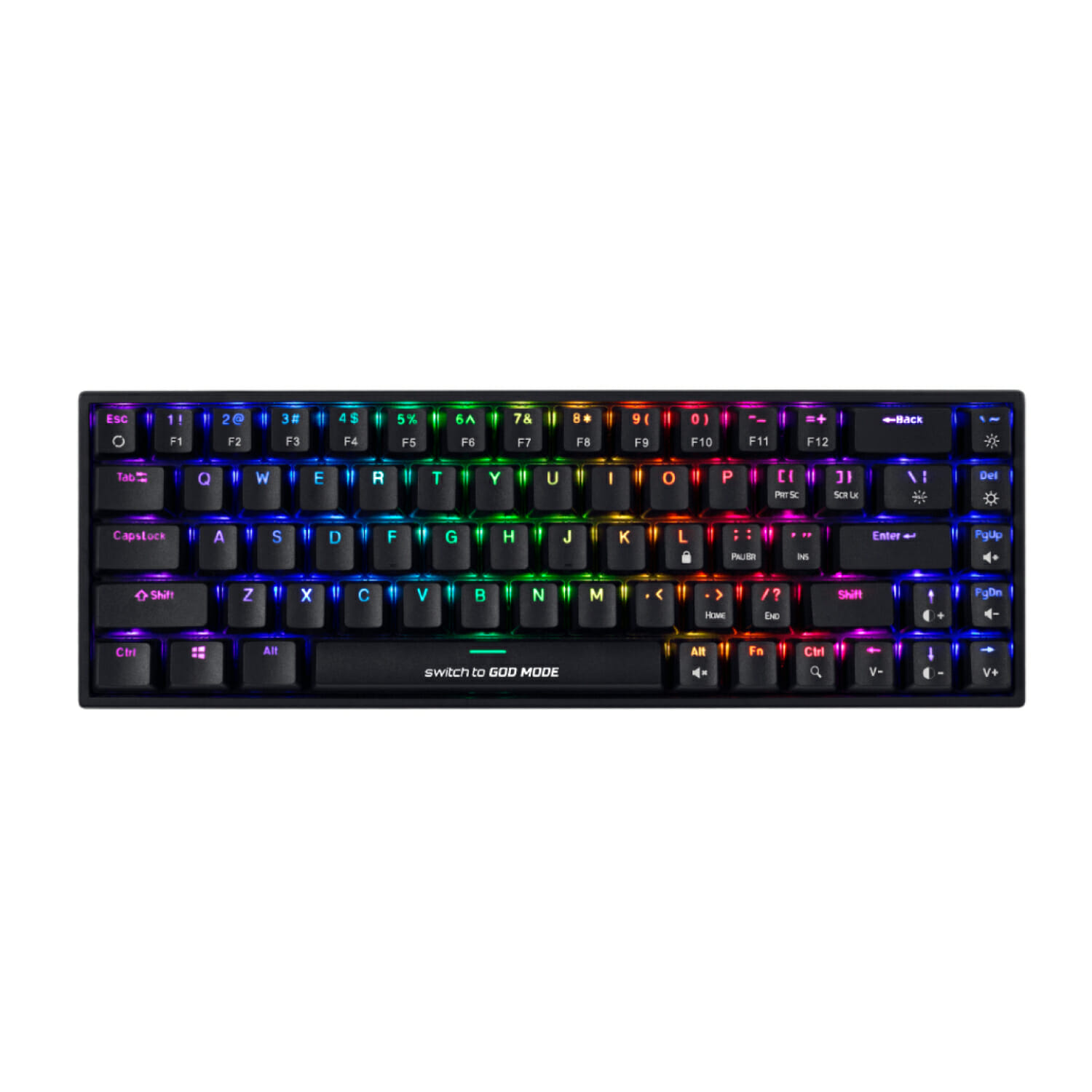
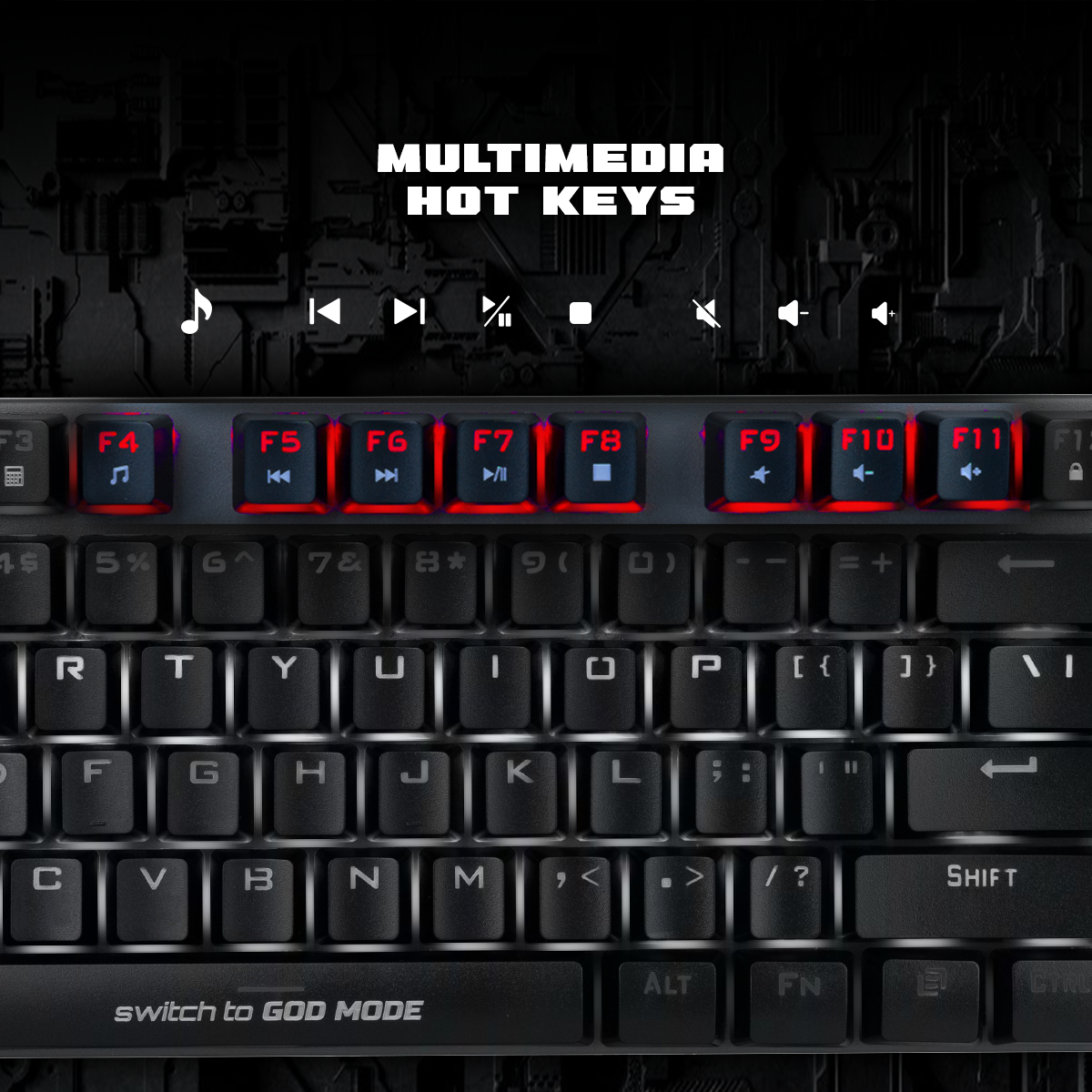
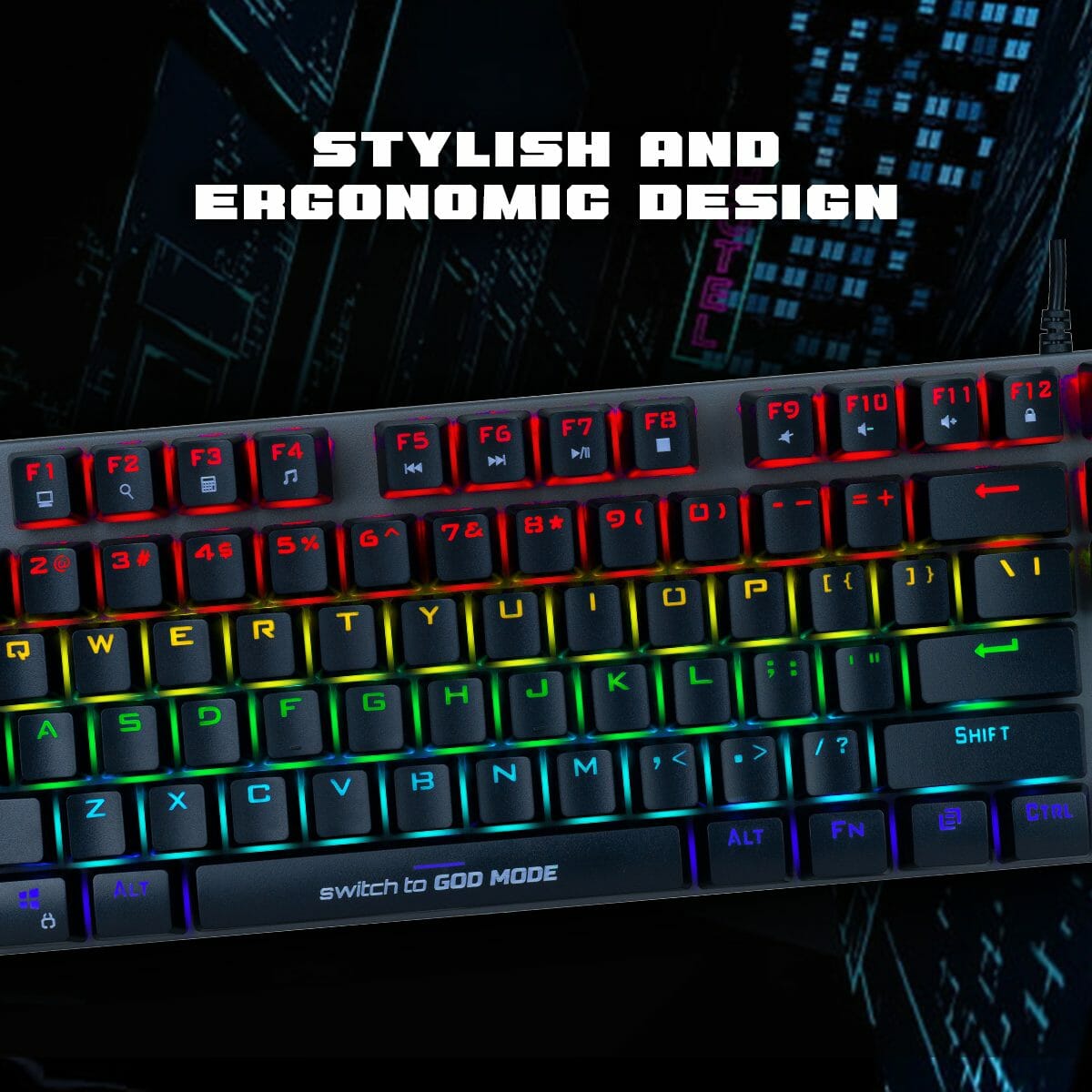
The typing feel itself is surprisingly decent for the price. The tactile bump makes it easier to avoid accidental presses, and the metal frame keeps the keyboard stable during aggressive gaming sessions. The rainbow LED lighting isn’t true RGB, meaning you can’t customize individual colors. Each row has fixed colors, but there are still multiple lighting effects and brightness modes accessible through FN shortcuts without installing extra software.
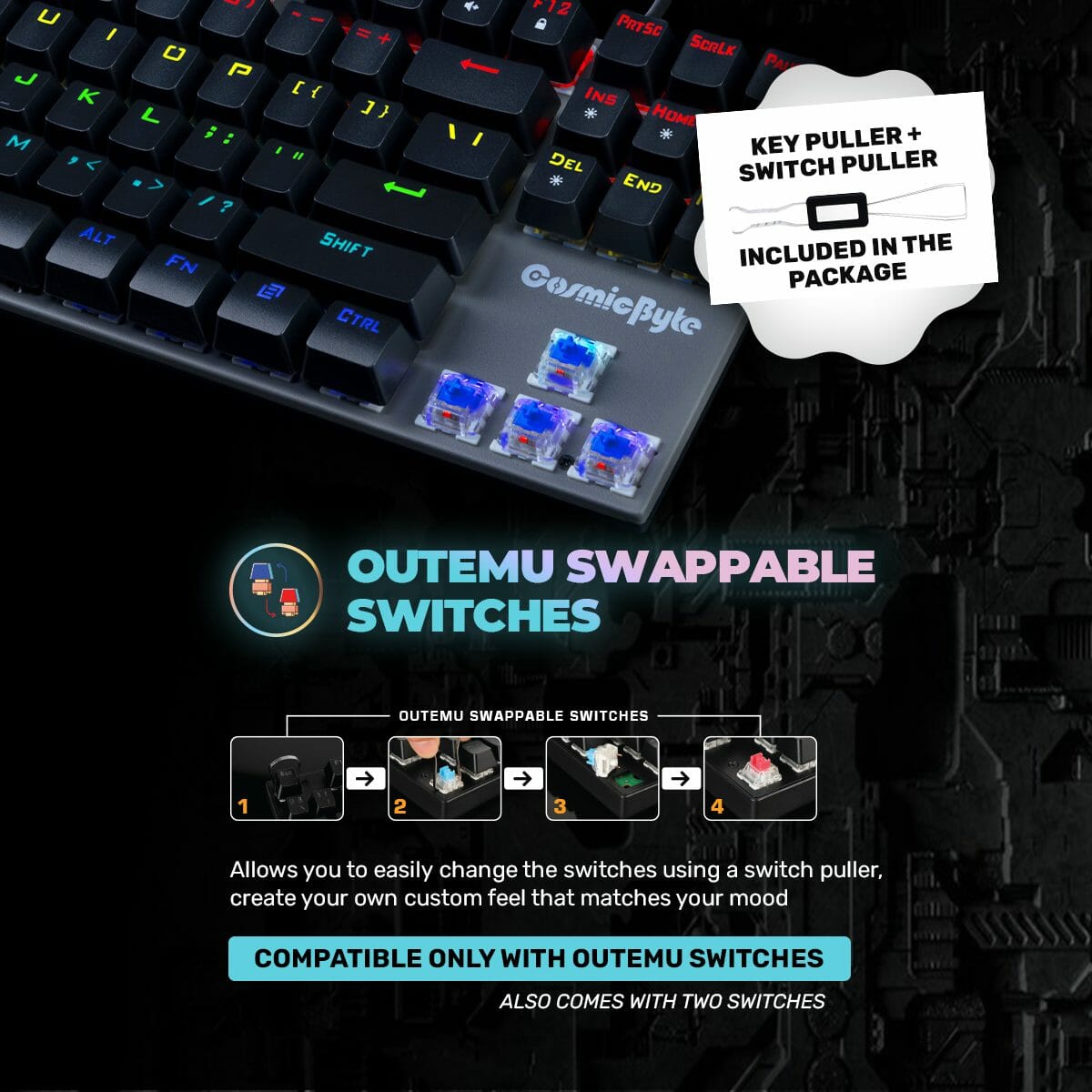
Some newer versions also include hot-swappable Outemu sockets, which is genuinely useful at this price range. If a switch dies later, you can replace it without soldering.
TARGET AUDIENCE
This keyboard fits best for:
- First-time mechanical keyboard buyers
- Budget gaming setups
- Students
- FPS gamers
- Typists who enjoy clicky switches
- Users upgrading from membrane keyboards
It works especially well for people who want a strong mechanical feel without spending heavily.
COMPARISON INSIGHTS
Compared to premium keyboards from HyperX, Keychron, or Corsair, the Pandora clearly cuts costs in a few places:
- ABS keycaps instead of PBT
- Fixed rainbow LEDs instead of full RGB
- No advanced software ecosystem
- Louder budget switches
But the actual typing experience still feels far better than most cheap membrane keyboards.
Against competitors like the Redragon Kumara K552, the experience is honestly very similar overall. Both target the same budget mechanical keyboard audience with clicky switches and compact layouts.
If you prefer smoother and quieter gaming, Red switches would make more sense. But if you specifically want loud tactile feedback, the Pandora does exactly what it promises.
EXPERT RECOMMENDATION
The Cosmic Byte Pandora TKL is one of those keyboards where expectations matter.
If you want:
- quiet typing
- wireless connectivity
- premium RGB software
- soft linear switches
this isn’t the right keyboard. But if you want a cheap mechanical keyboard that feels solid, sounds aggressively clicky, and gives very obvious key feedback, it’s actually pretty good value for the price. For many users moving away from membrane keyboards, it genuinely feels like a huge upgrade.
FAQ
- Is the lighting fully customizable RGB?
No. The keyboard uses fixed rainbow LED colors. You can change effects and brightness, but not individual key colors. - Are the switches hot-swappable?
Some newer revisions support hot-swappable Outemu switches. It’s best to check the specific product packaging or listing before buying. - Do I need software for lighting controls?
No. Lighting modes and brightness are controlled directly using FN key shortcuts. - Is this keyboard wireless?
No. It is a wired USB mechanical keyboard. - Does it work on macOS?
Yes. Basic functionality works normally on macOS, though some shortcut mappings may behave differently compared to Windows.

Reviews
Clear filtersThere are no reviews yet.