


Buy Computer Components Online in India: Best Parts for Every PC Build

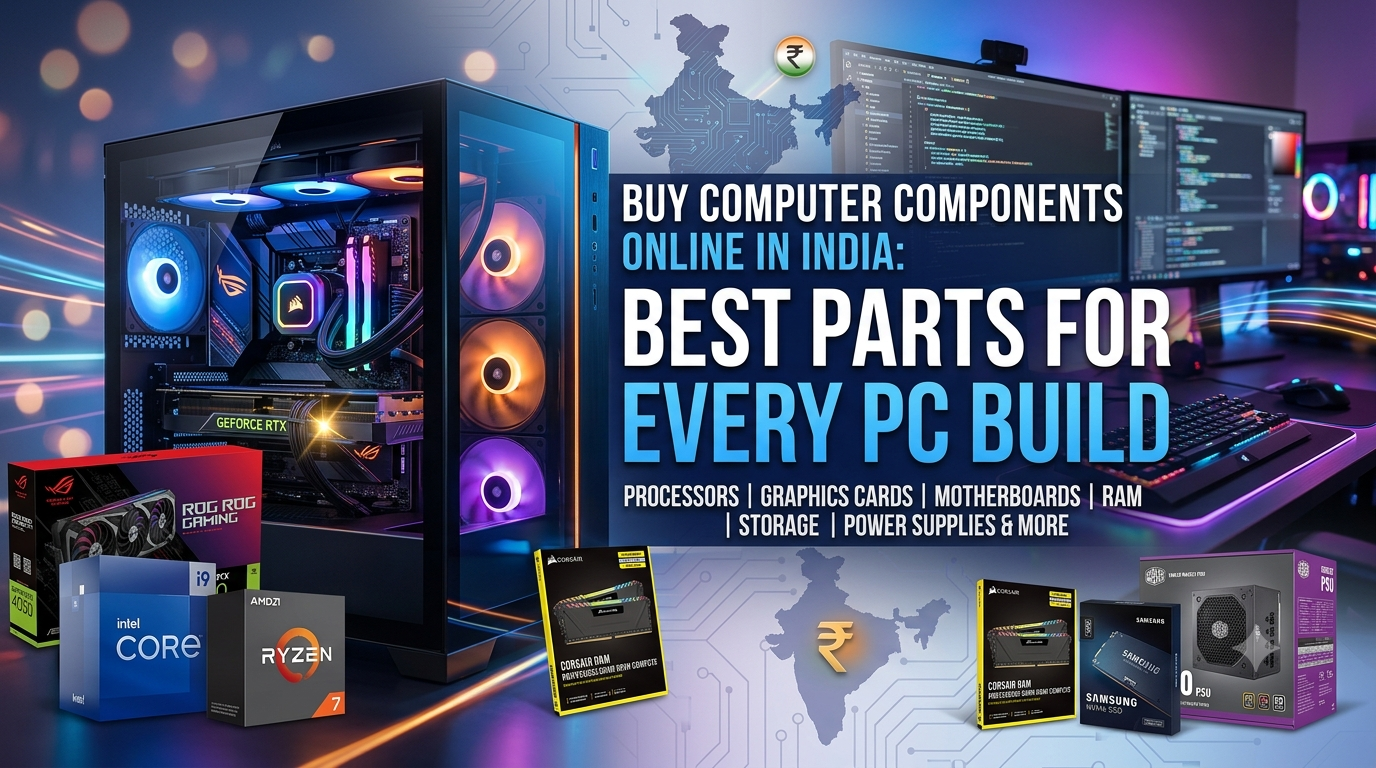
Planning a new rig or upgrading an old one? The hardest part isn’t spending money — it’s spending it right. When you buy computer components online india shoppers get access to more brands, better prices and faster comparison than any single local shop can offer. But the catch is real: pick the wrong CPU-GPU balance and you’ve wasted thousands. This guide walks through every core part, what actually matters for your build, and how to buy computer components online india the smart way — not the expensive way.
At Avika Retails, a Nehru Place computer store shipping across India, we’ve handled thousands of real builds. So this isn’t theory. It’s what we tell customers who walk into our Vishal Bhawan shop every day.
Why Buy Computer Parts Online Instead of Offline
Let’s be honest — the old advice was “go to a physical market.” For India, that meant Nehru Place in Delhi, Lamington Road in Mumbai, or SP Road in Bangalore. Those markets still matter. But the reasons to buy computer components online india have grown stronger every year.
Here’s the thing. Online you get transparent pricing, verified stock status, warranty documentation, and delivery to your door. No haggling, no fake “last piece” pressure, no counterfeit boxes. When people buy computer components online india the biggest win is confidence — you know the exact model, the exact price and the exact return policy before you pay.
And yes, EMI matters. A lot. Most buyers who buy computer components online india now split payments through Bajaj Finserv or Snapmint rather than paying full upfront. That single change has made high-end builds accessible to students, freelancers and small studios who couldn’t drop ₹80,000 at once.
Worth noting: the best website to buy pc parts isn’t always the cheapest on one item. It’s the one that gets compatibility, warranty and delivery right together.
Processors (CPU): The Heart of Every Build
Your CPU sets the ceiling for everything else. Get this wrong and no graphics card will save you.
For gaming, single-core speed and modern architecture win. For editing, rendering and workstation loads, core count and thread count take over. That’s the core split every buyer faces.
AMD Ryzen dominates value and multi-core work. The Ryzen 5 7500F is a brilliant budget-to-mid gaming chip on the AM5 platform, which means an easy upgrade path for years. Step up to the Ryzen 7 7700X or the gaming-focused Ryzen 7 9800X3D with 3D V-Cache, and you’re in high-refresh territory. Creators pushing heavy timelines look at Ryzen 9 or even Threadripper.
Intel still leads in raw single-core punch and stability. The Core i5-14400F is the sweet spot for most gamers. Want more headroom? The i7-13700KF and i9-14900F handle streaming, editing and competitive gaming without breaking a sweat. Intel’s newer Core Ultra line pushes efficiency further.
When you buy computer components online india, always match the CPU socket to your motherboard first. An AM5 Ryzen won’t sit in an LGA 1700 board. This one mistake causes more returns than anything else.
Graphics Cards (GPU): Where Gaming Money Goes
If gaming is the goal, the GPU eats the biggest slice of your budget — usually 35% to 45%. That’s normal. Don’t fight it.
NVIDIA’s RTX line rules the space with ray tracing and DLSS, which upscales frames for smoother gameplay. Here’s a rough map by budget:
- Entry gaming: RTX 3050 (8GB) — solid 1080p at competitive settings
- Mid-range: RTX 5060 / RTX 5060 Ti (16GB) — strong 1080p and 1440p, great value
- High-end: RTX 5070 Ti (16GB GDDR7) — 1440p maxed and entry 4K
AMD’s Radeon RX 9060 XT and RX 9070 GRE deliver excellent rasterization performance per rupee — a smart pick if pure frame rates matter more to you than ray tracing.
One tip from real builds: don’t pair a ₹1,00,000 GPU with a weak CPU. That “bottleneck” wastes the card. When you shop for parts online, balance beats brute force every single time.
RAM: Speed and Capacity That Actually Matter
RAM is where people either overspend or under-buy. Both hurt.
For 2026, 16GB is the practical floor for gaming. 32GB is the sweet spot for editors, streamers and anyone running heavy multitasking. DDR5 is now standard on new AM5 and current Intel platforms; DDR4 still runs fine on older boards and saves money.
Two rules to remember. Buy RAM in matched pairs (2×8GB beats 1×16GB for dual-channel speed). And check your motherboard’s supported speed before paying for fast kits you can’t fully use. Simple checks like this are why buying online — with full specs visible — beats guessing at a counter.
Storage: SSD First, Always
Never build a modern PC on a hard drive alone. An NVMe SSD is the single biggest “feels faster” upgrade you can make.
A practical setup: a 500GB or 1TB NVMe SSD for Windows and your main apps, plus a larger HDD for bulk storage if you need cheap capacity. Games load in seconds, boot times drop to a blink, and your whole system feels responsive.
Gen4 NVMe drives are the current mainstream choice on modern boards. Storage is one area where spending a little more upfront pays back every single day you use the machine.
Motherboard: The Foundation Nobody Notices Until It Breaks
The motherboard connects everything, so compatibility rules here. Match the socket to your CPU (AM5 for new Ryzen, LGA 1700 for current Intel), then check RAM type, VRM quality for higher-end chips, and the ports you actually need.
You don’t always need the most expensive board. A solid mid-range motherboard with good power delivery serves most gamers better than an overpriced flagship. Spend the saving on your GPU instead.
Power Supply (SMPS): The Part You Should Never Cheap Out On
A weak or fake power supply can kill every other component in one surge. This is not the place to save ₹1,000.
Buy a genuine, 80 Plus-rated unit from a trusted brand, and give yourself wattage headroom above your build’s draw. A good rule: total your CPU and GPU power needs, then add roughly 30% buffer. Whenever you buy computer parts online, always confirm the PSU is a branded original with warranty — this single check protects your entire investment.
Cabinet and Cooling: Airflow Over Looks
The cabinet isn’t just aesthetics. Airflow keeps temperatures down, and temperature controls performance and lifespan.
Pick a case with good mesh airflow and room for your GPU length and cooler height. For cooling, air coolers handle most builds quietly and cheaply. High-end or overclocked chips benefit from a 240mm or 360mm AIO liquid cooler. Cooler parts run faster and last longer — it’s that direct.
Monitors and Peripherals: Don’t Forget the Experience Layer
You stare at the monitor, not the CPU. Yet buyers routinely blow the budget on internals and grab whatever screen is cheapest. That’s backwards.
Two numbers decide a monitor: resolution and refresh rate. Competitive gamers want high refresh (144Hz, 180Hz, 240Hz) at 1080p or 1440p for buttery motion. Editors and designers want colour accuracy and resolution — a 4K IPS panel makes a real difference. Buying more resolution than your GPU can drive, or ignoring refresh rate entirely, are the two most common mistakes we see.
Peripherals matter more than people admit too. A mechanical keyboard changes how a gaming session feels. A decent mouse with the right sensor helps in fast shooters. None of it needs to be expensive — it needs to fit how you actually use the machine.
Pre-Built vs Custom: Which Route Fits You
Not everyone wants to assemble parts. That’s fine. A good pre-built machine — think an i5-14400F paired with an RTX 3050 and DDR5 RAM in an RGB cabinet — gets you gaming out of the box with a single warranty covering the whole system.
Custom builds win on two fronts: you control every part for your exact use, and you can upgrade piece by piece later. The way I look at it, first-time buyers who want zero hassle lean pre-built, while enthusiasts and anyone planning future upgrades go custom. Either way, the components underneath are the same story — balance and genuineness decide the result.
The Best Website to Buy PC Parts in India: What to Check
Search “websites to buy computer parts” and you’ll drown in options. So how do you find the best site to buy computer parts in India? Judge every store on five things:
- Genuine, warrantied products — no grey-market boxes
- Transparent pricing with real stock status
- EMI and payment flexibility (Bajaj, Snapmint, UPI, COD, cards)
- Real build guidance, not just a product dump
- Reliable pan-India delivery and clear return policy
That last point separates a real store from a listing site. The best website to buy pc parts helps you choose, not just check out.
Comparison: Where to Buy Computer Parts Online in India
| Factor | Big Marketplaces | Specialist Store (Avika Retails) | Local Shop Only |
| Product genuineness | Mixed sellers | Verified genuine | Varies |
| Build guidance | None | Expert, use-based | In-person only |
| EMI options | Limited | Bajaj, Snapmint, UPI, COD | Rare |
| Compatibility help | No | Yes | Sometimes |
| Warranty clarity | Seller-dependent | Brand warranty | Verbal |
| Pan-India delivery | Yes | Yes | No |
For anyone who wants to buy computer parts online in india with real support behind the purchase, a specialist store wins on everything except sheer catalogue size.
Sample Builds: Buy Computer Parts Online That Work Together
Real configurations beat spec sheets. Here’s how the parts combine at different budgets. These are the kinds of balanced builds we assemble daily.
| Build Tier | CPU | GPU | RAM | Storage | Best For |
| Budget Gaming | Ryzen 5 7500F | RTX 3050 8GB | 16GB DDR5 | 500GB NVMe | 1080p esports |
| Mid Gaming | Core i5-14400F | RTX 5060 Ti 16GB | 16GB DDR5 | 1TB NVMe | 1080p/1440p AAA |
| Creator/Editor | Ryzen 7 7700X | RTX 5060 Ti 16GB | 32GB DDR5 | 1TB NVMe + HDD | Editing, rendering |
| High-End | Ryzen 7 9800X3D | RTX 5070 Ti 16GB | 32GB DDR5 | 2TB NVMe | 1440p/4K, streaming |
Notice the pattern. Each build keeps the CPU and GPU in proportion. That balance is the whole game. It’s exactly why we tell customers who buy computer components online india to think in systems, not isolated parts.
Budgeting Your Build: Where the Money Should Go
Money spent well beats money spent big. Here’s a rough allocation that works for most gaming-first builds, based on real customer configs:
| Component | Share of Budget | Why |
| GPU | 35–45% | Drives gaming performance directly |
| CPU | 15–20% | Sets the ceiling; don’t starve it |
| Motherboard | 10–12% | Compatibility and stability |
| RAM | 8–10% | 16GB gaming, 32GB creation |
| Storage (NVMe) | 8–10% | Speed you feel every day |
| PSU | 8–10% | Protects everything — never skimp |
| Cabinet + Cooling | 8–10% | Airflow = longevity |
Adjust for your use. Editors shift money from GPU toward CPU, RAM and storage. Competitive esports players can go lighter on GPU and heavier on a high-refresh monitor. The framework stays the same — proportion first.
One more honest take: nobody needs the absolute newest flagship to have a great experience. A well-balanced mid-range system beats an unbalanced expensive one nearly every time. That’s the single biggest lesson from years of real builds.
How to Buy Computer Parts Online Without Mistakes
A quick pre-purchase checklist, from experience:
- Confirm CPU socket = motherboard socket before anything else
- Match RAM type (DDR4/DDR5) to the board
- Size the PSU with headroom and buy branded only
- Check GPU length fits your cabinet
- Balance CPU and GPU so neither bottlenecks the other
- Verify warranty and return policy on every item
Run through those six points and you’ll dodge the mistakes that trip up most first-time builders. This is where the best site to buy computer parts in India earns its place — a good store flags these before you check out, not after.
Why Avika Retails Is a Trusted Place to Buy Computer Parts Online
We’re a real store in Vishal Bhawan, Nehru Place, Delhi — Nehru Place being India’s largest IT market. That matters because our advice comes from actual builds, not a spec database.
When you buy computer components online india through Avika Retails, you get genuine branded products with warranty, real guidance based on your actual use, EMI through Bajaj Finserv and Snapmint, COD, UPI and card options, plus fast, secure delivery across India. We’ve earned a 4.8/5 average from verified Google reviews doing exactly this.
Whether you need a single graphics card or a full custom PC build, the process stays simple. Browse the category that matters most, get help matching parts, and order online from anywhere in India — or visit the store if you’re in Delhi.
Final Word: Build Smart, Buy Right
The market has never offered more choice, which is exactly why balance and genuineness matter more than raw spending. When you buy computer components online india with a clear plan — matched sockets, proportional CPU-GPU pairing, branded power and fast storage — you get a system that punches above its price for years.
Ready to start? Explore the full component range at Avika Retails and buy computer components online india with expert guidance, genuine warranty and EMI options behind every part.
Frequently Asked Questions
Is it safe to buy computer components online in India?
Yes, when you use a genuine specialist store. Look for brand warranty, verified stock, transparent pricing and a clear return policy. A trusted seller like Avika Retails ships original, warrantied parts pan-India with EMI and COD support.
What is the best website to buy PC parts in India?
The best website to buy pc parts combines genuine products, real build guidance, EMI flexibility and reliable delivery. Specialist stores generally beat generic marketplaces because they help you match compatible parts instead of just listing them.
Which computer parts should I buy first for a new PC?
Start with the CPU and motherboard (they must share a socket), then choose the GPU based on your gaming goals, followed by RAM, an NVMe SSD, a branded power supply and a cabinet with good airflow.
Can I buy computer parts online in india on EMI?
Yes. Many stores now support Bajaj Finserv and Snapmint EMI, along with UPI, cards and Cash on Delivery. This makes high-end builds affordable without paying the full amount upfront.
How much should I spend on a graphics card?
For a gaming-focused build, the GPU typically takes 35% to 45% of the total budget. Just make sure your CPU is strong enough to keep up, or the card’s performance goes to waste.
Do online computer parts come with warranty?
Genuine parts from a trusted store carry full manufacturer warranty. Always confirm the product is a branded original with documented warranty before you buy — this is the biggest difference between a reliable store and a random listing.