





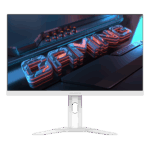
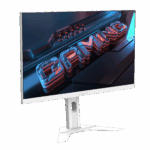
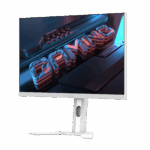
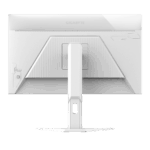



Gigabyte M27QA ICE 27-Inch Gaming Monitor Price in India | 2K 180Hz Fast IPS Monitor
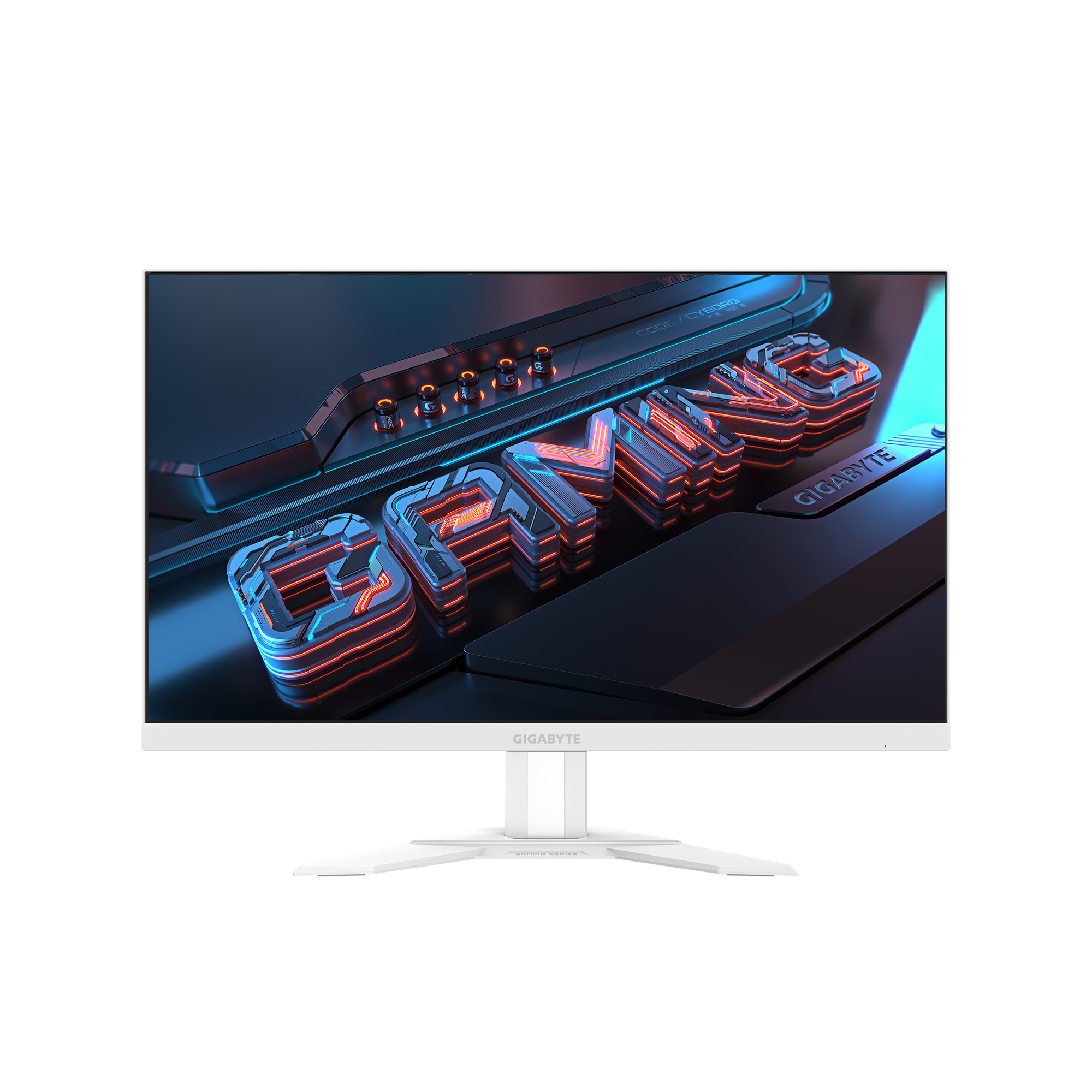
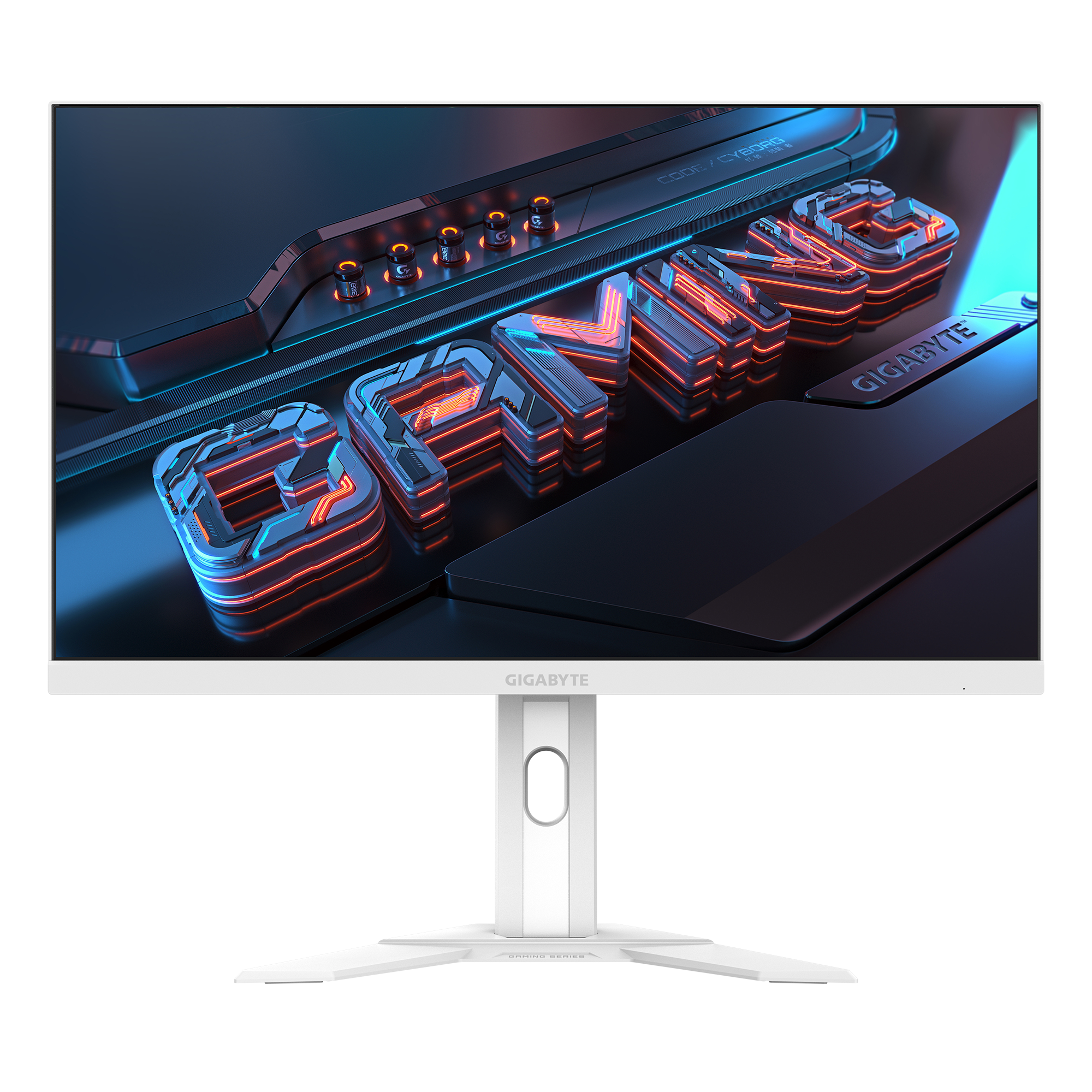
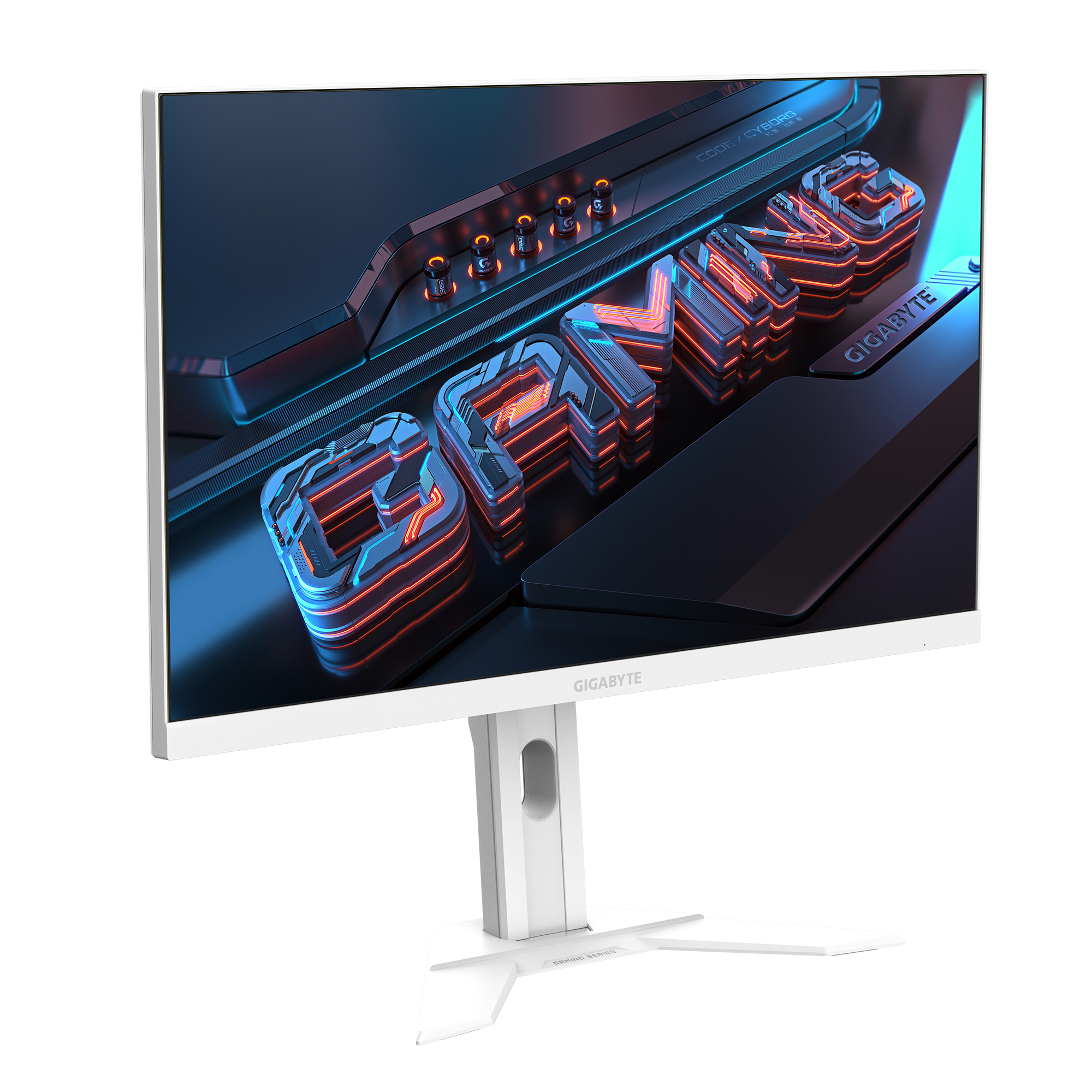
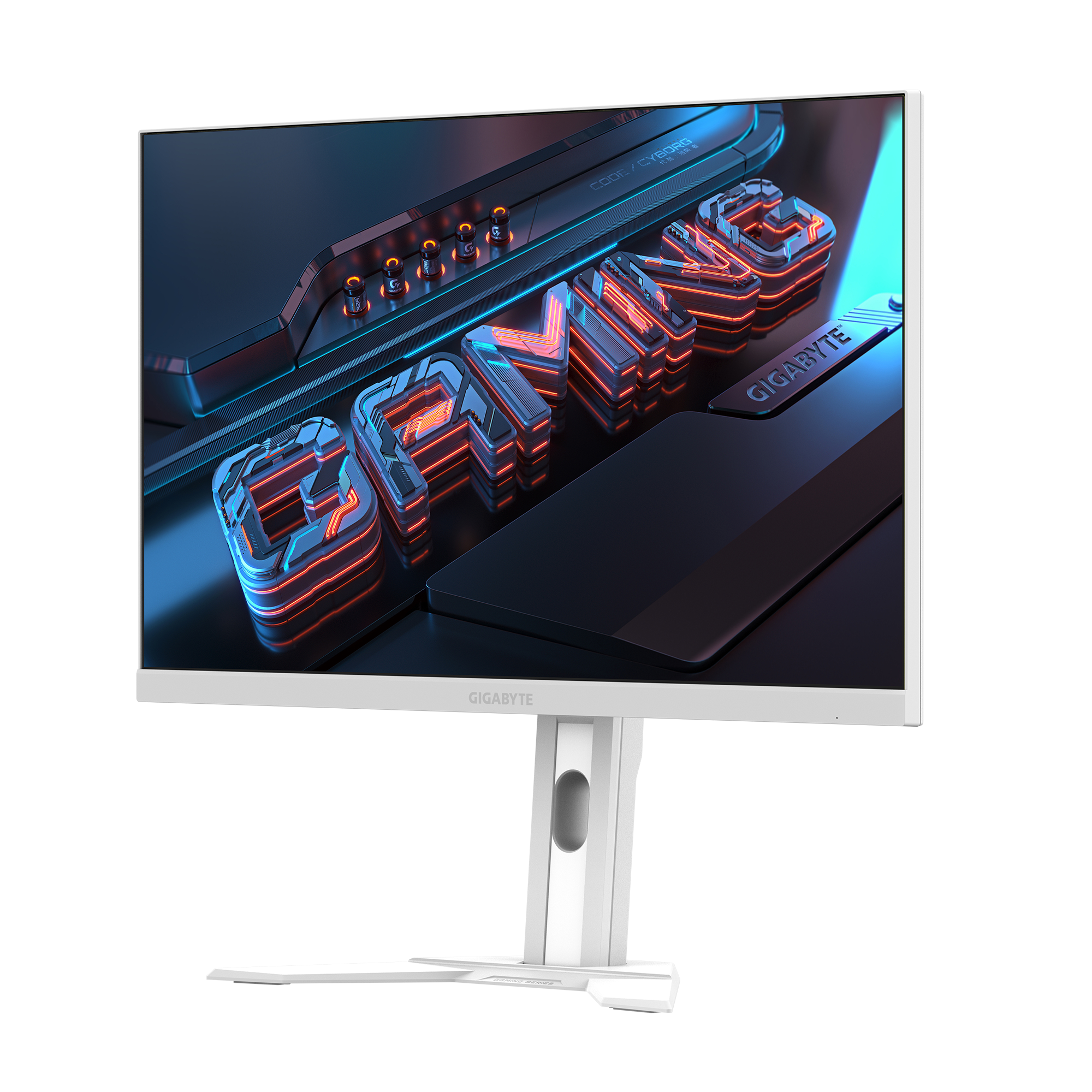
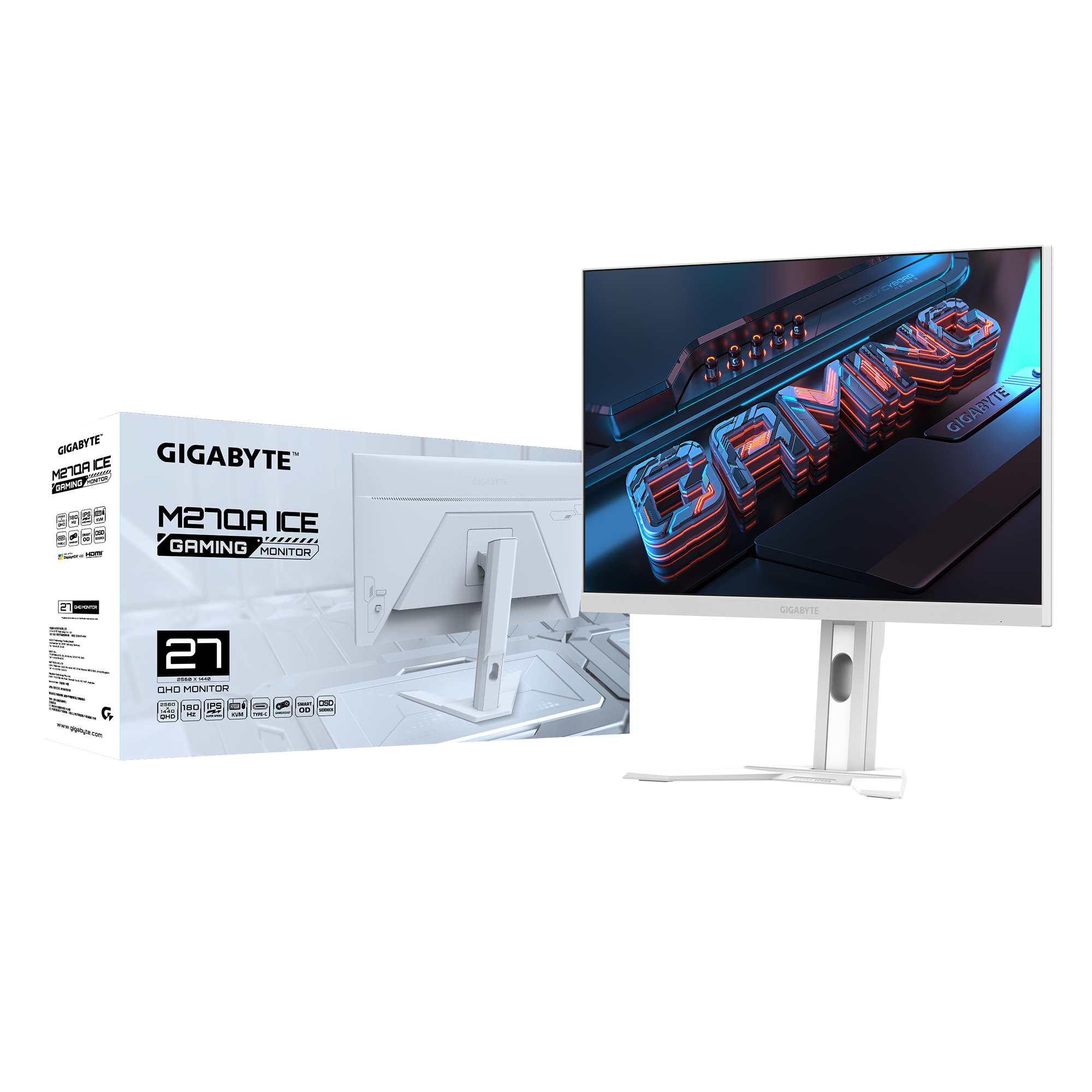
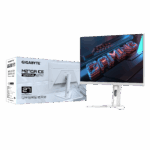
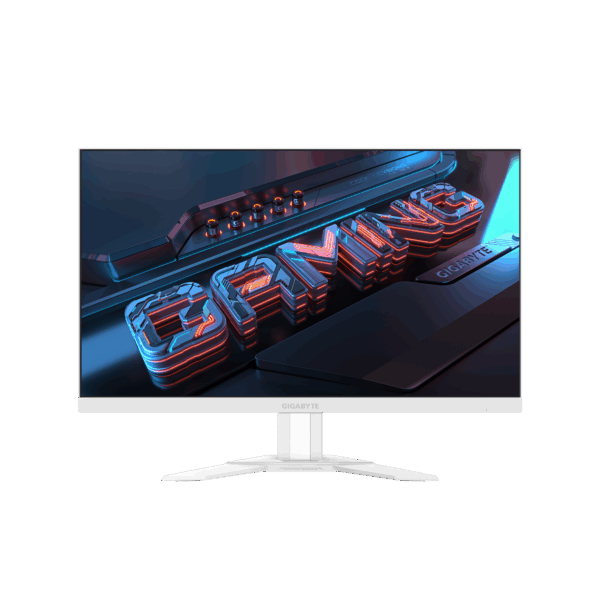
The Gigabyte M27QA ICE is a high-performance 27-inch QHD (2560 x 1440) monitor designed for those who demand both style and substance. Featuring a “Fast IPS” panel, it delivers vibrant colors and wide viewing angles while maintaining the rapid speed required for competitive gaming. The standout feature is the integrated KVM switch, allowing you to control multiple devices—like a workstation and a laptop—using a single set of keyboard and mouse. Wrapped in a sleek “ICE” white finish with an ergonomic stand, it provides a clean, professional look for a modern studio while supporting HDR400 for rich, high-contrast visuals.
Key Features:
- 2K QHD Resolution: 2560 x 1440 resolution provides 25% more screen real estate than Full HD, perfect for side-by-side coding and video editing.
- 180Hz Refresh Rate & 1ms GTG: Eliminates motion blur and lag, providing fluid visuals for both high-speed gaming and smooth UI navigation.
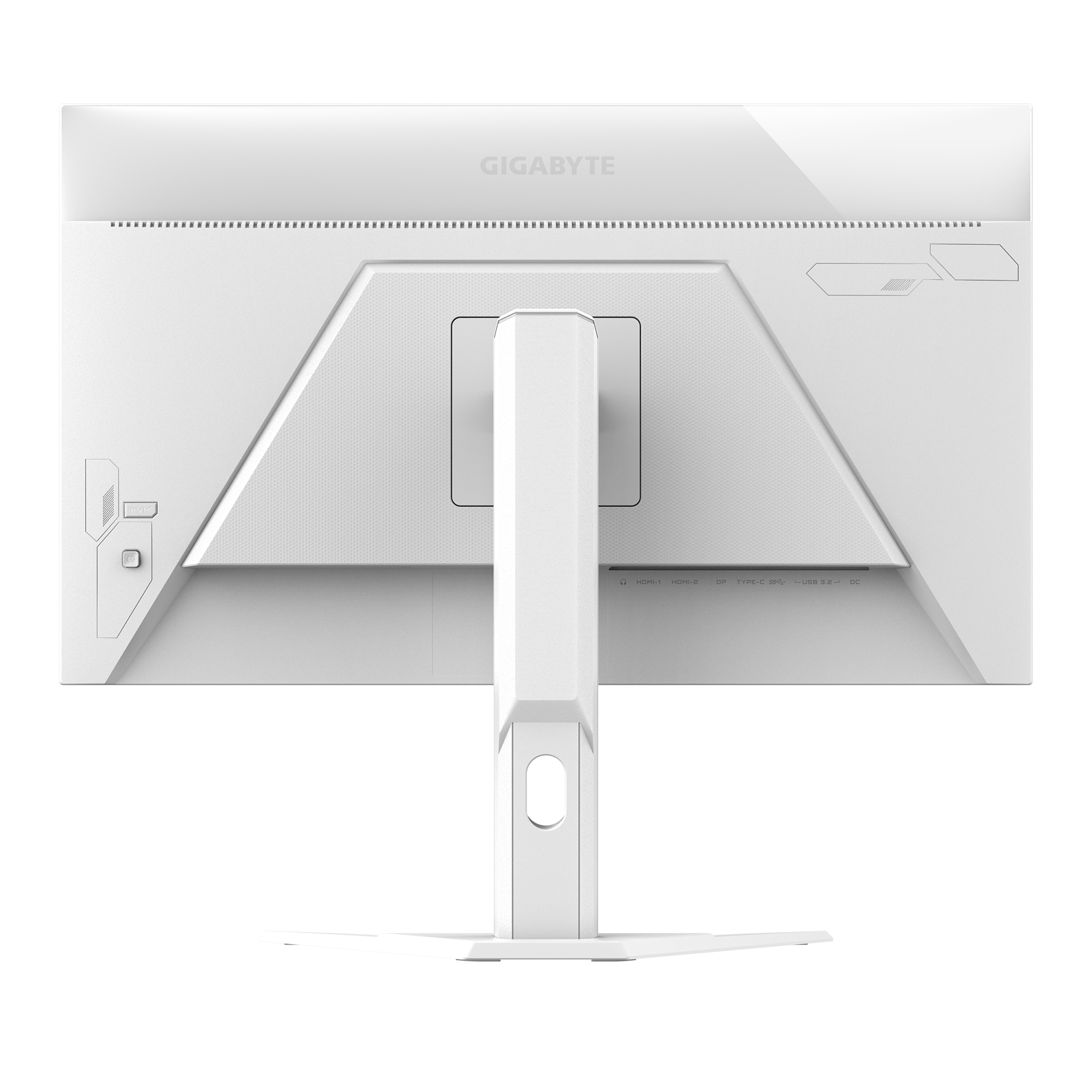
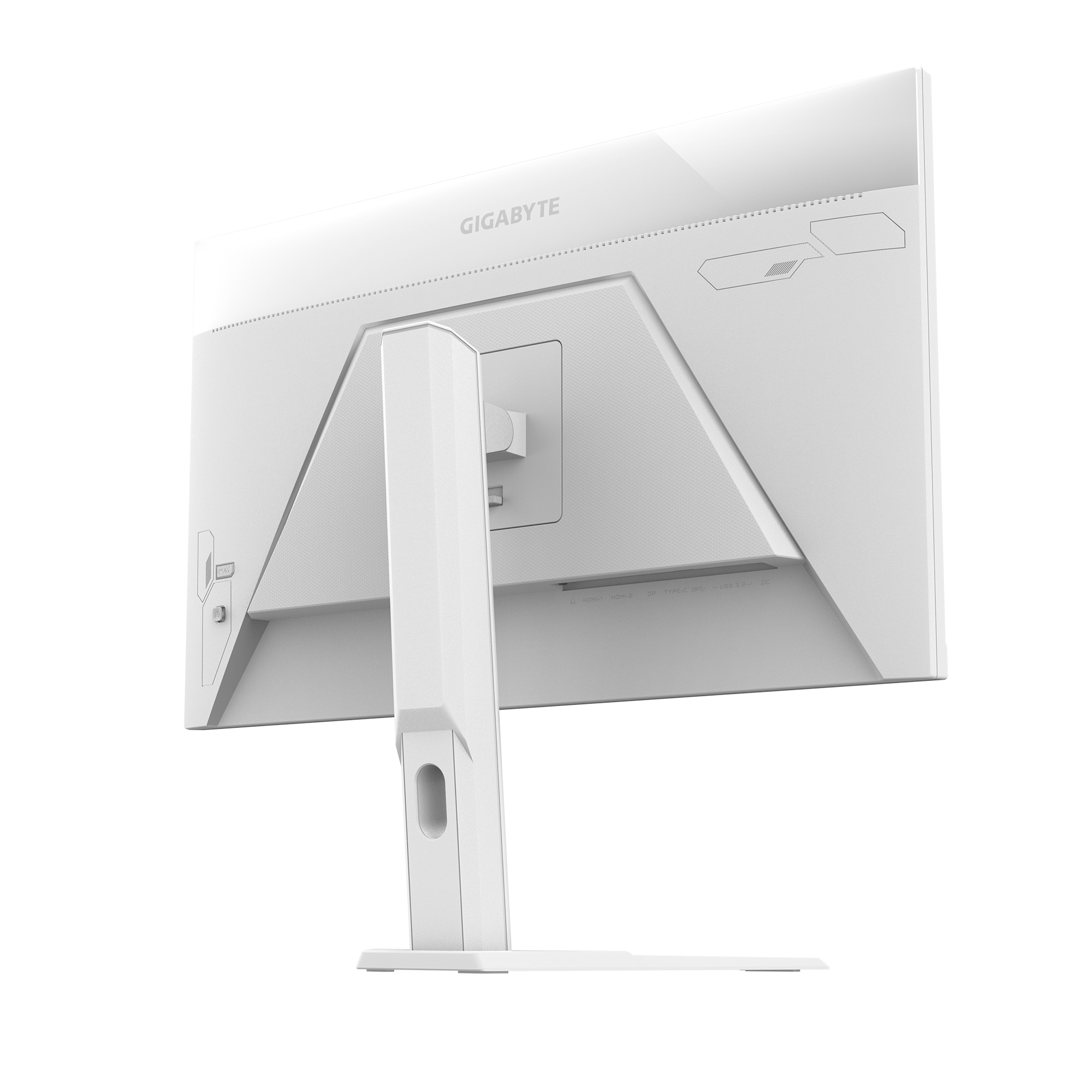
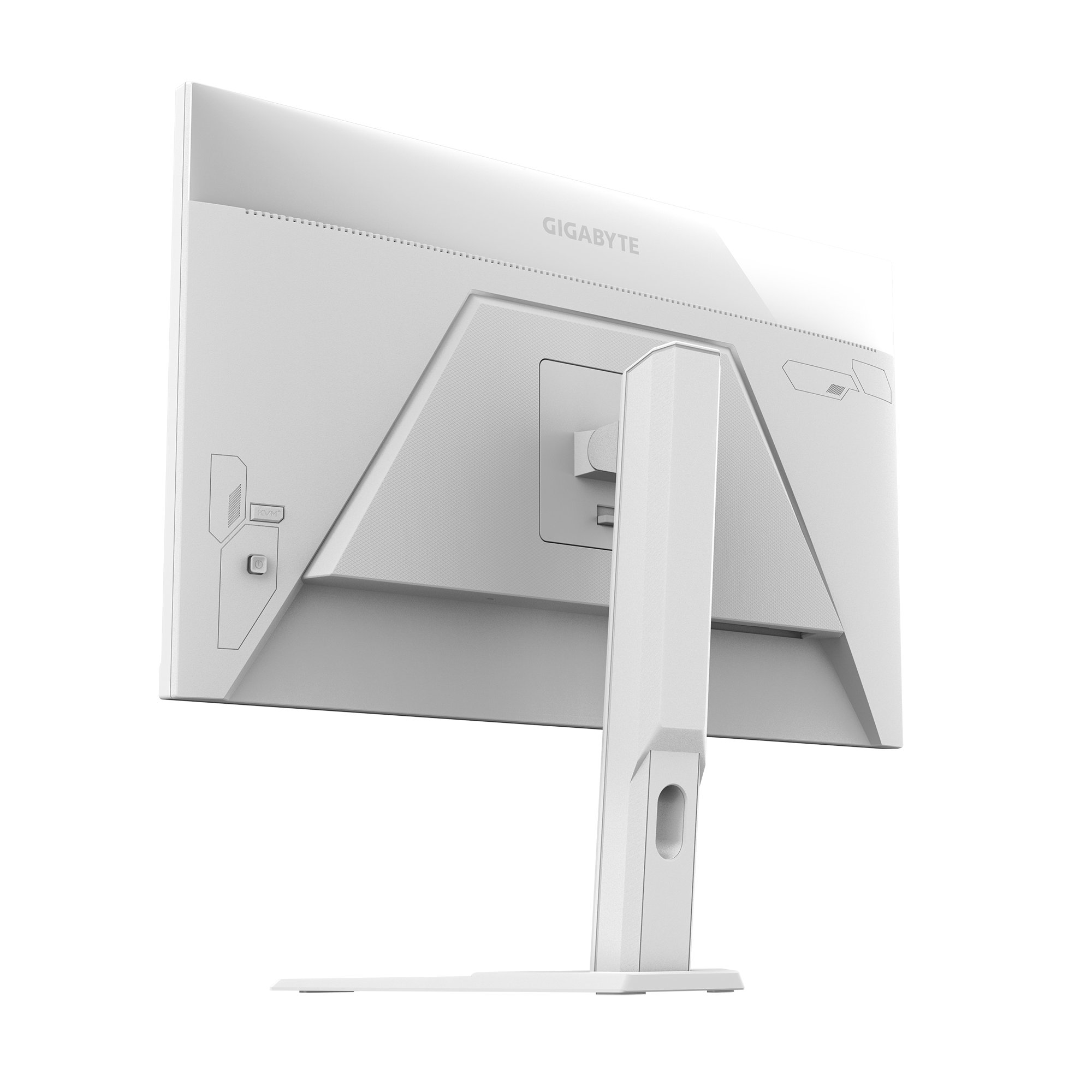
- Built-in KVM Switch: Seamlessly switch control between two different systems with one button, maximizing productivity for multi-device setups.
- Fast IPS Technology: Offers a 95% DCI-P3 wide color gamut, ensuring color accuracy for professional photo and video projects.
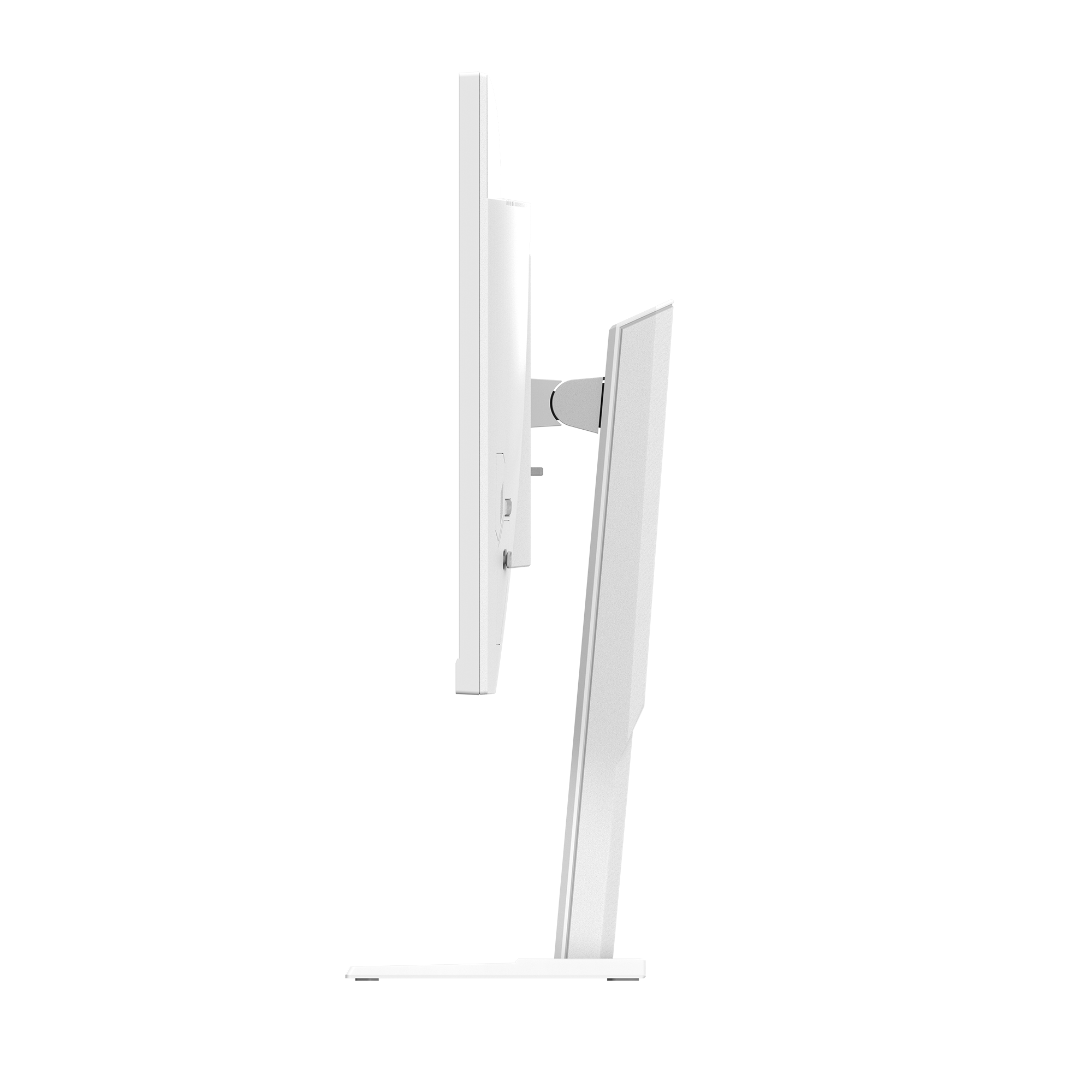
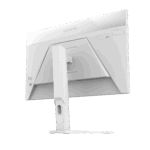
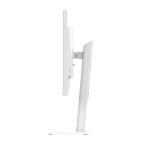
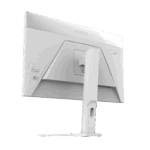
- All-White “ICE” Design: A minimalist white chassis and stand that creates a sophisticated, clean aesthetic for a modern workspace.
- HDR400 Certified: Enhances the dynamic range of your content, providing deeper blacks and brighter highlights for immersive media consumption.
Performance & Usage: The Gigabyte M27QA ICE acts as a high-definition window for a multifaceted professional lifestyle. The 2K resolution provides the essential screen real estate required when navigating a rigorous BCA curriculum, allowing you to keep code editors and technical documentation open simultaneously. For those managing an AI automation agency, the built-in KVM switch is a game-changer, enabling you to flip between a dedicated local training machine and a client management laptop instantly. When reviewing documentary-style tech tutorials or drafting movie scripts, the 95% DCI-P3 color gamut ensures that every frame and word is rendered with professional-grade clarity, while the white aesthetic keeps your studio looking organized and inspired.
Who Should Buy This:
- BCA & Software Students: Developers who need extra screen space for complex IDEs and multi-window research.
- AI Agency Founders: Professionals using multiple systems who want to declutter their desk using the integrated KVM switch.
- Tech Content Creators: Editors who require color accuracy for 4K video projects and a visually striking monitor for setup tours.
- Minimalist Desk Builders: Anyone looking for a high-spec 1440p monitor that fits a clean, all-white or light-themed interior.
Comparison: Gigabyte M27QA ICE vs. MSI G274QRFW
- Refresh Rate: Gigabyte M27QA ICE (180Hz) vs. MSI G274QRFW (170Hz)
- KVM Functionality: Gigabyte M27QA ICE (Built-in KVM) vs. MSI G274QRFW (No KVM)
- USB Connectivity: Gigabyte M27QA ICE (USB Type-C with Power) vs. MSI G274QRFW (Limited USB)
- Color Gamut: Gigabyte M27QA ICE (95% DCI-P3) vs. MSI G274QRFW (94% DCI-P3)
Recommendation: While both monitors offer excellent white aesthetics, the Gigabyte M27QA ICE is the superior choice for a high-income digital pipeline. Its built-in KVM switch and USB-C connectivity provide a level of productivity and device management that standard monitors lack, making it a much more effective tool for managing complex technical projects and agency workflows.
FAQs:
- What is a KVM switch and how does it help me? KVM stands for Keyboard, Video, and Mouse. It allows you to connect two computers to the monitor and switch between them while using the same keyboard and mouse, which is ideal for someone using both a PC and a laptop.
- Does it support height adjustment? Yes, the ergonomic stand allows for height and tilt adjustments, ensuring you can set the monitor to the perfect eye level for long coding or writing sessions.
- Can I use this for 4K video editing? While the monitor is 2K (1440p), it has excellent color accuracy (95% DCI-P3), making it very capable for editing 4K footage, though the footage will be downscaled to fit the screen resolution.
- Does it work with the latest graphics cards? Absolutely. It features DisplayPort 1.4 and HDMI 2.1 (TMDS) ports, making it fully compatible with the latest RTX 40 and 50 series, as well as Radeon RX 7000 series cards.

Reviews
Clear filtersThere are no reviews yet.