








Buy Cosmic Byte Themis 61-Key Hot-Swappable Mechanical Keyboard | Best 60% Gaming Keyboard
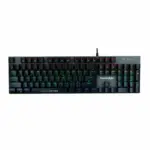
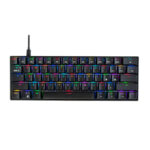
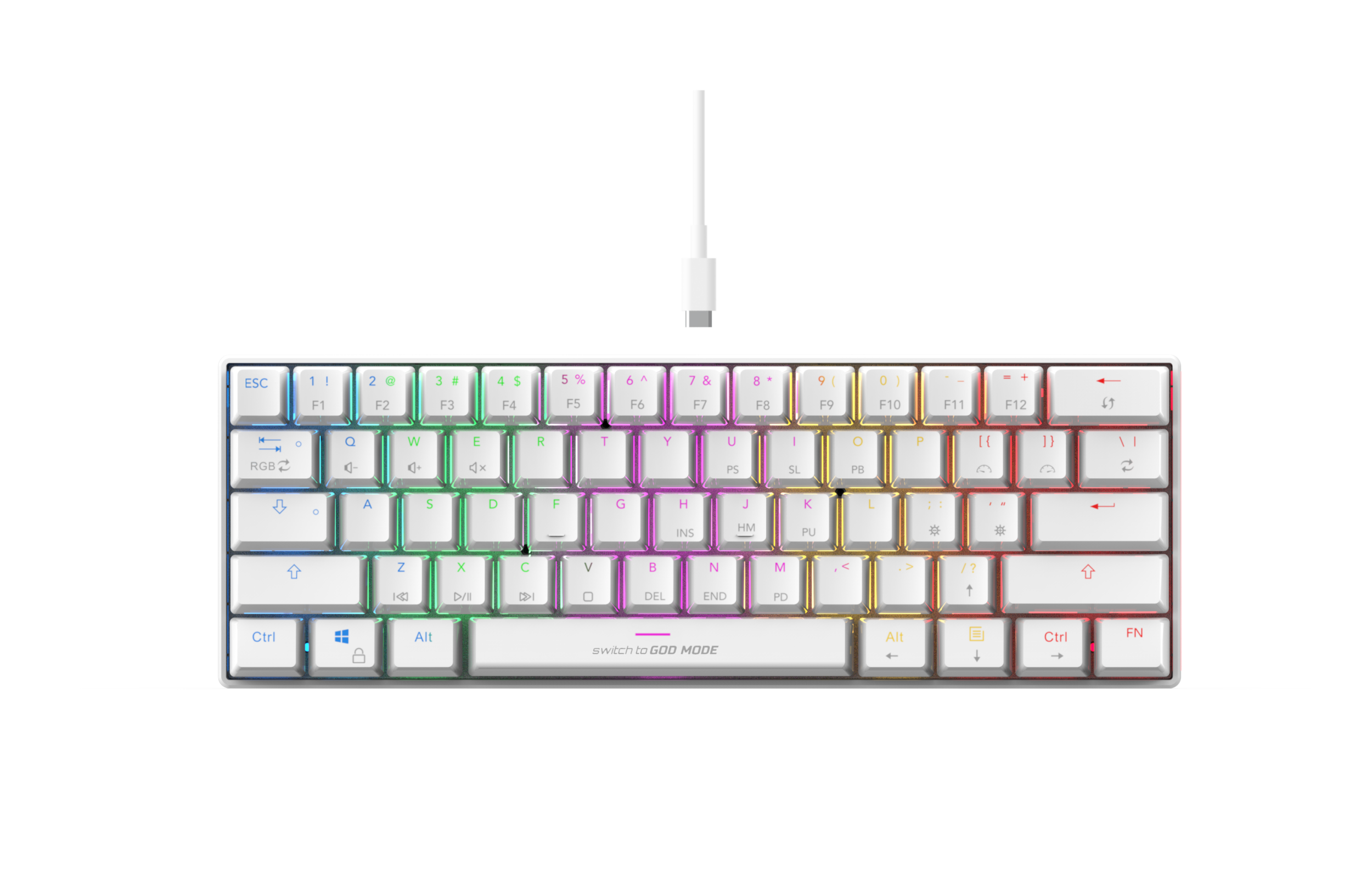
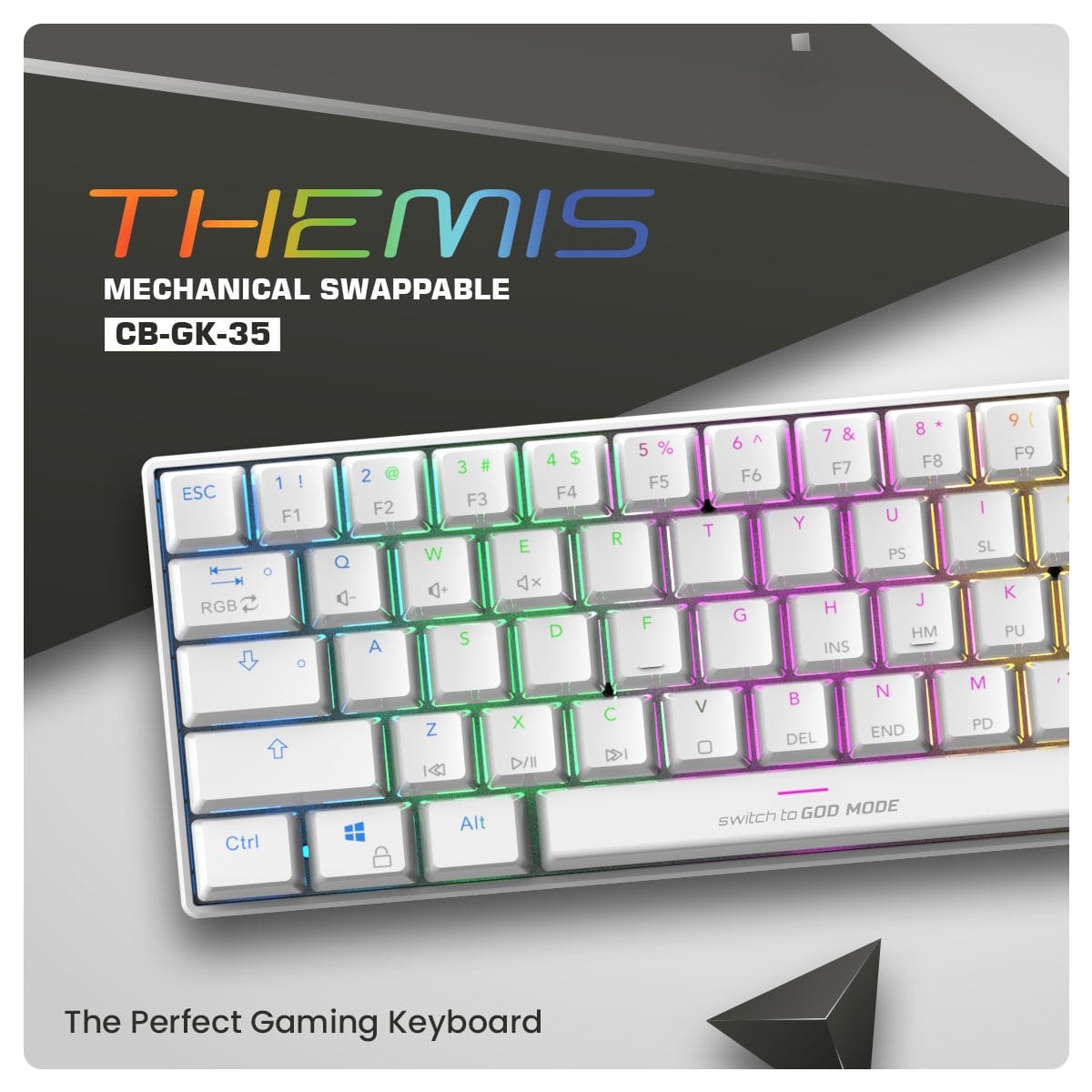
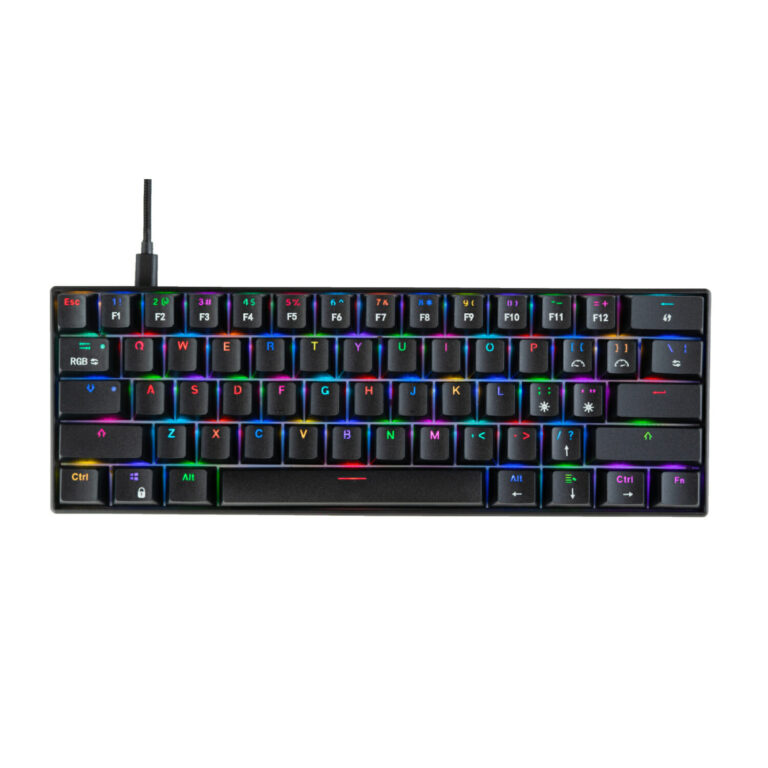
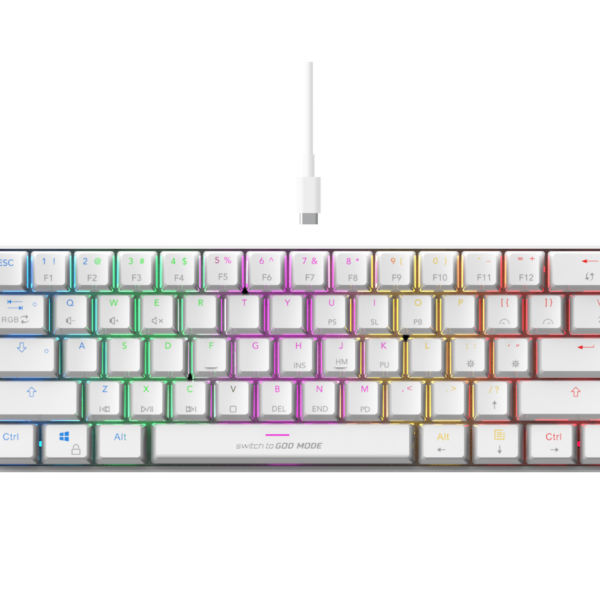
The Cosmic Byte Themis Mechanical Gaming Keyboard is a compact, feature-packed 60% keyboard designed for gamers and typists who want maximum functionality with a minimal footprint. By eliminating the numpad, arrow keys, and function row, the 61-key layout frees up massive amounts of desk space for large mouse sweeps. What truly sets this model apart is the inclusion of hot-swappable Outemu mechanical switches, allowing you to easily pull out and replace individual switches without soldering-perfect for repairing a dead key or customizing the typing feel. Combined with vibrant per-key RGB lighting and dedicated software for macro programming, the Themis offers enthusiast-level customization in an affordable package.
Key Features:
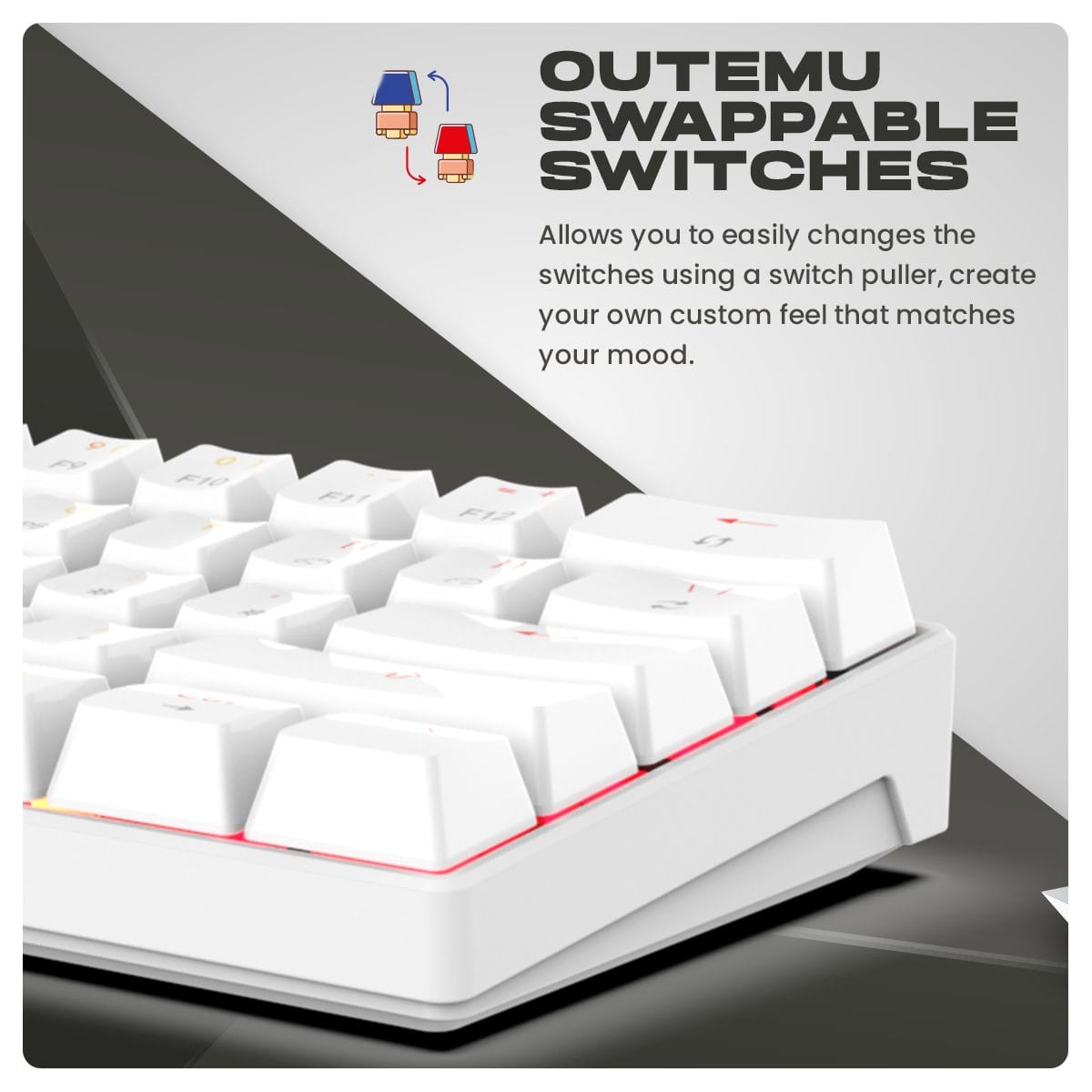
- Hot-Swappable Outemu Switches – Easily remove and swap out the mechanical switches using the included puller to customize your typing experience and extend the keyboard’s lifespan.
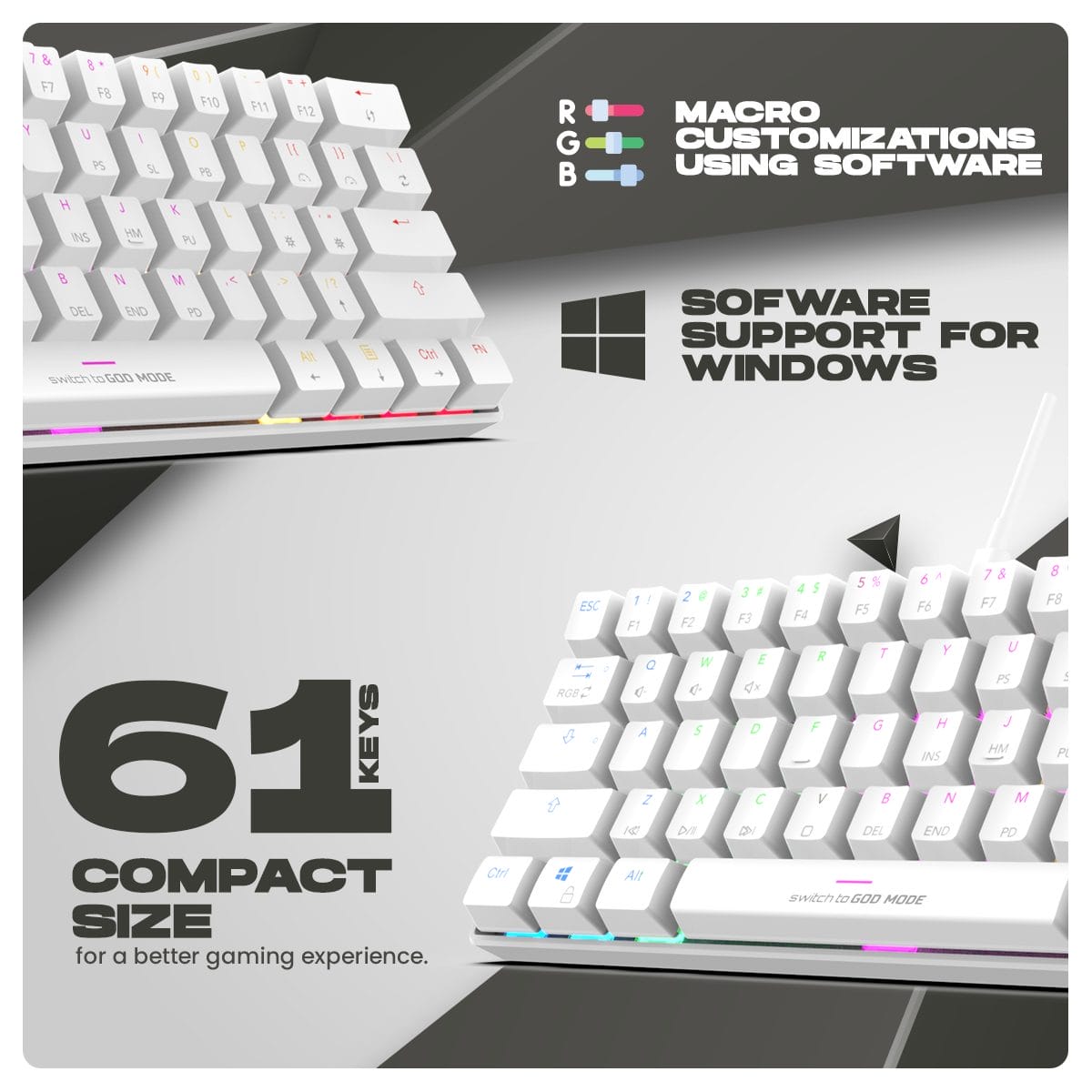
- 60% Compact Layout (61 Keys) – A minimalist design that saves crucial desk space, making it highly portable and ideal for low-sensitivity FPS gamers.
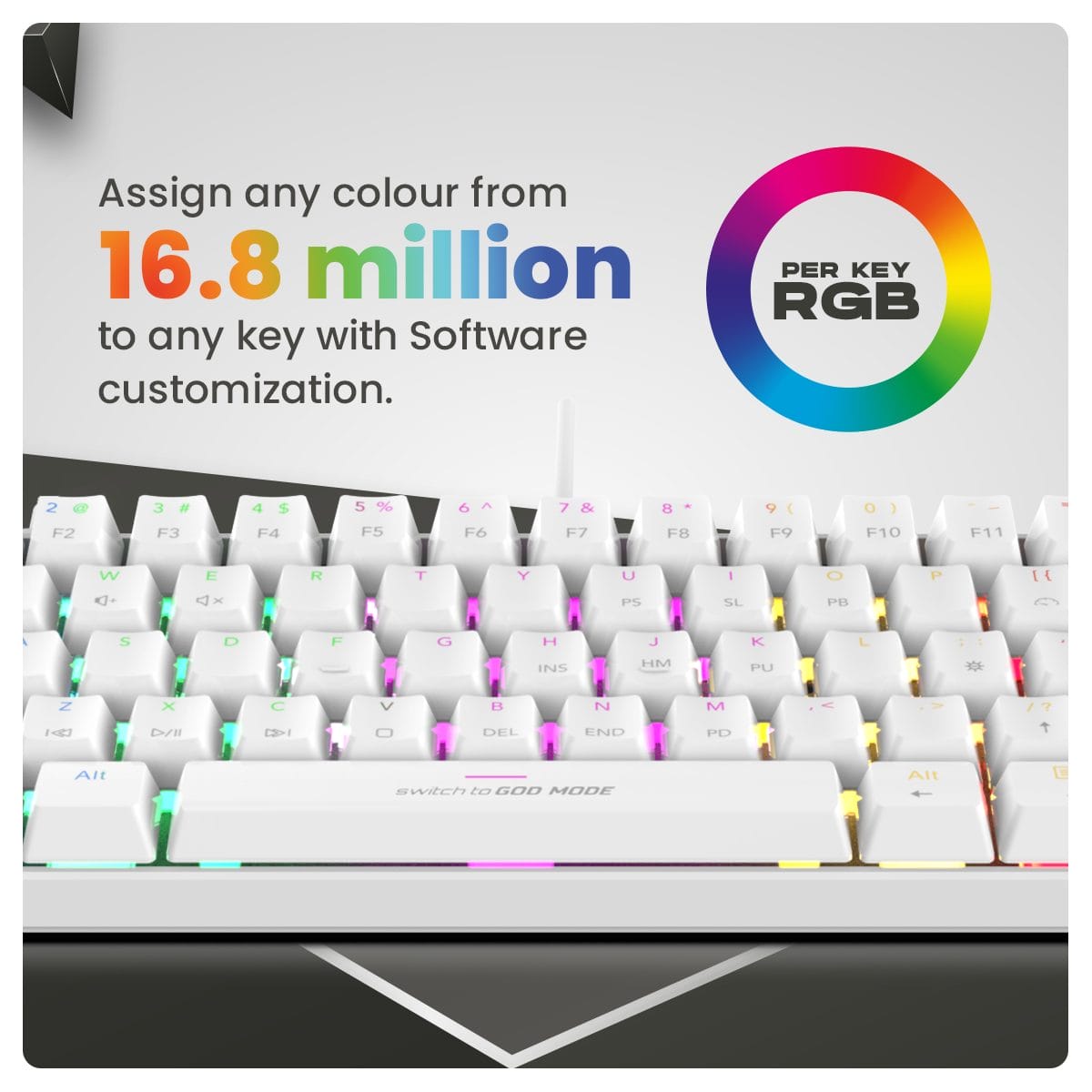
- Per-Key RGB Illumination – Features vibrant Spectra RGB lighting with over 10 distinct modes, fully customizable via the Cosmic Byte software.
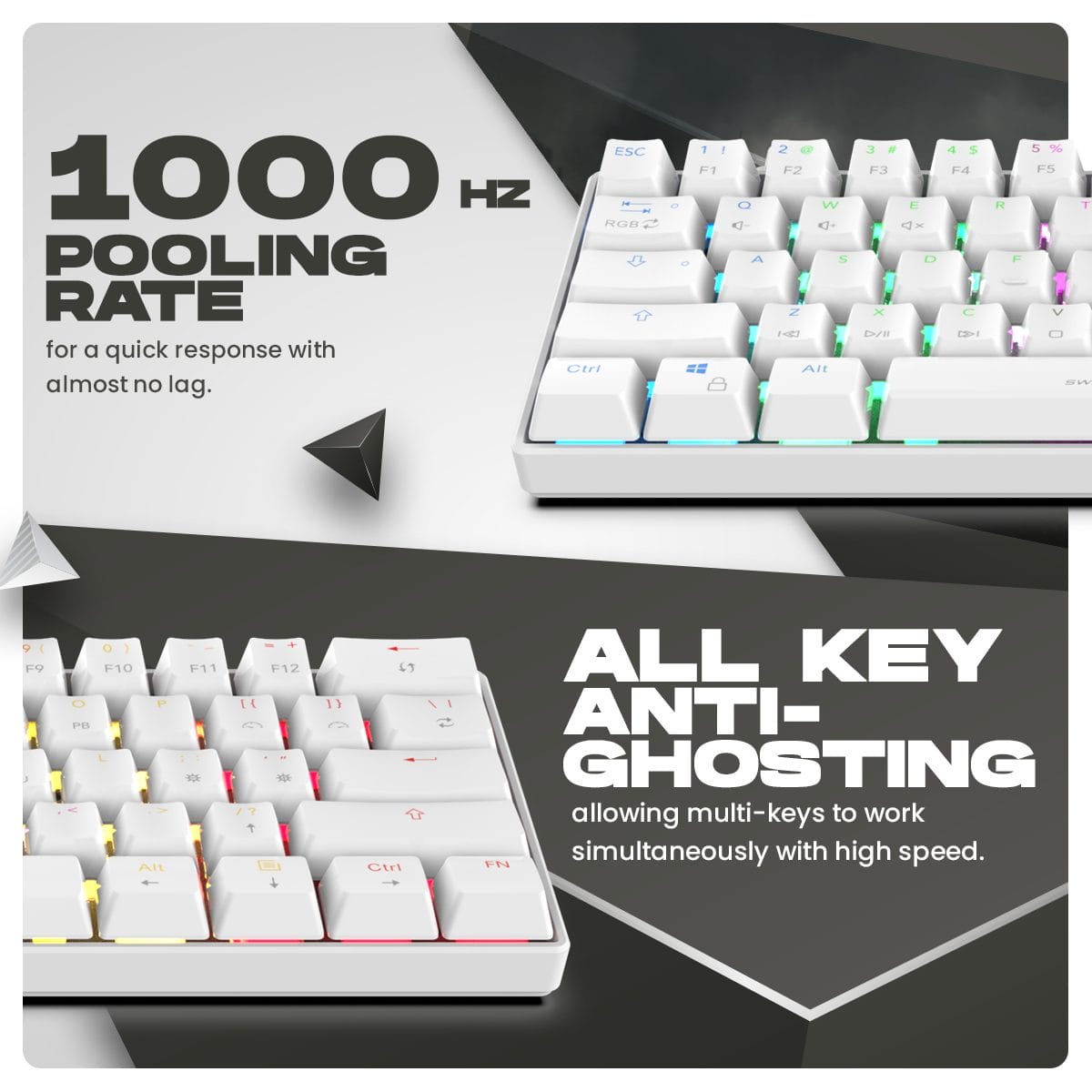
- Full N-Key Rollover (Anti-Ghosting) – Ensures that no matter how many keys you press simultaneously during intense gaming, every single input registers accurately.
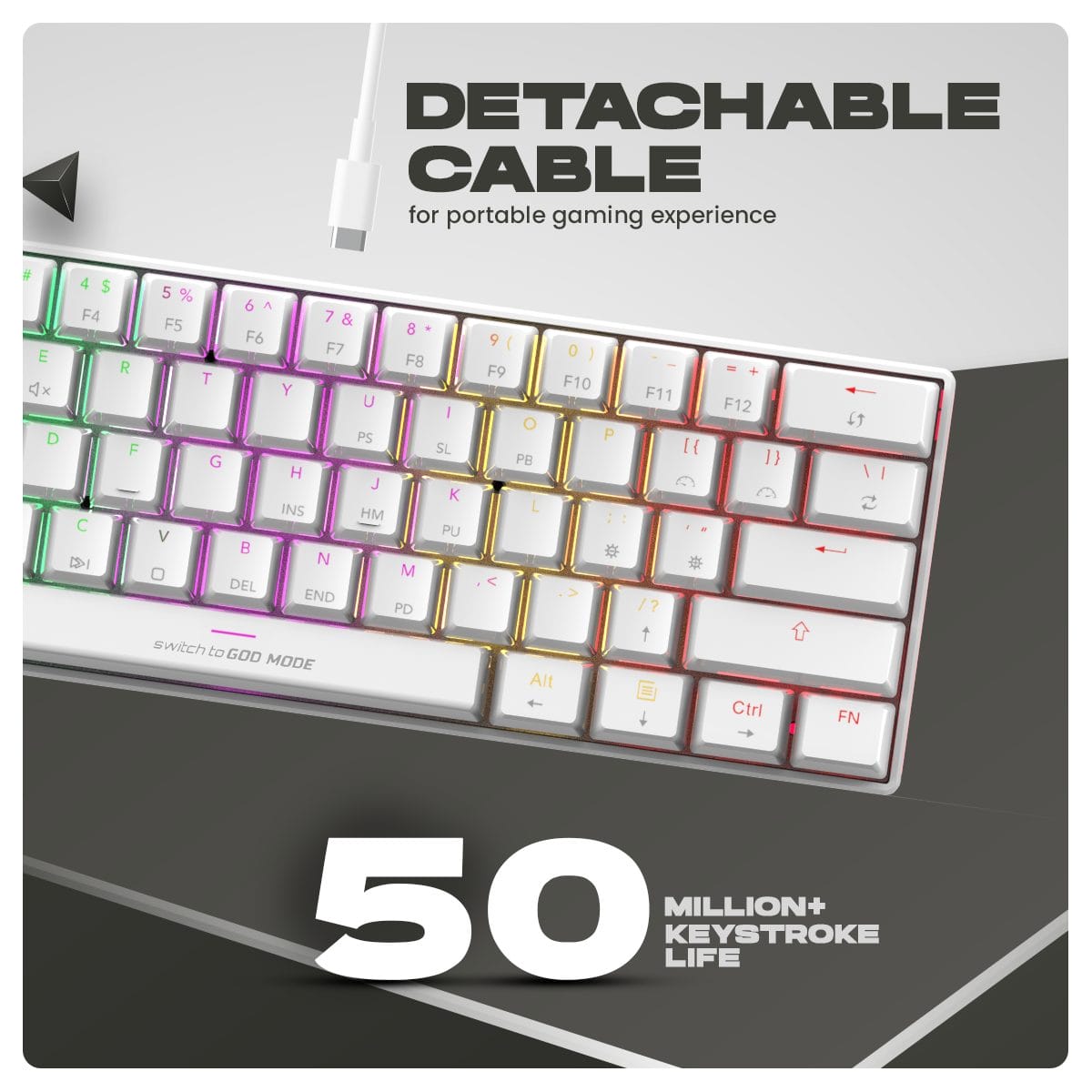
- Detachable Type-C Cable – Utilizes a modern, detachable USB-C to USB-A cable for easy transport and clean cable management.
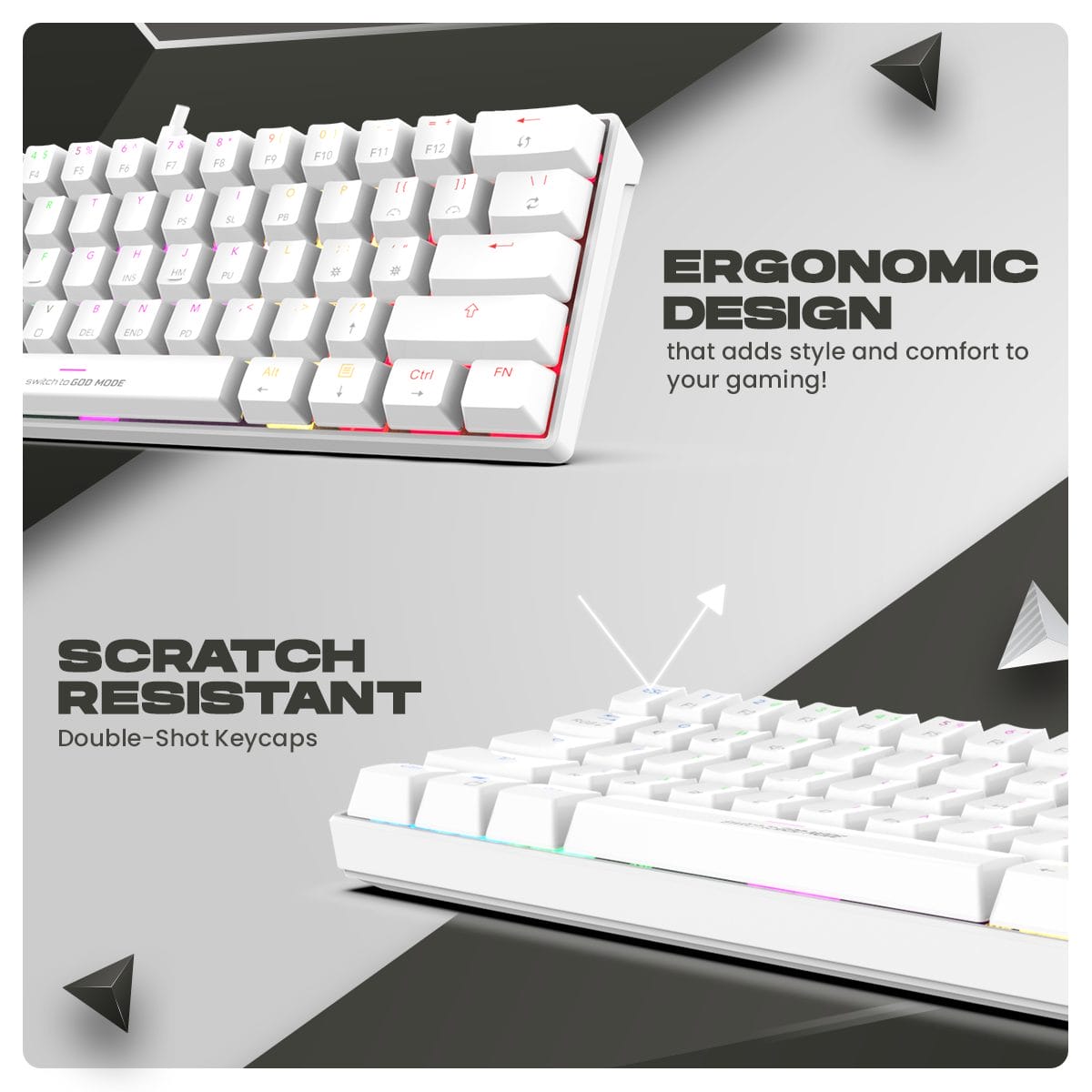
Performance & Usage: The Themis provides a highly responsive and engaging experience for competitive gaming. If you opt for the Red switches, you get smooth, linear keystrokes that are perfect for rapid double-tapping in fast-paced shooters. If you choose the Blue switches, you get a satisfying tactile “click” with every press, which touch-typists often prefer. Because it is a 60% layout, secondary functions (like arrow keys, F1-F12, and media controls) are accessed by holding the “FN” key. While this requires a slight learning curve for daily administrative tasks, the ergonomic benefits of having your mouse and keyboard closer together drastically reduce shoulder strain during long sessions.
Who Should Buy This:
- FPS Gamers: Players who need massive amounts of mouse space for low-DPI aiming and flick shots.
- DIY Customizers: Enthusiasts looking for a budget-friendly hot-swappable board to experiment with different types of mechanical switches.
- Students & Laptop Users: Individuals with small desks who want a highly portable, compact mechanical keyboard that easily slips into a backpack.
- Budget Builders: Anyone seeking premium features like per-key RGB and hot-swap sockets at an entry-level price point.
Comparison
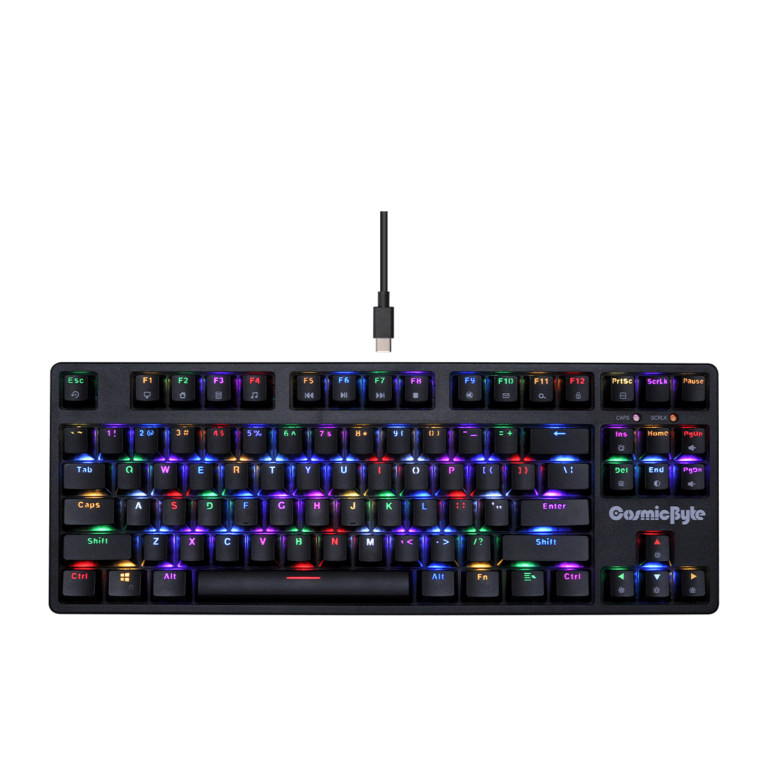
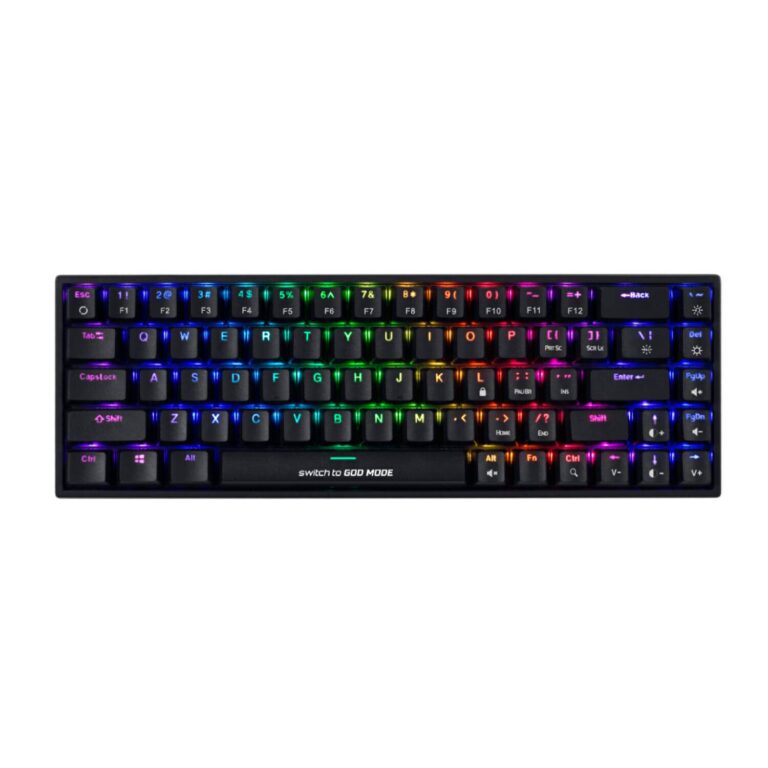
Cosmic Byte Themis (60%) vs. Cosmic Byte Pandora (TKL): When deciding between these compact layouts, it comes down to how much space you want to save versus how many dedicated keys you need. The Pandora is a Tenkeyless (TKL) 87-key board, meaning it loses the numpad but keeps dedicated arrow keys and the F-key row, making it easier for general daily typing and coding. The Themis is a 60% 61-key board, which is much smaller and completely removes the arrow keys and F-row, forcing you to use FN-key combinations. If maximum desk space for gaming is your priority, the Themis is unmatched. If you do a lot of spreadsheet work or text navigation, the Pandora is a safer middle ground.
FAQs:
- What does “hot-swappable” mean? It means the mechanical switches are not soldered to the circuit board. You can use a tool to physically pull the switch out and push a new one in, allowing you to easily repair or customize the keyboard.
- Are the switches compatible with Cherry MX or Gateron? The Themis typically uses Outemu hot-swap sockets, which have narrower pin holes. While you can swap the switches, you are generally limited to other Outemu switches (or switches with similarly thin pins) unless you modify standard MX switches.
- How do I use the arrow keys? Since there are no dedicated arrow keys, you access directional movements by holding the FN key combined with specific designated letter keys (usually W/A/S/D or I/J/K/L, depending on the mapping).
- Does it have a wireless mode? No, the standard Cosmic Byte Themis CB-GK-21/35 is a wired-only keyboard that connects via the included detachable USB-C cable.

Reviews
Clear filtersThere are no reviews yet.