









About NZXT Internal USB Hub 3 Accessories
| Field | Specification |
|---|---|
| Brand | NZXT |
| Model Number / SKU | AC-IUSBH-M3 |
| Product Type | Internal USB 2.0 Hub / Expansion Hub |
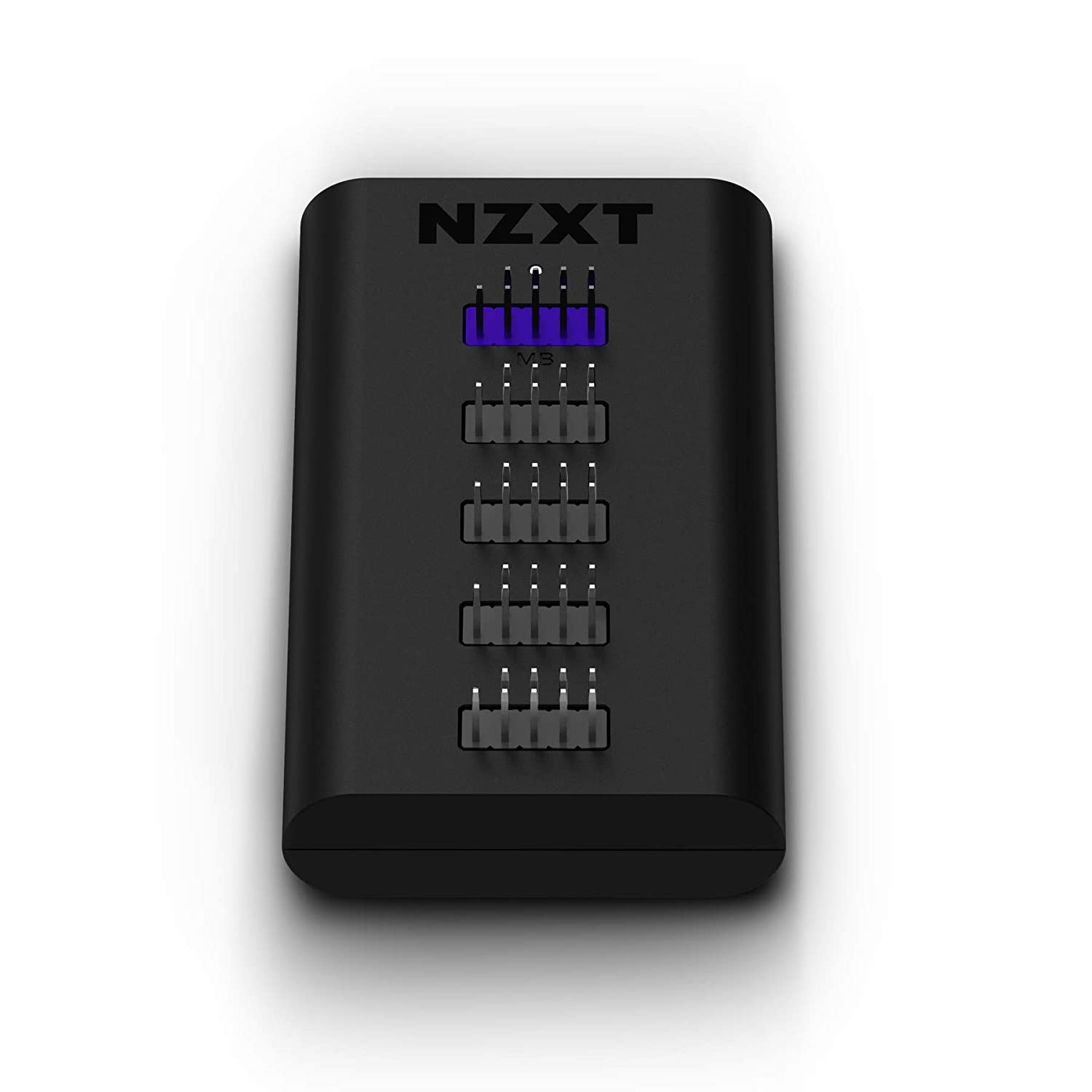
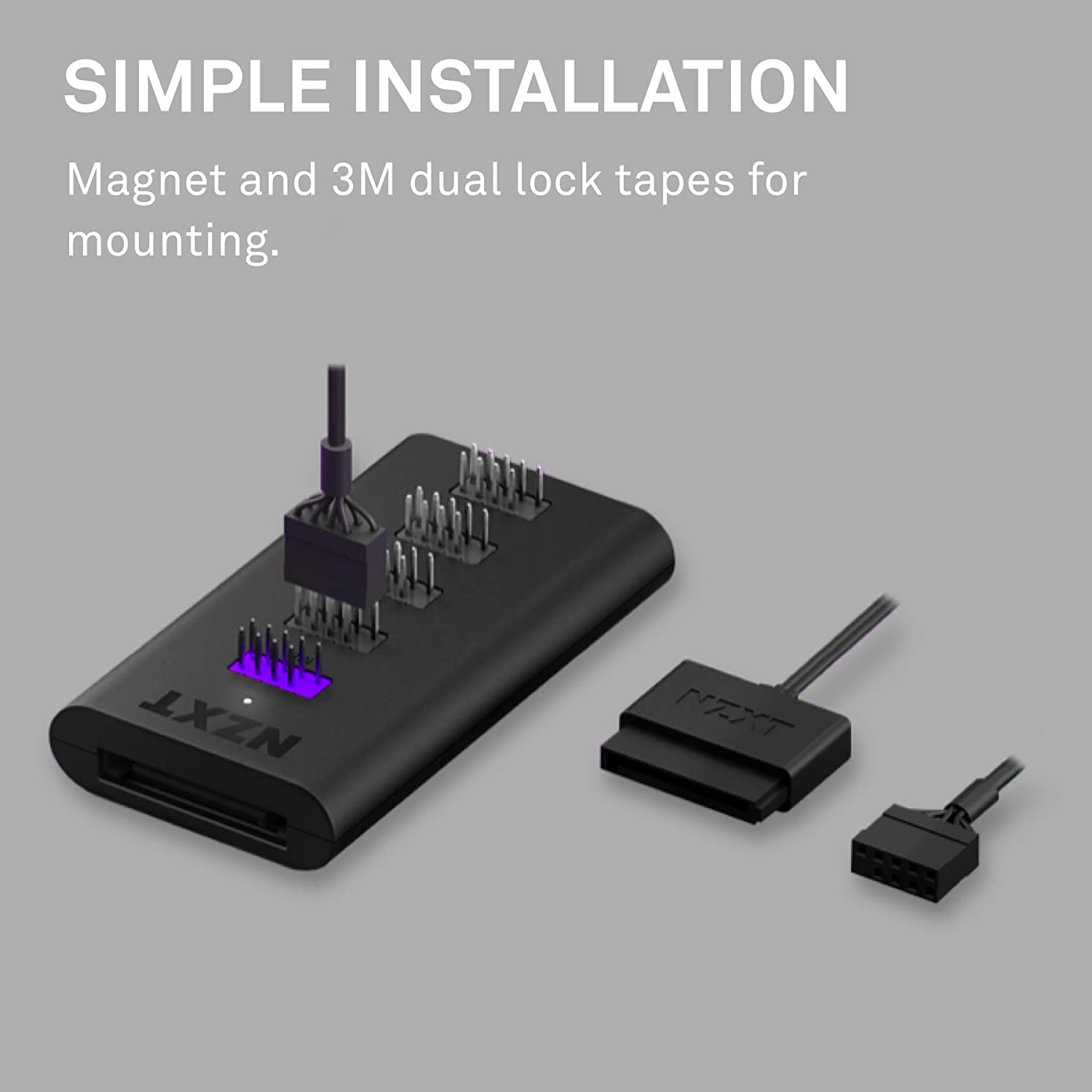
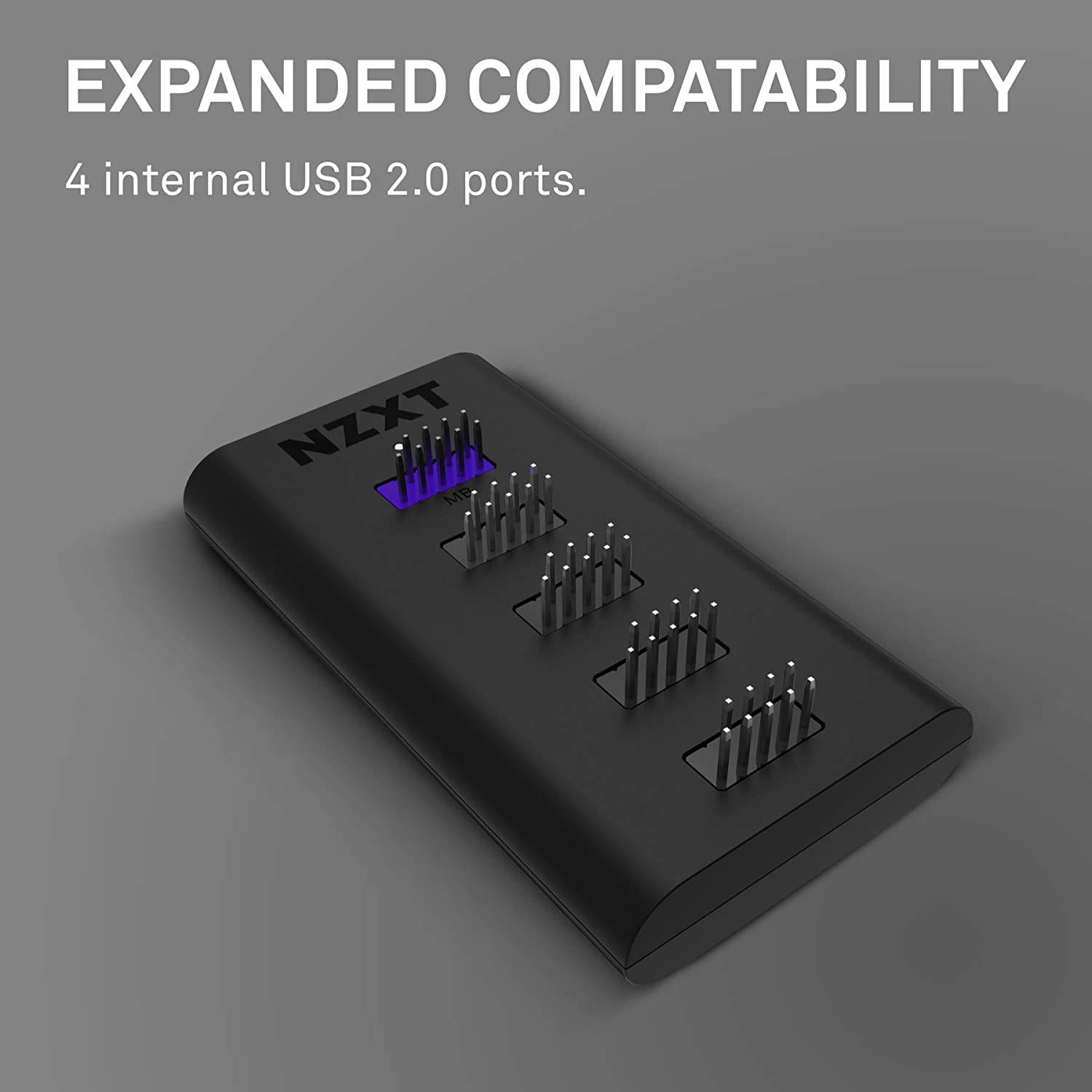
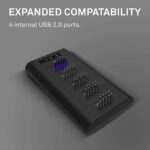
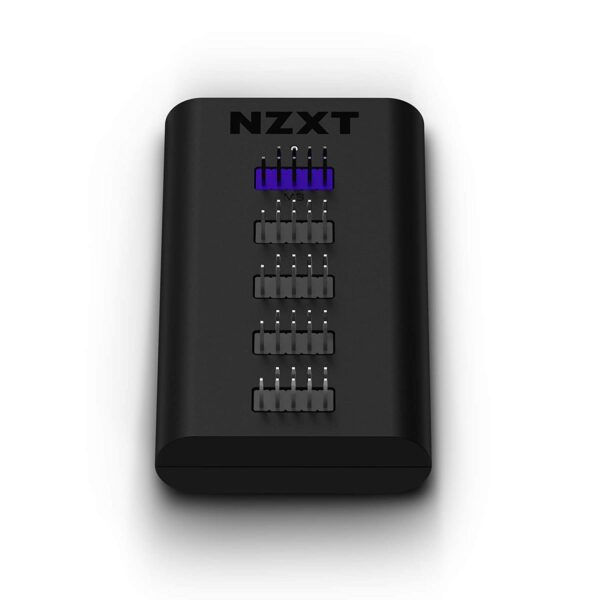
| Ports Provided | 4 × internal USB 2.0 header ports (for peripherals) + 1 × USB 2.0 header port to motherboard |
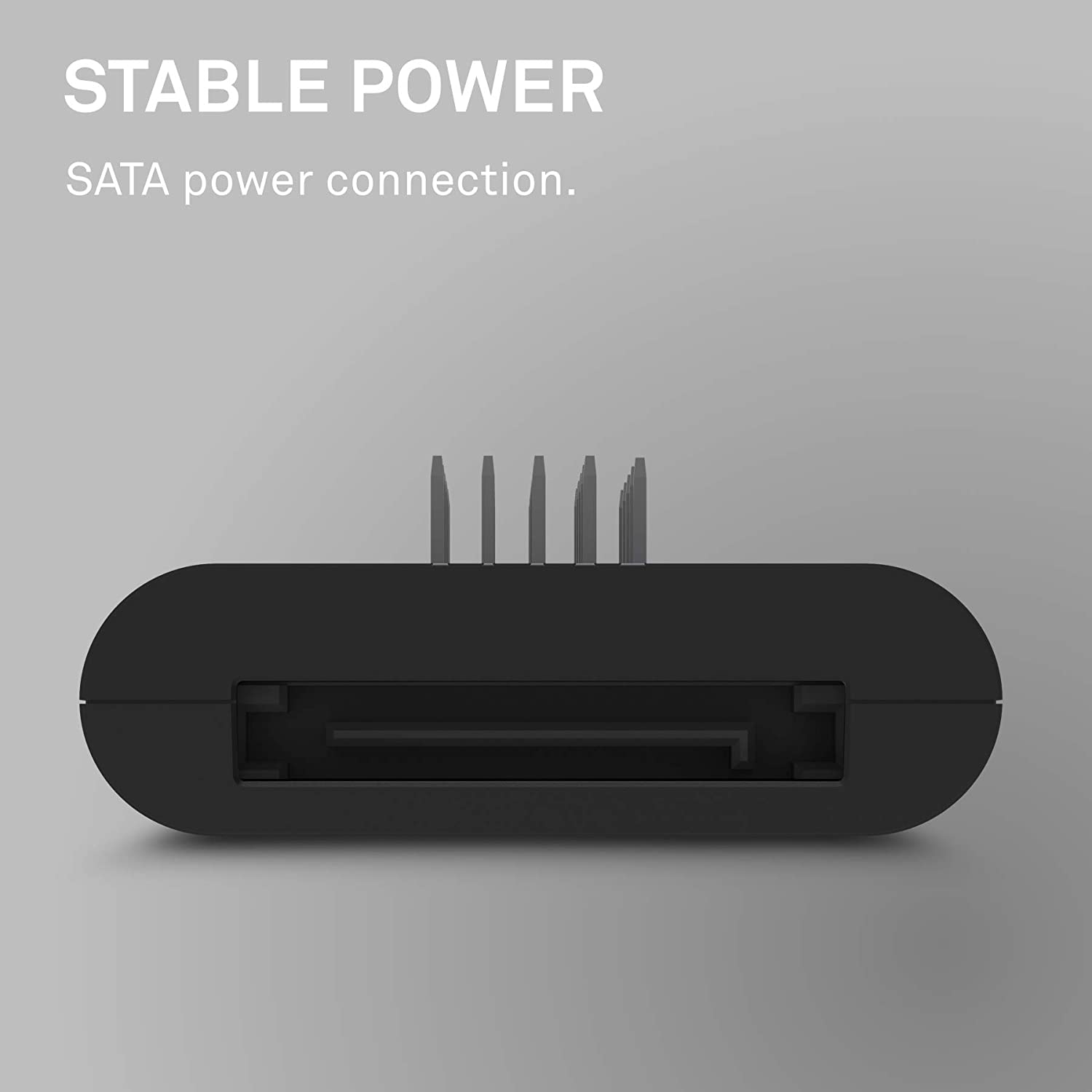
| Power Input / Supply | 5 V DC via SATA power connector (SATA power cable required) |
| Mounting / Installation | Magnetic body + 3M Dual Lock tape — mounts inside PC case easily |
| Materials | Plastic, PCB, Magnets |
| Dimensions (with pins) | 41 mm × 82 mm × 20 mm |
| Dimensions (without pins) | 41 mm × 82 mm × 14 mm |
| Weight / Size Approximate | ~0.285 lb (≈ 129 g) — from packaging info |
| Connectivity Requirements | Requires an available internal motherboard USB 2.0 header |
| Warranty | 2 years (manufacturer) |
| Use Cases / Compatibility | Compatible with any PC chassis having internal USB 2.0 header — good for connecting fan controllers, RGB controllers, liquid-cooling controllers, additional USB-powered components, etc. |
| Mounting Flexibility | Can be mounted magnetically (on metal surfaces inside PC) or via 3M tape for secure placement. |
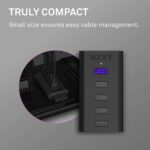
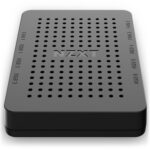
Physically, the hub is designed to be discreet and convenient.
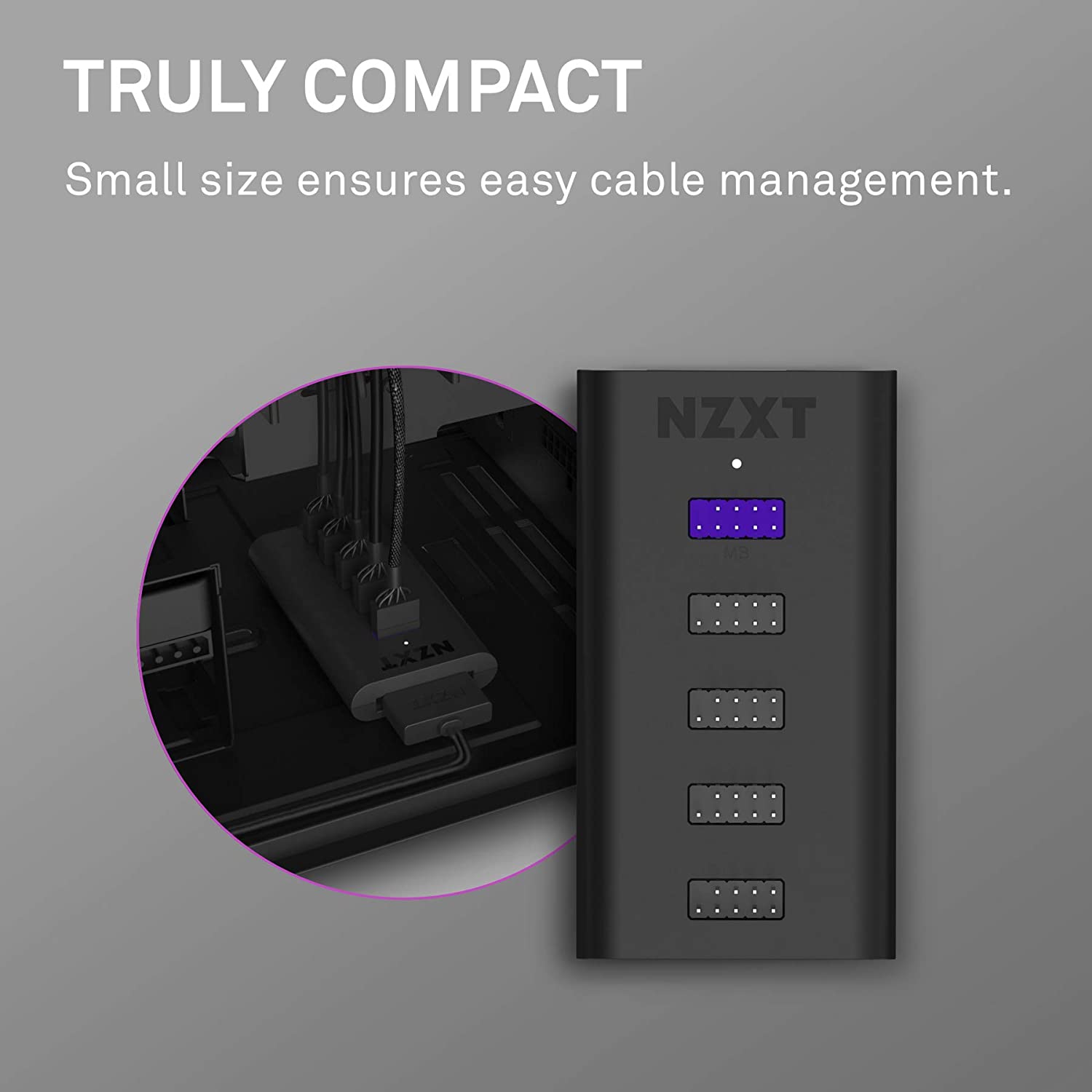
Its small footprint — 41 mm by 82 mm, and only 20 mm thick including the pins (14 mm without pins) — allows it to fit neatly inside most PC cases, even compact ones.
The build materials (plastic housing, PCB internals, and magnets) and neat construction give it a durable yet lightweight profile.
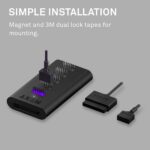
The magnetic base and inclusion of 3M Dual Lock tape for mounting provide flexibility: whether you prefer to stick it to a metal surface or tape it inside a drive bay or behind a motherboard tray, the installation is simple and tool-free.
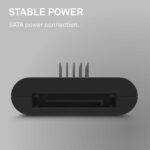
Power delivery is handled via a SATA power cable.
This design choice — drawing stable 5 V power from your PSU rather than depending solely on the motherboard header — ensures that connected devices get consistent power, which is particularly helpful for RGB/fan controllers, lighting strips, or other peripherals that draw more current than a single header might reliably support. The presence of SATA power input also reduces the risk of overloading the motherboard header. Once connected — both to the motherboard’s internal USB 2.0 header and to SATA power — the hub becomes ready for use.
Internally, the hub doesn’t add any exotic ports: it simply replicates USB 2.0 header connections. This ensures broad compatibility: any device that uses an internal USB 2.0 header (fans, RGB controllers, AIO pumps, lighting accessories, WiFi/Bluetooth cards, etc.) should work. Because the hub is passive (i.e., it doesn’t change signalling or speed), the maximum bandwidth remains that of the single USB 2.0 header: 480 Mbps shared among all connected devices.
This is typically sufficient for internal controllers, fan hubs, RGB lighting — though it might limit high-bandwidth devices if you try to use many simultaneously.
The flexibility of the hub also extends to installation: the magnetic body means you can reposition it if you later rearrange components. The mounting tape offers an alternate secure placement if you prefer a more permanent setup. Because of its compact size and standardized header interface, it’s broadly compatible across motherboards from different brands (Intel- or AMD-based), and across many PC case types.
From a user-experience standpoint, the hub stands out for making upgrades and expansions easier and more organized. Instead of having cables strung from different parts of the case to a single header (which may become messy), you can centralize USB-powered accessories around the hub — improving cable management and freeing the motherboard header for future uses. It’s especially handy for builds involving multiple USB-powered components: e.g., an AIO cooler + RGB fan controller + front-panel USB expansion + WiFi/Bluetooth card, etc.
However, one must consider the limitation: since all devices share a single USB 2.0 header bandwidth, simultaneous high-throughput usage (e.g., multiple external USB 2.0 drives) could saturate the hub. Also, the hub only supports internal header USB 2.0; it doesn’t convert to external Type-A or Type-C ports — for that, a separate external hub is needed.
NZXT Internal USB Hub 3 is a practical, well-designed expansion accessory for PC builders needing more internal USB 2.0 connectivity.
It offers a neat, compact, power-stable, and easy-to-install solution for connecting multiple internal USB devices without clutter or the need for extra motherboard headers.
For anyone building a PC with multiple peripherals — RGB lighting hubs, fan controllers, liquid-cooling controllers, WiFi cards — this hub represents a smart, clean, and reliable way to expand internal USB capacity.

Reviews
Clear filtersThere are no reviews yet.