





How to Verify If Your Gaming PC Components Are Genuine

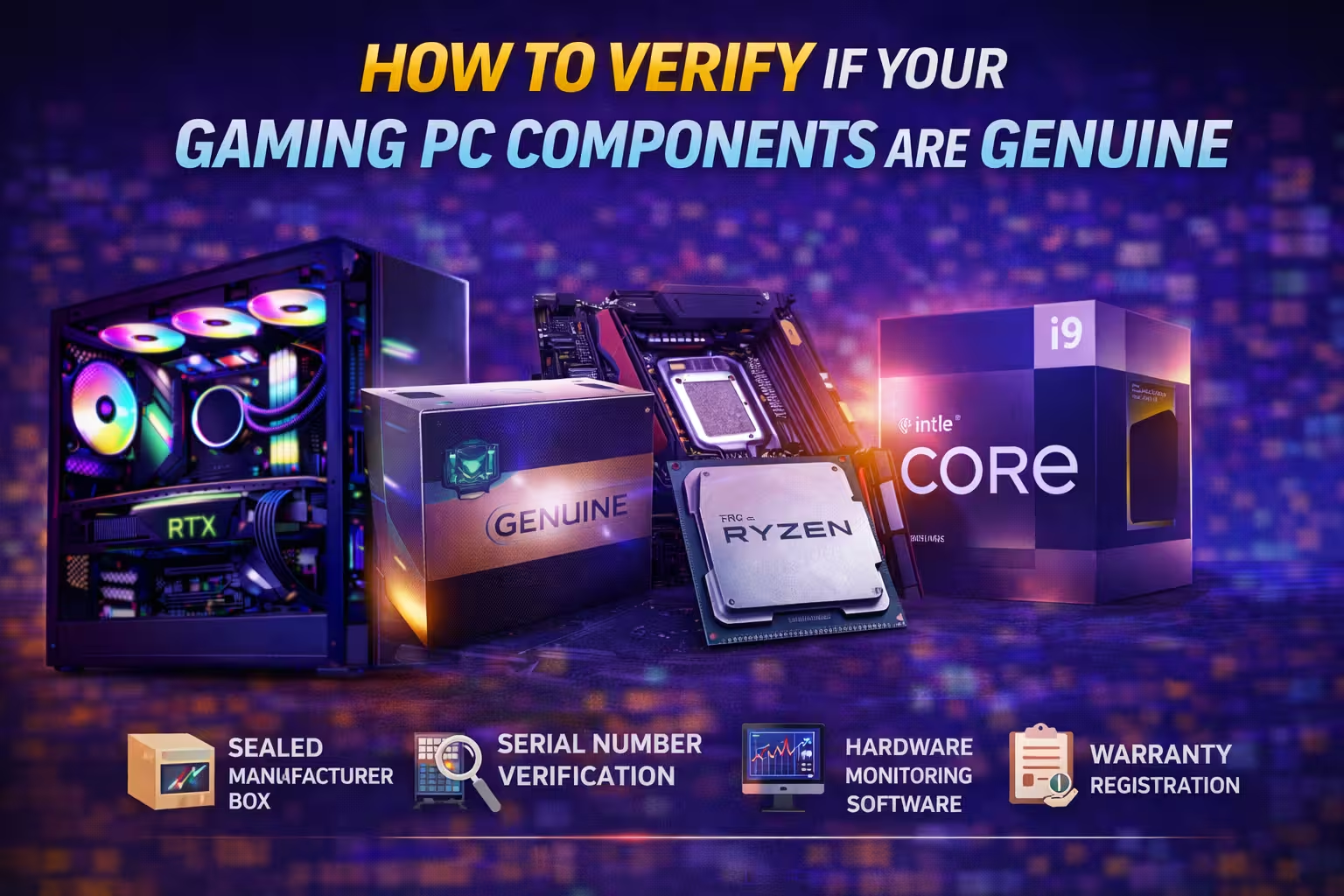
How to Verify If Your Gaming PC Components Are Genuine: Buying a gaming PC is a significant investment. However, the growing demand for gaming hardware has also increased the number of fake, refurbished, or tampered components in the market. Many buyers only discover the problem after experiencing crashes, overheating, or poor performance.
Knowing how to verify if your gaming PC components are genuine can protect your investment and ensure your system performs reliably for years. Below are simple but powerful checks every buyer should perform when purchasing a gaming PC or upgrading components.
Check the Original Product Box and Seal
Genuine gaming PC components always come with original manufacturer packaging. When you receive a product, inspect the box carefully.
Look for:
- Manufacturer hologram or seal
- Model number and serial number
- Proper barcode label
- Factory sealing sticker
If the box appears re-sealed, damaged, or generic, the component may be refurbished or previously used.
Always keep the original box, as it is also important for warranty claims.
Verify the Serial Number on the Manufacturer Website
Every genuine hardware component includes a unique serial number. This number allows you to confirm the authenticity of the product.
You can usually find the serial number on:
- The product label
- The product box
- The invoice
Visit the official website of the manufacturer and use their product verification or warranty check page to confirm authenticity.
If the serial number is invalid or already registered, the product may not be genuine.
Use Hardware Monitoring Software
Once your system is built, you can use software tools to verify whether the installed components match the specifications advertised.
Popular verification tools include:
- CPU identification software
- GPU monitoring tools
- Hardware diagnostic utilities
These tools allow you to confirm:
- Processor model and clock speeds
- Graphics card model and VRAM
- RAM capacity and frequency
- Storage type and speed
If the detected hardware differs from the advertised specifications, the system may contain incorrect or downgraded components.
Check GPU Authenticity
Graphics cards are one of the most commonly counterfeited or reused components in gaming PCs.
Some sellers install used mining GPUs or modified cards that appear genuine but have reduced lifespan.
To verify a graphics card:
- Check the exact GPU model in the monitoring software
- Verify VRAM size and clock speeds
- Inspect the card physically for scratches or replaced stickers
A genuine GPU should match the official specifications listed by the manufacturer.
Confirm Warranty Registration
Genuine gaming components always come with manufacturer warranty support.
After purchasing a component:
- Visit the manufacturer’s website
- Register the product using the serial number
- Confirm the warranty period
If the product cannot be registered, it may not be genuine or may have been previously activated.
Check the Invoice and Authorised Seller
Always make sure you receive a proper GST invoice when purchasing gaming PC components.
A valid invoice should include:
- Seller name
- GST number
- Product model
- Serial number
- Purchase date
Buying from authorised retailers or specialised gaming PC stores significantly reduces the risk of counterfeit hardware.
Why Buying from Trusted PC Builders Matters
One of the easiest ways to ensure genuine components is to buy from professional PC builders who prioritise hardware authenticity and quality control.
Reliable stores typically:
- Source components from authorised distributors
- Provide genuine manufacturer warranties
- Verify serial numbers before assembly
- Stress test systems before delivery
This ensures the gaming PC you receive contains authentic components that perform as expected.
Final Conclusion: How to Verify If Your Gaming PC Components Are Genuine
Understanding how to verify if your gaming PC components are genuine is essential for every gamer or PC enthusiast.
Before purchasing or assembling a system, always check:
- Original packaging and seals
- Serial number verification
- Hardware monitoring results
- Warranty registration
- Proper purchase invoice
These simple steps can help you avoid counterfeit hardware and ensure your gaming PC delivers the performance and reliability you expect.
Choosing trusted sellers and verifying components carefully will protect your investment and give you confidence that your gaming system is built with genuine hardware.
