





How Component Quality Affects Computer Stability and Lifespan

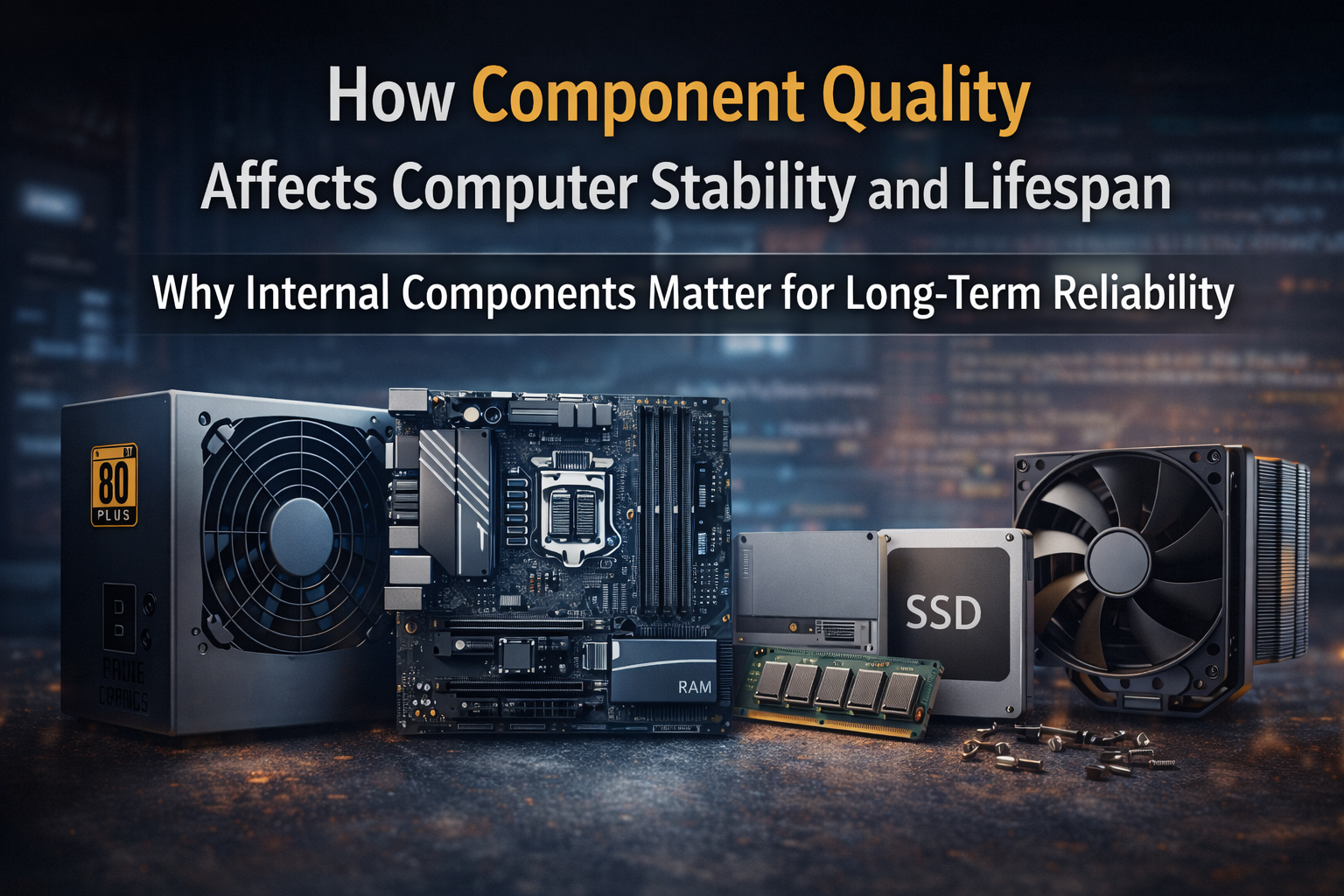
How Component Quality Affects Computer Stability and Lifespan: The majority of consumers prioritise visible features like processor model, RAM size, and storage capacity when purchasing a computer. These specs are important, but they don’t fully explain why some computers stay stable for years while others experience issues quickly.
The quality of a computer’s internal components has a significant impact on its long-term stability and lifespan. Due to variations in component selection, manufacturing standards, and thermal and electrical design, two systems with comparable specifications may perform significantly differently over time.
This article describes how computer stability, performance consistency, and usable lifespan are all directly impacted by component quality.
Understanding Computer Stability and Lifespan
The ability of a system to function consistently without crashes, freezes, or unplanned shutdowns is referred to as computer stability. The term “lifespan” describes how long a system can be used without needing significant maintenance or replacement.
Instability usually appears gradually, not suddenly. Common symptoms include:
- random system restarts
- frequent application crashes
- slow response under load
- boot failures or corrupted operating systems
In many cases, these issues are not caused by software alone. They are often the result of hardware components operating outside optimal conditions due to poor quality or design limitations.
Power Supply Quality and System Reliability
One of the most important but often disregarded parts of a computer is the power supply unit (PSU). It is in charge of providing all internal components with steady, clean power.
Low-quality power supplies often:
- Provide inconsistent voltage
- Lack proper protection circuits
- Use inferior capacitors
Over time, voltage fluctuations can damage sensitive components such as the motherboard, processor, and storage devices.
A high-quality power supply:
- Delivers stable power under load
- Protects components from surges
- Operates efficiently with less heat
Poor power delivery is a common cause of early system failure, especially in budget computers.
Motherboard Design and Long-Term Performance
The motherboard acts as the backbone of the computer, connecting and regulating all components. Quality differences in motherboards significantly affect system stability.
Key quality factors include:
- Voltage regulation module (VRM) design
- PCB layer quality
- Component layout and cooling
Low-end motherboards often use simplified VRMs that struggle under sustained load. This can lead to performance throttling, overheating, or premature failure.
Higher-quality motherboards provide:
- Stable power delivery to the CPU
- Better heat dissipation
- Longer component lifespan
This directly impacts long-term system reliability.
Processor Cooling and Thermal Management
Processors generate heat during operation. Managing this heat effectively is essential for maintaining performance and preventing long-term damage.
Low-quality cooling solutions typically include:
- Small heatsinks
- low-efficiency fans
- poor thermal contact
As temperatures rise, processors reduce clock speed automatically to protect themselves. This process, known as thermal throttling, leads to noticeable performance drops.
Sustained high temperatures can also shorten component lifespan.
Effective cooling systems:
- maintain consistent operating temperatures
- reduce thermal stress
- extend processor longevity
Cooling quality is directly tied to both performance stability and lifespan.
Storage Quality and Data Integrity
Storage devices affect not only speed but also system reliability.
Low-cost storage often suffers from:
- slower controllers
- lower-quality memory chips
- limited endurance ratings
As these drives age, they may experience:
- speed degradation
- file corruption
- boot failures
Higher-quality storage solutions maintain performance consistency and offer better data protection mechanisms.
In many cases, system instability blamed on software is actually caused by degrading storage hardware.
Memory Quality and System Errors
RAM quality plays a major role in system stability. Poor-quality memory modules can cause:
- application crashes
- system freezes
- data corruption
These issues are often difficult to diagnose and may appear intermittently.
High-quality memory modules:
- operate at stable voltages
- maintain signal integrity
- pass extended reliability testing
Memory stability becomes increasingly important as systems handle larger workloads and multitasking.
Build Quality and Component Compatibility
Beyond individual components, overall build quality and compatibility affect system performance.
Problems often arise from:
- mismatched components
- inadequate airflow design
- poorly routed cables restricting cooling
Even good components can underperform if assembled without proper planning.
Professional system configuration ensures:
- balanced component selection
- efficient airflow
- optimal thermal and electrical conditions
This holistic approach significantly improves stability and longevity.
Environmental Stress and Component Degradation
Computers operate under continuous electrical and thermal stress. Poor-quality components degrade faster under such conditions.
Factors accelerating degradation include:
- high operating temperatures
- voltage instability
- dust accumulation
Higher-quality components are designed to withstand these stresses for longer periods, maintaining stable operation.
Why Budget Systems Experience Early Performance Issues
Many budget systems prioritise visible specifications over internal quality. As a result:
- Initial performance appears acceptable
- Degradation begins earlier
- Maintenance requirements increase
Most complaints about slow computers after one year are not caused by outdated software but by hardware limitations and component wear.
How to Evaluate Component Quality Before Buying
Before purchasing a computer, consider:
- power supply certification and brand reliability
- motherboard chipset and VRM quality
- cooling solution adequacy
- storage endurance ratings
- memory brand and specifications
Evaluating these factors reduces the risk of early failure and unexpected costs.
Final Conlusion: How Component Quality Affects Computer Stability and Lifespan
Computer stability and lifespan are determined not only by specifications but by the quality of internal components and how they work together.
High-quality components:
- maintain consistent performance
- reduce system instability
- extend usable lifespan
- lower long-term ownership cost
Choosing quality at the time of purchase minimises future repairs, downtime, and premature replacement. A well-built system remains reliable long after its specifications stop being new.
