





Why Computer Performance Degrades Over Time Even Without Hardware Failure

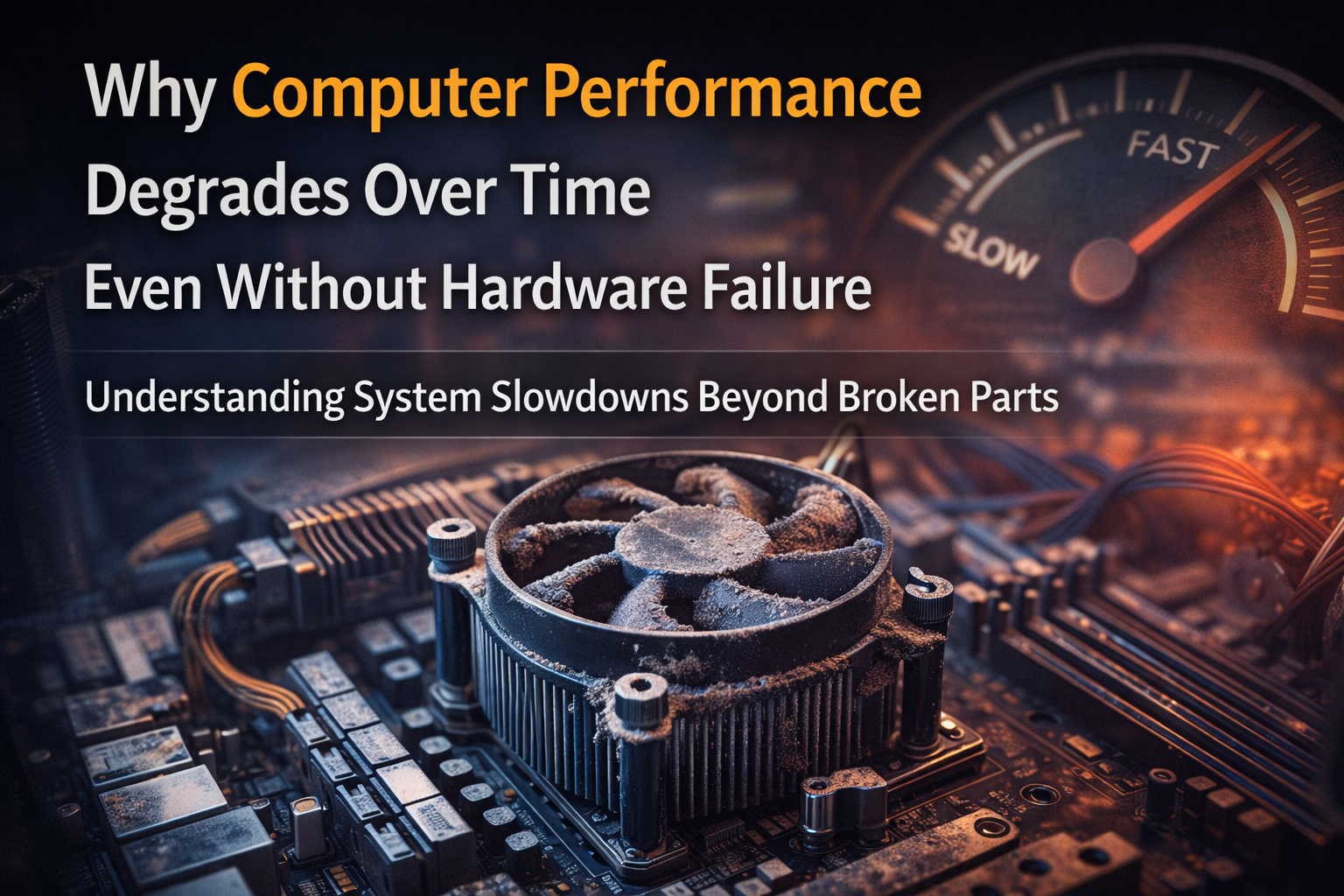
Why Computer Performance Degrades Over Time Even Without Hardware Failure: Deterioration in computer performance is frequently misinterpreted as a sign of malfunctioning hardware. In reality, the majority of performance loss experienced by users occurs while all hardware components remain operational and within specification. Computers slow down because the system as a whole gradually becomes less efficient as software, data, and operating conditions change, rather than because parts suddenly break down.
Performance degradation is therefore a systemic phenomenon rather than a mechanical one. It emerges from the interaction between operating systems, applications, storage behaviour, memory management, thermal conditions, and firmware-level constraints. Understanding this distinction is critical because it explains why many computers feel slow long before any component actually stops working.
Performance Decline Is a Result of System Load Accumulation
The operating system operates in a comparatively clean environment when a computer is brand-new. There are very few background services, mostly empty storage, minimal memory pressure, and ideal thermal conditions. This environment undergoes substantial changes over time. Additional services, security tiers, logging systems, and compatibility elements are introduced by software updates. The addition of new features makes applications more complicated and resource-intensive.
Once, lightweight system-level processes start using more memory and CPU time just to keep up with security requirements and modern functionality. All of this raises the baseline system load, but none of it points to a problem. As baseline load rises, the amount of available performance headroom decreases. The system still works, but it has less capacity to respond quickly to user actions, resulting in slower perceived performance.
Operating System Evolution Increases Computational Overhead
Operating systems are updated frequently to fix hardware compatibility issues, security flaws, and the needs of contemporary software. Internal complexity usually rises with each update. Memory management policies change, more background monitoring services are added, and kernel-level scheduling becomes more complex. These modifications increase the number of tasks vying for system resources while simultaneously enhancing security and stability.
Background services, integrity checks, telemetry, and system maintenance operations now use some of the CPU cycles that were previously available for user applications. This gradual increase in overhead does not cause failures, but it reduces responsiveness. The system spends more time managing itself, leaving less capacity for foreground tasks.
Storage Behaviour Changes as Data Volume Grows
One of the biggest factors influencing perceived system speed is storage performance, which varies over time even when storage hardware is in good condition.
Storage devices get denser with data as operating systems, apps, and user files build up. Larger metadata tables, more dispersed data layouts, and more frequent background maintenance tasks must all be managed by file systems. This leads to more seek operations and higher access latency on mechanical drives. Higher data densities on solid-state drives result in more internal management tasks like wear levelling and garbage collection.
The design of storage incorporates these behaviours. They decrease sustained performance, especially during multitasking or high I/O activity, but they do not signal storage failure. Longer boot times, slower application launches, and delayed system responses are the outcomes.
Memory Pressure Increases Without Any RAM Defect
Memory modules rarely experience performance degradation unless they sustain physical damage. However, software behaviour rather than hardware constraints causes system memory pressure to rise over time. Operating systems mainly rely on preloading and caching to increase responsiveness, browsers keep larger in-memory caches, and modern applications allocate more memory with each update. The system increasingly depends on virtual memory mechanisms, which use storage as an extension of RAM, when physical memory is unable to meet demand.
Compared to physical memory, storage access is orders of magnitude slower. Even when memory hardware is operating properly, paging activity causes the CPU to spend more time waiting for data, which causes noticeable slowdowns.
Thermal Efficiency Gradually Declines
Processor performance is directly impacted by thermal conditions. Based on factors like temperature, power availability, and workload duration, modern CPUs dynamically modify their operating frequency. This is deliberate behaviour meant to safeguard hardware. Dust buildup, airflow restriction, and deterioration of thermal interface materials cause cooling efficiency to decrease over time. Processors reduce clock speeds more frequently in response to even slight increases in operating temperature, which limits sustained performance.
This reduction is not a failure. It is a protective response that prioritises hardware longevity over speed. However, from the user’s perspective, it feels like the computer has become slower.
Power Delivery Efficiency Narrows With Age
Power delivery systems, such as voltage regulation circuits and power supplies, are made to function within tolerances rather than at maximum efficiency continuously. Electrical components become less responsive to abrupt changes in load as they get older.
Although they rarely result in complete instability, these modifications may restrict peak performance. To sustain high boost frequencies, modern processors rely on precise power delivery. Processors operate more cautiously when power delivery margins get smaller, which lowers performance under load while maintaining full functionality.
Driver and Firmware Optimisation Declines Over Time
Firmware and hardware drivers are constantly being improved for modern components. Driver updates prioritise basic compatibility and security maintenance over performance tuning as hardware ages. Over time, this leads to a less effective use of hardware capabilities. Although the hardware is still functional, its software optimisation has decreased over time. Gradual performance loss is a result of both inefficient scheduling and increased CPU overhead.
The Illusion of Sudden Slowdown
Because performance degradation builds up gradually until a threshold is reached, it frequently feels abrupt. For a long time, caching, idle resources, and burst performance mechanisms have hidden inefficiencies. Performance declines become apparent when system resources are saturated, whether due to memory pressure, storage density, or thermal limits.
This gives the impression that the computer is suddenly slow when, in fact, it has been making up for inefficiencies for months or even years.
Why Reinstallation Temporarily Restores Performance
Reinstalling the operating system usually helps improve performance because it removes all the accumulated background services, resets storage layout, flushes caches, and restores the default scheduling pattern. This does not repair hardware; it simplifies system complexity.
The temporary fix shows that the performance problem was not a hardware issue.
Final Conclusion: Why Computer Performance Degrades Over Time Even Without Hardware Failure
The degradation of computer performance with time is a natural result of the increasing complexity of the system, and not a sign of faulty hardware. The operating system becomes more demanding, the behaviour of storage changes as data builds up, memory usage increases, and thermal and power margins decrease.
Viewing performance degradation from a system perspective enables more informed maintenance choices, realistic upgrade expectations, and the avoidance of premature hardware replacement. The majority of slow computers are not faulty; they are merely being used in a completely different environment than when they were new.
