





Buying a Computer Without Planning for Future Requirements Leads to Higher Costs

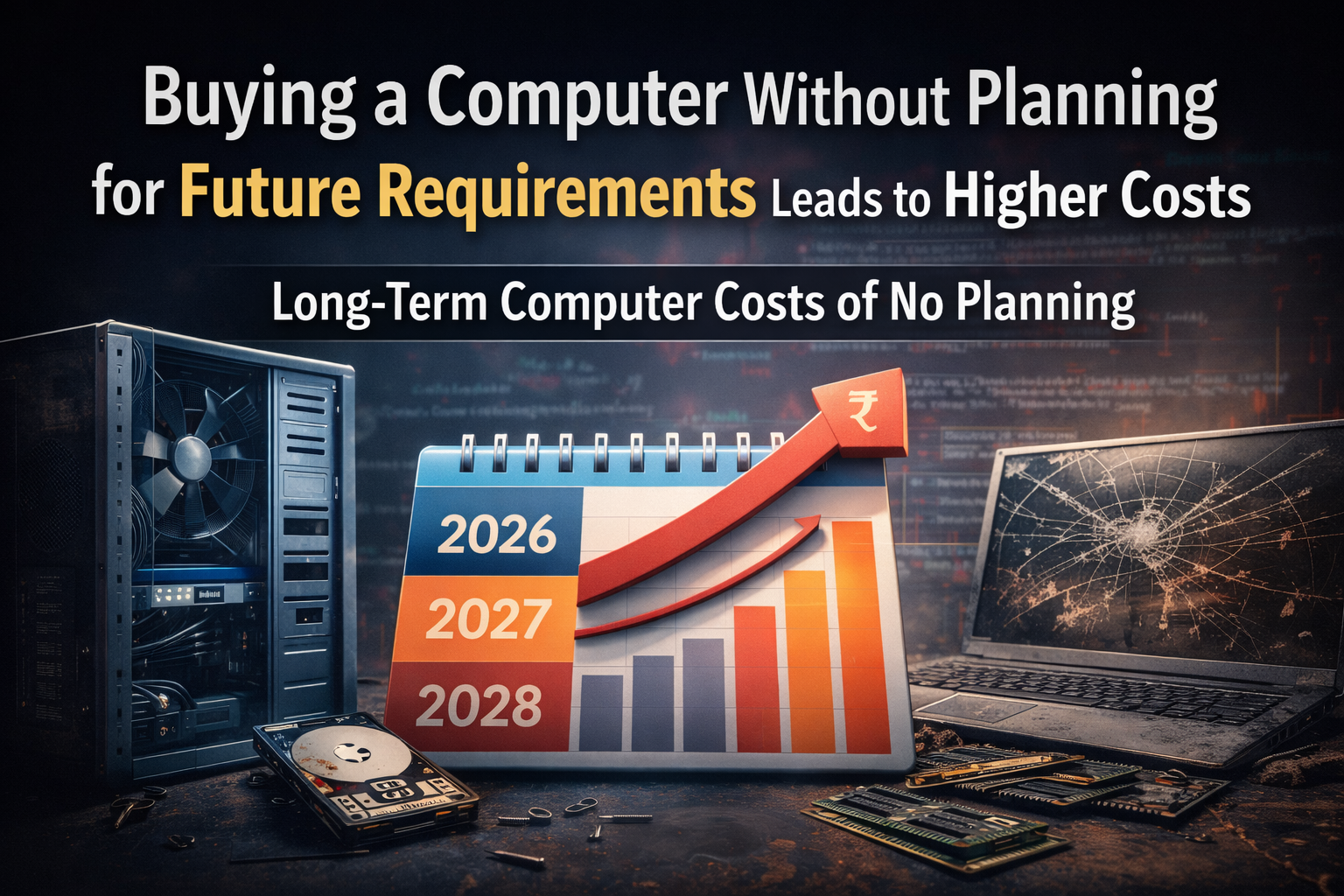
Buying a Computer Without Planning for Future Requirements Leads to Higher Costs: Many buyers choose a computer based only on current needs and immediate budget. While this approach may seem practical, it often results in higher long-term costs, performance limitations, and early replacement.
In 2026, software requirements, operating systems, and workloads evolve faster than before. Buying a computer without considering future requirements is one of the most common reasons systems underperform within a short period of time. Many consumers base their computer purchases solely on their immediate needs and financial constraints. Although this strategy might seem sensible, it frequently leads to increased long-term costs, performance restrictions, and early replacement. Operating systems, workloads, and software requirements all change more quickly in 2026. One of the most frequent causes of systems performing poorly quickly is purchasing a computer without taking future needs into account.
Why Future Planning Matters When Buying a Computer
A computer is a long-term investment. The majority of users anticipate a system lasting three to five years. However, because they were chosen solely for modern use, many computers struggle after the first year.
Future planning ensures that:
- performance remains stable over time
- Upgrades are possible when requirements increase
- Replacement can be delayed
Without planning, even a new computer can feel outdated quickly.
Software and Operating Systems Become More Demanding Over Time
Updates are regularly made to modern software applications. Operating systems include background services, security layers, and additional features.
A computer that runs smoothly today may struggle later due to:
- Higher RAM usage
- increased CPU load
- heavier background processes
Systems purchased with minimum specifications often fail to keep up, leading to slow performance, application lag, and frequent system hangs.
Limited Upgrade Options Increase Long-Term Cost
Many low- and mid-budget computers are built with limited upgrade capacity. Common limitations include:
- fewer RAM slots
- low maximum supported memory
- weak power supplies
- motherboards with limited CPU compatibility
When performance requirements grow, upgrading becomes difficult or impossible. Instead of replacing a single component, users are forced to buy a new computer. This significantly increases the total cost of ownership.
Storage and Memory Planning Is Often Ignored
Storage and RAM are two of the most critical components for long-term performance.
Common planning mistakes include:
- choosing the lowest RAM configuration
- using slow or low-quality storage
- no provision for secondary storage
Systems slow down quickly as files, apps, and updates pile up. Within a year, it is often impossible to avoid upgrading memory or storage. These later upgrade costs are decreased with careful planning at the time of purchase.
Cooling and Power Components Affect Longevity
Cooling systems and power supplies are rarely considered by buyers, yet they play a major role in system stability.
Poor cooling leads to:
- higher operating temperatures
- thermal throttling
- reduced performance under load
Low-quality power supplies increase the risk of:
- component damage
- system instability
- early hardware failure
Computers built without attention to these factors often require servicing sooner than expected.
Usage Requirements Change Faster Than Expected
Many buyers underestimate how their usage will evolve.
Examples include:
- students moving to professional software
- office users handling larger data files
- businesses adopting new tools or workflows
If a computer is only used for simple tasks, it might not be able to manage future workloads effectively. Frustration, downtime, and extra expenses result from this. Preparing for a modest increase in usage helps prevent these problems.
Why Computers Without a Future Plan Underperform After One Year
Most performance complaints after one year are not caused by defects. They are caused by:
- insufficient RAM
- slow storage
- lack of upgrade support
- thermal limitations
These issues are directly linked to poor planning at the time of purchase.
How to Plan a Computer Purchase for Long-Term Use
Before buying a computer, consider:
- expected usage over the next 3–5 years
- Upgrade support for RAM and storage
- motherboard and processor compatibility
- cooling design and airflow
- quality of internal components
Planning does not always mean buying high-end hardware. It means choosing a balanced configuration that allows growth.
Final Conclusion: Buying a Computer Without Planning for Future Requirements
Purchasing a computer without considering future needs frequently results in increased expenses, decreased performance, and early replacement. The long-term cost is typically higher, even though the initial cost may be lower.
A well-planned computer purchase delivers:
- consistent performance
- lower maintenance costs
- longer usable life
Evaluating future needs before buying is one of the most effective ways to reduce total ownership cost and avoid unnecessary upgrades.
